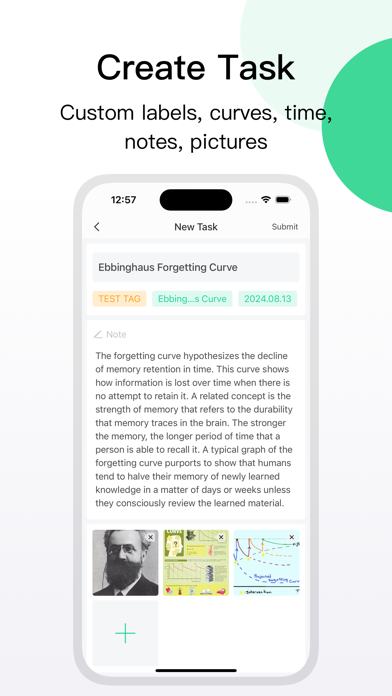
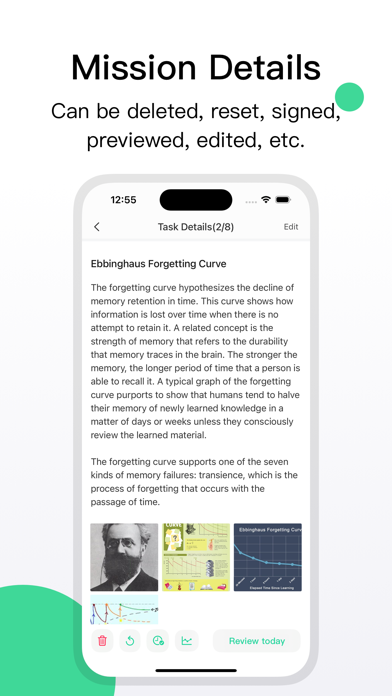
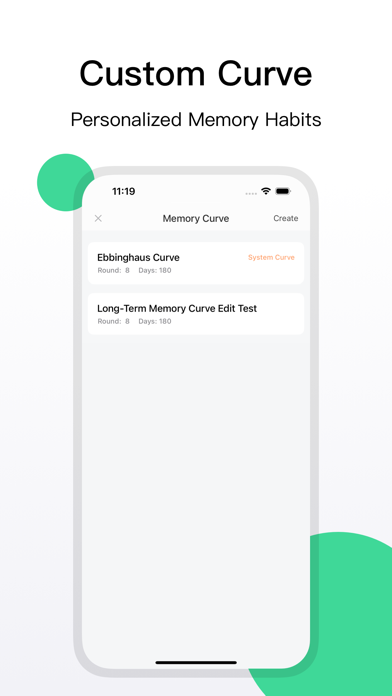
The biggest challenge in memory is combating forgetting. Forgetting is a natural human tendency, and this principle was discovered long ago by Ebbinghaus, known as the famous Ebbinghaus Forgetting Curve. Our software incorporates the Ebbinghaus Curve to create detailed reminder plans. Users only need to complete their daily tasks on time to achieve long-term memory, making learning more efficient.
Learning itself is complex, and designing a simple and user-friendly app is our core principle.
Features of this software:
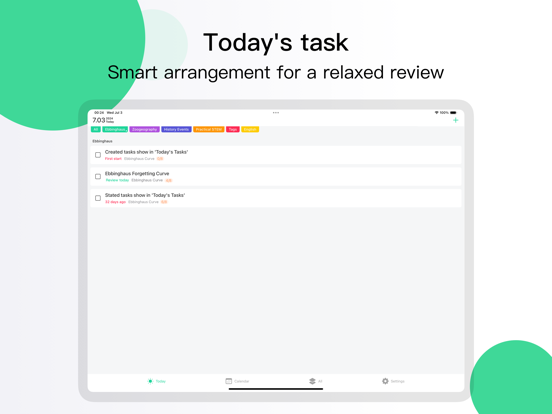
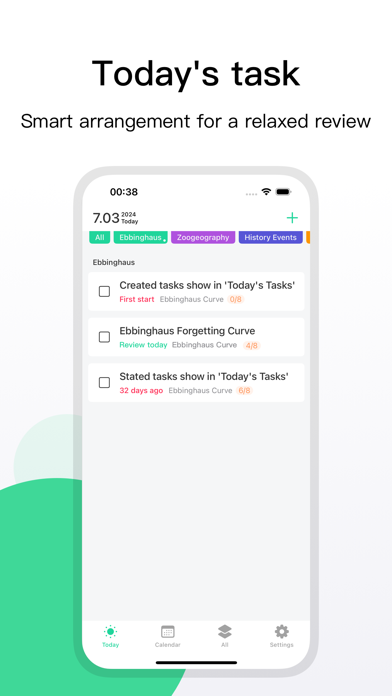
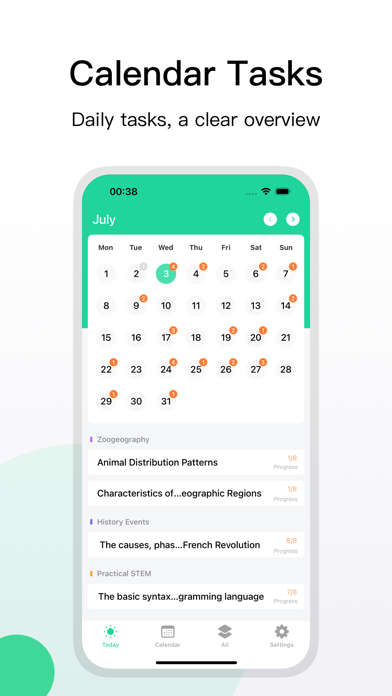
1. Today's Tasks: Review the intelligently scheduled daily tasks on time.
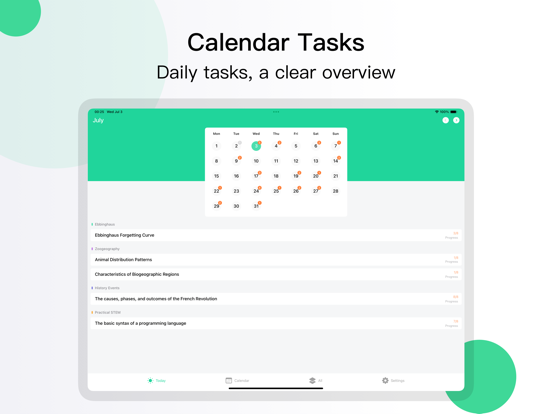
2. Calendar Tasks: View the number of daily tasks at a glance for better planning.
3. All Tasks: All tasks are grouped by status, keeping progress fully under control.
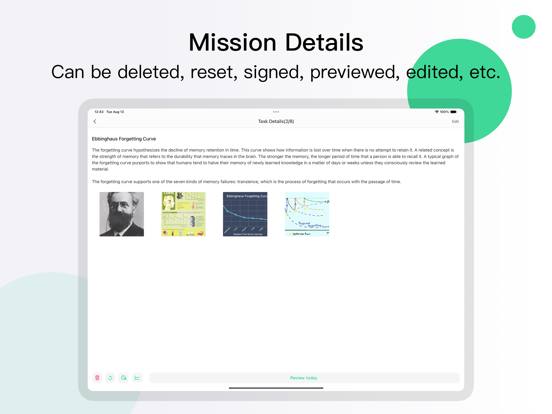
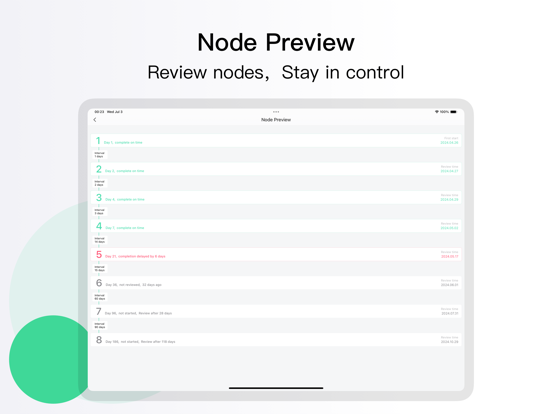
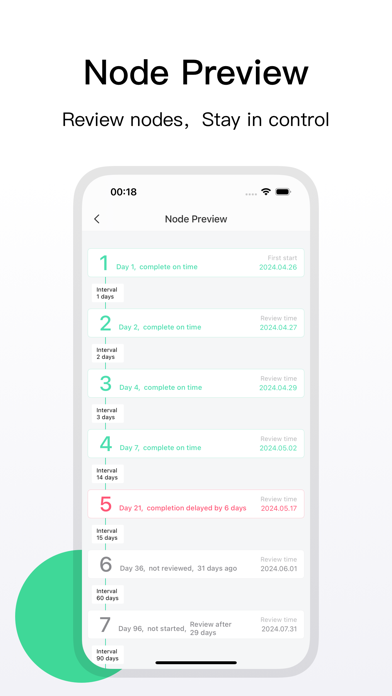
4. Node Preview: Track detailed data on each review session for strategic planning.
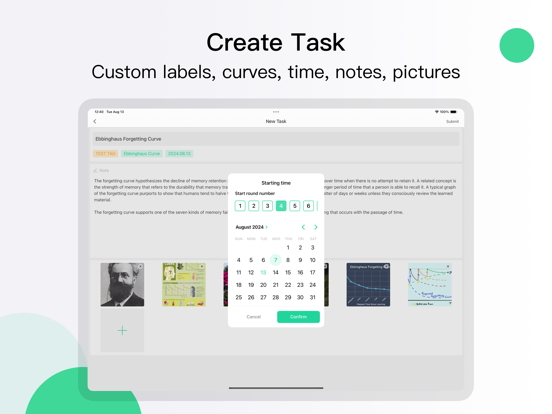
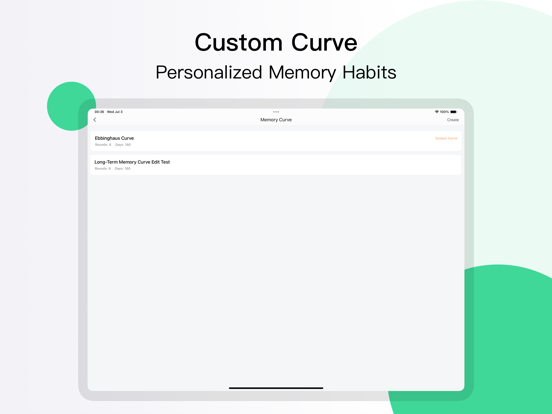
5. Custom Curve: Customize your memory curve based on personal habits—what suits you best.
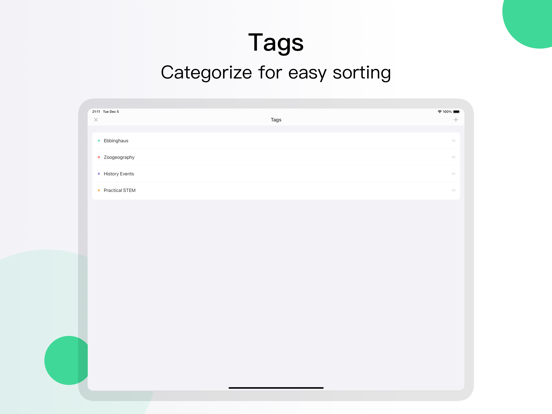
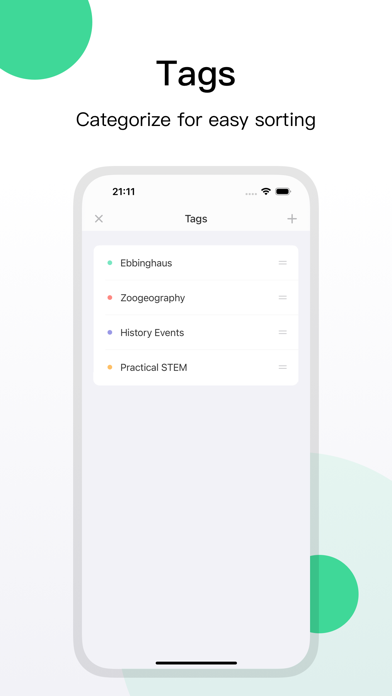
6. Task Tags: Categorize tasks systematically, with home page tasks displayed in tag order.
7. Smart Postponement: Delayed task nodes are automatically rescheduled, preventing memory confusion.
8. Retroactive Check-in: A powerful make-up feature—no matter how many days you missed, you can still check in.
Auto-Renewable Subscription Service Description
Subscription Services:
Monthly Membership (Auto-Renewable Monthly)
Annual Membership (Auto-Renewable Yearly)
Subscription Prices:
Monthly Membership: $0.99/month (approx. 3 CNY)
Annual Membership: $2.99/year (approx. 18 CNY)
Payment: Payment will be charged to your iTunes account upon confirmation of purchase.
Auto-Renewal: Your iTunes account will be charged within 24 hours before the end of the current subscription period. Upon successful payment, the subscription period will be extended for another term.
Cancellation: You can turn off auto-renewal at any time by going to your iTunes/Apple ID settings at least 24 hours before the end of the current subscription period. No further charges will be applied after cancellation.
Contact Us:
If you encounter any issues, please contact us at: zhiledaoyuan@sina.com
Terms of Use:
https://www.yuque.com/zldy/ni1wwu/etyg8a76ok26n9c1
Privacy Policy:
https://www.yuque.com/zldy/ni1wwu/upx1vcs1g1ng60pr