Age Rating
4+
Apps in this category do not contain restricted content.
9+
Apps in this category may contain mild or occasional cartoon, fantasy or real-life violence, as well as occasional or mild adult, sexually suggestive or horrifying content and may not be suitable for children under 9 years of age.
12+
Apps in this category may contain occasional mild indecent language, frequent or intense cartoon or real-life violence, minor or occasional adult or sexually suggestive material, and simulated gambling, and may be for children under 12 years of age.
17+
You must be at least 17 years old to access this App.
Apps in this category may contain frequent and intense offensive language; Frequent and intense cartoon, fantasy or realistic violence: frequent and intense adult, scary and sexually suggestive subjects: as well as sexual content, nudity, tobacco, alcohol and drugs, may not be suitable for children under 17 years of age.
Mesh++ Screenshots
Mesh++ posterMesh++ posterMesh++ posterMesh++ posterMesh++ posterMesh++ posterMesh++ poster

About Mesh++

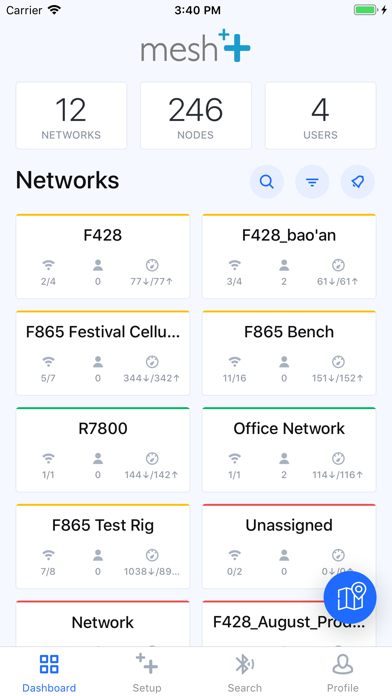
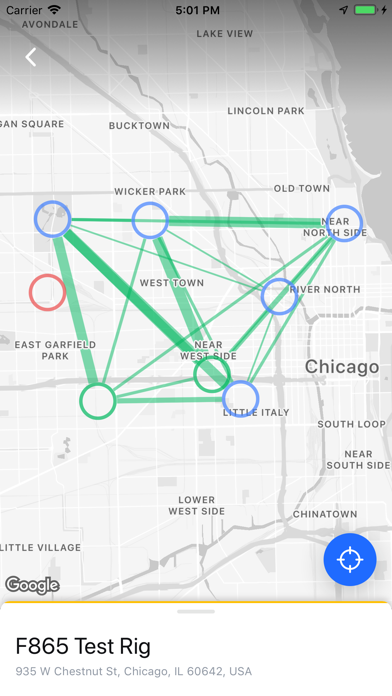
Use this app to control Mesh++ networks and nodes from anywhere in the world, operate them via Bluetooth, and more.

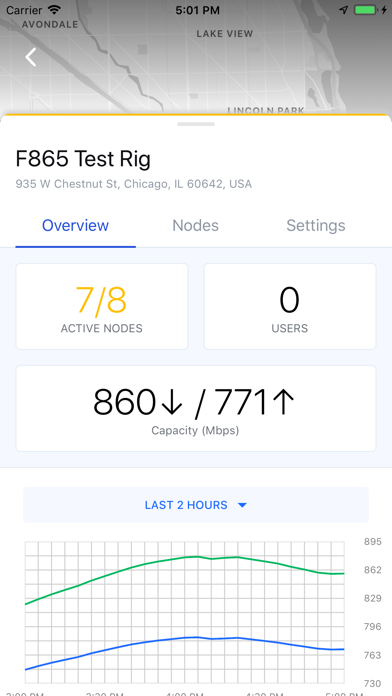
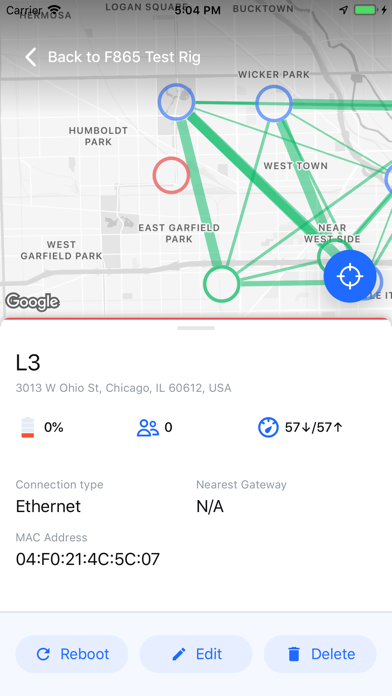
The status page for an individual network will show the online/offline status, current capacity, number of users, and more. On a network's "nodes" tab, you can move nodes between networks and view their status.

To create a network:
1. Go to the "Create" tab and click "Network"
2. Fill in the location, SSIDs, channel, etc. and click "Create"
3. Your new network will now be accessible on the "Dashboard" home page!

Getting started with a new node:
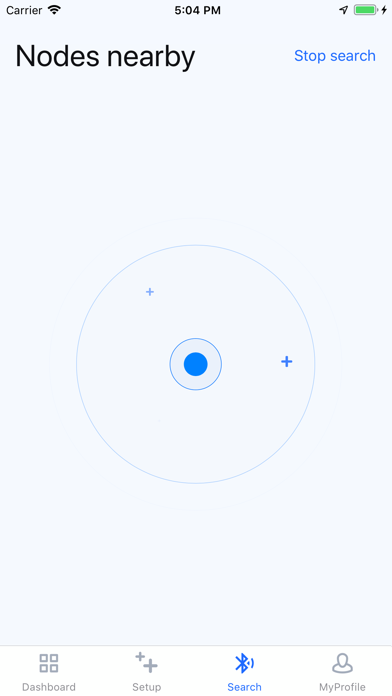
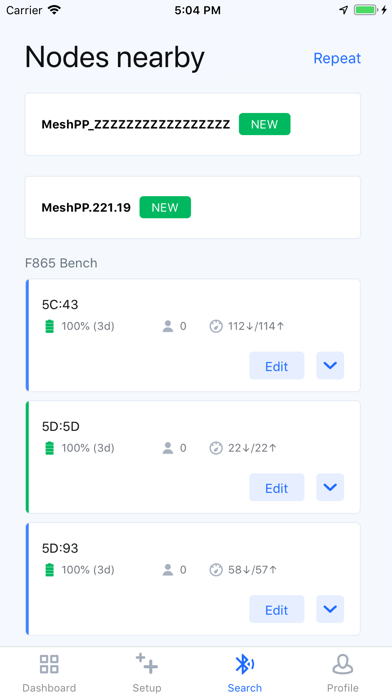
1. Go to the "BLE Search" tab with the bottom of the device near.
2. Click on node to connect to it.
3. Turn the node on via the slider in the top right. The bottom LEDs should begin to flash.
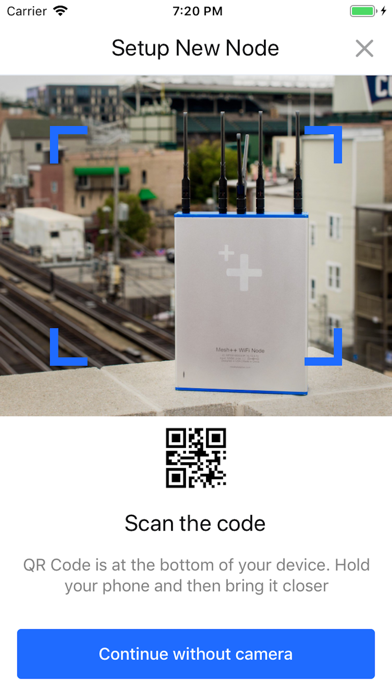
4. A button to "set up node" will allow you to add it to a network and configure it.

Show More

What's New in the Latest Version 2.6.0

Last updated on Aug 11, 2025
Old Versions
Added saving data for offline access
Fixed UI issues caused by Dynamic Island
Fixed UI color issues in Network page for Gateways, Repeaters and Cellular nodes
Improved Bluetooth Search times significantly
Added 'Delete Node' button to Bluetooth Scan results
Added functionality for adding multiple nodes to a network in Bluetooth Scan page
Show More
Version History
2.6.0
Aug 11, 2025
Added saving data for offline access
Fixed UI issues caused by Dynamic Island
Fixed UI color issues in Network page for Gateways, Repeaters and Cellular nodes
Improved Bluetooth Search times significantly
Added 'Delete Node' button to Bluetooth Scan results
Added functionality for adding multiple nodes to a network in Bluetooth Scan page

Mesh++ FAQ

Click here to learn how to download Mesh++ in restricted country or region.
Check the following list to see the minimum requirements of Mesh++.
iPhone

Mesh++ Alternative

You May Also Like