Mic Up

Mic Up


MicUp


Free

1.3for iPhone, iPod touch
9.9
1 Ratings
Lee Vang
Developer
21.5 MB
Size
Feb 12, 2022
Update Date
Entertainment
Category
4+
Age Rating
Age Rating
4+
Apps in this category do not contain restricted content.
9+
Apps in this category may contain mild or occasional cartoon, fantasy or real-life violence, as well as occasional or mild adult, sexually suggestive or horrifying content and may not be suitable for children under 9 years of age.
12+
Apps in this category may contain occasional mild indecent language, frequent or intense cartoon or real-life violence, minor or occasional adult or sexually suggestive material, and simulated gambling, and may be for children under 12 years of age.
17+
You must be at least 17 years old to access this App.
Apps in this category may contain frequent and intense offensive language; Frequent and intense cartoon, fantasy or realistic violence: frequent and intense adult, scary and sexually suggestive subjects: as well as sexual content, nudity, tobacco, alcohol and drugs, may not be suitable for children under 17 years of age.
Mic Up Screenshots
Mic Up posterMic Up posterMic Up posterMic Up posterMic Up posterMic Up poster

About Mic Up

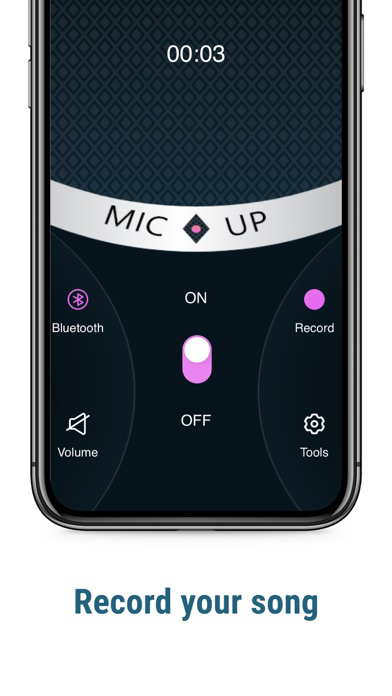
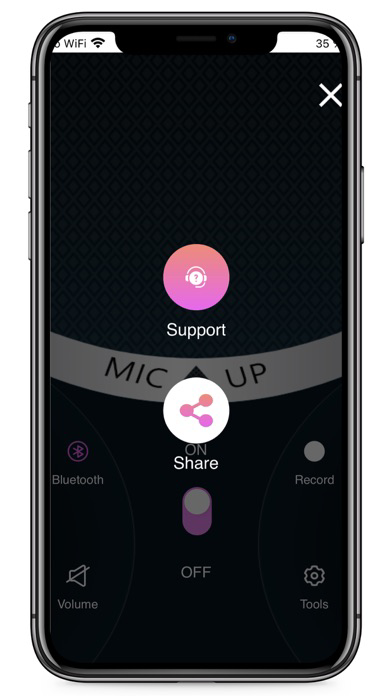
MicUp transforms your iOS phone into an audio recording device to connect to your laptop. It can be used to record your voice, chat and even recognition. It is extremely low-latency (*depending on the environment and transport) exactly like real microphones!


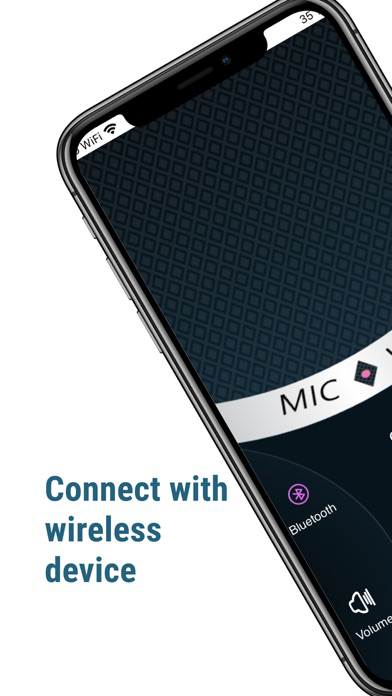
The connection between a PC and an iOS phone may be made through Bluetooth, USB, or Wi-Fi.


MicUp is an app that lets you transmit your voice on an iOS phone to a Bluetooth speaker. In other words, your iOS device transforms into a microphone, and the MicUp turns into an external loudspeaker. This can also function as a megaphone or volume booster for convenience.


MicUp is also able to connect to a Bluetooth audio adapter (receiver) which can line up to connect to an old Hi-Fi or amplified speaker. Then, your voice is transmitted into the speakers. (P.S. Be aware that a Bluetooth audio adapter has to connect to an amplifier and not an audio speaker. If not, the volume will be extremely low)

To ensure the highest quality of voice output (with low echo reflection and less background noise), MicUp supports wired headsets as voice input (with headphones and mics). Users can then put the iOS cellphone in their pockets and talk through an audio headset that is wired and transmit their voice to a Bluetooth remote speaker. This means that they have hands-free!

Show More

What's New in the Latest Version 1.3

Last updated on Feb 12, 2022
Old Versions
MicUp transforms your iOS phone into an audio recording device to connect to your laptop
Show More
Version History
1.3
Feb 12, 2022
MicUp transforms your iOS phone into an audio recording device to connect to your laptop
1.2
Nov 24, 2021
Increase and decrease sound on volume option
1.1
Sep 1, 2021
Resolve crash issue while Mic On Off
1.0
Aug 31, 2021

Mic Up FAQ

Click here to learn how to download Mic Up in restricted country or region.
Check the following list to see the minimum requirements of Mic Up.
iPhone
Requires iOS 10.2 or later.
iPod touch
Requires iOS 10.2 or later.
Mic Up supports English

Mic Up Alternative

You May Also Like