MillisecondTimer

MillisecondTimer


Free

2.1.1for iPhone
Age Rating
4+
Apps in this category do not contain restricted content.
9+
Apps in this category may contain mild or occasional cartoon, fantasy or real-life violence, as well as occasional or mild adult, sexually suggestive or horrifying content and may not be suitable for children under 9 years of age.
12+
Apps in this category may contain occasional mild indecent language, frequent or intense cartoon or real-life violence, minor or occasional adult or sexually suggestive material, and simulated gambling, and may be for children under 12 years of age.
17+
You must be at least 17 years old to access this App.
Apps in this category may contain frequent and intense offensive language; Frequent and intense cartoon, fantasy or realistic violence: frequent and intense adult, scary and sexually suggestive subjects: as well as sexual content, nudity, tobacco, alcohol and drugs, may not be suitable for children under 17 years of age.
MillisecondTimer Screenshots
MillisecondTimer posterMillisecondTimer posterMillisecondTimer posterMillisecondTimer posterMillisecondTimer posterMillisecondTimer posterMillisecondTimer posterMillisecondTimer poster

About MillisecondTimer

Millisecond Timer is an all‑in‑one app that lets you use a countdown timer, stopwatch, and
clock with millisecond (0.001 second) precision.
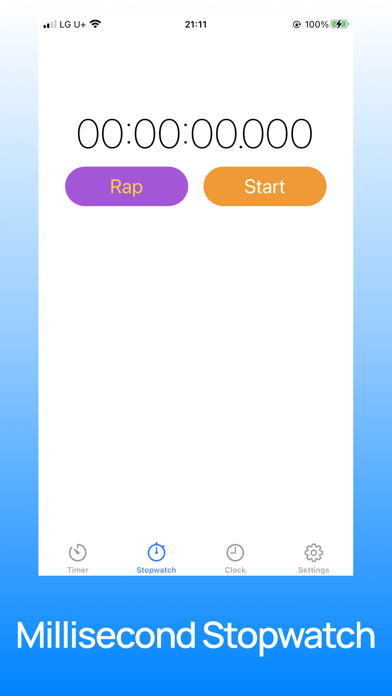
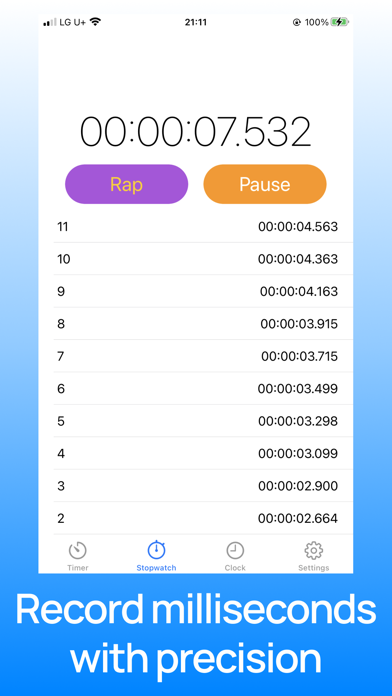
Millisecond Stopwatch records your time accurately down to the millisecond, and
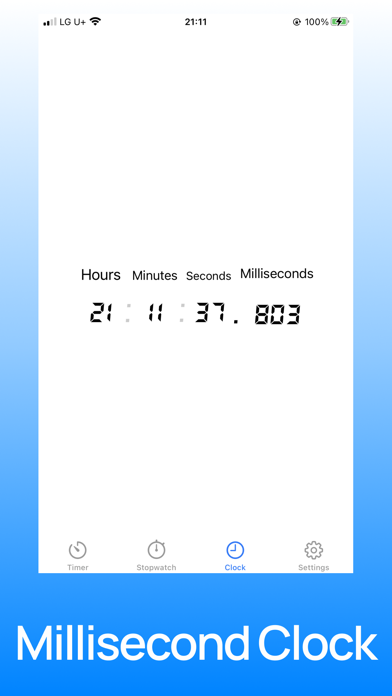
Millisecond Clock shows the current time with millisecond precision.
When you first install the app, a simple tutorial appears automatically so you can learn
how it works and start using it right away.

Use Millisecond Timer and Millisecond Stopwatch in situations like these
- Measuring workout intervals and exercise times that need accurate records (running,
marathon training, etc.)
- Everyday situations where you need a precise countdown
- Events or games that require millisecond‑level countdowns
- Timer challenge games with friends, such as “Who can stop closest to 2.785 seconds?”
or for fair draws and random picks

【Millisecond Timer】
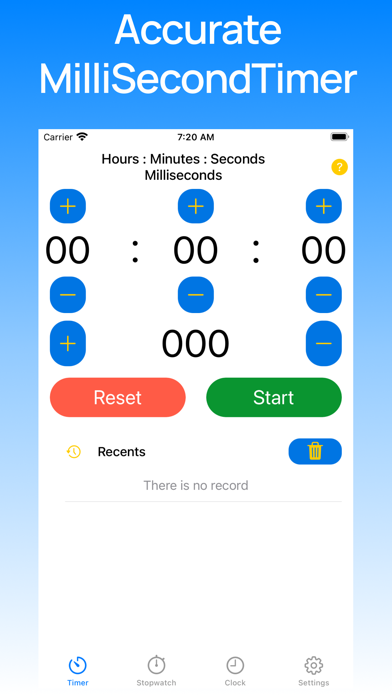
- Set timers in hours, minutes, seconds, and milliseconds.
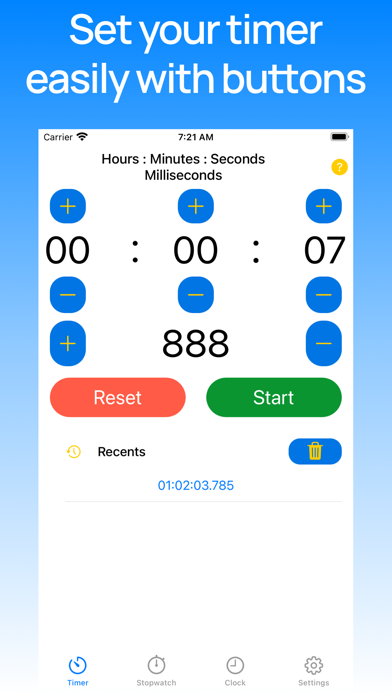
- Easily increase or decrease the time using the + and − buttons.
- Press and hold the + or − button to quickly set the exact time you want.
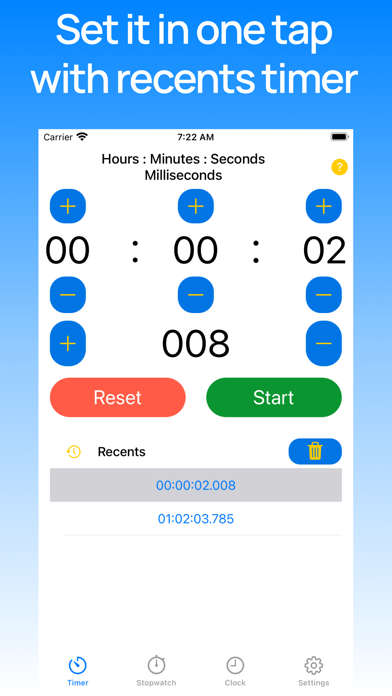
- Instantly reuse your recent timers from the Recent Timers list.
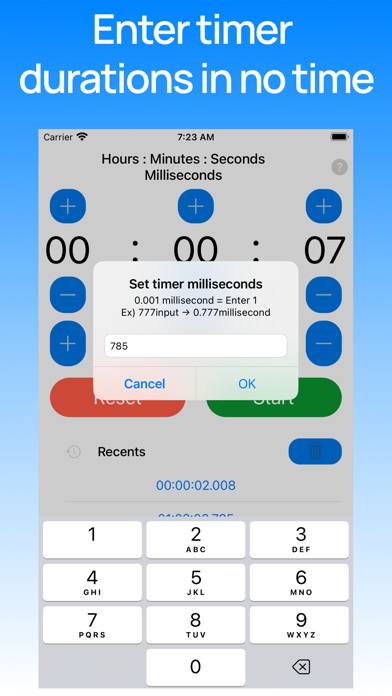
- Tap the displayed time to type in a value faster than using buttons.
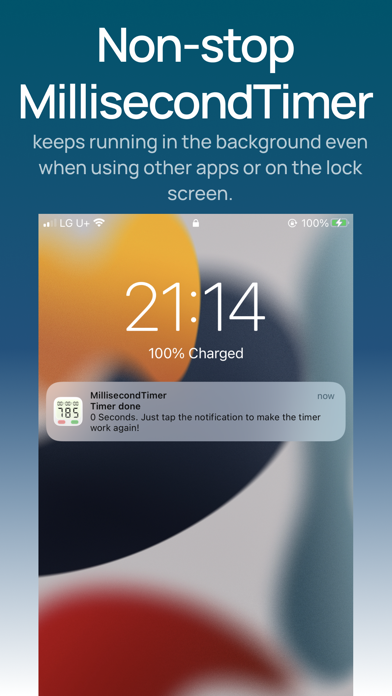
- Get notified when the timer finishes, even if you’re using another app (background) or
your device is locked.
- If the timer is running and you switch to another app, it will keep counting and resume
seamlessly when you return.

【Millisecond Stopwatch】
- Record times one by one with millisecond precision.

【Millisecond Clock】
- See the current time in real time, down to the millisecond.
- Choose between 12‑hour and 24‑hour formats in Settings.
- Enjoy a clean digital clock design with a digital‑style font.

If you find a bug or have a feature request, go to Settings in the app and use “Send Bug Report & feedback” to contact the developer.

【Pro Version】
Pro is available as a monthly or yearly subscription, as well as a lifetime purchase.
- Subscriptions are charged to your Apple ID.
- You can manage or cancel your subscription at any time in your Apple Account settings.
- If you do not cancel at least 24 hours before the next billing date, your subscription
may renew automatically.
- All subscription terms follow Apple’s App Store policies.

• Terms of Use: https://comdori.tistory.com/179
• Privacy Policy: https://comdori.tistory.com/161

Show More

What's New in the Latest Version 2.1.1

Last updated on Mar 3, 2026
Old Versions
◆ MillisecondTimer Pro Now Available
• Ad banners have been removed. It's time to focus on your timer and time management!
• Quickly set up timers you've used before with Recent Timers!

◆ Millisecond Timer Updates
※ If the timer completion alert is delayed, go to iOS Settings → Notifications → Priority Notifications → MillisecondTimer turn off. The alert banner will appear instantly!
• Fixed an issue where the completion banner notification would not appear correctly after editing a Recent Timer.

We're committed to making this app even better!
Show More
Version History
2.1.1
Mar 3, 2026
◆ MillisecondTimer Pro Now Available
• Ad banners have been removed. It's time to focus on your timer and time management!
• Quickly set up timers you've used before with Recent Timers!

◆ Millisecond Timer Updates
※ If the timer completion alert is delayed, go to iOS Settings → Notifications → Priority Notifications → MillisecondTimer turn off. The alert banner will appear instantly!
• Fixed an issue where the completion banner notification would not appear correctly after editing a Recent Timer.

We're committed to making this app even better!

MillisecondTimer FAQ

Click here to learn how to download MillisecondTimer in restricted country or region.
Check the following list to see the minimum requirements of MillisecondTimer.
iPhone

MillisecondTimer Alternative

You May Also Like