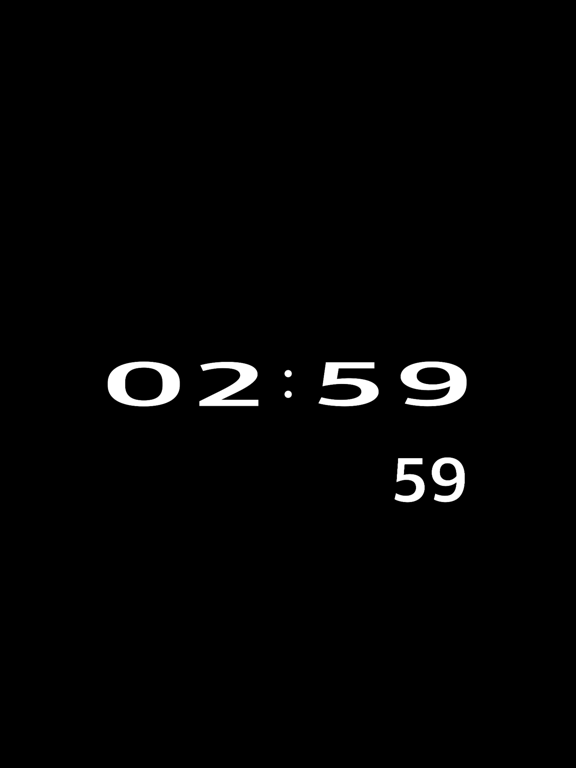
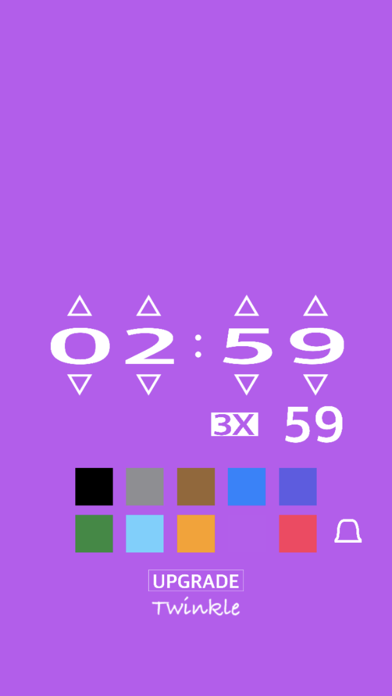
This digital timer features a simple, unadorned, and serene design.
It is ideal for concentrating on study or work and has the minimum necessary functions.
// How to operate //
- Tap the remaining time display on the timer to switch to setting mode.
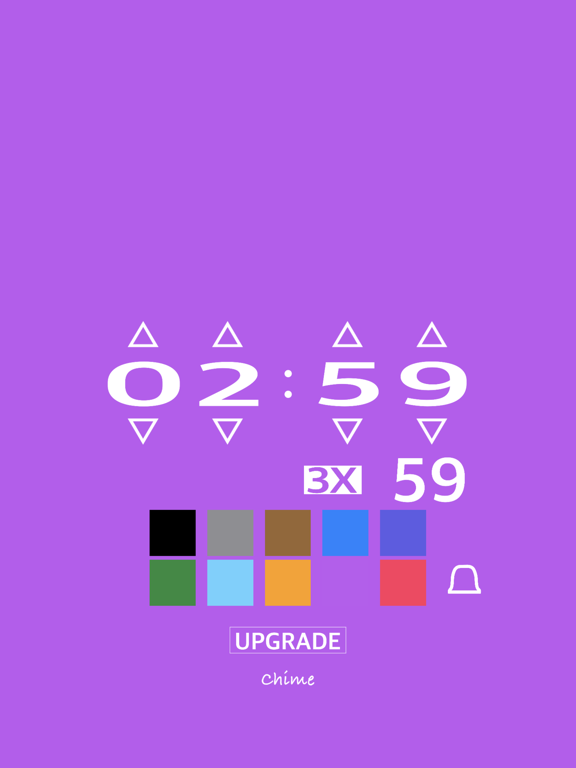
- Press the triangle marks above and below the time display to set the remaining time on the timer.
- Tap on an empty area of the screen to exit setting mode and start the timer.
// Other Functions //
- The timer time can be set up to 99 hours and 59 minutes in increments of 1 minute.
- The alarm tone can be selected from 78 different tones.
Touch the tone name or the tool button on the right to move to the selection screen.
- Tap the bell icon to turn the alarm ON/OFF.
- Tap the seconds display while the timer is in progress to toggle the seconds display on and off.
However, the seconds display will appear when there is less than one minute remaining, even if the seconds display is hidden.
- Tap the seconds display during setting to toggle the seconds setting in increments of 10 seconds.
- If you switch to setting mode while the timer is in progress or after it has ended, the set time will be displayed in the lower right corner.
Tap this to immediately repeat with the previous timer setting.
- The current time display in the lower left corner can be switched to "12 hours," "24 hours," or "not displayed" by tapping it.
- The display of the remaining time on the timer can be moved up, down, left, or right with a finger.
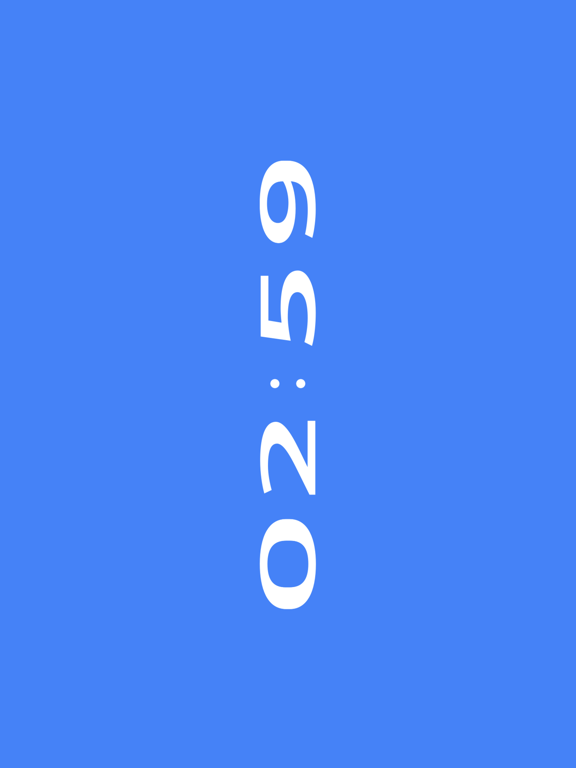
- Vertical and horizontal screen rotation is supported.
- The text size can be adjusted in steps by pressing buttons such as "2X" and "3X".
- Tap the color icon in the setting mode to select from 10 background colors.
These are the operations and main functions of this digital timer.
Please use this simple yet functional timer for more efficient time management.