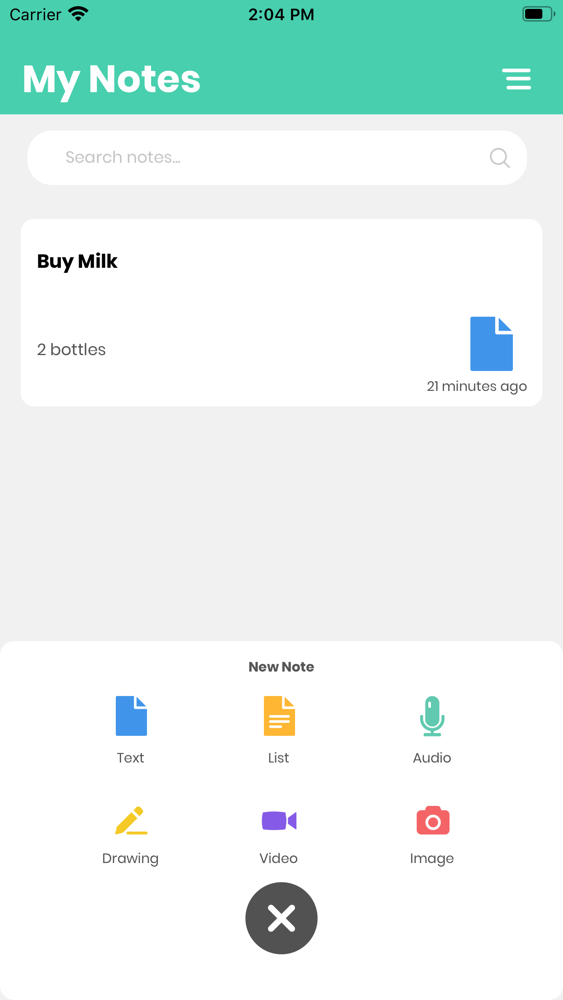
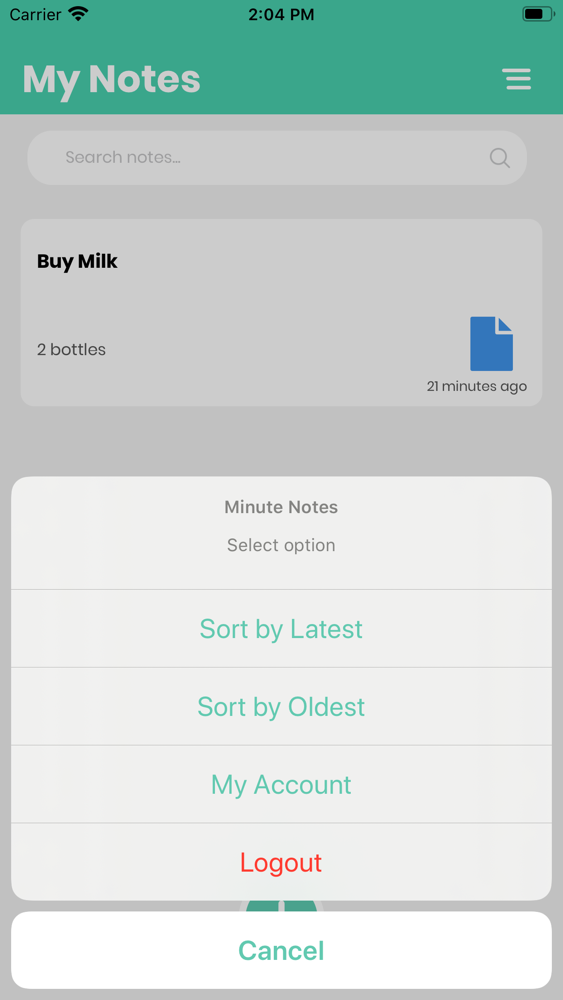
Minute Notes is the easiest way to jot down your minute thoughts or to save longer notes filled with checklists, images, web links, scanned documents, handwritten notes, or sketches. And with iCloud, it’s easy to keep all your devices in sync, so you’ll always have your notes with you. All that ever record will be saved. Use this notes like organizer, notebook or notepad. Note taking is very simple now.
You can made your note in a minute. Forget nothing more. Your memo will be safe, sticky and always with you.
GET ORGANIZED
Minute notes gives you the tools you need to keep your work effortlessly organized:
• Write, collect, and capture ideas as searchable notes, notebooks, checklists, memo and to-do lists
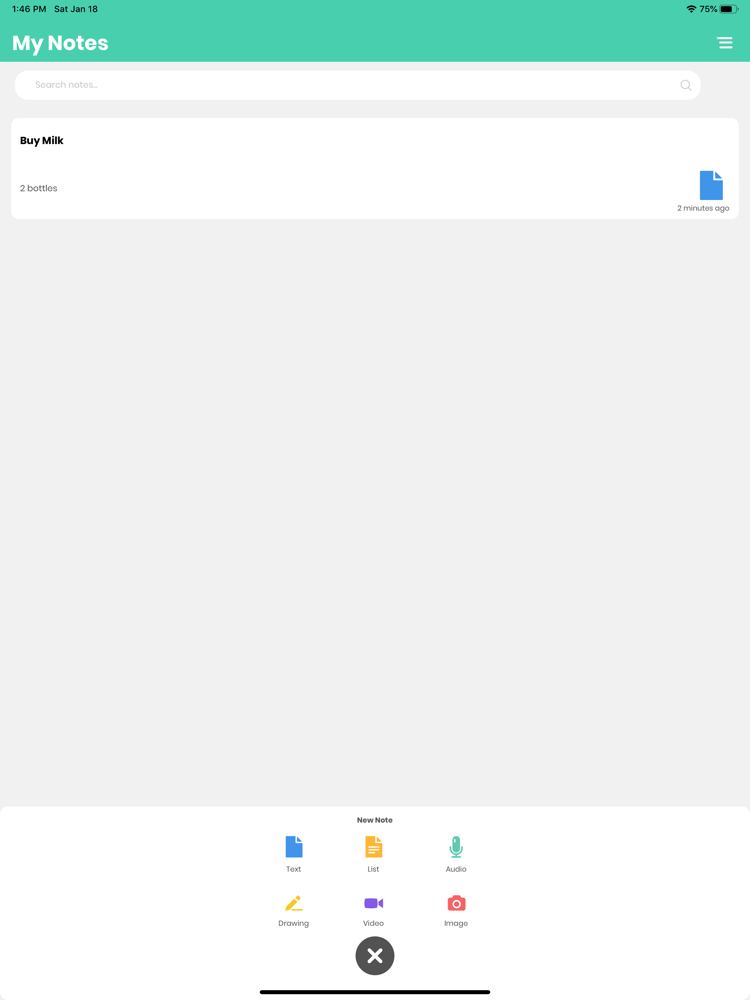
• Create notes in a variety of formats, including: text, sketches, photos, screenshots, onenote, image files, audio, web clippings, and more
• Use the camera to effortlessly scan, digitize, and organize your paper documents, business cards, whiteboards, handwritten notes, evernote and drawings
• Use Minute Notes as a digital notepad and easy-to-format word processor for all your thoughts as they come
Features
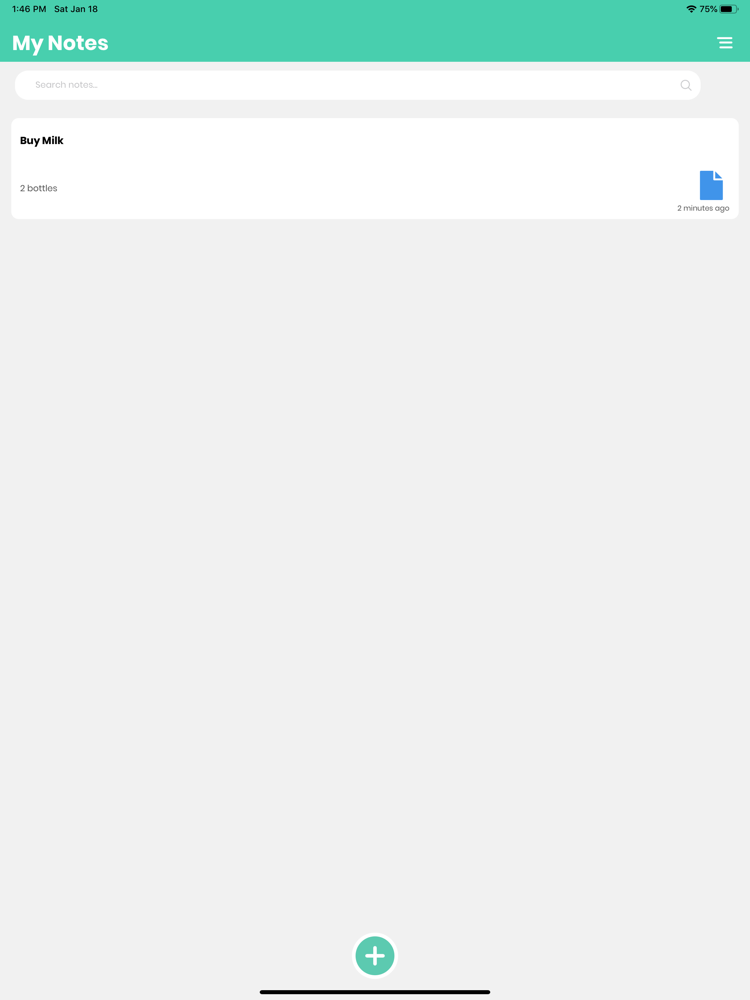
• Create a new note with just a tap.
• Add checklists to your notes to make a grocery list, a wish list, or a to-do list, then tap to check off items as you go.
• Quickly add photos to a note using the camera from within the app.
• Add attachments — maps, web links, documents, and more — to new or existing notes by using the Share menu in Maps, Safari, and many other apps.
• Start new notes instantly from the iPad lock screen without having to log in to your device. Just tap the iPad lock screen with your Apple Pencil on a compatible iPad or tap New Note in Control Center.
• Use Find in Note to search for a keyword within a note.
• Use the attachment browser to find an attachment, such as documents, scans, photos, etc, inside your notes.
• Use iCloud to keep all your notes stored securely in the cloud and updated everywhere. Jot down a note on your iPhone, iPad, or Mac, and it will instantly be available on your other devices.