This minor update addresses some issues revealed in the last update:
• Enhancements across the app to better support Dark Mode as well as Dynamic Type.
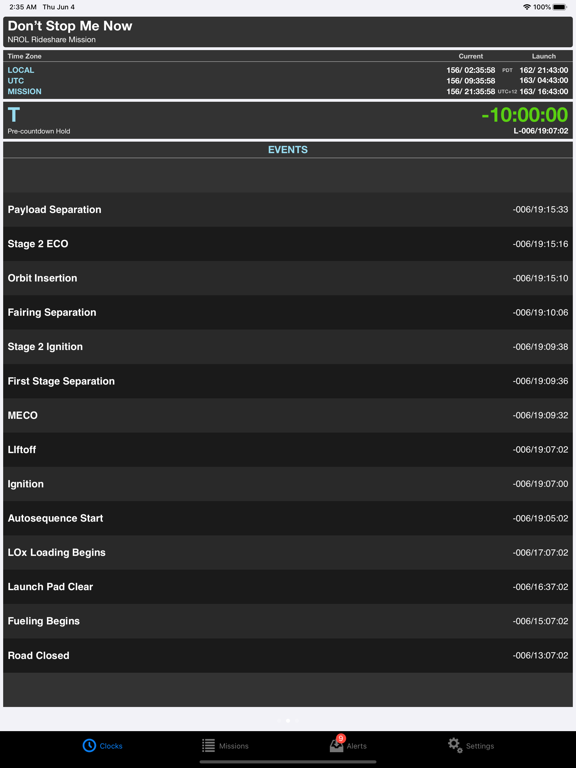
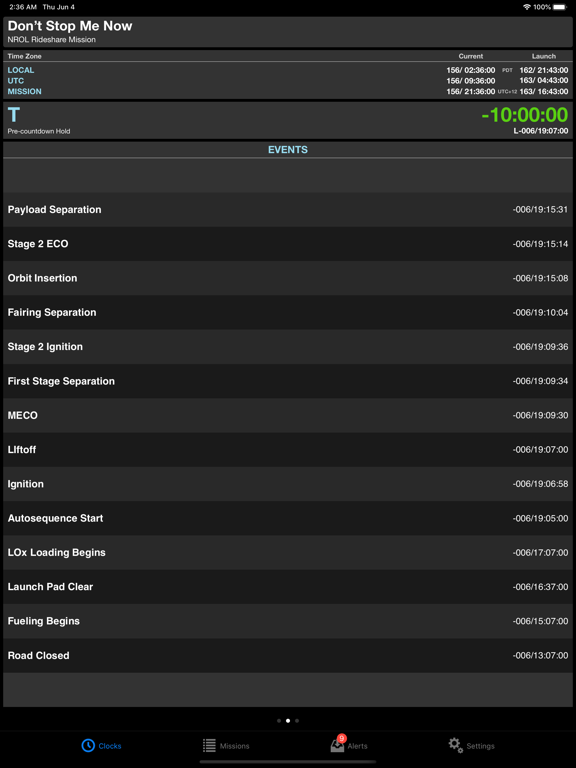
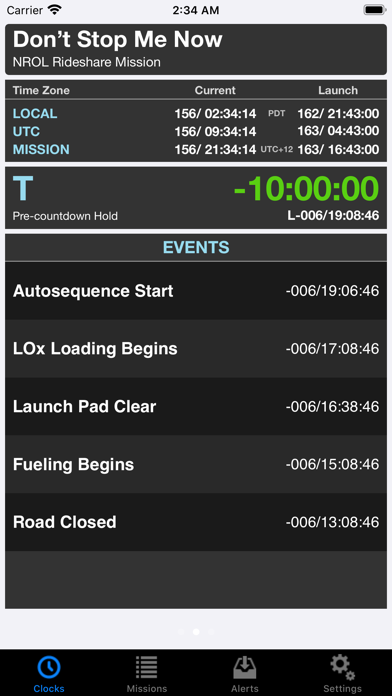
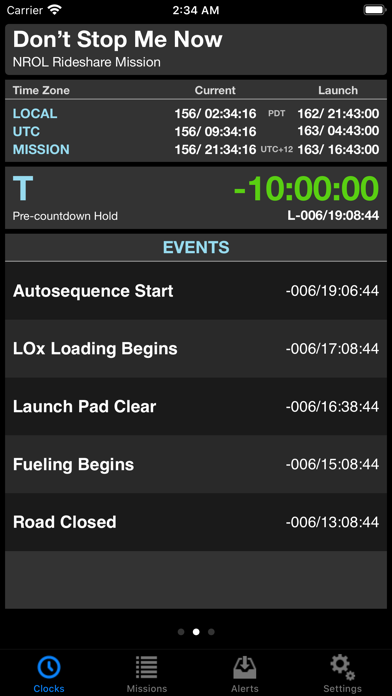
• Larger text (where possible) in the Clocks tab and the bottom-edge clock banner.
• Override the system settings for Dark Mode (for example, if you normally prefer Light Mode but wanted MissionClock to be Dark).
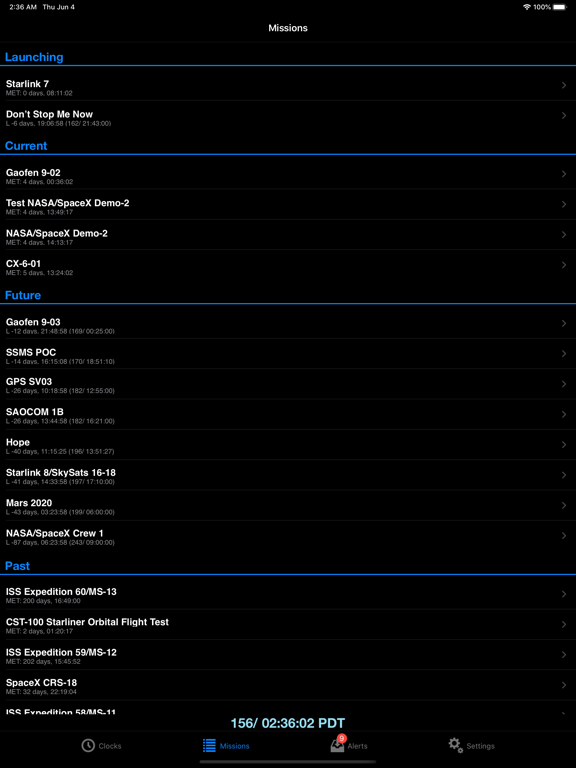
• Fix a bug in how missions are selected for the Clocks tab.
This long-overdue update addresses cosmetic issues that came up with recent iOS devices and releases, and also fixes a bug that sometimes appears when network time correction fails. This would manifest as a rapidly-flashing alert that would prevent using the app.
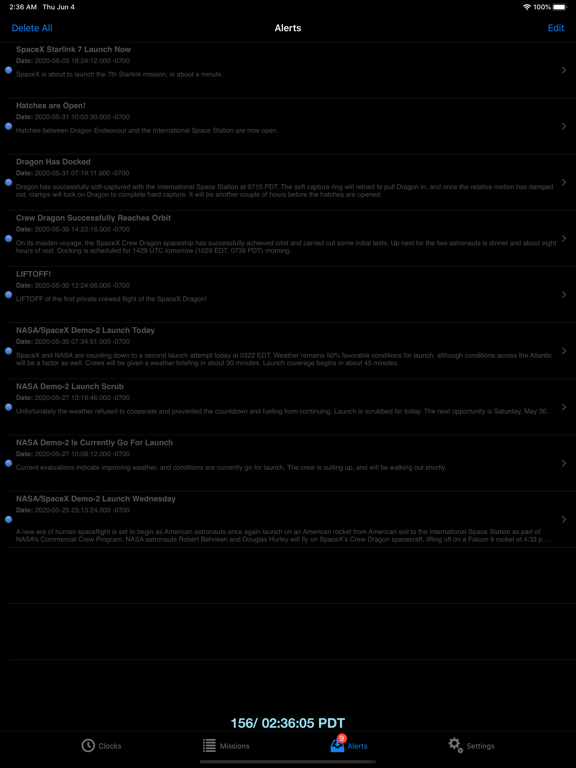
This release sports substantial under-the-hood changes to support notched devices (like iPhone 11), and light and dark modes. The way push notifications are handled has been completely revamped, and should work better in newer version of iOS, as well as being faster to send from the server. Network time is now calculated differently, so if you notice any glaring issues with the accuracy of the displayed current time, please let us know!
These changes may have introduced unexpected issues. While this release has been thoroughly tested, there may be undiscovered bugs. Please contact us to report any issues.
Unfortunately, changes to properly support newer iOS versions mean MissionClock now requires iOS 9.0 or later to run. In addition, search no longer works
on iOS 9.
This version fixes a bug that would cause duplication of certain mission events.
• Due to changes in the way Push Notifications are handled, some users were not receiving mission alerts.
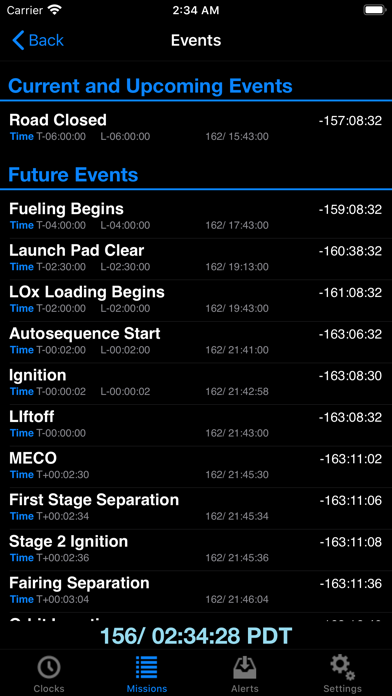
• Minor improvements to the events list appearance.
• Fixes a bug downloading missions introduced in 1.1.1.
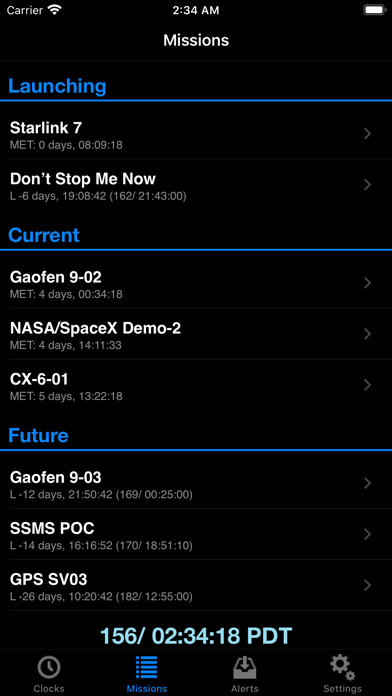
• Improves appearance of section headers in mission list.
• Fixes for network connectivity problems introduced with iOS 9.1.
• Improvements to layout on newest devices.
• Updated UI now fits all devices.
• Search mission list by name or keyword.
• App no longer crashes while integrating large data updates.
• Clocks tab shows correct set of missions when first displayed.
• Fixed a drawing glitch in the clocks tab events waterfall.
• Improved handling of unplanned holds.
Fixed a crash that occurs if no pending launches are in the local mission database.
Fixes to support iOS 5 final release on iPad.
• App no longer crashes on launch when location services are enabled.
• Clocks update.
This version fixes a problem wherein a change to the duration of a hold was sometimes not properly reflected in the T-clock.
Bug fixes:
• Sometimes, computing the iPhone’s clock error would result in wildly inaccurate clock offsets.
iPad Support: This verion brings basic iPad support. Some views have been redesigned to better fit the iPad screen, and it no longer runs as a tiny iPhone app in a big iPad.
Bugs Fixed:
• Sometimes, when coming back from a locked screen, MissionClock would take a long time to start counting again. Moreover, the screen update should be more precise now, occurring right on the tick of the second.
• Fixed a memory leak that occurred when adding new missions to “always show clock.”
This version adds a few minor enhancements:
• Alerts can now be deleted.
• Links in Mission Overview will now open in Safari.
The following bugs are fixed:
• If the launch or end time of a mission changes while the clock detail is displayed, that time was not properly updated on the screen.
• In some situations, the L-clock color would not change correctly.
• Potential memory leaks fixed.
Fixes an issue with 1.0.6 that would prevent it from running on iOS versions prior to 4.0.
• This version of MissionClock brings a powerful new feature: Network Time Protocol (NTP) support. As it turns out, iPhone, iPad, and iPod Touch devices can have wildly inaccurate system clocks. By using NTP to consult time servers on the Internet, MissionClock is able to compute just how far off the system clock is, and account for that in its calculations.
• Numerous minor stability improvements.
• Changed the logic by which missions are automatically selected to display under the Clocks tab to limit the number of long-duration missions displayed. Now, a long-duration mission older than two weeks will not be included by default. You can still turn "Always Show Clock" on for any mission to force it to display.
• Completed missions used to show as "Underway." This has been corrected.
• iOS 4.0 compatibility
• Preferred time zone setting (see the Settings tab)
• Preferred clock format setting (tap the blue clock display)
• Improved problem reporting (uses in-app email composer, allowing us to respond)
Note: iOS 4.0 changed the way time zones are abbreviated. Many time zones now come back as "GMT+HH:MM," whereas before they had a two-, three-, or four-letter abbreviation.
Fixes a long-standing problem where some devices (iPod Touch) would take so long integrating large data downloads that the OS would terminate the app. It would appear that the app crashed.
• Fixes a potential crash when viewing mission details.
• Addresses a situation where app is killed by the system when downloading large data updates on slow devices (like first-generation iPod Touch).
• Fixes a crash when used in certain locales. Credit to YAlH for finding this.
• Improves rendering of times in certain locales (by restricting rendering style to US, preventing truncation/elision).