Age Rating
4+
Apps in this category do not contain restricted content.
9+
Apps in this category may contain mild or occasional cartoon, fantasy or real-life violence, as well as occasional or mild adult, sexually suggestive or horrifying content and may not be suitable for children under 9 years of age.
12+
Apps in this category may contain occasional mild indecent language, frequent or intense cartoon or real-life violence, minor or occasional adult or sexually suggestive material, and simulated gambling, and may be for children under 12 years of age.
17+
You must be at least 17 years old to access this App.
Apps in this category may contain frequent and intense offensive language; Frequent and intense cartoon, fantasy or realistic violence: frequent and intense adult, scary and sexually suggestive subjects: as well as sexual content, nudity, tobacco, alcohol and drugs, may not be suitable for children under 17 years of age.
MobileKey Screenshots
MobileKey posterMobileKey posterMobileKey posterMobileKey posterMobileKey poster

About MobileKey

MobileKey app to manage DM status, access lists, remote openings, Key4Friends and reception of messages from event management.

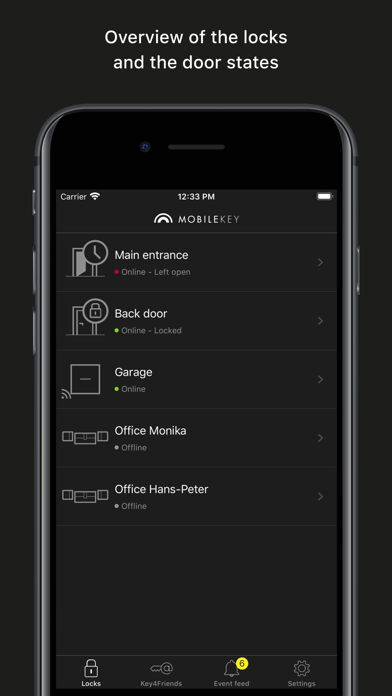
- Overview of door statuses (if DM cylinder used)
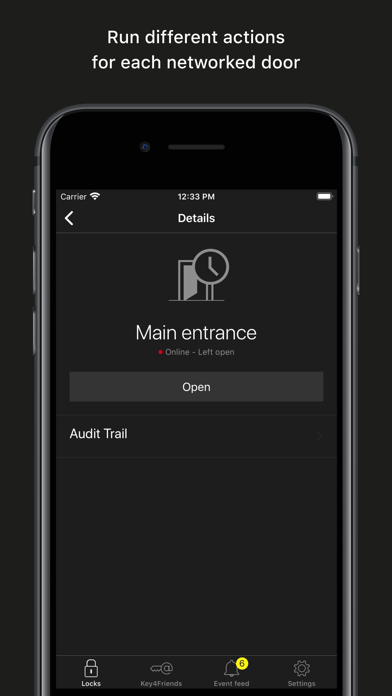
- Remote openings
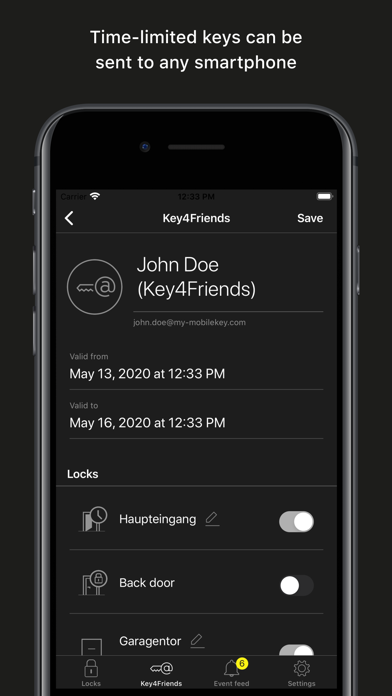
- Sending of Key4Friends authorisations
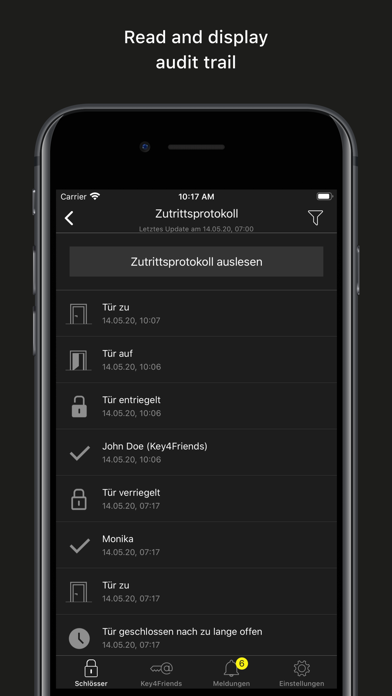
- Reading and display of access list
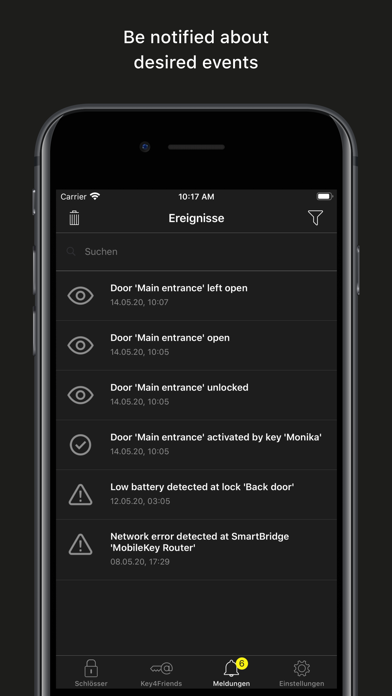
- Reception of push messages from event management.
- Use of touch ID for security-related actions (disable remote opening, Key4Friends, push messages)

The locking plan is fully managed on the MobileKey web application only, which you will find at www.my-mobilekey-com.


Extra information:

- The app requires valid log-in data for a MobileKey locking system. You need to have a MobileKey account to be able to use the account. You can register free of charge at www.my-mobilekey-com.
- Your mobile device needs to have a stable Internet connection to operate the app, such as wireless LAN or 3/4G.
- Many functions are only available with the online add-on (SmartBridge).


Security takes top priority:

Your data is stored on an audited SimonsVoss server in Munich. You do not need to worry about data security and backups. We will do it for you and to a high standard.

Instructions:

- Create a free MobileKey account for your use.
- Obtain all MobileKey components, such as keys and locks.
- Set up the MobileKey components in the web application. You will find the precise procedure in the MobileKey manual.
- Programme the components.
- Test the components.
- Fit the components. You will find more help in the enclosed manuals.

Show More

What's New in the Latest Version 2.6.1

Last updated on May 20, 2026
Old Versions
Fixed empty locks list caused by locks with multiple warnings.
Show More
Version History
2.6.1
May 20, 2026
Fixed empty locks list caused by locks with multiple warnings.

MobileKey FAQ

Click here to learn how to download MobileKey in restricted country or region.
Check the following list to see the minimum requirements of MobileKey.
iPhone

MobileKey Alternative

You May Also Like

Get more from SimonsVoss Technologies GmbH