MOEV Driver
Free
1.61for iPhone, iPad
Age Rating
MOEV Driver Screenshots
About MOEV Driver
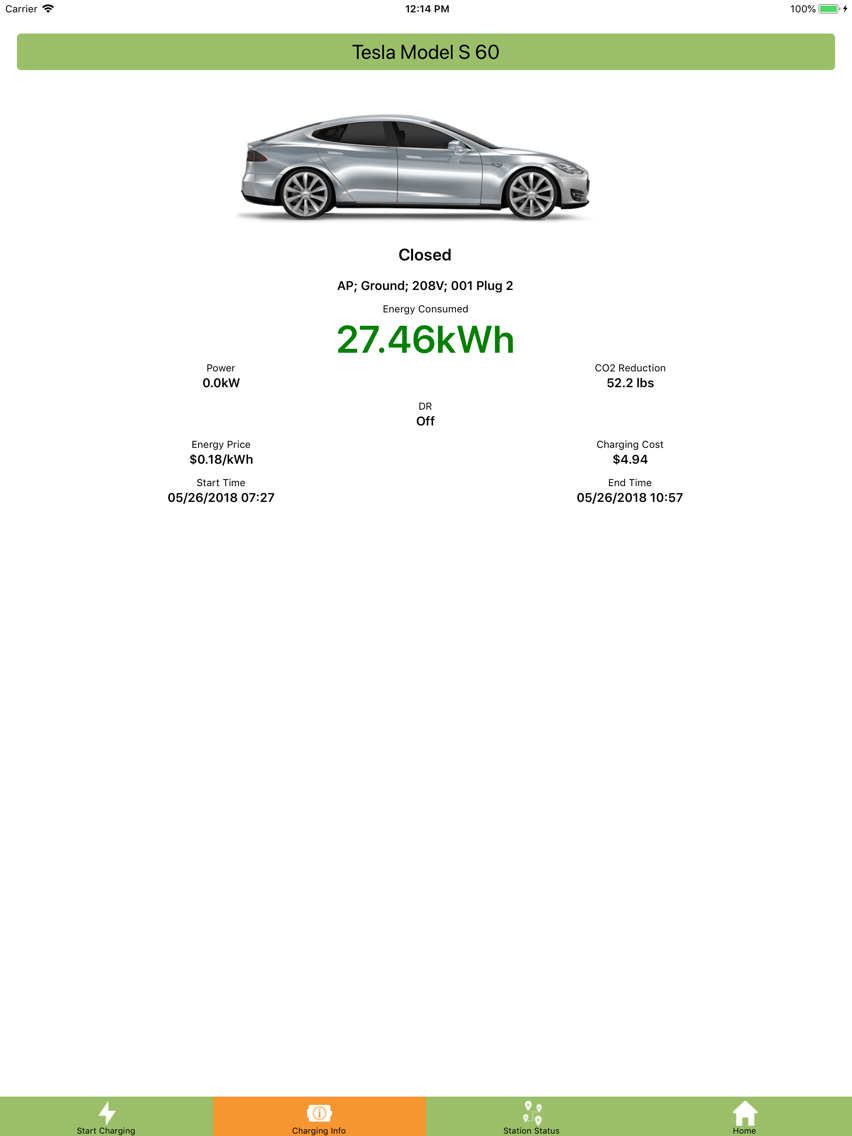
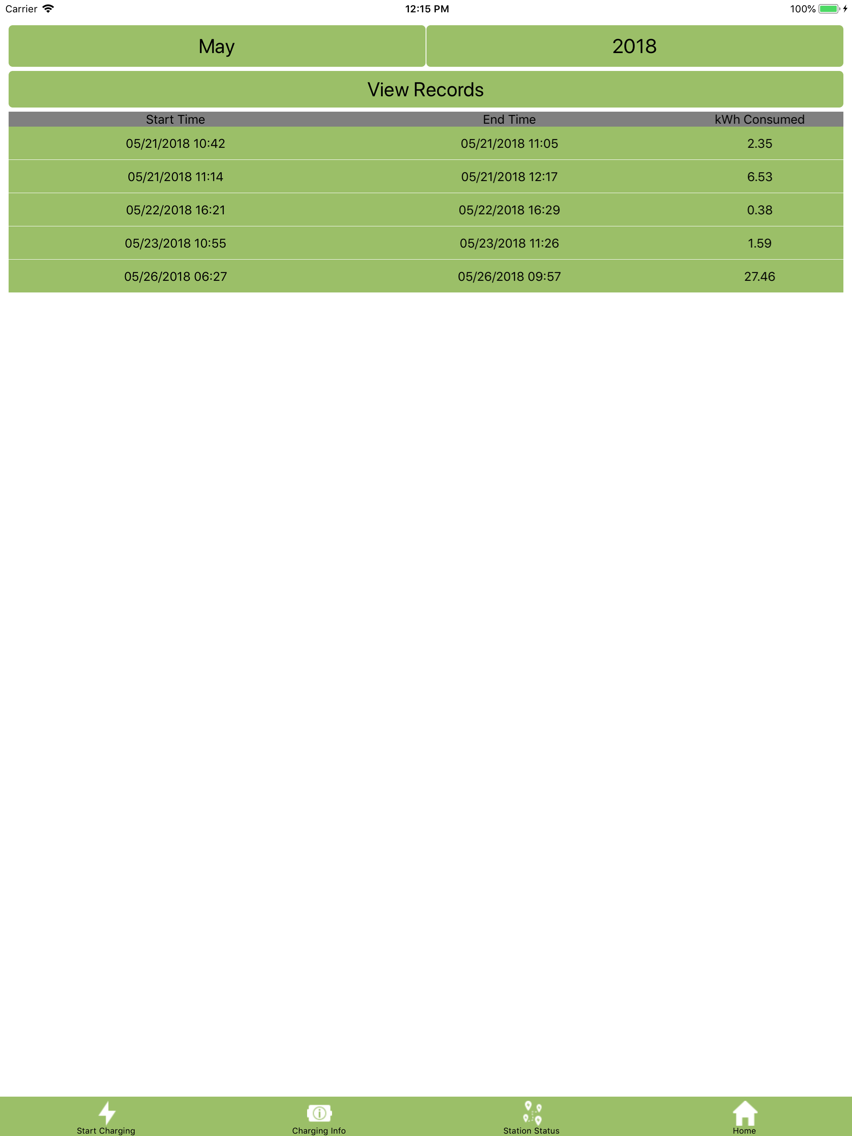
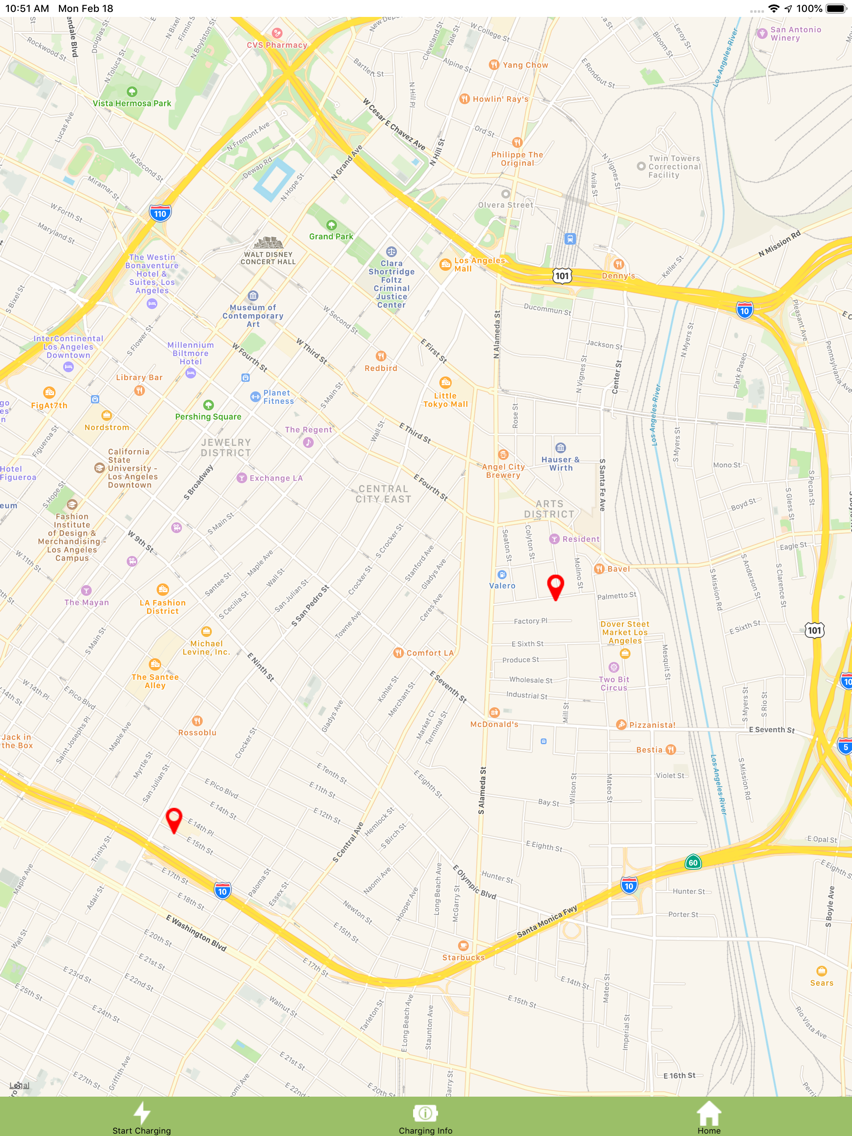
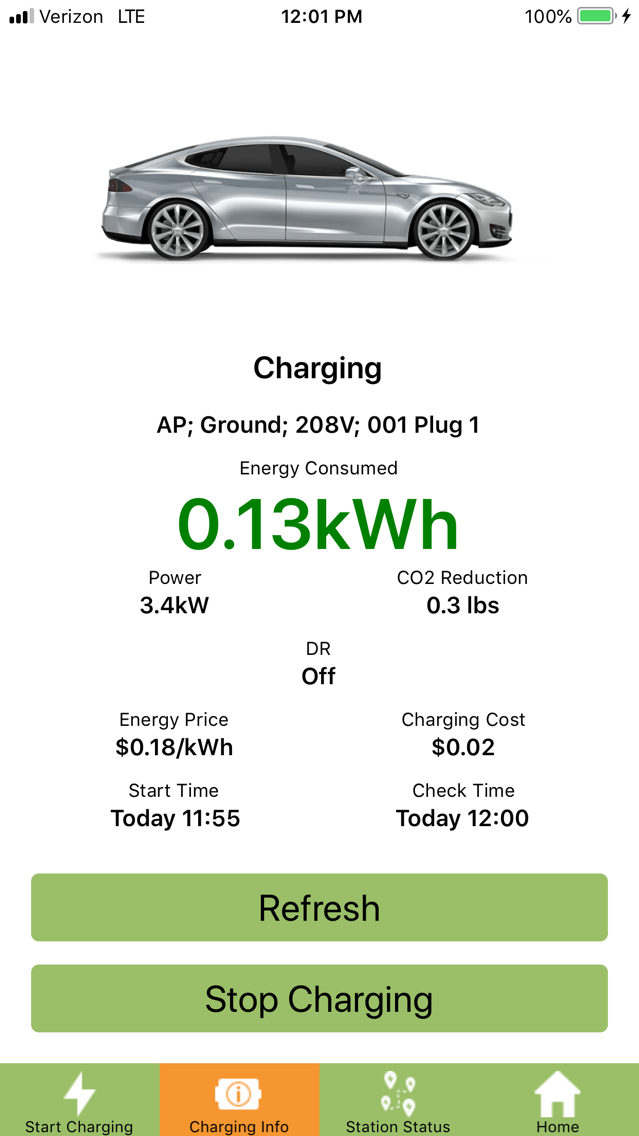
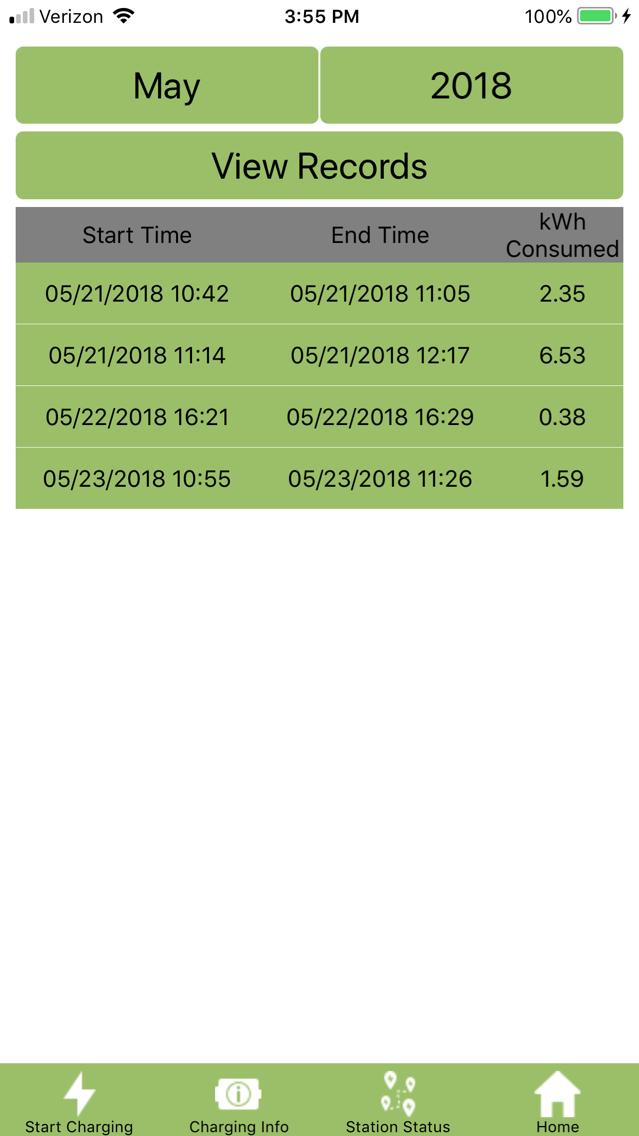
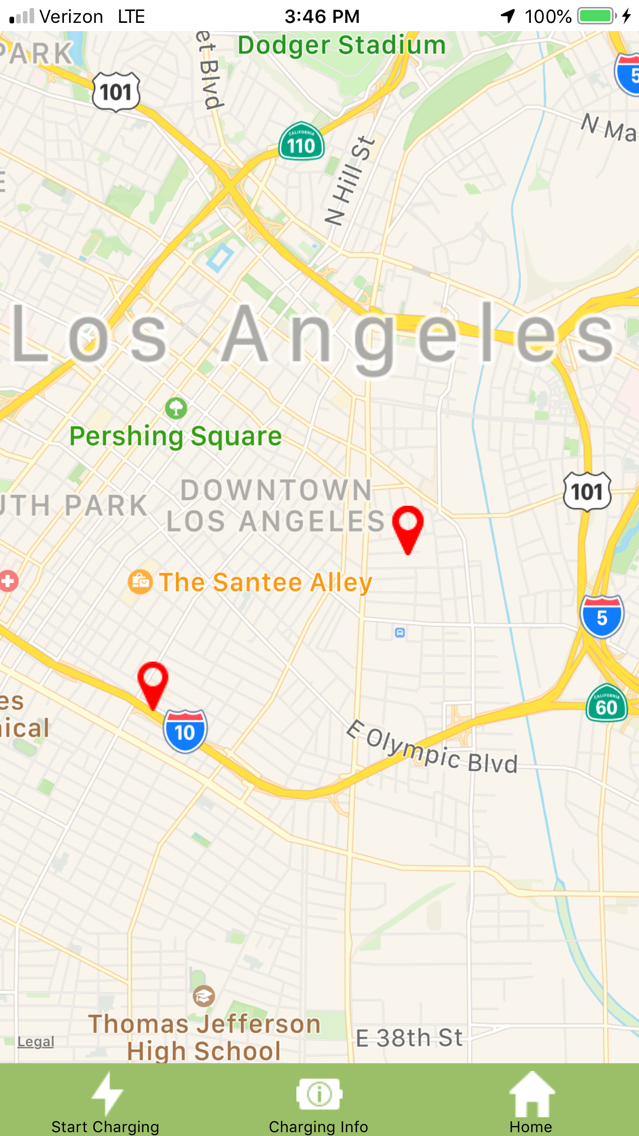
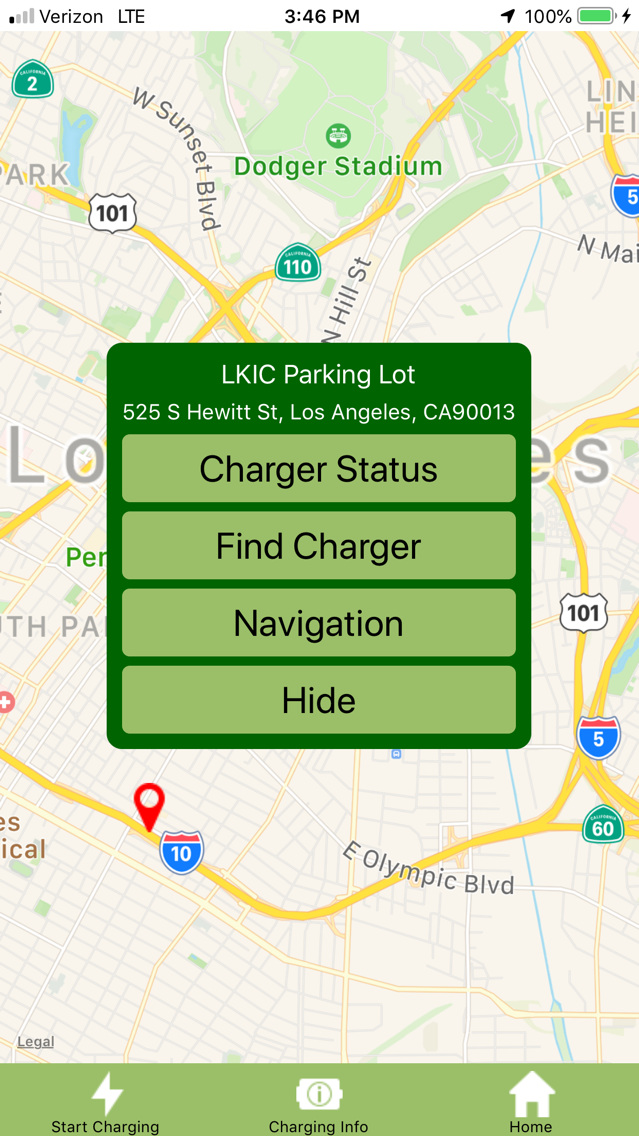
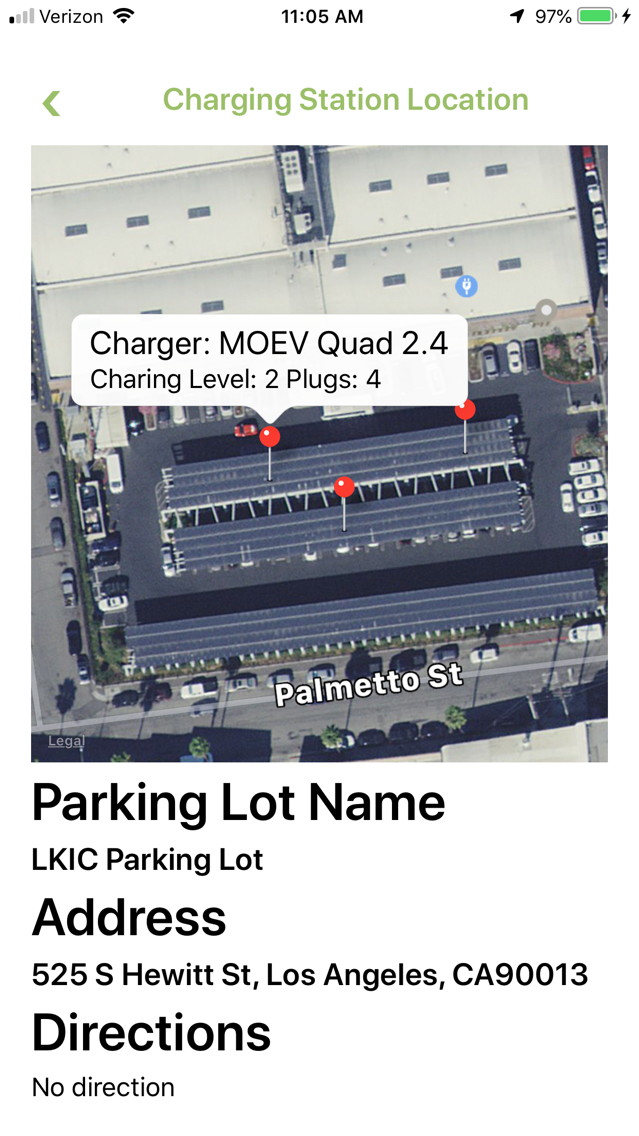
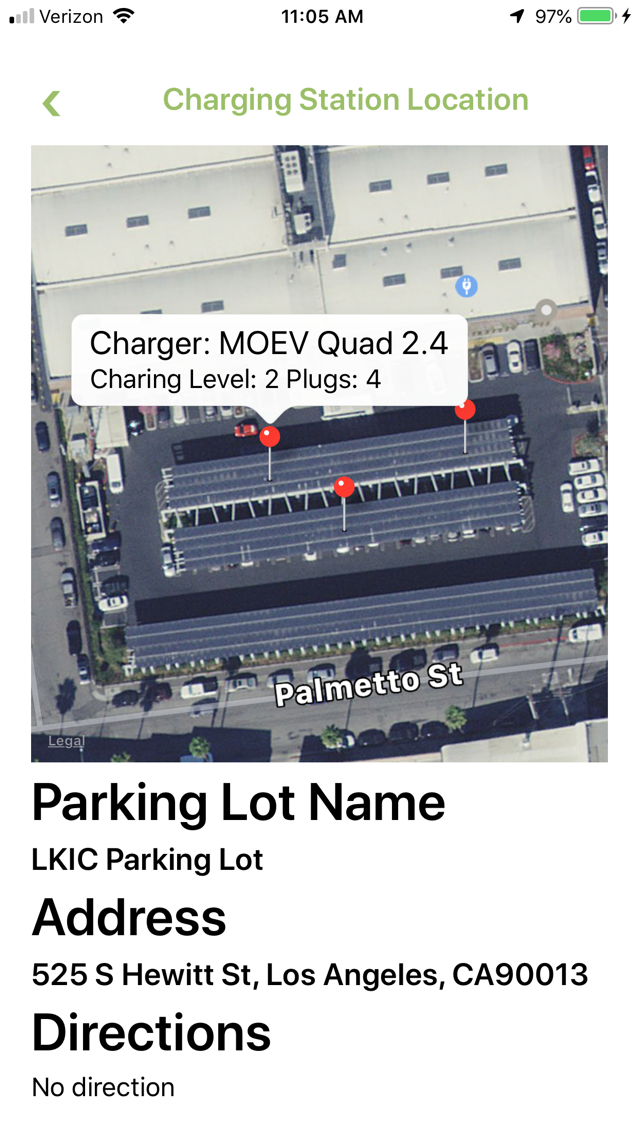
MOEV smart and economical Electric Vehicle (EV) charging solution supports MOEV multiplex Level 2 EV chargers, or third party Level 2 and Level 3 EV chargers via MOEV smart charging algorithms and MOEV charging management system. A MOEV multiplex EV charger (MOEV 2.4) can charge up to 4 EVs simultaneously via a single power source. The different privilege definitions of EV users, EV chargers and organizations/cities/areas or combined organizations/cities/areas decide the different access rights on the MOEV charging system management console. EV users using their smartphones can remotely or locally start or stop charging session, check real-time charging session status and power consumption, check real-time charger plugs' status, including availability, occupied and charging, occupied and not charging, disabled, out-of-order, offline, report system or charging issues, locate a charger and navigate to it, check their historical charging record, or manage their user account profile via this app. This app also allows EV drivers who can charge their EVs on some special EV chargers where they don't have accounts or don't have mobile devices or are fleet drivers in scenario where an iPad with this app is set up as a kiosk

Show More
What's New in the Latest Version 1.61
Last updated on Dec 3, 2019
Old Versions
Use last charging place as the default map center and close span on Map of Stations page. Still keep Start Charging and Map of Stations on their pages
Show More
Version History
1.61
Dec 3, 2019
Use last charging place as the default map center and close span on Map of Stations page. Still keep Start Charging and Map of Stations on their pages
1.6
Nov 22, 2019
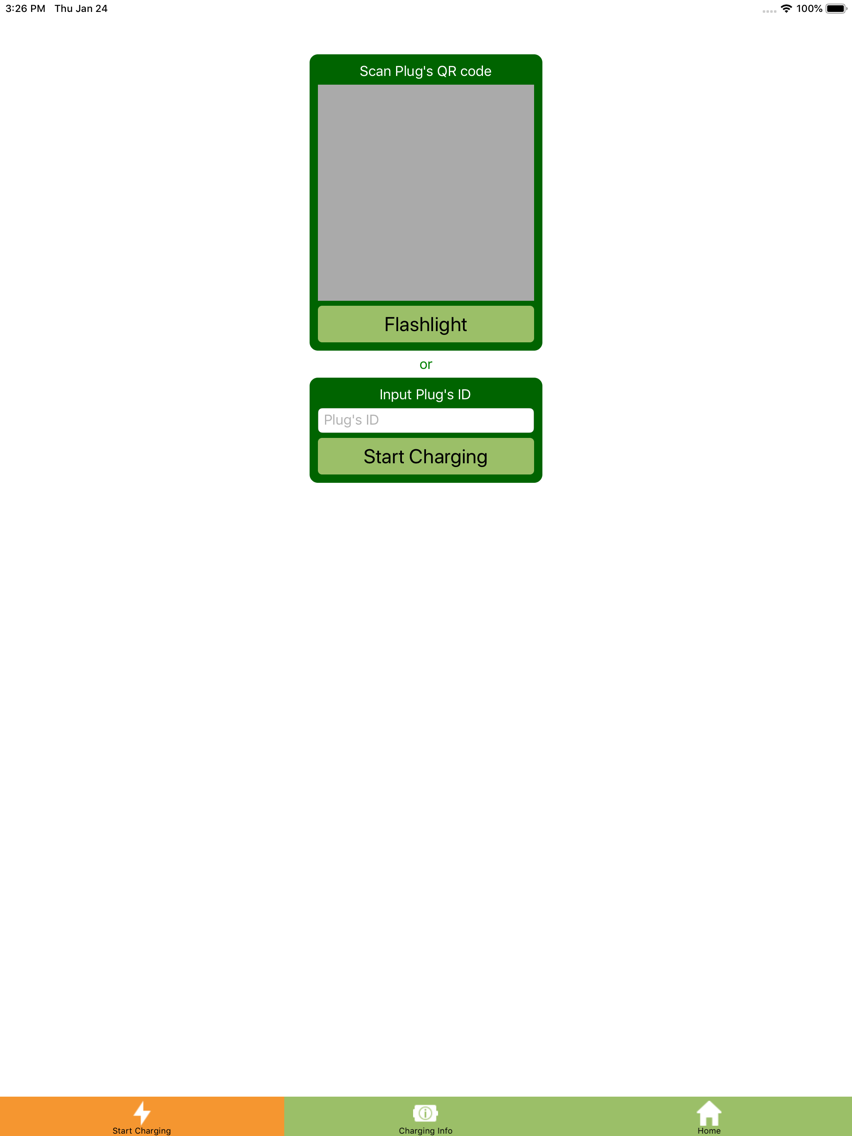
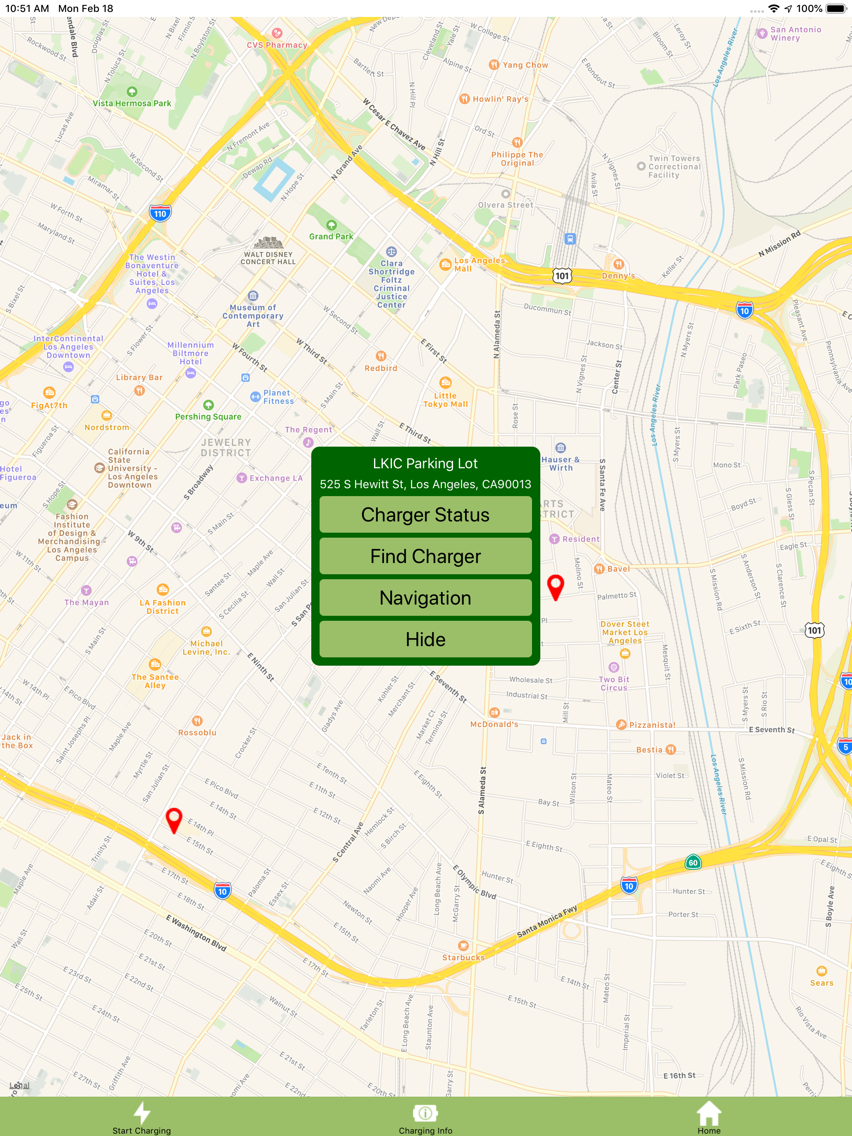
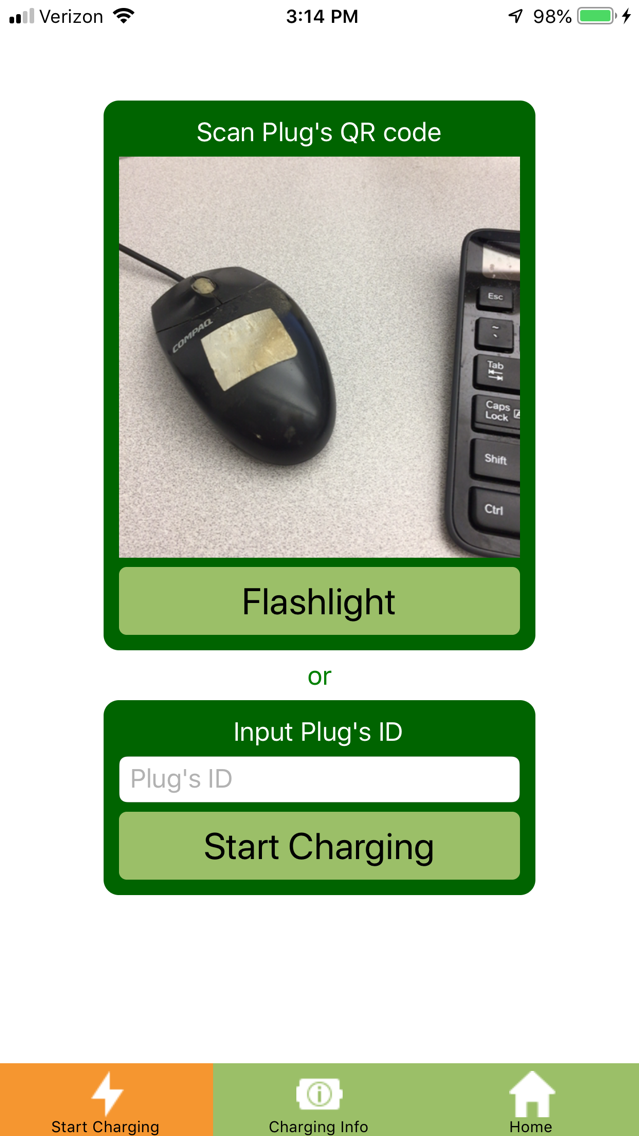
On Start Charging page, chargers' locations and their statuses are shown on the map. There are three different ways to start a charging: 1. tap Charging button and scan the selected charger's QR code; 2. manually input the charger's ID and tap Start Charging button; 3. tap the selected charger's pin on the map and tap Start Charging button on the popped out menu. The background color of the popped menu is based on the selected charger's status: 1. blue color: the charger is in charging status; 2. green color: the charger is available; 3. orange color: energy management (such as AI control, Demand Response control, etc.) is on. Request Charger: the user can request a charger if it is occupied by an EV. The request will be sent to the email address of the EV owner to ask the EV owner to move the car that another person can charge her/his EV. Same as the start charging, Request Charger also has three ways. The default map center is the user's the last charging place. On Home page, Map of Station is removed
1.5
Oct 26, 2019
Map of Stations uses different color markers to represent a charger's different statuses such as Charging, Available, Energy Mgt On, Malfunctioning, etc. The app's user can set the map's default center, default span and style on Profile page
1.44
Oct 2, 2019
Update Sign Up page. After a new account is successfully created and tap OK button, it will jump to Login page, and the applicant's email address and password will be filled automatically
1.43
Sep 17, 2019
Simplify Sign Up page to allow using the applicant's email address to create an account and update the relevant contents on Login, Profile Settings, Forget Password and Unlock Account pages
1.42
Sep 8, 2019
Simplify Sign Up page and update Charging Status page to blink DR status when AI control or DR is activated
1.41
Jul 19, 2019
Unlock Account page is updated to allow predefined security questions and a user defined security question
1.4
Jun 15, 2019
Sign up page and Profile page have predefined security questions and allow a user defined security question; Remove my location icon on Map of Stations page; Input plug's ID to replace selecting organization, parking lot, charging box and plug no to report charging issue on Feedback page; The DR status on Charging Status page will blink during a DR event is active; The different message will be shown after a DR event is active and a new charging session is submitted
1.3
Jun 1, 2019
Update Sign Up page, EV chargers' access privileges and map size of Charging Station Location page for iPad
1.2
Jun 23, 2018
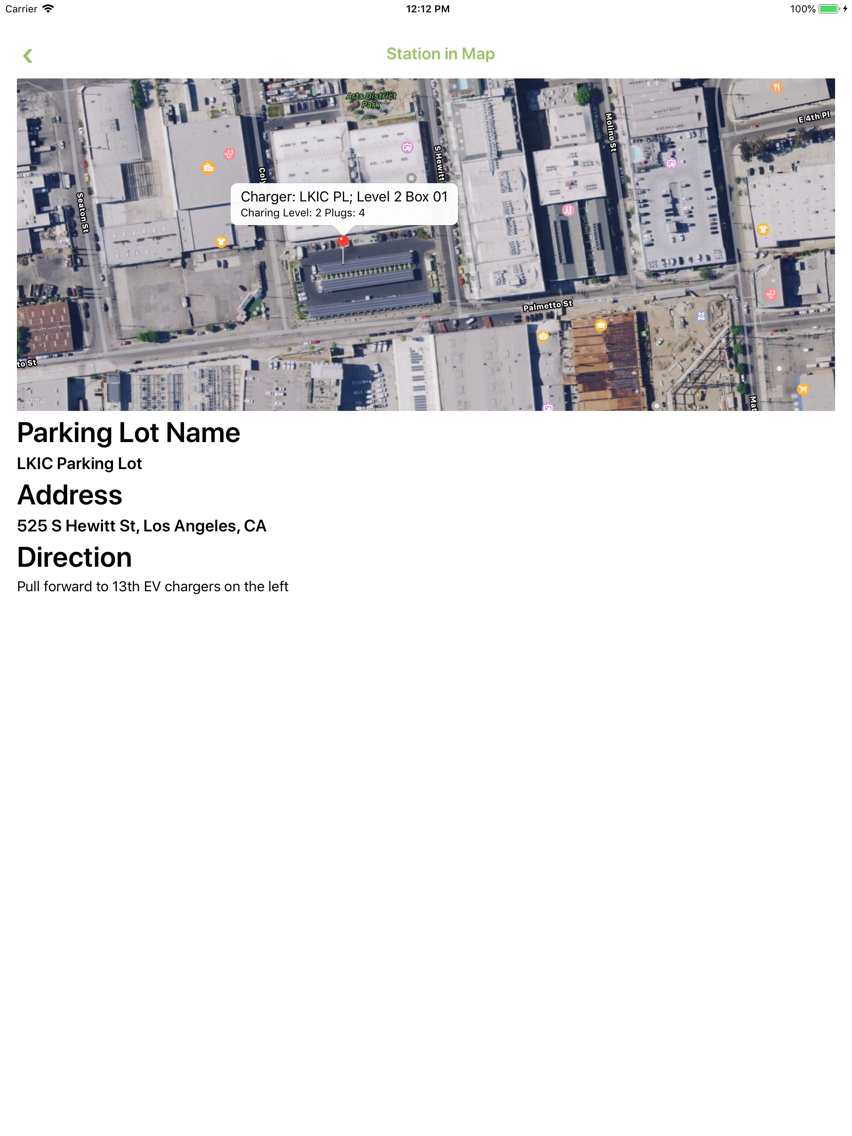
Station in Map is updated
MOEV Driver FAQ
Click here to learn how to download MOEV Driver in restricted country or region.
Check the following list to see the minimum requirements of MOEV Driver.
iPhone
iPad