Mojitots
$0.99
1.2for iPhone, iPad
Age Rating
Mojitots Screenshots
About Mojitots
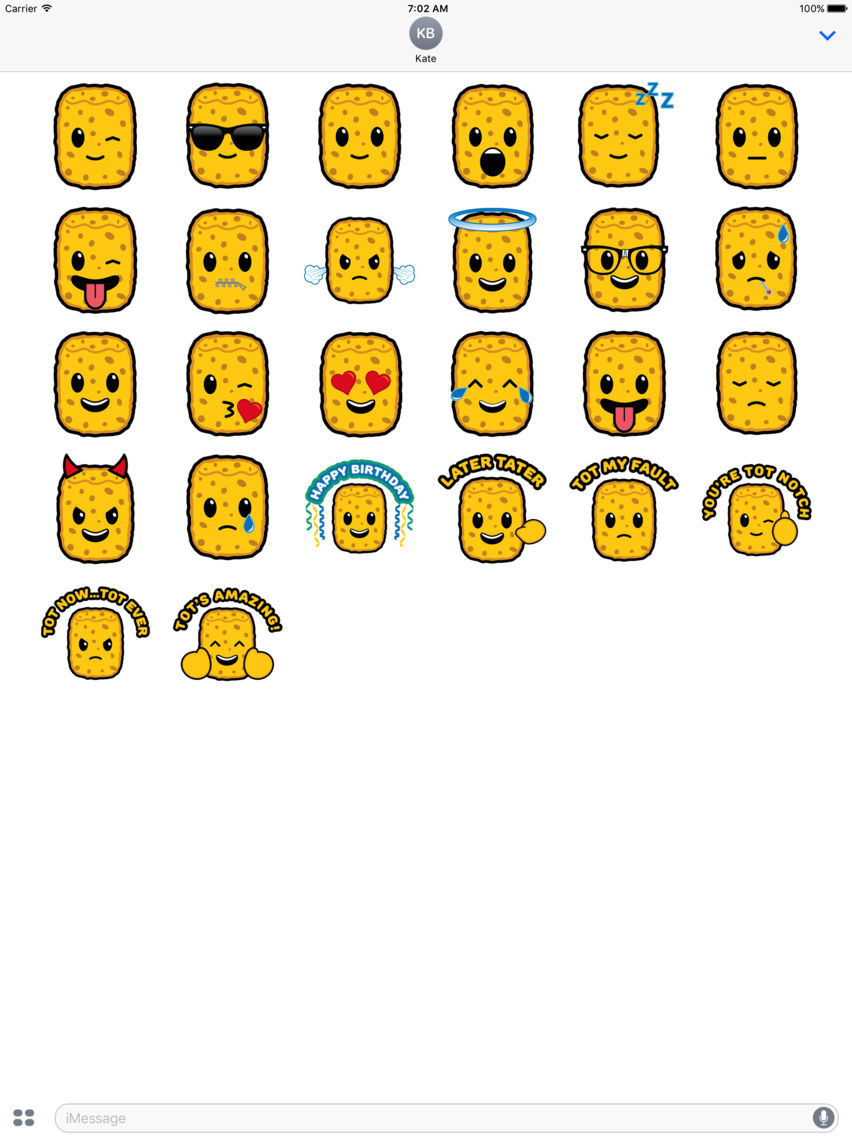
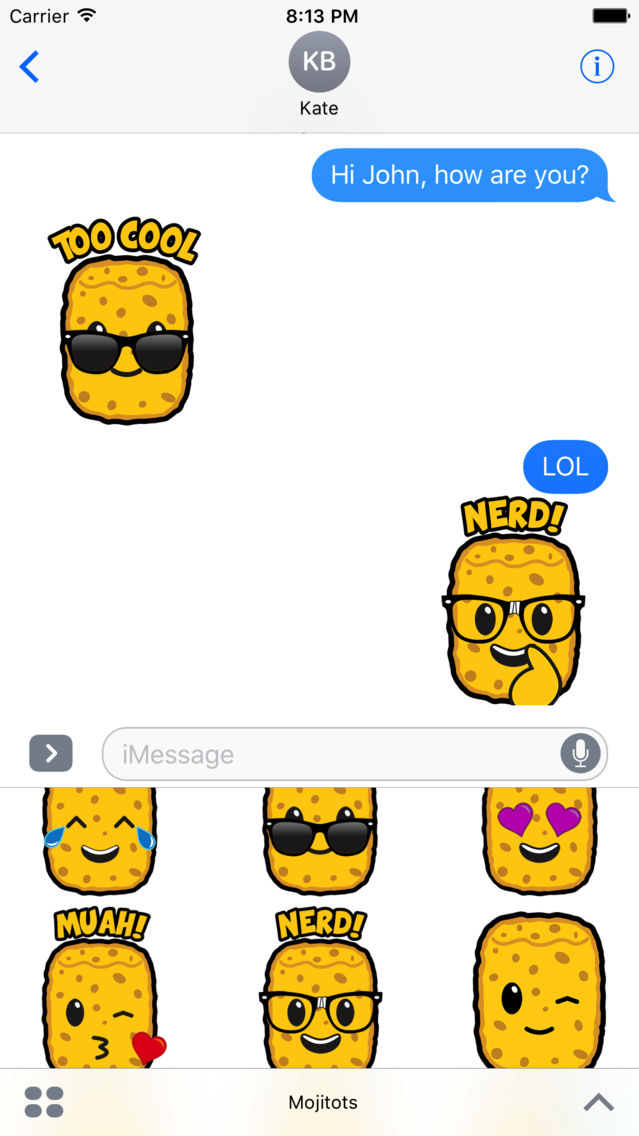
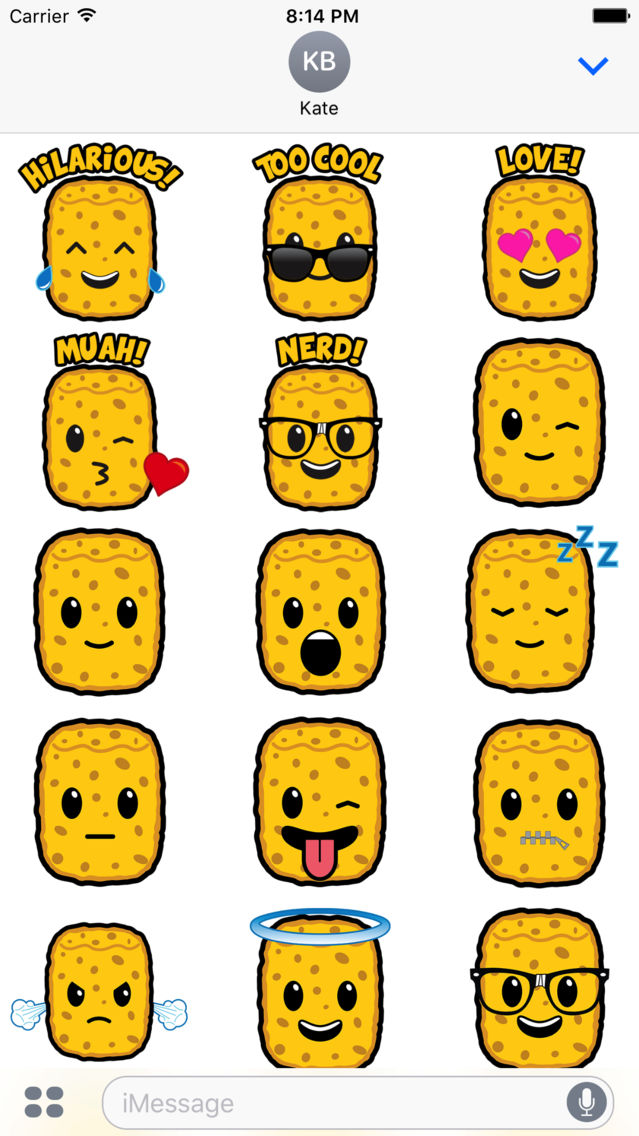
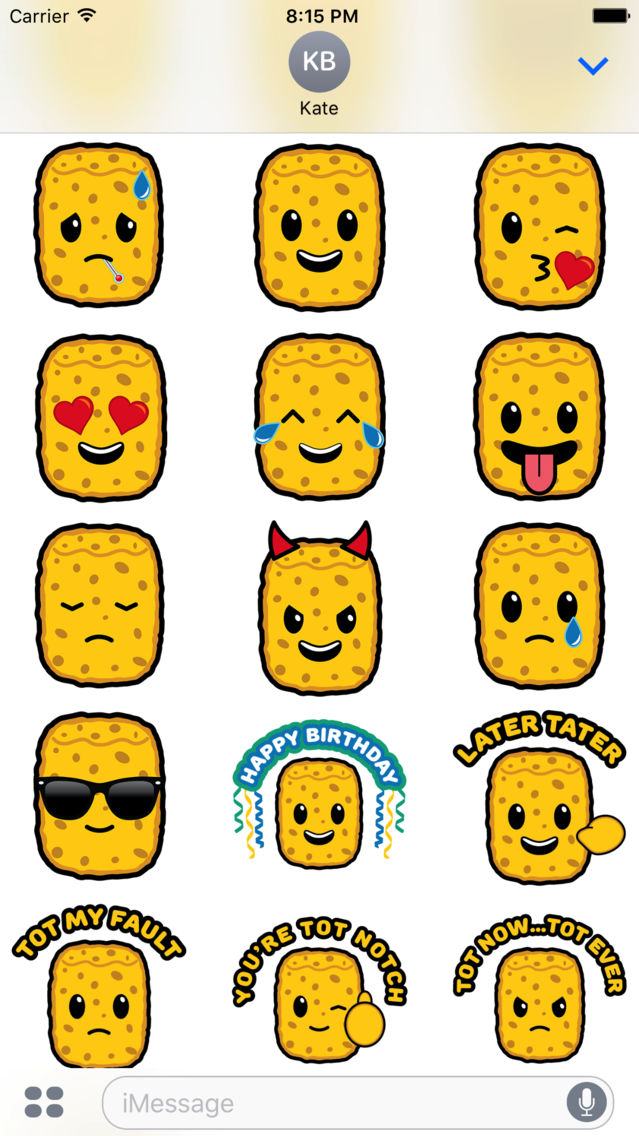
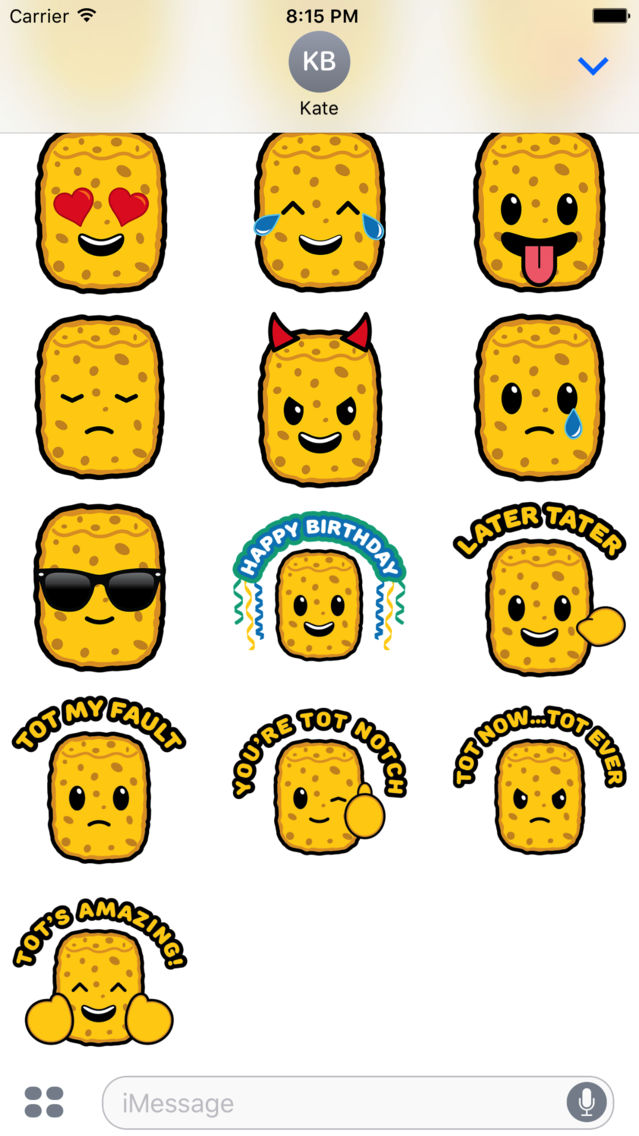
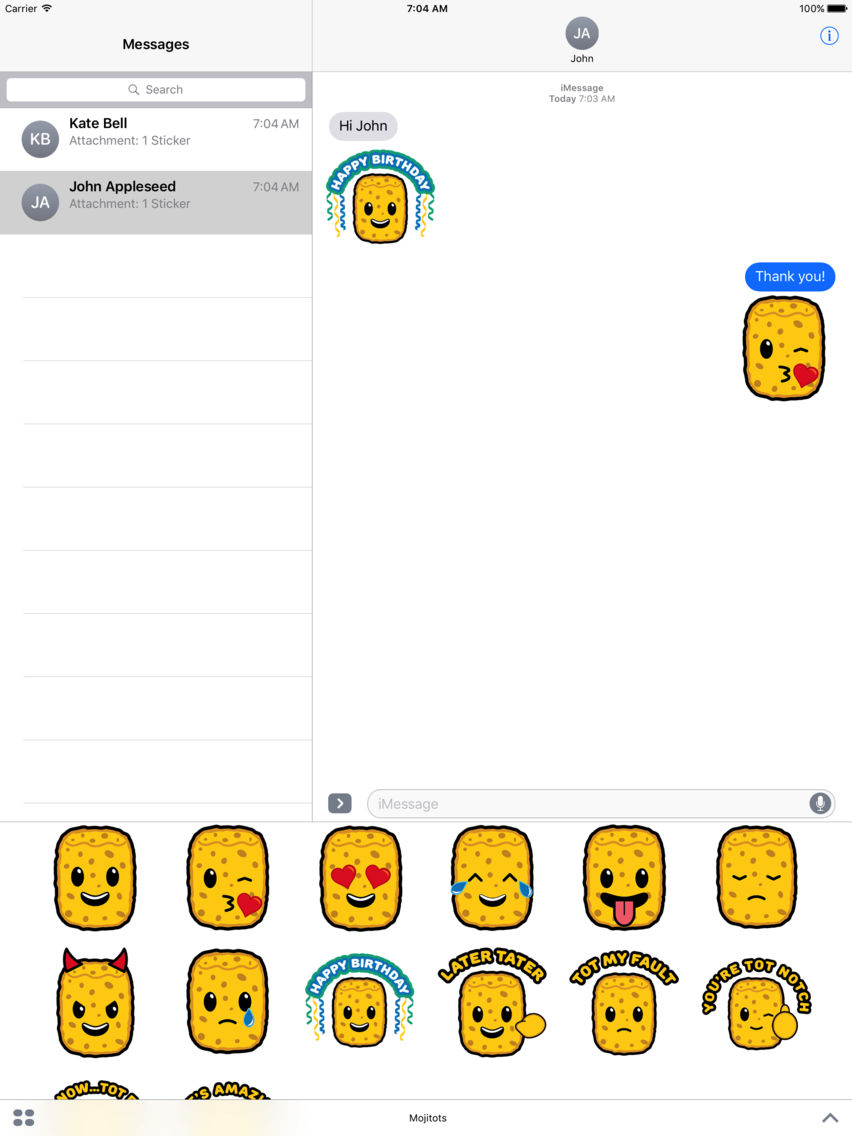
Mojitots are here! Share Mojitot stickers with your friends and family. A cute and fun way to customize your imessage conversations.
How to use iMessage stickers:
1. Launch Messages from your Home screen.
2. Tap on the Apps button. ( Looks like the App Store icon.) ...
3. Swipe to switch between different apps.
4. Tap the Expand button at the bottom right.
5. Tap on a sticker or action you want to use.
6. Tap Send (looks like an upward arrow).
7. Or hold and drag sticker into message window.

How to use iMessage stickers:
1. Launch Messages from your Home screen.
2. Tap on the Apps button. ( Looks like the App Store icon.) ...
3. Swipe to switch between different apps.
4. Tap the Expand button at the bottom right.
5. Tap on a sticker or action you want to use.
6. Tap Send (looks like an upward arrow).
7. Or hold and drag sticker into message window.
Show More
What's New in the Latest Version 1.2
Last updated on Jul 14, 2017
Old Versions
Version 1.2
- 5 NEW animated Mojitot stickers
Show More
Version History
1.2
Jul 14, 2017
Version 1.2
- 5 NEW animated Mojitot stickers
1.0
Jun 22, 2017
Mojitots FAQ
Click here to learn how to download Mojitots in restricted country or region.
Check the following list to see the minimum requirements of Mojitots.
iPhone
iPad
Mojitots supports English