Mojitots
$0.99
1.2for iPhone, iPad
Age Rating
Mojitots 스크린 샷
About Mojitots
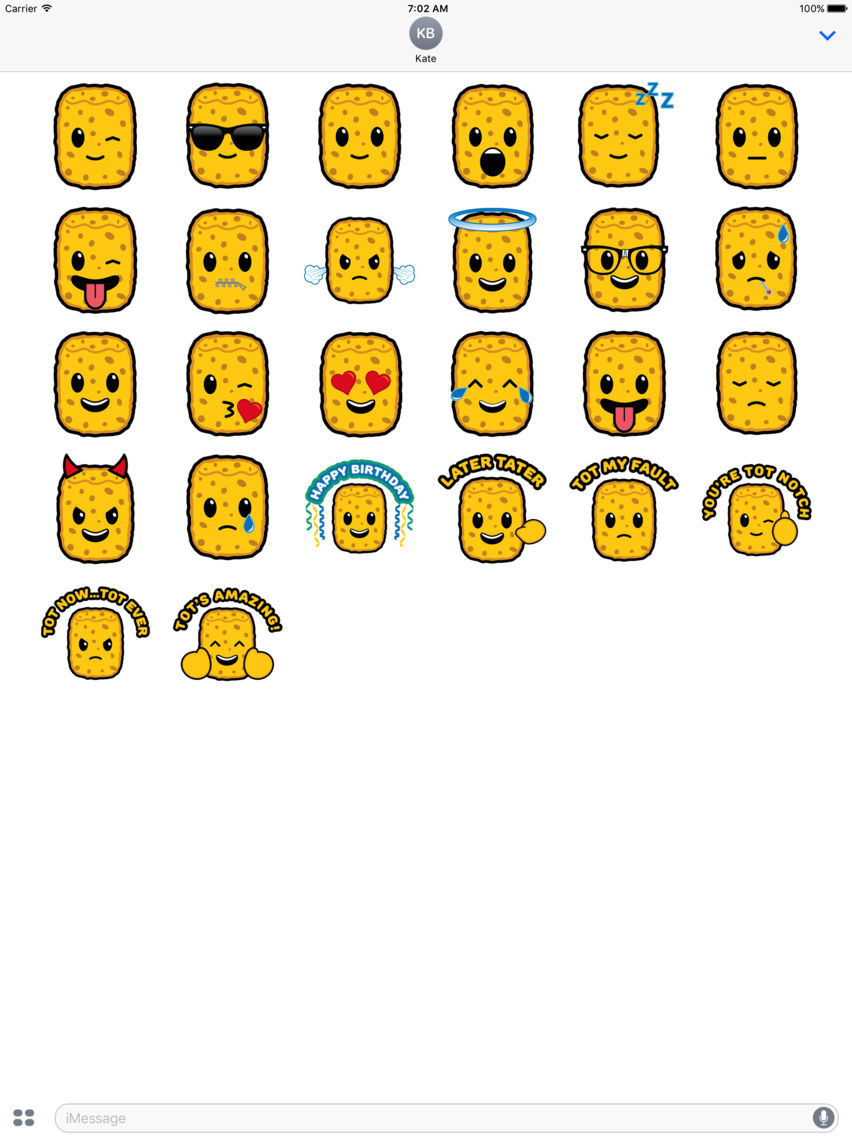
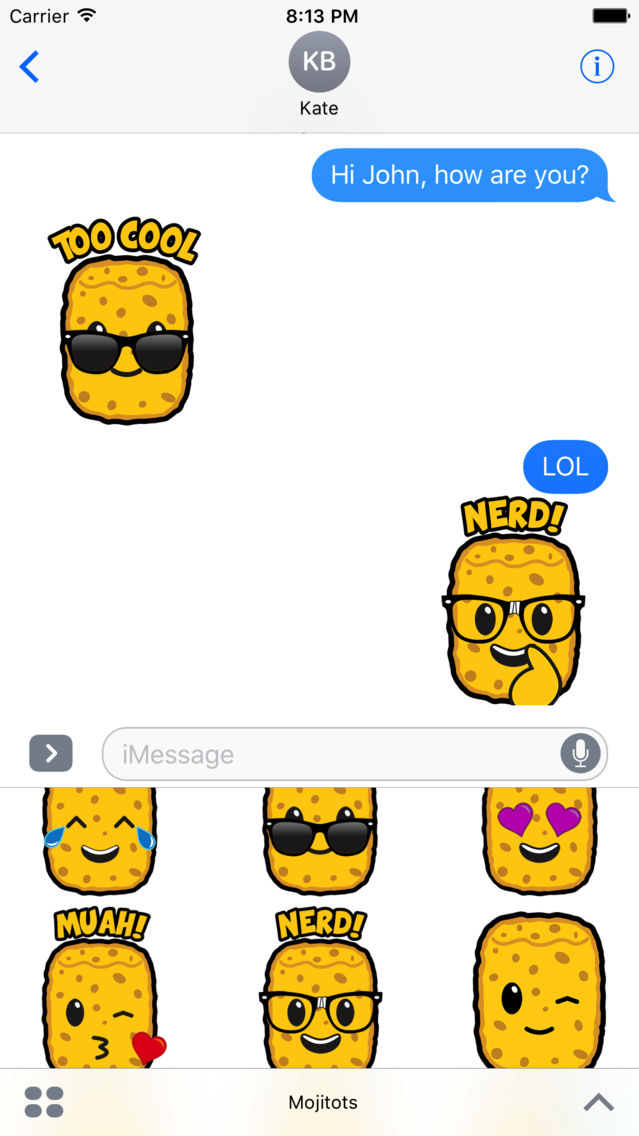
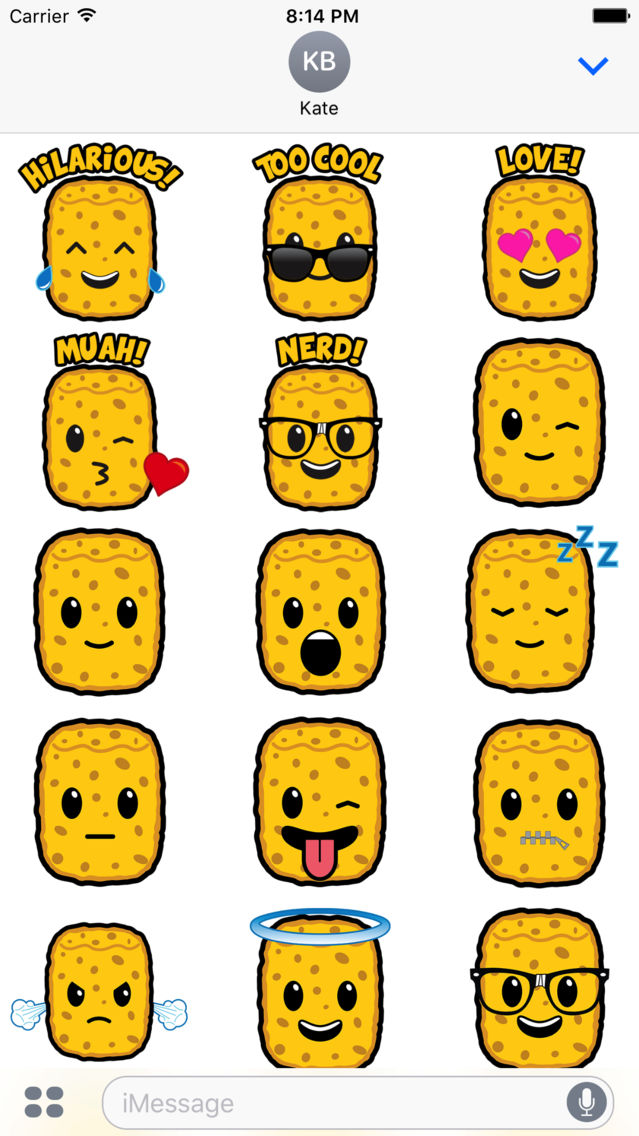
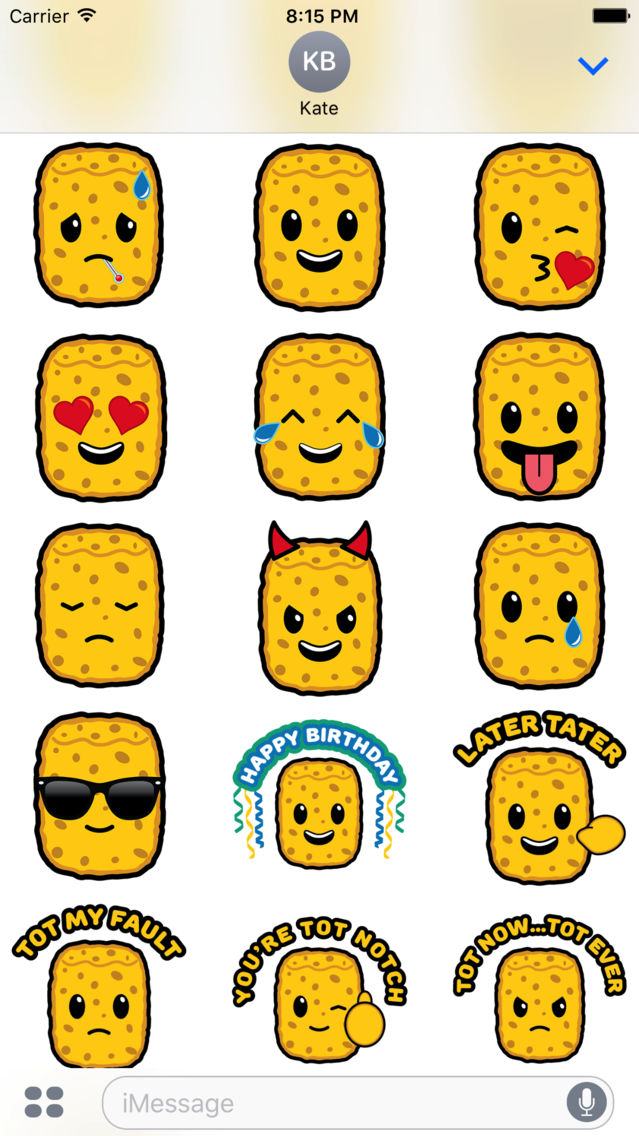
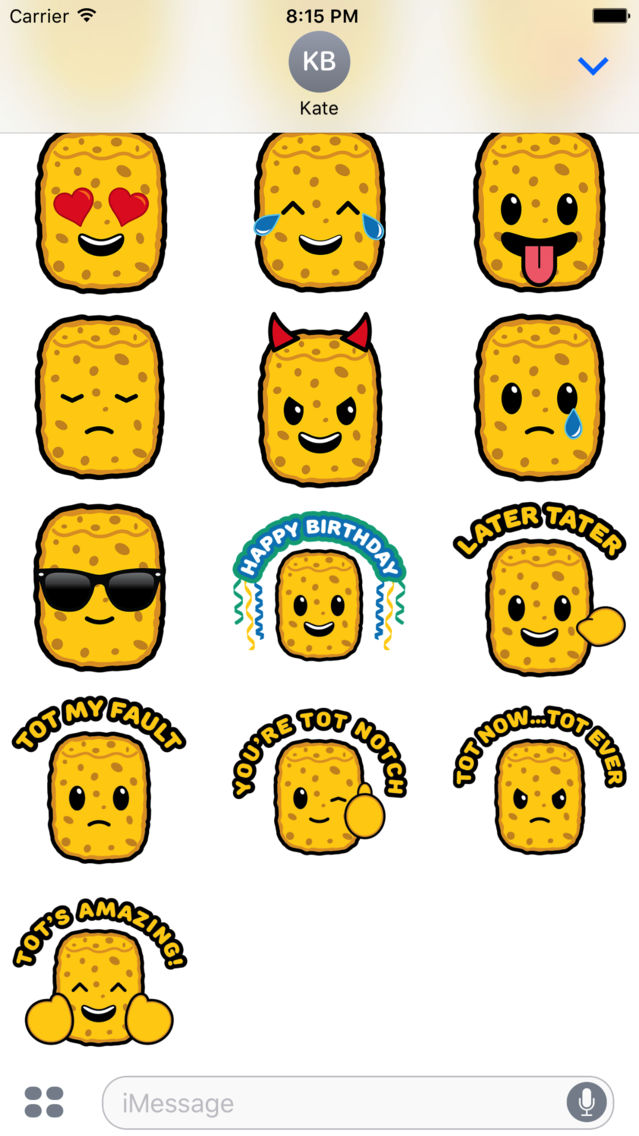
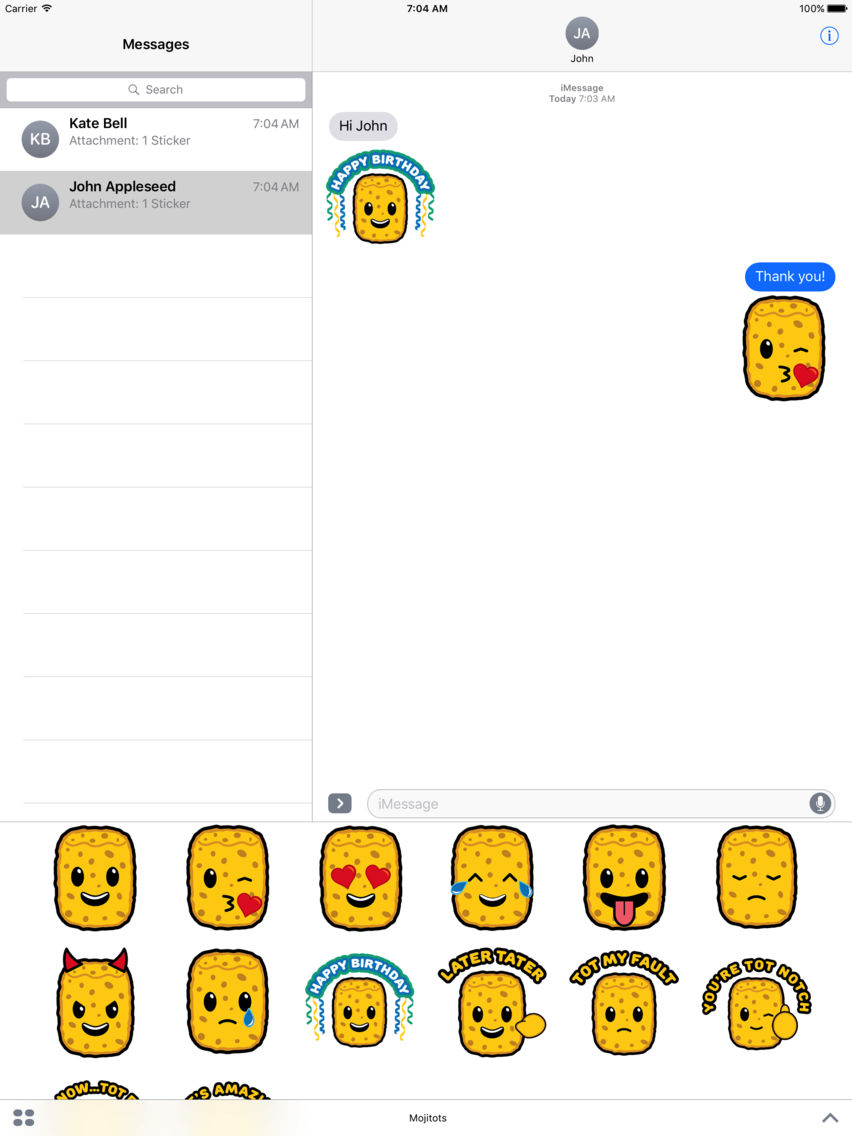
Mojitots are here! Share Mojitot stickers with your friends and family. A cute and fun way to customize your imessage conversations.
How to use iMessage stickers:
1. Launch Messages from your Home screen.
2. Tap on the Apps button. ( Looks like the App Store icon.) ...
3. Swipe to switch between different apps.
4. Tap the Expand button at the bottom right.
5. Tap on a sticker or action you want to use.
6. Tap Send (looks like an upward arrow).
7. Or hold and drag sticker into message window.

How to use iMessage stickers:
1. Launch Messages from your Home screen.
2. Tap on the Apps button. ( Looks like the App Store icon.) ...
3. Swipe to switch between different apps.
4. Tap the Expand button at the bottom right.
5. Tap on a sticker or action you want to use.
6. Tap Send (looks like an upward arrow).
7. Or hold and drag sticker into message window.
Show More
최신 버전 1.2의 새로운 기능
Last updated on Jul 14, 2017
오래된 버전
Version 1.2
- 5 NEW animated Mojitot stickers
Show More
Version History
1.2
Jul 14, 2017
Version 1.2
- 5 NEW animated Mojitot stickers
1.0
Jun 22, 2017
Mojitots FAQ
제한된 국가 또는 지역에서 Mojitots를 다운로드하는 방법을 알아보려면 여기를 클릭하십시오.
Mojitots의 최소 요구 사항을 보려면 다음 목록을 확인하십시오.
iPhone
iPad
Mojitots은 다음 언어를 지원합니다. English