Moodle Slideshow

Moodle Slideshow


Free

1.0for iPhone, iPad
Age Rating
4+
Apps in this category do not contain restricted content.
9+
Apps in this category may contain mild or occasional cartoon, fantasy or real-life violence, as well as occasional or mild adult, sexually suggestive or horrifying content and may not be suitable for children under 9 years of age.
12+
Apps in this category may contain occasional mild indecent language, frequent or intense cartoon or real-life violence, minor or occasional adult or sexually suggestive material, and simulated gambling, and may be for children under 12 years of age.
17+
You must be at least 17 years old to access this App.
Apps in this category may contain frequent and intense offensive language; Frequent and intense cartoon, fantasy or realistic violence: frequent and intense adult, scary and sexually suggestive subjects: as well as sexual content, nudity, tobacco, alcohol and drugs, may not be suitable for children under 17 years of age.
Moodle Slideshow Screenshots
Moodle Slideshow poster

About Moodle Slideshow

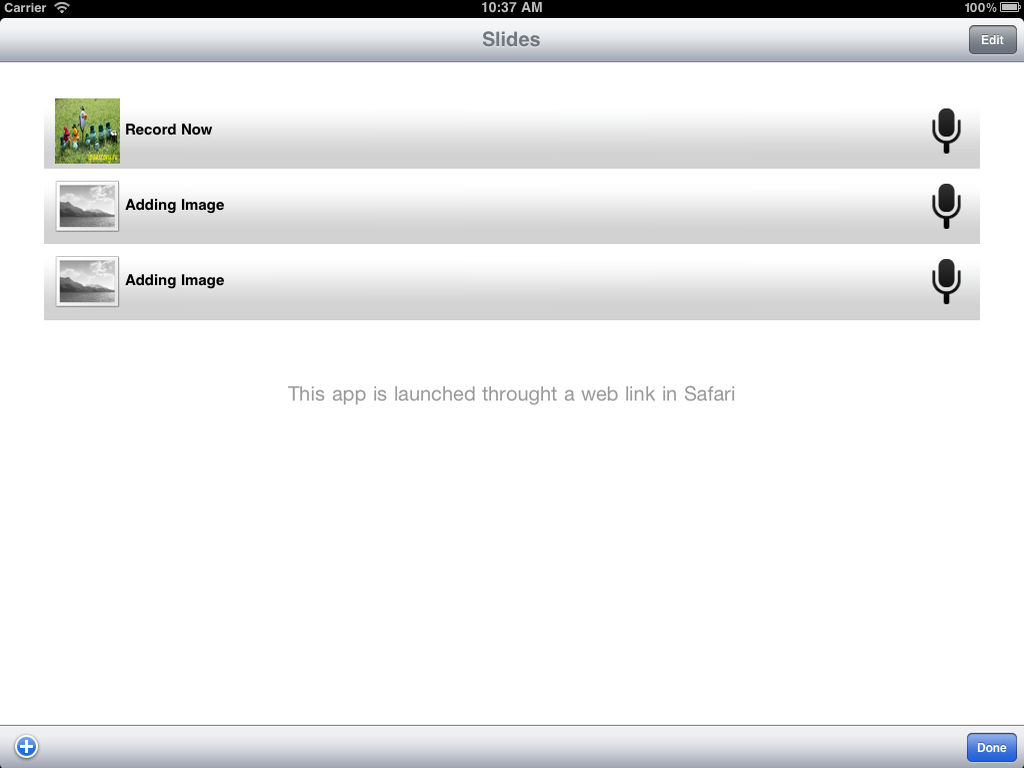
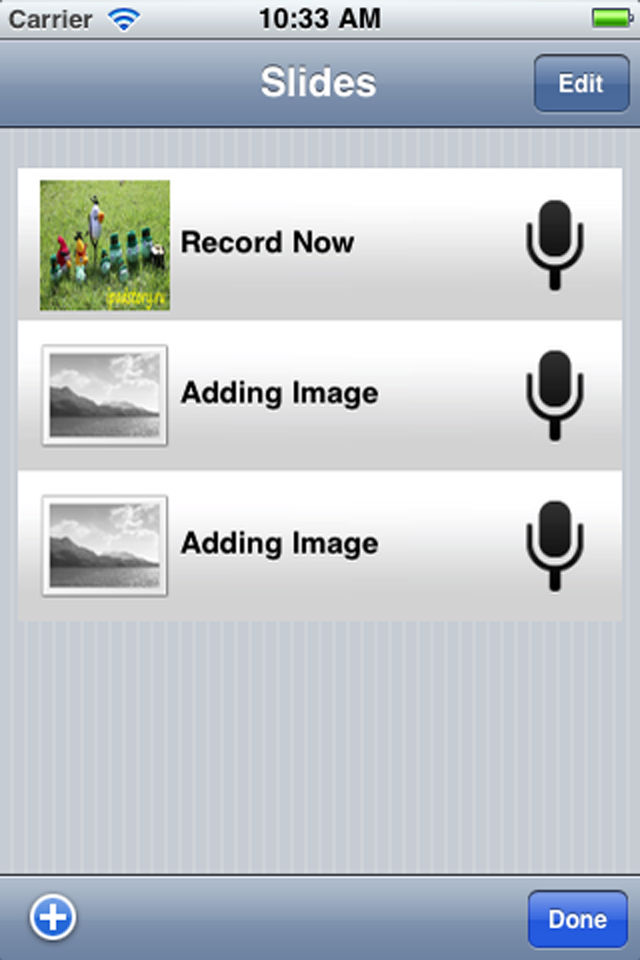
The slideshow module allows users to upload images and audio recordings from an iPhone/iPod/iPad device directly to a Moodle slideshow activity. The interface is very simple. The user simply adds the number of slides, chooses an image for each slide and then records the audio for each slide. After sending the data to Moodle, Moodle will automatically generate a html5 compatible slideshow which can be viewed from within Moodle. Moodle is a course management system which can be accessed through any web browser including iSafari. A demo of this application running together with Moodle can be found here: http://www.youtube.com/watch?v=Ox8g75FMwBw

*Please note that this app is intended to work with Moodle course management system version 1.9 (moodle.org) and the Moodle slideshow module (moodlemodules.netcourse.org).

Show More

What's New in the Latest Version 1.0

Last updated on Oct 13, 2011
Version History
1.0
Oct 13, 2011

Moodle Slideshow FAQ

Click here to learn how to download Moodle Slideshow in restricted country or region.
Check the following list to see the minimum requirements of Moodle Slideshow.
iPhone
iPad
Moodle Slideshow supports English

Moodle Slideshow Alternative

You May Also Like

Get more from NetCourse.org