M-Sign
Free
1.19.260407for iPhone, iPad
Shenzhen Smart Display Vision Software Technology Co., Ltd
Developer
Apr 7, 2026
Update Date
Utilities
Category
Age Rating
M-Sign Screenshots
About M-Sign
An amazing app for displaying ads on TV platforms.
It allows you to use your mobile phone to publish advertisement images, and place them on large TV screens with high image quality, real-time response, and stability; instant release, instant modification, and instant control of the display effect of TV advertisements.
You can also control some basic settings of the TV directly from your phone.
Simple operation and fast delivery: it only takes 30 seconds for you to complete the ad setup, and one minute to complete the display of the ad on the M-Sign digital signage.
Mobile M-Sign allows you to create and publish large-screen advertisements anytime, anywhere!
【Main Features】
+ Directly place local advertisement pictures and video advertisements: Support the placement of photos and videos on mobile phones on the large digital signage screen, so that the online advertising is no longer complicated!
These features are not only supported on this brand of digital signage terminals, but also on TVs with M-Sign TV installed:
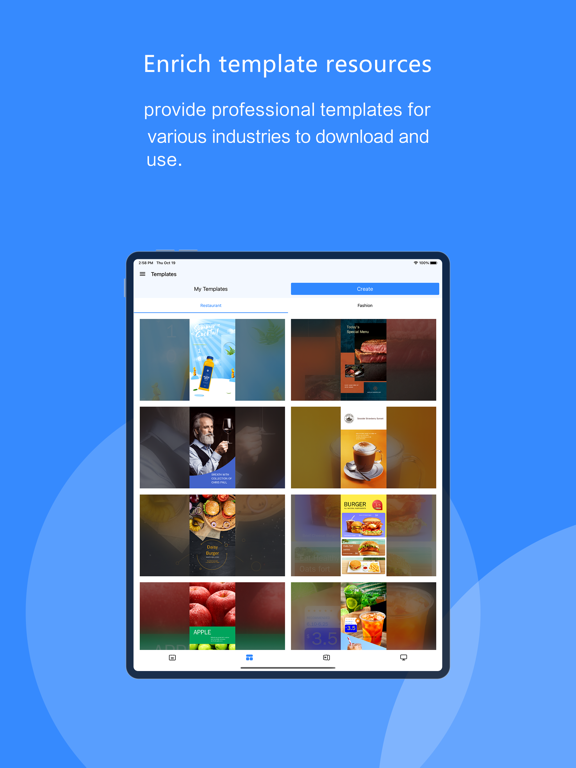
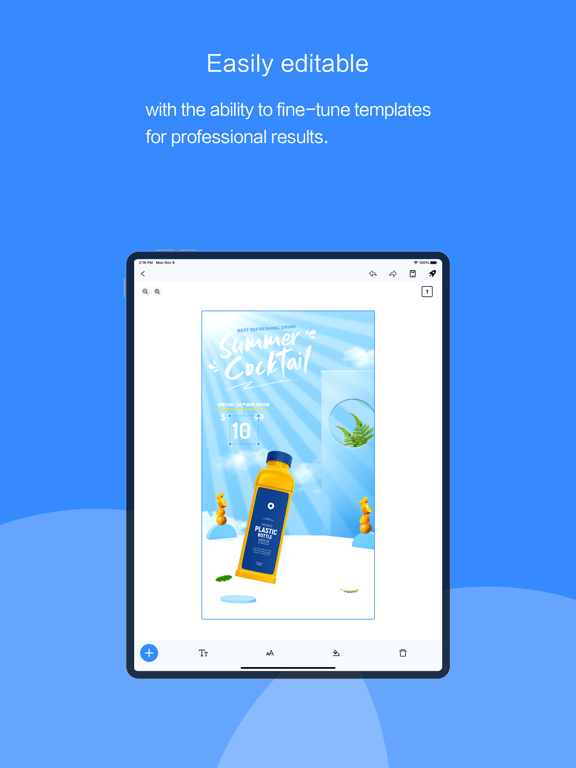
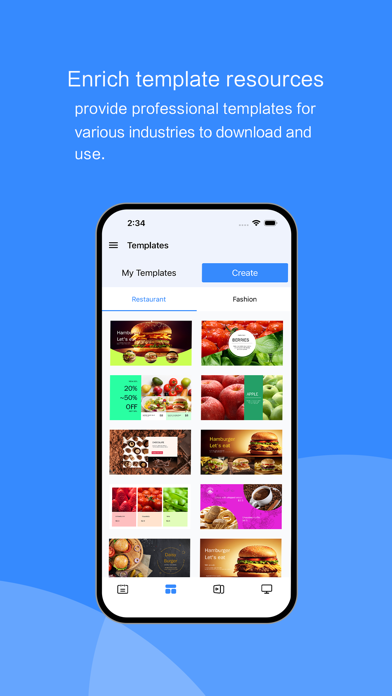
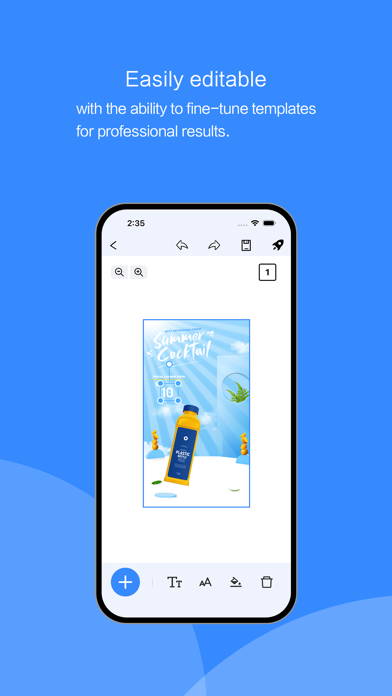
+ Use the mobile phone template function to create ads: Provide mobile creative templates, you can create beautiful advertisements with simple modifications, allowing you to feel the pleasure of advertising creation!
+ Monitor TV advertising screen: Using the device control function of a mobile phone M-Sign can not only control the brightness, volume, and other parameters of the terminal but also monitor the situation of the screen in real-time (switch status and real-time advertising page)!
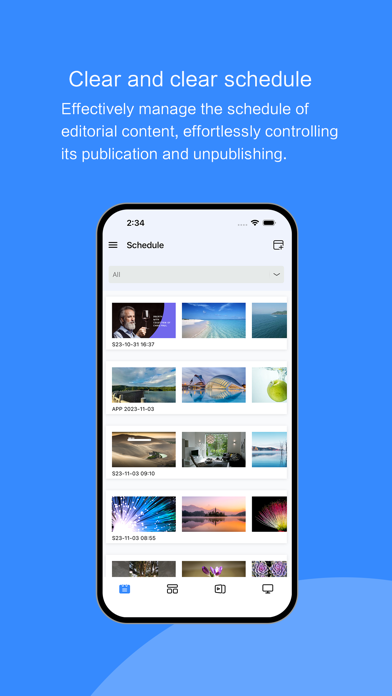
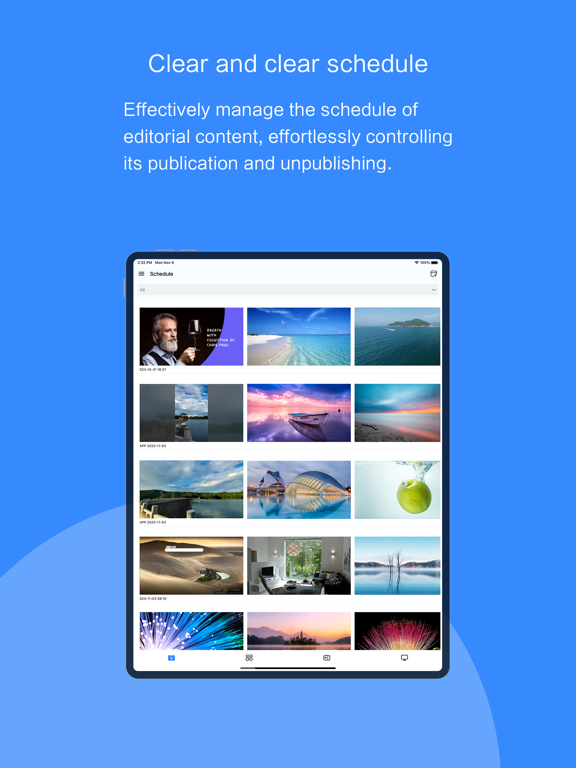
+ Setting timed advertisements: You can set a schedule for advertisements, and display advertisements on M-Sign terminals within a specified time.
【Supporting Device】
+Most smart TVs, including Nokia TV, Xiaomi TV, Amazon fire TV, Hisense TV, etc.
【Use suggestions】
+ Make sure your smart TV has M-Sign installed or use our terminal advertising machine directly.
+ Make sure you have registered our web-end background advertising account
+ It is recommended to connect the TV or advertisi

It allows you to use your mobile phone to publish advertisement images, and place them on large TV screens with high image quality, real-time response, and stability; instant release, instant modification, and instant control of the display effect of TV advertisements.
You can also control some basic settings of the TV directly from your phone.
Simple operation and fast delivery: it only takes 30 seconds for you to complete the ad setup, and one minute to complete the display of the ad on the M-Sign digital signage.
Mobile M-Sign allows you to create and publish large-screen advertisements anytime, anywhere!
【Main Features】
+ Directly place local advertisement pictures and video advertisements: Support the placement of photos and videos on mobile phones on the large digital signage screen, so that the online advertising is no longer complicated!
These features are not only supported on this brand of digital signage terminals, but also on TVs with M-Sign TV installed:
+ Use the mobile phone template function to create ads: Provide mobile creative templates, you can create beautiful advertisements with simple modifications, allowing you to feel the pleasure of advertising creation!
+ Monitor TV advertising screen: Using the device control function of a mobile phone M-Sign can not only control the brightness, volume, and other parameters of the terminal but also monitor the situation of the screen in real-time (switch status and real-time advertising page)!
+ Setting timed advertisements: You can set a schedule for advertisements, and display advertisements on M-Sign terminals within a specified time.
【Supporting Device】
+Most smart TVs, including Nokia TV, Xiaomi TV, Amazon fire TV, Hisense TV, etc.
【Use suggestions】
+ Make sure your smart TV has M-Sign installed or use our terminal advertising machine directly.
+ Make sure you have registered our web-end background advertising account
+ It is recommended to connect the TV or advertisi
Show More
What's New in the Latest Version 1.19.260407
Last updated on Apr 7, 2026
Old Versions
fixed several bugs.
Show More
Version History
1.19.260407
Apr 7, 2026
fixed several bugs.
M-Sign FAQ
Click here to learn how to download M-Sign in restricted country or region.
Check the following list to see the minimum requirements of M-Sign.
iPhone
iPad