MTF File Cloud

MTF File Cloud


Free

5.1.3for iPhone, iPad and more
MTF Swiss Cloud AG
Developer
6,6 Mo
Size
Oct 31, 2023
Update Date
Productivity
Category
Age Rating
4+
Apps in this category do not contain restricted content.
9+
Apps in this category may contain mild or occasional cartoon, fantasy or real-life violence, as well as occasional or mild adult, sexually suggestive or horrifying content and may not be suitable for children under 9 years of age.
12+
Apps in this category may contain occasional mild indecent language, frequent or intense cartoon or real-life violence, minor or occasional adult or sexually suggestive material, and simulated gambling, and may be for children under 12 years of age.
17+
You must be at least 17 years old to access this App.
Apps in this category may contain frequent and intense offensive language; Frequent and intense cartoon, fantasy or realistic violence: frequent and intense adult, scary and sexually suggestive subjects: as well as sexual content, nudity, tobacco, alcohol and drugs, may not be suitable for children under 17 years of age.
MTF File Cloud Screenshots
MTF File Cloud posterMTF File Cloud posterMTF File Cloud poster

About MTF File Cloud

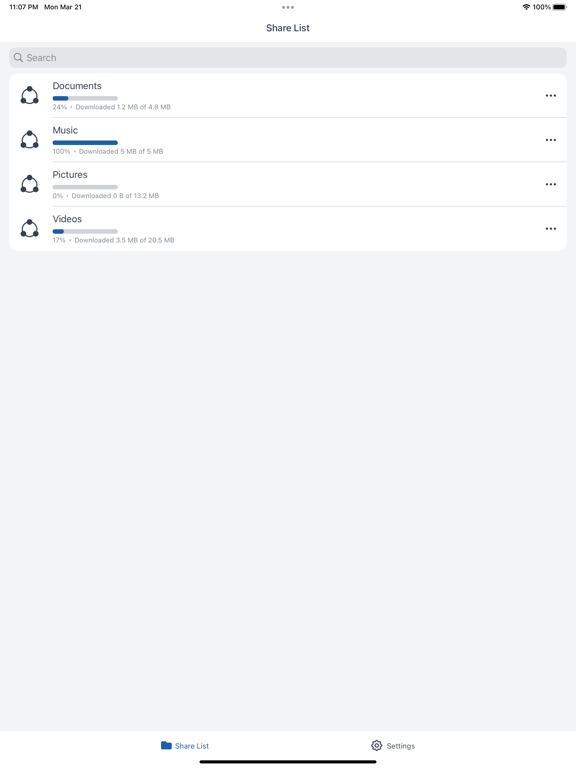
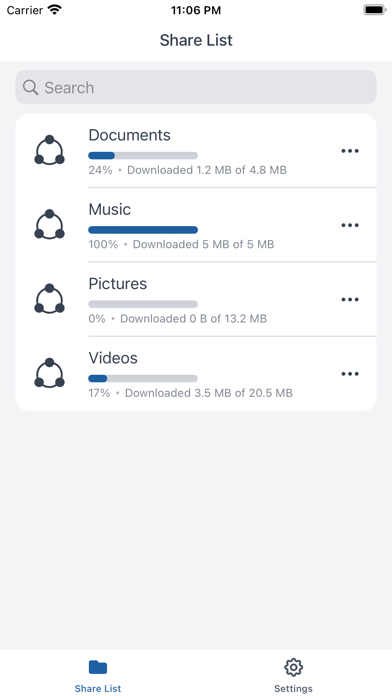
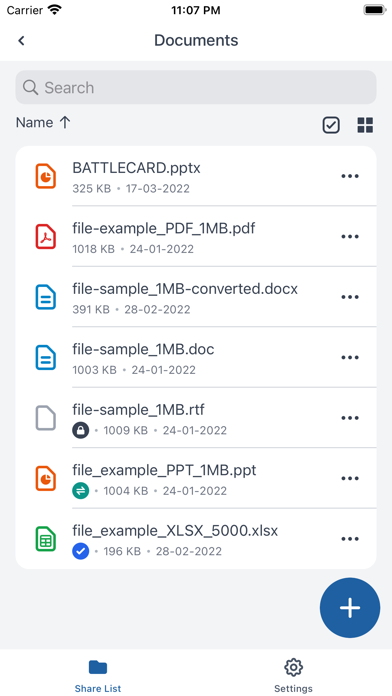
MTF File Cloud is a free app to connect your device to your corporate file share. MTF File Cloud makes it easy to access and share files with you colleagues or external partners.
You can access files from anywhere, both online or offline. View files or share them easily with others. From a corporate perspective you can easily secure files by:
- Control where files are located
- Decide which rights each user has to the files
- Easily remote wipe a device, if it is stolen or lost
- Access to on-premise files

As an user you will benefit from the following features:
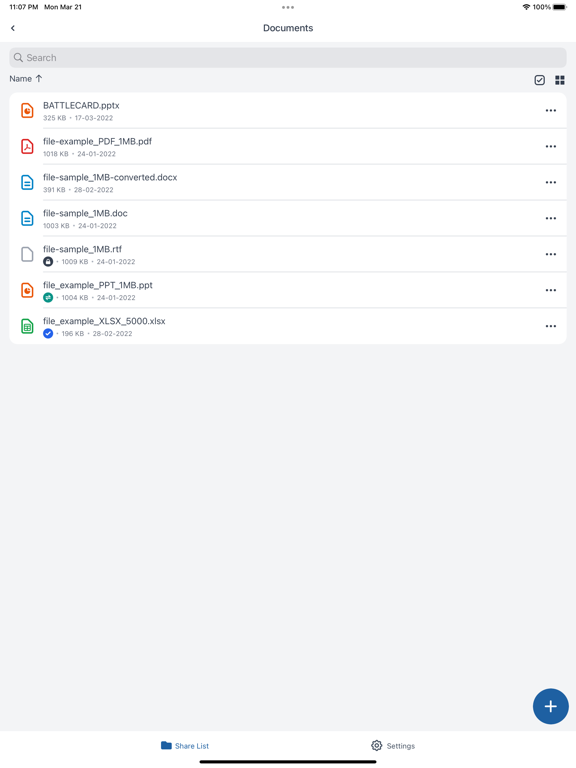
- Browse your files and folders
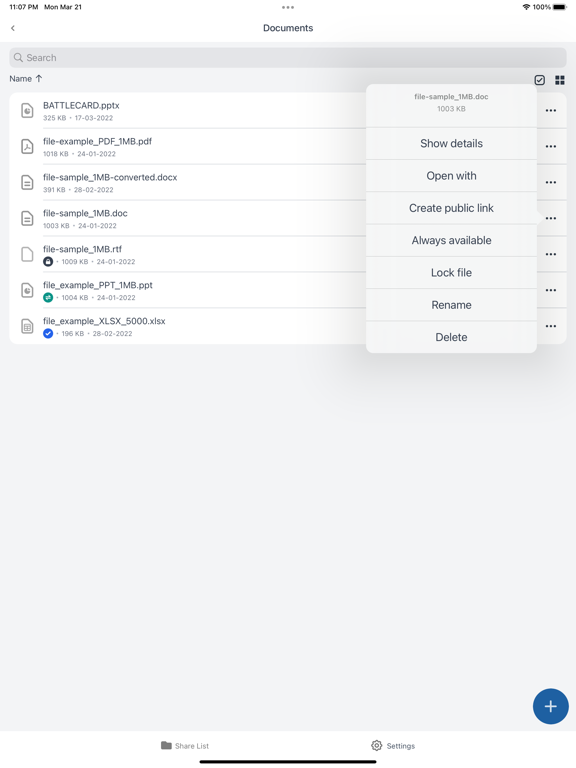
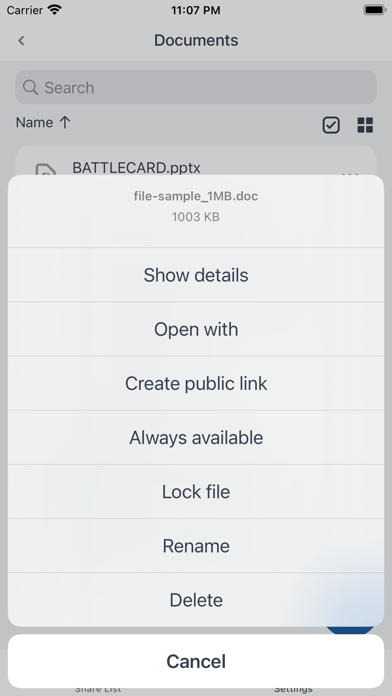
- View, open and share files directly from your device
- Decide how long a file will stay on your device
- Decide how you will open or view a file
- Get access to files from external partners in the same App
- Always be in sync with the corporate file server
- Always have access to the latest version of the file

To use MTF File Cloud you will need an account.

Show More

What's New in the Latest Version 5.1.3

Last updated on Oct 31, 2023
Old Versions
Improvements:
- iOS 17 support
- The images/videos toggles are now disabled until backup location is selected
- Images are now listed newest to oldest when selecting images to upload
- The permission popup now appears only once if limited access is enabled to the device’s gallery
- The Logout button is now disabled if there is no internet connection
Fixes:
- Backup: Automatic backup does not work
- Backup: Video files uploaded again after the same Folder destination is selected for backup after re-login
- Backup: Upload starts even before the images and videos toggles are turned on after re-login
- iPad: Client crashes when trying to share the file on iPad
- iPad: If the app is killed and internet connection is disabled during the upload process, the app can’t be started again
- When deleting a folder, its content is not marked for deletion
- Unable to remove profile picture
Show More
Version History
5.1.3
Oct 31, 2023
Improvements:
- iOS 17 support
- The images/videos toggles are now disabled until backup location is selected
- Images are now listed newest to oldest when selecting images to upload
- The permission popup now appears only once if limited access is enabled to the device’s gallery
- The Logout button is now disabled if there is no internet connection
Fixes:
- Backup: Automatic backup does not work
- Backup: Video files uploaded again after the same Folder destination is selected for backup after re-login
- Backup: Upload starts even before the images and videos toggles are turned on after re-login
- iPad: Client crashes when trying to share the file on iPad
- iPad: If the app is killed and internet connection is disabled during the upload process, the app can’t be started again
- When deleting a folder, its content is not marked for deletion
- Unable to remove profile picture

MTF File Cloud FAQ

Click here to learn how to download MTF File Cloud in restricted country or region.
Check the following list to see the minimum requirements of MTF File Cloud.
iPhone
Nécessite iOS 16.0 ou version ultérieure.
iPad
Nécessite iPadOS 16.0 ou version ultérieure.
Mac
Nécessite macOS 12.0 ou version ultérieure.
MTF File Cloud supports Deutsch, Dänisch, Englisch, Finnisch, Französisch, Griechisch, Hebräisch, Italienisch, Japanisch, Niederländisch, Norwegisch (Bokmål), Polnisch, Portugiesisch, Rumänisch, Russisch, Schwedisch, Spanisch, Thai, Tradit. Chinesisch, Tschechisch, Türkisch, Ungarisch, Vereinf. Chinesisch

MTF File Cloud Alternative

You May Also Like