---Control all MTouch regulators with your smartphone.
Through this app you can control from your smartphone all the controllers Micon Mtouch connected to the internet.
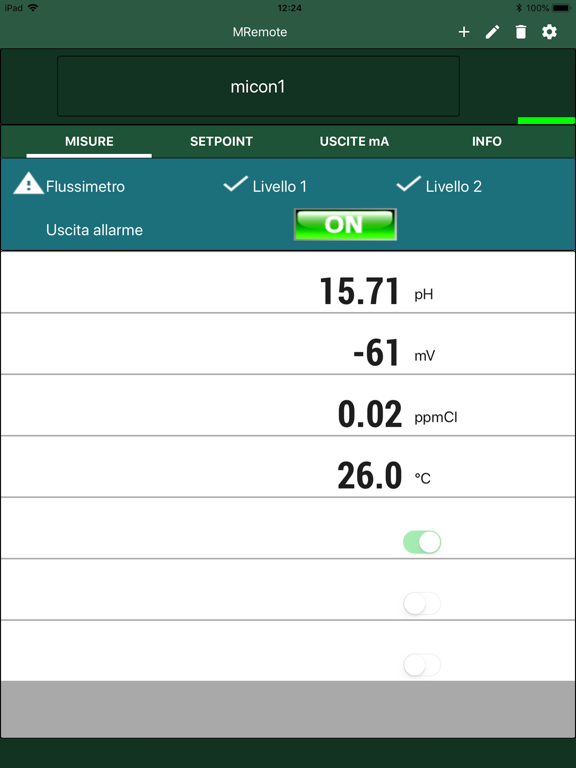
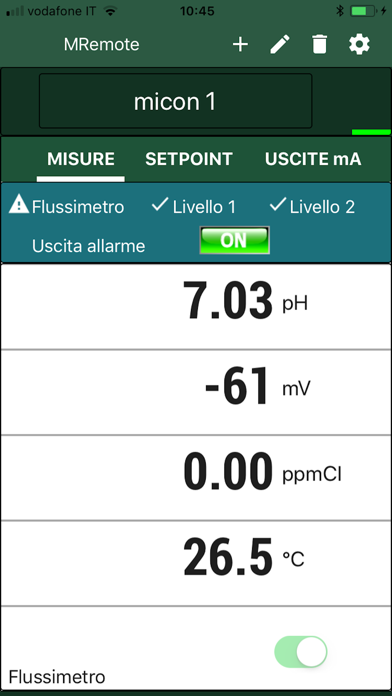
Check in real time all the measure parameters and the alarms status
Enable and disable fluximeter and level sensors input
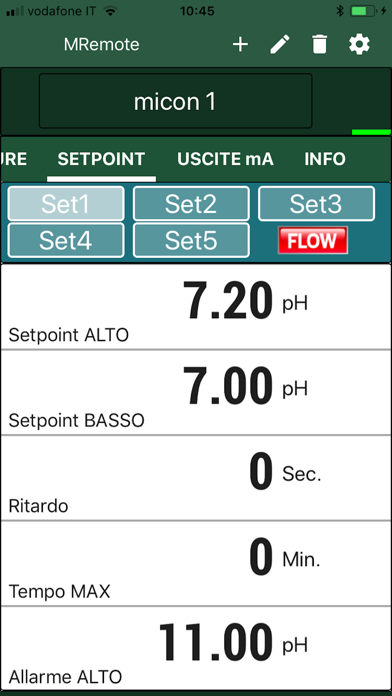
Edit the setpoint programming for all the measures
Edit the analog outputs programming
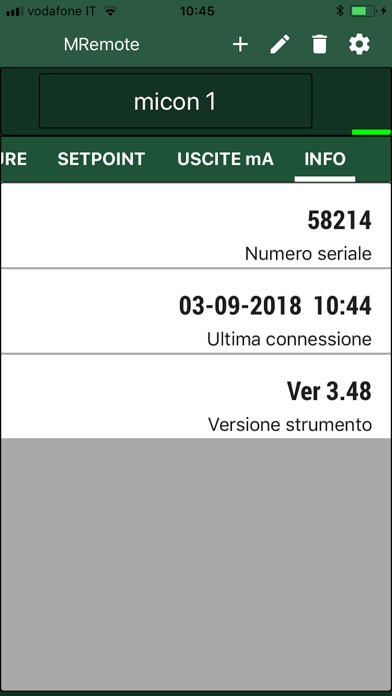
Check hardware and software info of the controller
A strip on the display indicates the ongoing operations:
Green - regulator connected
Red - regulator not connected
Yellow - regulator waiting for an answer (after an editing operation)
---Server connection and security.
All the MTouch regulators are connected to Micon server, which allows the communication with the smartphones.
Through an easy list memorized on your smartphone you can pass from a regulator to another, quickly and safely.
It is very easy to connect a regulator, you have only to add a new regulator to the menu, enter an easy nickname, enter the related serial number of the connected controller (this figure corresponds to the serial number printed on the regulator label) and finally enter a password.
On the menu it is possible to add, edit, delete controllers from the list, enable the modification of parameters in order to avoid unintentional errors while scrolling through pages.
---Notes.
To make a remote connection it is necessary that the MTouch is connected permanently to a wireless Internet network.
In the absence of a connection password, all the information related to the regulator can be visible to all users who are using this app and who connect to a valid serial number.