Mvm2Go
Free
2.1.4for iPhone, iPad and more
9.9
2 Ratings
Mvm Services Md LIc.
Developer
96.2 MB
Size
Sep 4, 2024
Update Date
Utilities
Category
4+
Age Rating
Age Rating
Mvm2Go Screenshots
About Mvm2Go
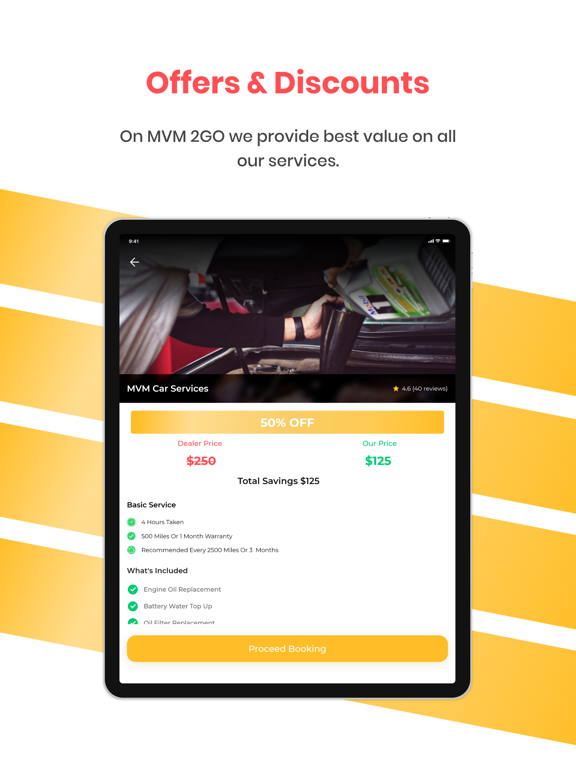
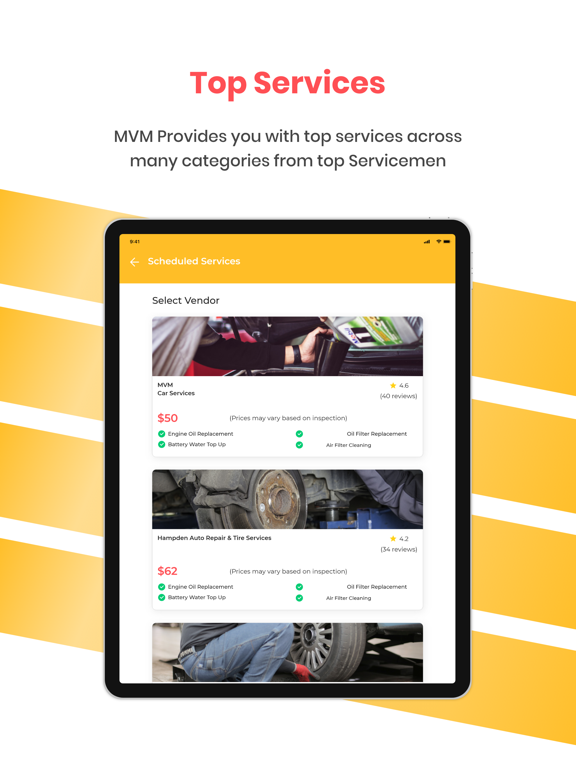
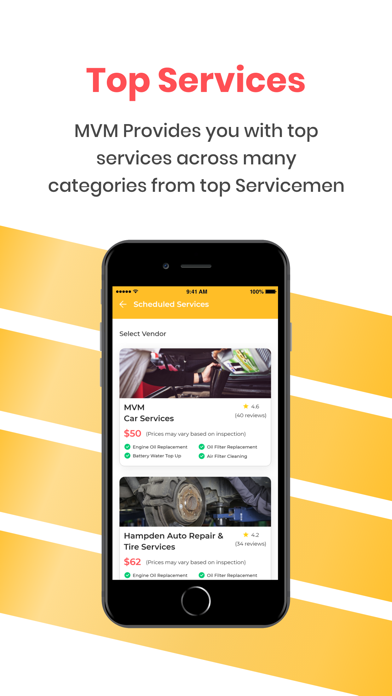
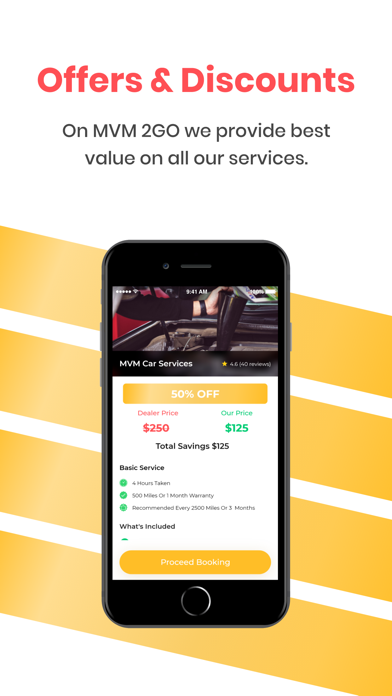
This app is for customers on the Mvm2Go platform ONLY. Customer can update profiles like email, name, phone and change password. Customer can see near by all services provided by vendors and also can change the location. He/She can see the service detail with best price. Customer can also add multiple address location like Home, work, others.

Show More
What's New in the Latest Version 2.1.4
Last updated on Sep 4, 2024
Old Versions
Minor UI updates
Show More
Version History
2.1.4
Sep 4, 2024
Minor UI updates
2.1.2
Sep 27, 2023
Minor UI changes
2.1.0
Jun 26, 2023
Minor UI changes
2.0.9
Apr 19, 2023
bug fixes
2.0.8
Apr 16, 2023
Bug fixes
2.0.7
Oct 28, 2021
- Minor UI Changes
2.0.6
Oct 20, 2021
- update privacy policy link
2.0.5
Oct 19, 2021
- Minor bug fixes
2.0.4
Sep 29, 2021
Minor bug fixes
added terms and condition and privacy policy link
2.0.3
Aug 26, 2021
Minor ui bug fixes.
2.0.2
Aug 5, 2021
- Referral link
2.0.0
Jul 18, 2021
- Add Vehicle Details Manually
- Bug fixing and Ui improvement
1.0.5
May 21, 2021
Bug fixes and improvement
1.0.3
Apr 25, 2021
Packages and force update
1.0.2
Mar 11, 2021
Help & Support : Added help and support feature if there is user have any query .
Chat : Implemented chat functionality User can do the chat corresponding to the service.
1.0.1
Feb 1, 2021
- Book Service : On click any service then customer redirect to Service booking screen. where customer can Select vehicle, coupons.
- Place Order : after selected these values then amount should be display with adding delivery charges.
- Success Screen : After Place Order customer redirect to Success screen and send notification to vendor for booking.
- Track Order : When vendor accept Booking then customer can check Order Progress via Track Order.
- Wallet : Customer can add amount in wallet using card. when New customer create with referral code then Amount added in wallet.
- Vehicle : On click vehicle tab then all vehicle listing should be display which added by customer or customer also added via using "Add new vehicle"
- Auto cancel :- If booking not accepted by vendor then after 2 hour booking automatically cancelled.
- Reschedule :- Customer can reschedule Booking as per requirement.
- Place Order : after selected these values then amount should be display with adding delivery charges.
- Success Screen : After Place Order customer redirect to Success screen and send notification to vendor for booking.
- Track Order : When vendor accept Booking then customer can check Order Progress via Track Order.
- Wallet : Customer can add amount in wallet using card. when New customer create with referral code then Amount added in wallet.
- Vehicle : On click vehicle tab then all vehicle listing should be display which added by customer or customer also added via using "Add new vehicle"
- Auto cancel :- If booking not accepted by vendor then after 2 hour booking automatically cancelled.
- Reschedule :- Customer can reschedule Booking as per requirement.
1.0
Nov 30, 2020
Mvm2Go FAQ
Click here to learn how to download Mvm2Go in restricted country or region.
Check the following list to see the minimum requirements of Mvm2Go.
iPhone
Requires iOS 12.0 or later.
iPad
Requires iPadOS 12.0 or later.
iPod touch
Requires iOS 12.0 or later.
Mvm2Go supports English