n-base Timer
Free
1.0.3for iPhone, iPad
Age Rating
n-base Timer Screenshots
About n-base Timer
●What
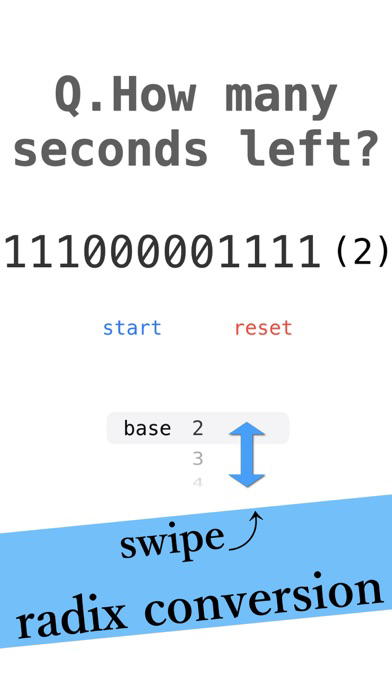
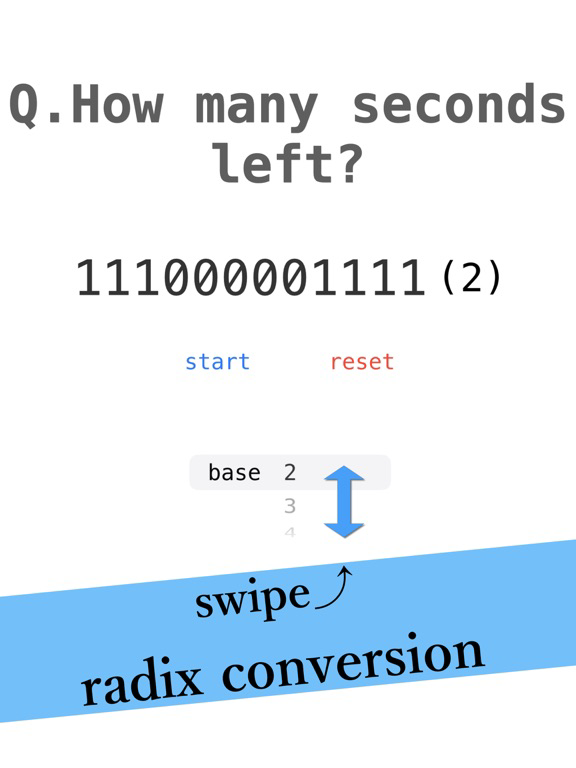
・A Timer Displays Remaining Time in n-base Notation
・It is difficult to understand the remaining time.
●Theme
・For science students
・Enjoy the decreasing remaining time
・Play with decimal numbers
・No hurry even though it is a timer.
・Simple design
●Details of functions
・Dark mode supported
・Can be set from 1~120 minutes in increments of minutes
・Binary to 36 decimal numbers are supported.
・Pressing the reset button on the timer setting screen resets the timer to the default setting (1 minute, decimal notation).
・Pressing the pause button in the middle of the countdown allows conversion to decimal numbers.
・When the remaining time reaches zero, an alarm will sound.
・Alarm stops when reset button is pressed.
・Alarm will not sound in silent mode.

・A Timer Displays Remaining Time in n-base Notation
・It is difficult to understand the remaining time.
●Theme
・For science students
・Enjoy the decreasing remaining time
・Play with decimal numbers
・No hurry even though it is a timer.
・Simple design
●Details of functions
・Dark mode supported
・Can be set from 1~120 minutes in increments of minutes
・Binary to 36 decimal numbers are supported.
・Pressing the reset button on the timer setting screen resets the timer to the default setting (1 minute, decimal notation).
・Pressing the pause button in the middle of the countdown allows conversion to decimal numbers.
・When the remaining time reaches zero, an alarm will sound.
・Alarm stops when reset button is pressed.
・Alarm will not sound in silent mode.
Show More
What's New in the Latest Version 1.0.3
Last updated on Oct 22, 2023
Old Versions
Icon changes and minor updates
Show More
Version History
1.0.3
Oct 22, 2023
Icon changes and minor updates
n-base Timer FAQ
Click here to learn how to download n-base Timer in restricted country or region.
Check the following list to see the minimum requirements of n-base Timer.
iPhone
iPad