Network Tools by KeepSolid

Network Tools by KeepSolid


Free

2.0for iPhone, iPad
Age Rating
4+
Apps in this category do not contain restricted content.
9+
Apps in this category may contain mild or occasional cartoon, fantasy or real-life violence, as well as occasional or mild adult, sexually suggestive or horrifying content and may not be suitable for children under 9 years of age.
12+
Apps in this category may contain occasional mild indecent language, frequent or intense cartoon or real-life violence, minor or occasional adult or sexually suggestive material, and simulated gambling, and may be for children under 12 years of age.
17+
You must be at least 17 years old to access this App.
Apps in this category may contain frequent and intense offensive language; Frequent and intense cartoon, fantasy or realistic violence: frequent and intense adult, scary and sexually suggestive subjects: as well as sexual content, nudity, tobacco, alcohol and drugs, may not be suitable for children under 17 years of age.
Network Tools by KeepSolid Screenshots
Network Tools by KeepSolid posterNetwork Tools by KeepSolid posterNetwork Tools by KeepSolid posterNetwork Tools by KeepSolid posterNetwork Tools by KeepSolid poster

About Network Tools by KeepSolid

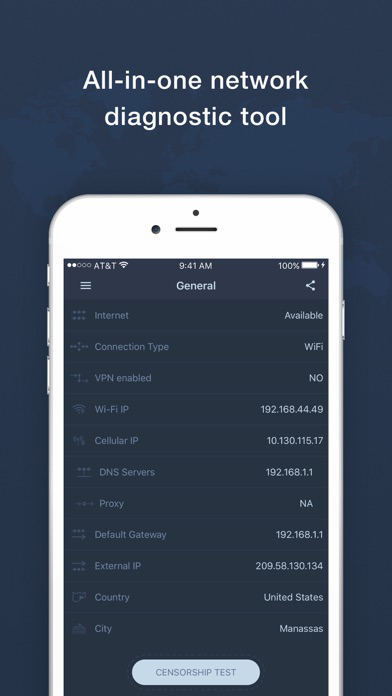
Network Tools by KeepSolid – a smart solution for fast and accurate network analysis and server availability check.

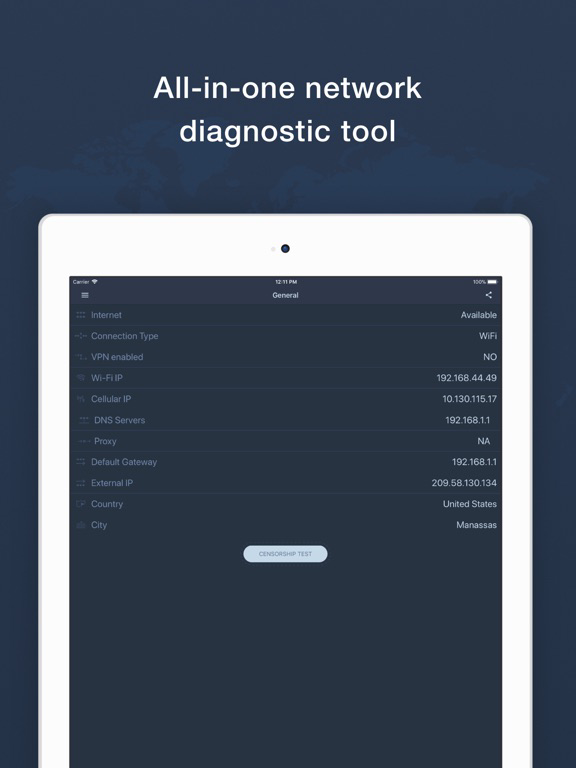
If you need to check your network settings, test server availability, or scan WiFi networks for neighbor devices, Network Tools has been developed right for you! Our professional app is equipped with a wide range of tools like ping, traceroute, DNS resolve, simple TCP client, routes, and interfaces list. Network Tools by KeepSolid allows you to identify problems before they become a serious issue.

We have developed the easiest and the most intuitive interface possible. It will help you to instantly perform any possible type of test or check.

The variety of expert analysis tools includes:

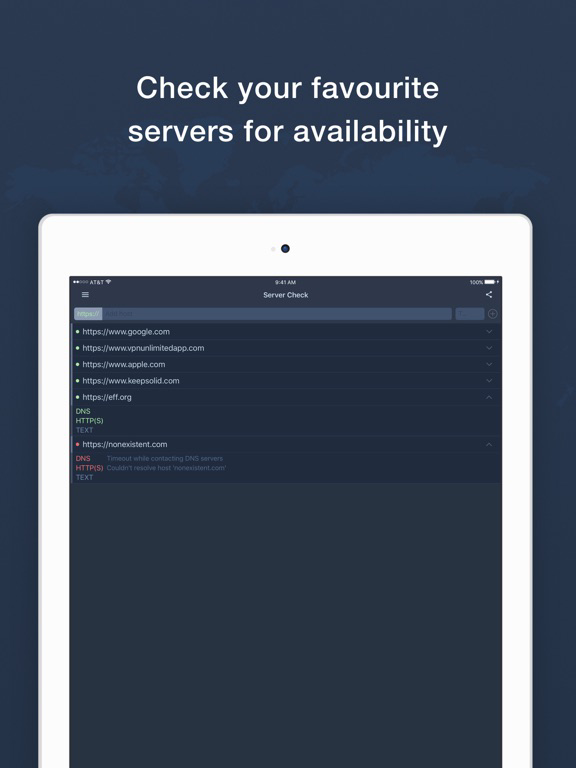
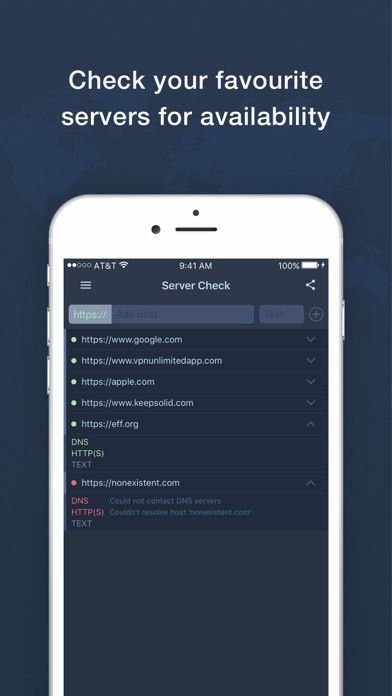
Server Check
- Add any custom domain for HTTP(S) availability check
- Gives additional information on whether domain name can't be resolved or does not answer via HTTP protocol
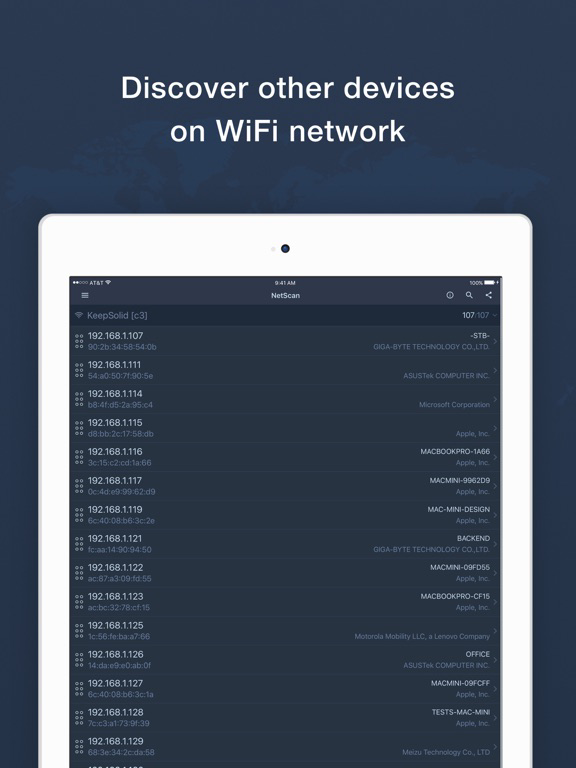
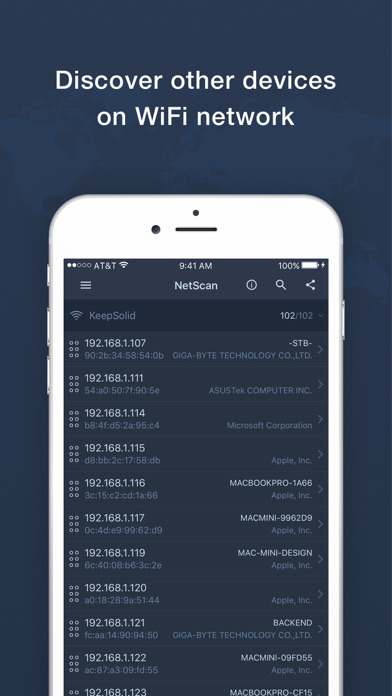
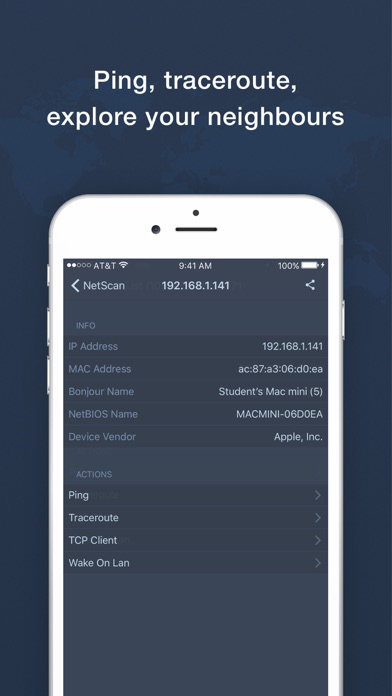
WiFi Devices List
- Shows a list of all WiFi neighbor devices with their respective IP and MAC addresses
- Shows NetBIOS/Bonjour names of devices
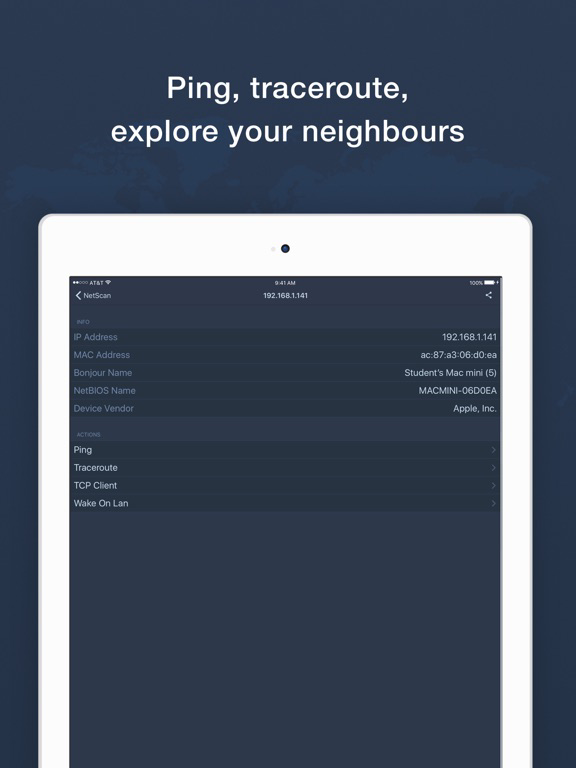
- Allows ping/traceroute of the found devices to check connectivity

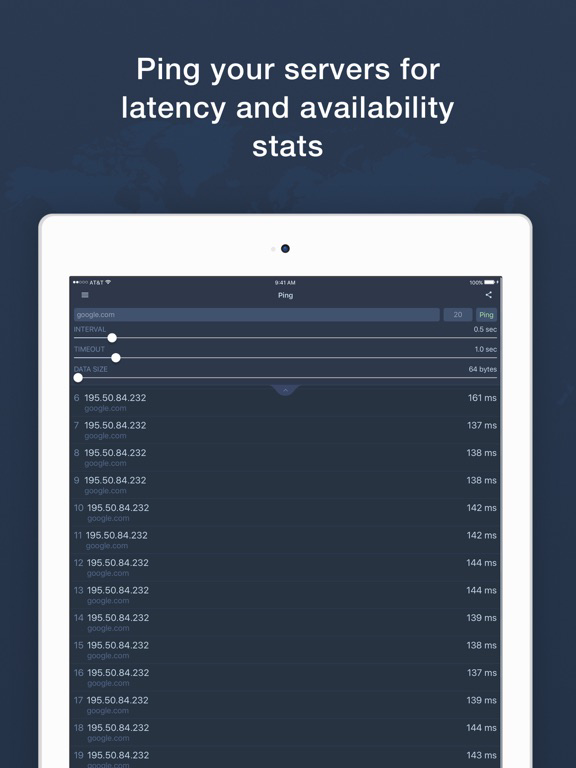
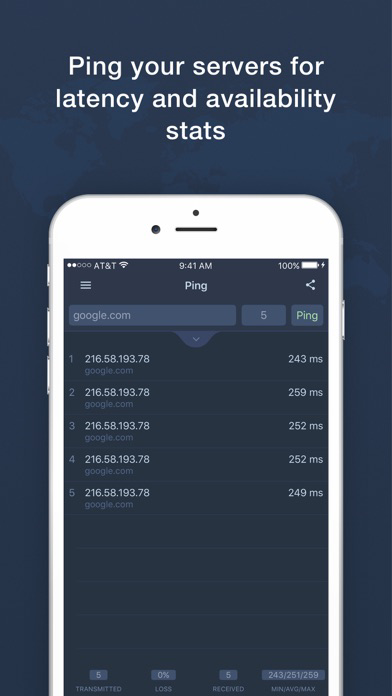
Ping
- Allows you to detect a packet loss and network problems
- Configurable timeout, delay, packet size, packet count

Traceroute
- Shows the full route from your device to the destination server
- Gives you all the stats on intermediate network hops

DNS Resolve
- You can use system configured DNS servers or choose from the list of pre-defined ones
- Fast and accurate data with copiable results
- Supports both IPv4 (A) and IPv6 (AAAA) field types
- Additional advanced field type responses are provided: MX, NS, SOA, SRV, TXT

TCP Client
- Connect to any plain-text that supports a TCP server
- Supports HTTP, SMTP, POP3, Telnet protocols
- Good for students researching network protocols

Network Routes
- Shows system routes on your device
- Similar to "route" utility from your Mac, especially useful for developers

Network Interfaces
- Shows all system network interfaces along with associated addresses
- Similar to "ifconfig" utility from your Mac.

Show More

What's New in the Latest Version 2.0

Last updated on Feb 27, 2018
Old Versions
This update from Apple will improve the functionality of this app. No new features are included.

Meet the latest update of our network scanning utility! Today, we introduce you a number of exciting improvements and new features to get your network analytics to a whole new level. The new version includes:
- New option for scanning services of the selected device
- Support for iOS 11
- Support for iPhone X
- Overall UI/UX improvements
- Bug fixes
Show More
Version History
2.0
Feb 27, 2018
This update from Apple will improve the functionality of this app. No new features are included.

Meet the latest update of our network scanning utility! Today, we introduce you a number of exciting improvements and new features to get your network analytics to a whole new level. The new version includes:
- New option for scanning services of the selected device
- Support for iOS 11
- Support for iPhone X
- Overall UI/UX improvements
- Bug fixes

Network Tools by KeepSolid FAQ

Click here to learn how to download Network Tools by KeepSolid in restricted country or region.
Check the following list to see the minimum requirements of Network Tools by KeepSolid.
iPhone
iPad

Network Tools by KeepSolid Alternative

You May Also Like

Get more from KeepSolid Inc.