Nextcloud Deck
Free
0.18.1for iPhone, iPad and more
6.3
35 Ratings
Cyrille Bollu
Developer
30.5 MB
Size
Jun 22, 2024
Update Date
Productivity
Category
4+
Age Rating
Age Rating
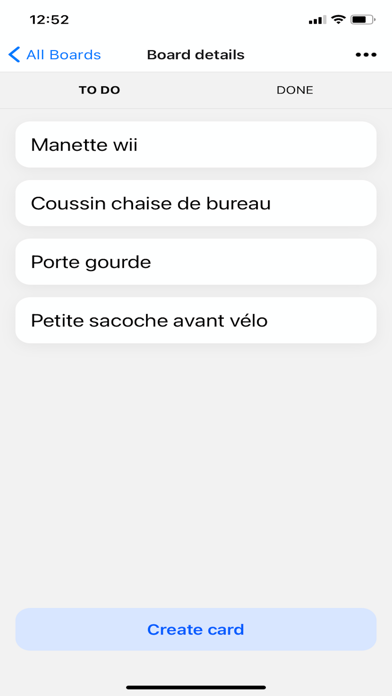
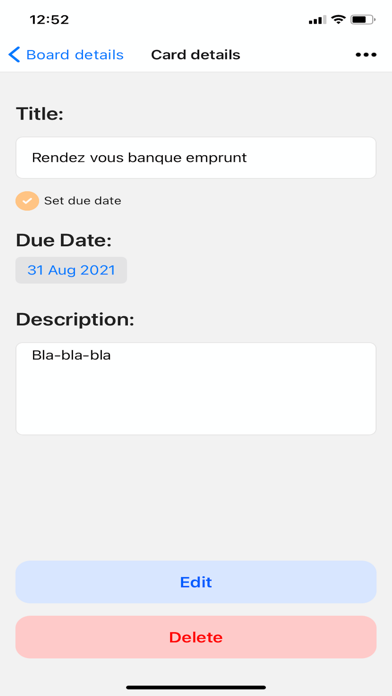
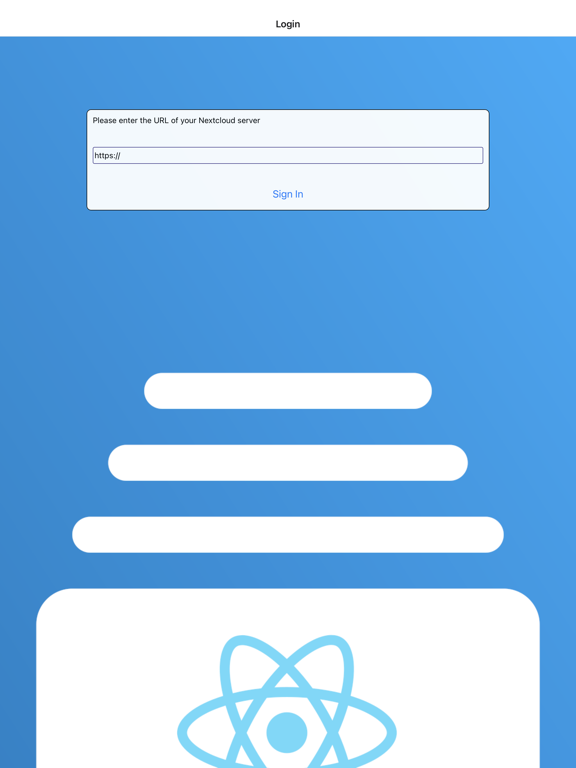
Nextcloud Deck Screenshots
About Nextcloud Deck
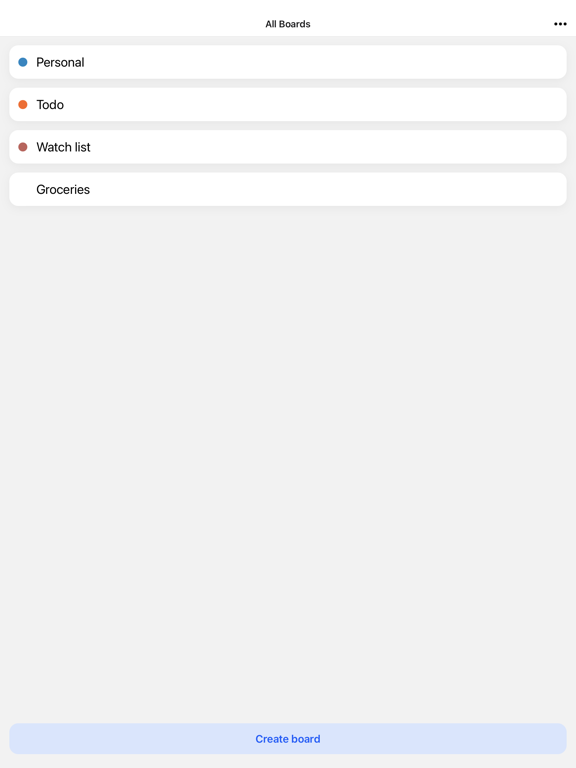
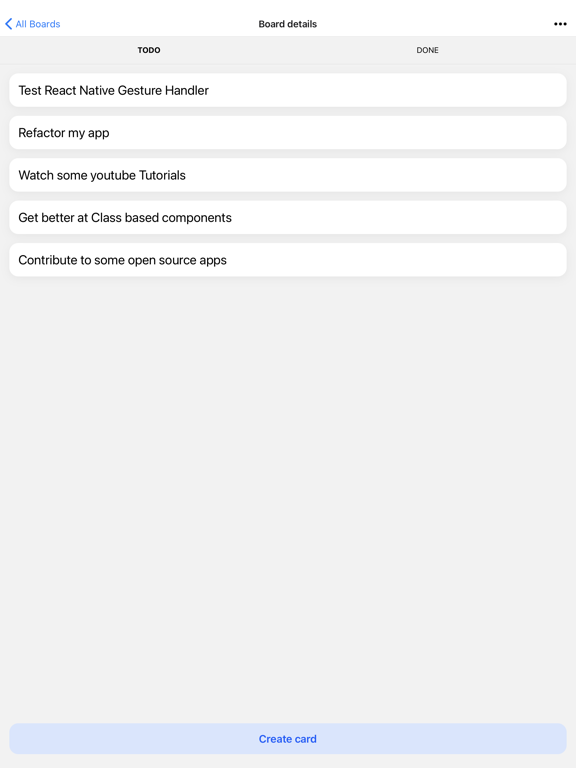
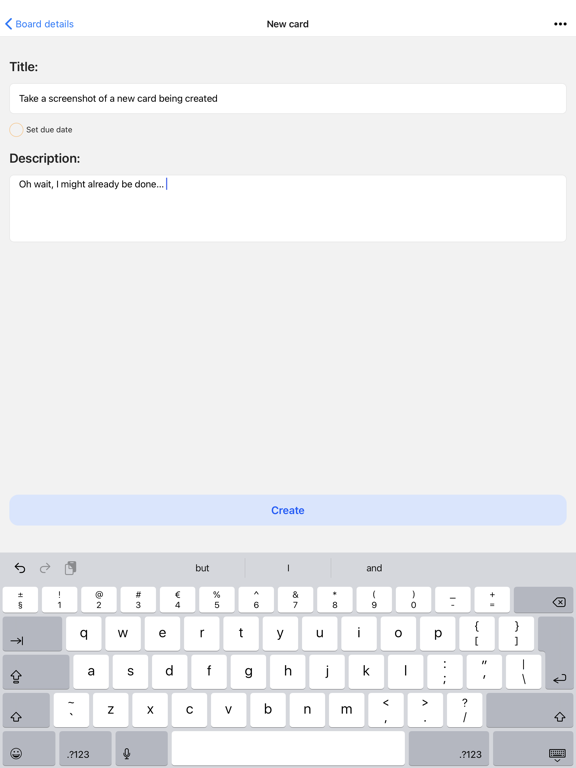
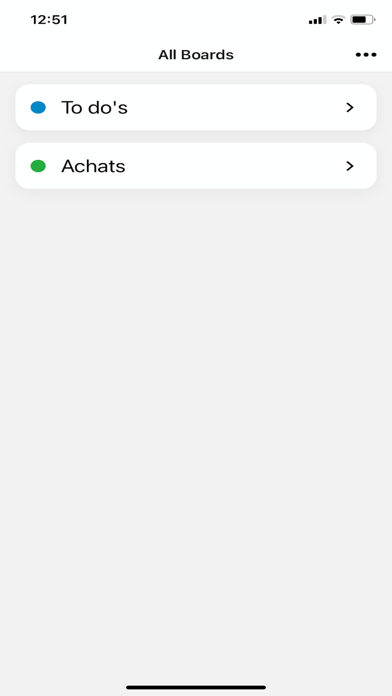
Connect to your Nextcloud instance and manage your desk tasks from your iOS
Usage of this app is subject to Apple 'standard end user license agreement: https://www.apple.com/legal/internet-services/itunes/dev/stdeula/
Show More
What's New in the Latest Version 0.18.1
Last updated on Jun 22, 2024
Old Versions
Fixes a bug where card description is not readable in dark mode
Show More
Version History
0.18.1
Jun 22, 2024
Fixes a bug where card description is not readable in dark mode
0.18
Jun 10, 2024
- Upgrade to EXPO SDK 50
- Improved swedish translation
- Changed markdown editor to be able to handle task list
- bugfix: do not crop when adding images as attachment
- bugfix: properly handle login names with spaces in them
- various dependencies updates
- Improved swedish translation
- Changed markdown editor to be able to handle task list
- bugfix: do not crop when adding images as attachment
- bugfix: properly handle login names with spaces in them
- various dependencies updates
0.17.7
Dec 19, 2023
Fix display ads and request consent
0.17.5
Dec 3, 2023
bugfix: subscription status not shown properly in Settings page
0.17.4
Nov 17, 2023
- updated app's website URL
- updated app's privacy policy URL
- subscription status in app 'settings view
- updated app's privacy policy URL
- subscription status in app 'settings view
0.17.3
Nov 15, 2023
- New nicer FloatingAction button to create boards and cards
- Ads. Ads are optionals at the moment, but you can support Nextcloud Deck's development by allowing them or buying a subscription
0.17
Nov 13, 2023
Preparing for subscription model
0.16.2
Oct 27, 2023
Updated to Expo SDK 49
0.16.1
Aug 16, 2023
Dependencies update
0.16
Jun 13, 2023
Upgraded Expo SDK to version 48
0.15.2
May 11, 2023
- Fixes a bug that prevents card edition
- Improved Italian translation
0.15.1
Apr 13, 2023
2 bugfixes
0.15
Feb 5, 2023
- Allows adding attachments from the gallery or the camera
- Send card by mail
- Fix a bug where the application crash upon checking a user permission on a board
- Send card by mail
- Fix a bug where the application crash upon checking a user permission on a board
0.14
Jan 9, 2023
Upgraded to Expo SDK 47
0.13
Dec 12, 2022
- feature: make icons and buttons disabled depending on user right
- bugfix: fix card description text is not readable in dark mode
- bugfix: fix displayed theme is not correct in appMenu
- bugfix: fix background of several object should be transparent
- security fix: fix xmldom less than 0.7.7
- bugfix: fix card description text is not readable in dark mode
- bugfix: fix displayed theme is not correct in appMenu
- bugfix: fix background of several object should be transparent
- security fix: fix xmldom less than 0.7.7
0.12.2
Nov 3, 2022
new functionalities and improvement:
- you can now edit comments
- the add/edit comment modal is now themable
bugfixes:
- cannot display attachments with spaces in their name
- attachment creation date is wrong
- you can now edit comments
- the add/edit comment modal is now themable
bugfixes:
- cannot display attachments with spaces in their name
- attachment creation date is wrong
0.12.1
Nov 2, 2022
- Adds action icons to manage attachments and comments (some don't work yet)
- Adds the delete attachment functionality
- fixes an issue to display attachments
- Adds the delete attachment functionality
- fixes an issue to display attachments
0.12.0
Oct 25, 2022
Features:
1- Add attachments to cards
2- View card's attachments
3- Card description now supports markdown format (in read mode)
Bugfixes:
1- fix to https://github.com/StCyr/deck-react-native/issues/17 (duplicate labels/assignees)
Others:
1- Bumped to expo SDK 46
2- Refactored the cardDetails view
1- Add attachments to cards
2- View card's attachments
3- Card description now supports markdown format (in read mode)
Bugfixes:
1- fix to https://github.com/StCyr/deck-react-native/issues/17 (duplicate labels/assignees)
Others:
1- Bumped to expo SDK 46
2- Refactored the cardDetails view
0.11.0
Aug 1, 2022
- view/add card's comments
- cards' attachments are shown
- possibility to set a fixed colorscheme theme (ie: dark/light/OS-defined) from the app's main menu
- cards' due dates are now relative (eg: in 5 days)
- cards' attachments are shown
- possibility to set a fixed colorscheme theme (ie: dark/light/OS-defined) from the app's main menu
- cards' due dates are now relative (eg: in 5 days)
0.10.0
Jun 19, 2022
features:
- show card comments in card details
bug fixes:
- fixes renaming card doesn't work
Technical:
-Migration to expo SDK 45
-Migration to EAS build
- show card comments in card details
bug fixes:
- fixes renaming card doesn't work
Technical:
-Migration to expo SDK 45
-Migration to EAS build
0.9.4
Mar 31, 2022
- bug fix: cards cannot be updated because of no assignee
- security fixes
- security fixes
0.9.2
Mar 15, 2022
- Italian translation
- Security updates
- Security updates
0.9.1
Feb 4, 2022
- Functionality: you can now view/change card assignees
- Functionality: It's now possible to rename a stack by long-pressing it
- Improvement: Show cards' due date in boardDetails screen
- Performance improvement: do not reload board after moving a card
- Platform enhancement: upgrade to expo 44
- various bugfixes
- Functionality: It's now possible to rename a stack by long-pressing it
- Improvement: Show cards' due date in boardDetails screen
- Performance improvement: do not reload board after moving a card
- Platform enhancement: upgrade to expo 44
- various bugfixes
0.8.1
Jan 17, 2022
- You now creates card directly from the "board details" screen by just entering its title; It's only when you want to add more information to the card that you'll need to open the card's details page
- Renaming a card also occurs directly from the "board details" screen, via a long press on it
- Nextcloud deck now handles card labels: you can view them in the board details page and manage them via the card details page
- Card assignees can be viewed (managing them will come in the next version)
- Updated German translation
- Fixes a perfomance issue where a card's details was unnecessarily fetched from the server at every card details page opening
- Some minor bugfixes
- Renaming a card also occurs directly from the "board details" screen, via a long press on it
- Nextcloud deck now handles card labels: you can view them in the board details page and manage them via the card details page
- Card assignees can be viewed (managing them will come in the next version)
- Updated German translation
- Fixes a perfomance issue where a card's details was unnecessarily fetched from the server at every card details page opening
- Some minor bugfixes
0.7.5
Dec 9, 2021
1- Title of the boardDetails screen now shows the board's title rather than the generic 'board' string
2- Add a stack context menu (on longPress on a stak) with the "add stack" and "delete stack" actions
3- Creating card can now happen from the boardDetails page by just providing the card's title; No need to go to the card's details page if you want to create a card with just a title
4- Cards are now sorted by order, as on the server
5- Errors are now shown on the UI with toast notifications
6- Card labels are now displayed in the boardDetails screen
7- Ellipses long card titles so they don't overflow
8- Do not display deleted boards
9- bugfix: When refreshing a board, do not navigate to last saved stack
10- bugfix: When editing a card's title from the cardDetails screen, the card's title is now directly changed on the boardDetails screen

2- Add a stack context menu (on longPress on a stak) with the "add stack" and "delete stack" actions
3- Creating card can now happen from the boardDetails page by just providing the card's title; No need to go to the card's details page if you want to create a card with just a title
4- Cards are now sorted by order, as on the server
5- Errors are now shown on the UI with toast notifications
6- Card labels are now displayed in the boardDetails screen
7- Ellipses long card titles so they don't overflow
8- Do not display deleted boards
9- bugfix: When refreshing a board, do not navigate to last saved stack
10- bugfix: When editing a card's title from the cardDetails screen, the card's title is now directly changed on the boardDetails screen
Nextcloud Deck FAQ
Click here to learn how to download Nextcloud Deck in restricted country or region.
Check the following list to see the minimum requirements of Nextcloud Deck.
iPhone
Requires iOS 13.4 or later.
iPad
Requires iPadOS 13.4 or later.
iPod touch
Requires iOS 13.4 or later.
Nextcloud Deck supports English