Age Rating
4+
Apps in this category do not contain restricted content.
9+
Apps in this category may contain mild or occasional cartoon, fantasy or real-life violence, as well as occasional or mild adult, sexually suggestive or horrifying content and may not be suitable for children under 9 years of age.
12+
Apps in this category may contain occasional mild indecent language, frequent or intense cartoon or real-life violence, minor or occasional adult or sexually suggestive material, and simulated gambling, and may be for children under 12 years of age.
17+
You must be at least 17 years old to access this App.
Apps in this category may contain frequent and intense offensive language; Frequent and intense cartoon, fantasy or realistic violence: frequent and intense adult, scary and sexually suggestive subjects: as well as sexual content, nudity, tobacco, alcohol and drugs, may not be suitable for children under 17 years of age.
NimbleWork Screenshots
NimbleWork posterNimbleWork posterNimbleWork posterNimbleWork posterNimbleWork posterNimbleWork posterNimbleWork posterNimbleWork poster

About NimbleWork

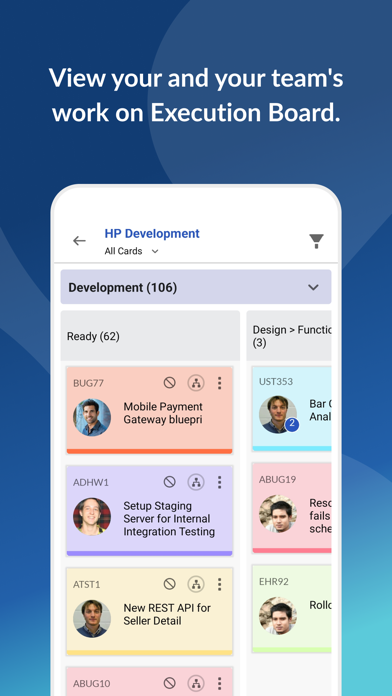
Whether you want to track different types of work from various projects or collaborate with your team to deliver work efficiently, Nimble offers everything you need.

Take control of your work in Nimble on the go, anywhere, anytime using the Nimble App. Now, you can just tap your way to view the workitems assigned to you and update workitem details, do time tracking, add comments and attachments, and so on.

With Nimble App you can:

Update and Track Your Work
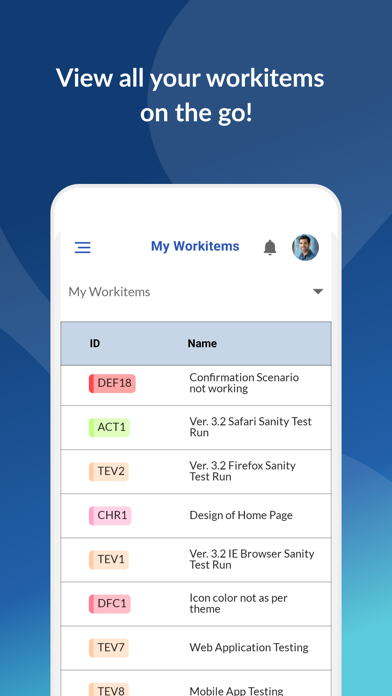
Keep a check on workitems assigned to you from various projects that will appear on My Workitems page
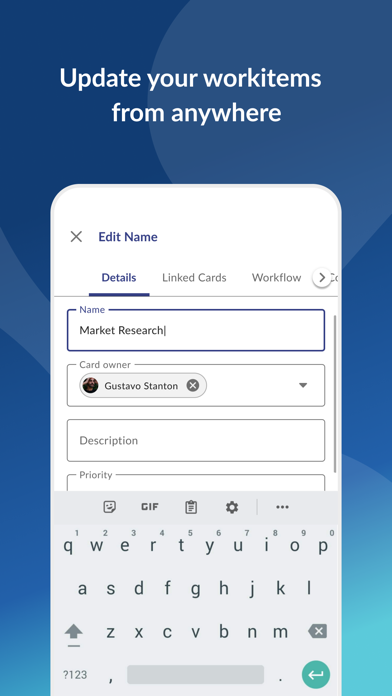
Update details such as the priority, card owner, start date, end date, due date, etc. for the workitems
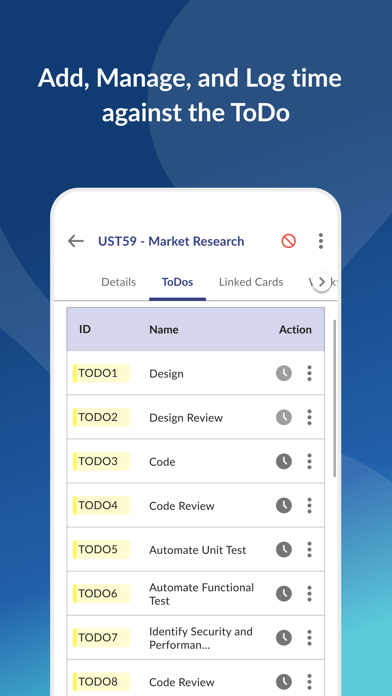
Quick add ToDos to the workitems
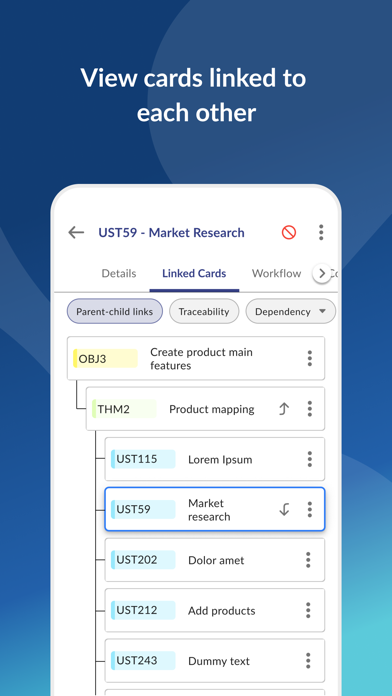
View the Parent/Child, Traced, and Dependent workitems
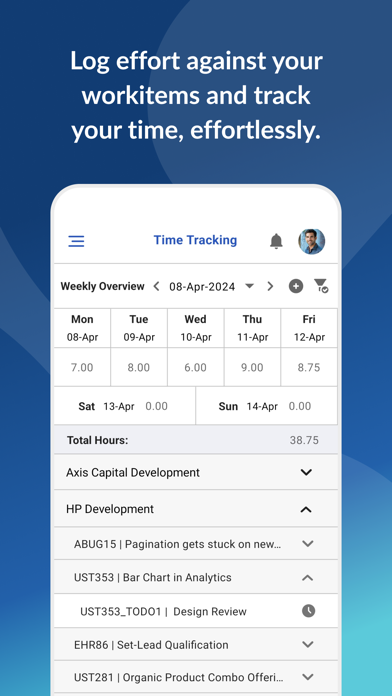
Log the time spent on the workitem

Collaborate with Your Team Members
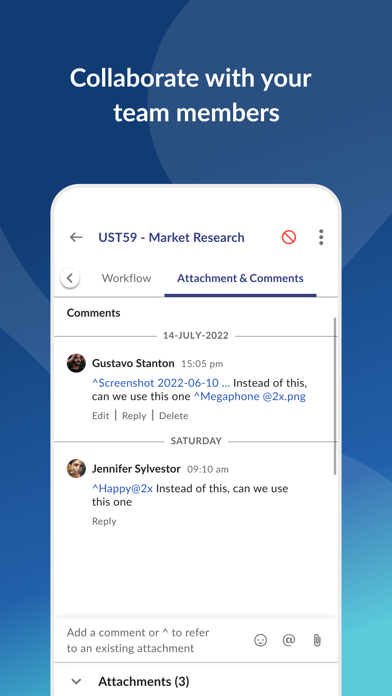
Collaborate with team members using @ symbol so that they are notified when their inputs are needed
Make the conversations flow naturally by using the emojis
Attach and download files on workitems associated with your projects for reference

Stay Connected Wherever You are
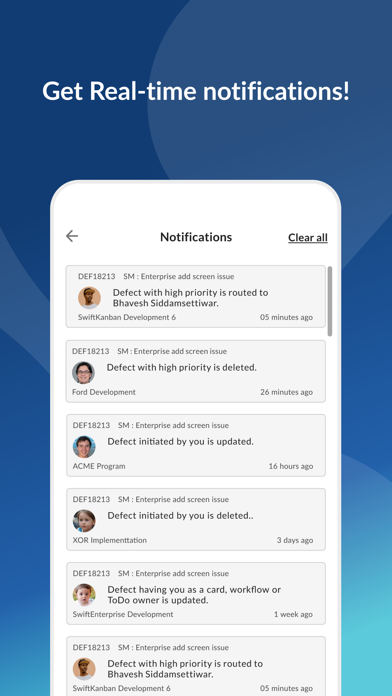
Choose when you should be notified by specifying the project, work type, and action performed
Get instantly notified of workitem updates with push notifications

Use the Nimble app for Personal Use or Business, and manage your work on the go!

For more ideas on how to use Nimble, visit:

https://www.nimblework.com/knowledge-base/nimble/article/nimble-mobile

Show More

What's New in the Latest Version 7.2.0

Last updated on May 17, 2026
Old Versions
Enhancements.
Show More
Version History
7.2.0
May 17, 2026
Enhancements.

NimbleWork FAQ

Click here to learn how to download NimbleWork in restricted country or region.
Check the following list to see the minimum requirements of NimbleWork.
iPhone

NimbleWork Alternative

You May Also Like

Get more from Digité, Inc.