Note Tutor

Note Tutor


Free

1.3.1for iPhone
Age Rating
4+
Apps in this category do not contain restricted content.
9+
Apps in this category may contain mild or occasional cartoon, fantasy or real-life violence, as well as occasional or mild adult, sexually suggestive or horrifying content and may not be suitable for children under 9 years of age.
12+
Apps in this category may contain occasional mild indecent language, frequent or intense cartoon or real-life violence, minor or occasional adult or sexually suggestive material, and simulated gambling, and may be for children under 12 years of age.
17+
You must be at least 17 years old to access this App.
Apps in this category may contain frequent and intense offensive language; Frequent and intense cartoon, fantasy or realistic violence: frequent and intense adult, scary and sexually suggestive subjects: as well as sexual content, nudity, tobacco, alcohol and drugs, may not be suitable for children under 17 years of age.
Note Tutor Screenshots
Note Tutor posterNote Tutor posterNote Tutor posterNote Tutor posterNote Tutor poster

About Note Tutor

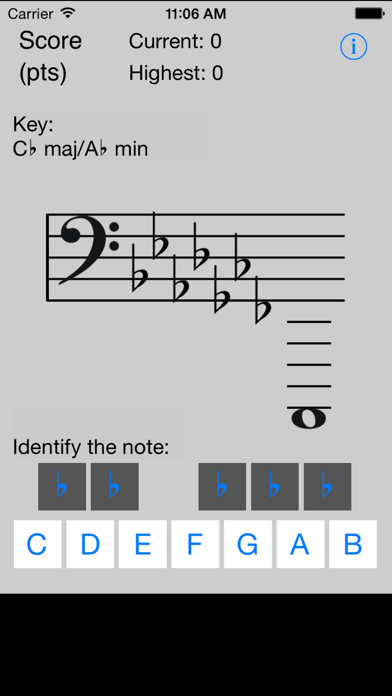
Are you a beginner musician, or thinking about playing great music again? Then Note Tutor is for you. Basic music theory is presented in a fun, flash-card game format, enabling you to memorize the basics you need to read music quickly and effectively, wherever you are.

Note Tutor starts from the beginning, and helps you build music note recognition through random repetition.

Learn basic note recognition in a fun, flash-card game format. Master the basics quickly and easily.
Applicable to all instruments and styles of music.
Start from the beginning, and advance to the next version of Note Tutor to build on your solid basic music theory skills.

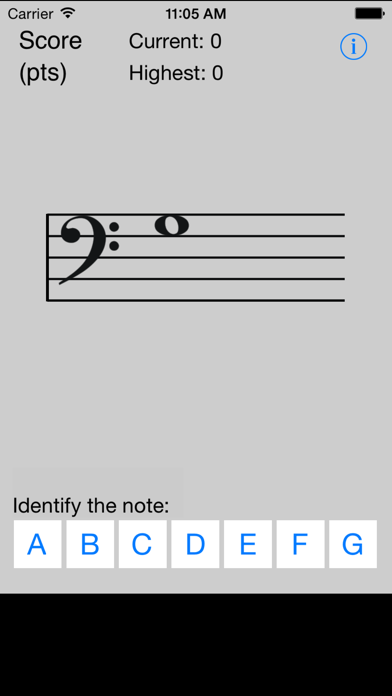
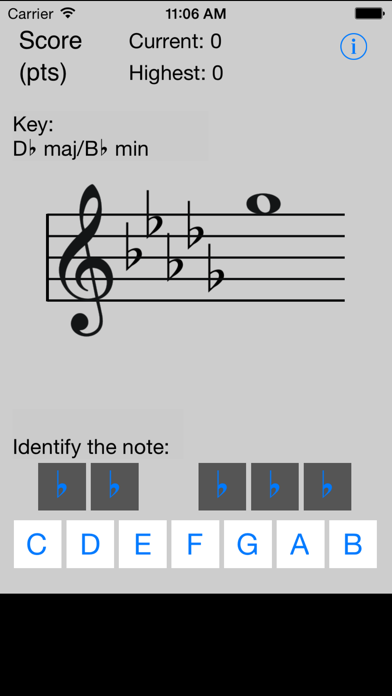
To use Note Tutor, simply identify the note by pressing the correct A, B, C, D, E, F, or G button. If you are right, you get one point and advance to the next note! If you are wrong, you lose a point, but you get to try again.

The score shows how many notes you are recognizing correctly per minute. If you slow down, your score may go down, even if you do not make mistakes... so try to go as fast and as accurately as you can!

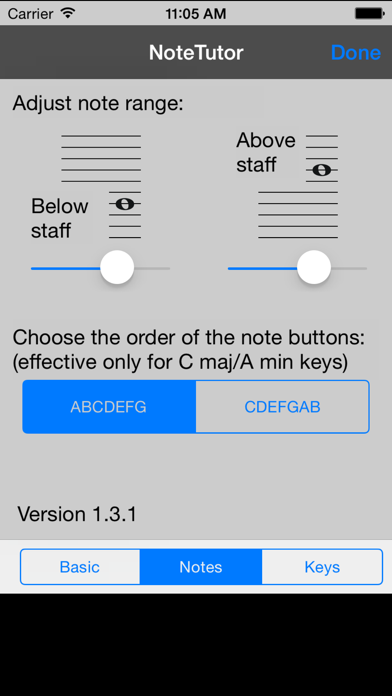
Note Tutor now allows you to choose whether you want to practice only the treble clef, only the bass clef, or both clefs at once.

We have also added an option that allows you to choose how Note Tutor displays the score: kids may prefer to see the points scored, while more serious students may prefer the "points per minute" display that helps you improve your speed and accuracy.

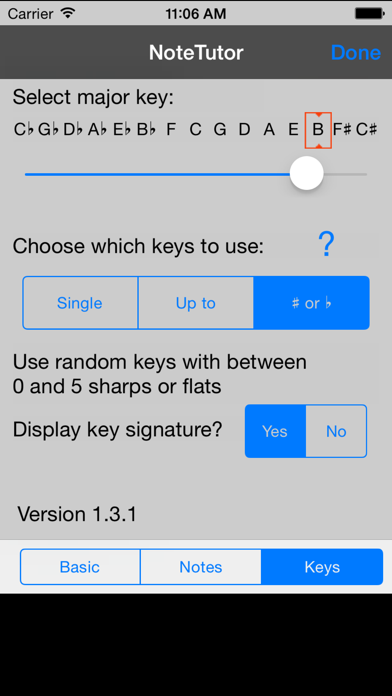
Both new features are accessed by pressing the "i" button to reveal the flipside control screen.

If you want to practice the Tenor Clef or the Alto clef, please consider purchasing the Tenor Tutor application!

Show More

What's New in the Latest Version 1.3.1

Last updated on Dec 20, 2014
Old Versions
This update from Apple will improve the functionality of this app. No new features are included.

This version fixes a crash that occurred on some platforms on iOS 8. The launch experience is also improved.
Show More
Version History
1.3.1
Dec 20, 2014
This update from Apple will improve the functionality of this app. No new features are included.

This version fixes a crash that occurred on some platforms on iOS 8. The launch experience is also improved.

Note Tutor FAQ

Click here to learn how to download Note Tutor in restricted country or region.
Check the following list to see the minimum requirements of Note Tutor.
iPhone

Note Tutor Alternative

Get more from Hendrik Goosen