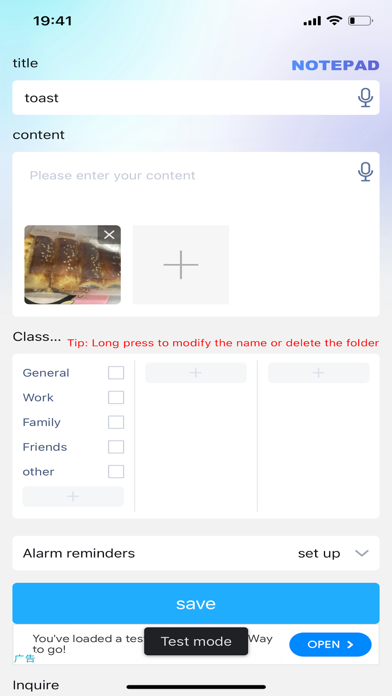
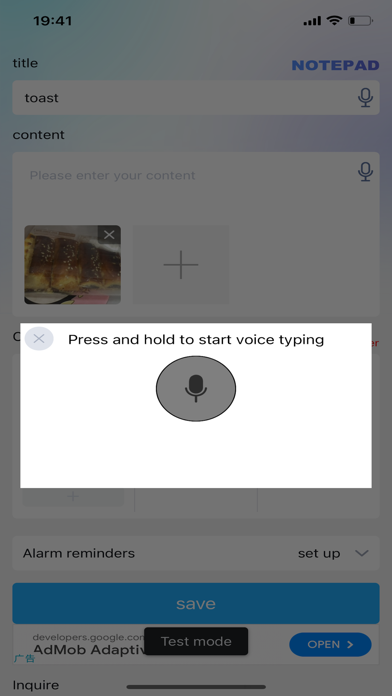
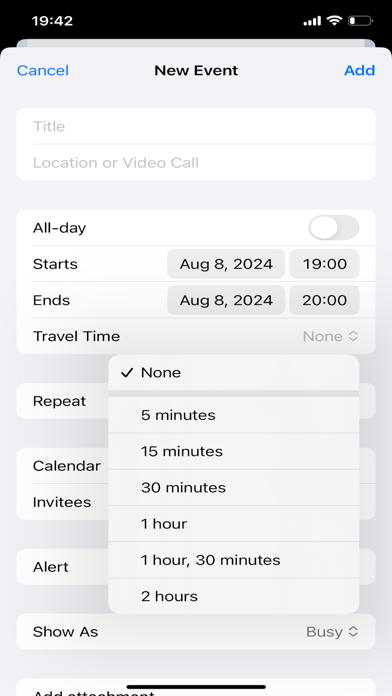
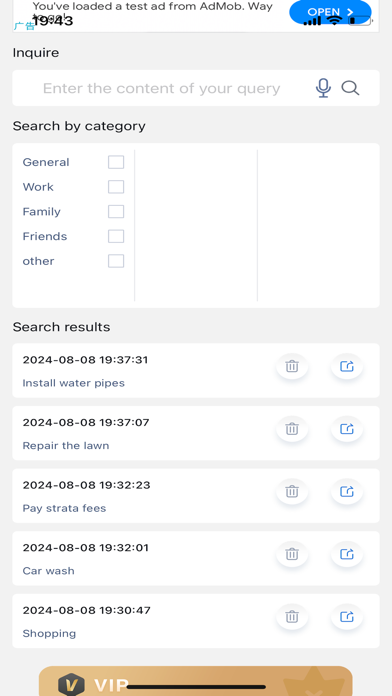
Notepad app, a simple and convenient recording interface, supports voice entry of various items anytime and anywhere, synchronizes calendar reminders to-do items, one-click search for big and small things, and makes your personal to-do list and time management tool, which is the common choice of more than 10 million users around the world.
Notepad app has built-in schedule view, memos, schedule lists, notes to-do, categorized items, online collaboration and other practical functions in one, which is your effective assistant for efficient office, goal management, habit formation and convenient life.
You can write down all the things you need to do, organize them and do them one by one. It can help you plan projects, set reminders, plan your trip, stay focused at work, and keep notes and make your list.
Notepad app can help you collect, organize, organize, and review, the core idea of Notepad app is to empty your brain, and then follow the set route step by step to execute.
Terms of Use (Apple Standard Terms of Use): https://www.apple.com.cn/legal/internet-services/terms/site.html
Auto-Renewal Membership Description
1. Subscription service: VIP members continue to pay monthly, quarterly and annual subscriptions
2. Subscription cycle: 1 month, 1 quarter, 1 year
3. Subscription price: $8.00 per month, $18.00 per quarter, $68 per year.
4. Payment: The payment will be deducted through the user's iTunes account, and the payment will be made after the user confirms the purchase.
5. Renewal: Apple's iTunes account will be deducted within 24 hours before expiration, and the subscription cycle will be extended by 1 subscription cycle after the deduction is successful.
6. Cancel renewal: If you need to cancel the renewal, open the "Settings" of the iPhone > enter the "iTunes Store and App Store" >click on Apple ID", select "View Apple ID", enter the "Account Settings" page, click "Subscription", and select Calculator Plus APP member to cancel the subscription. If you do not cancel your subscription at least 24 hours before the end of the subscription period, your subscription will automatically renew your subscription
7. Privacy Agreement:
https://www.quanxiangweilai.cn/jishiben/Notebook_plus_app_privacy_policy.html
8. Subscription Agreement:
https://www.quanxiangweilai.cn/jishiben/Subscription_Services_Agreement.html
9. Terms of Use: https://www.quanxiangweilai.cn/jishiben/Notebook_plus_app_Terms_of_Service.html