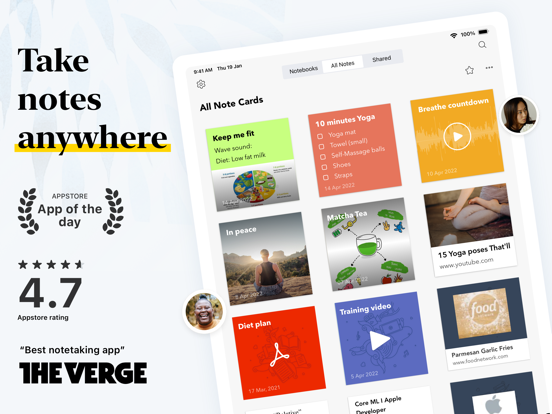
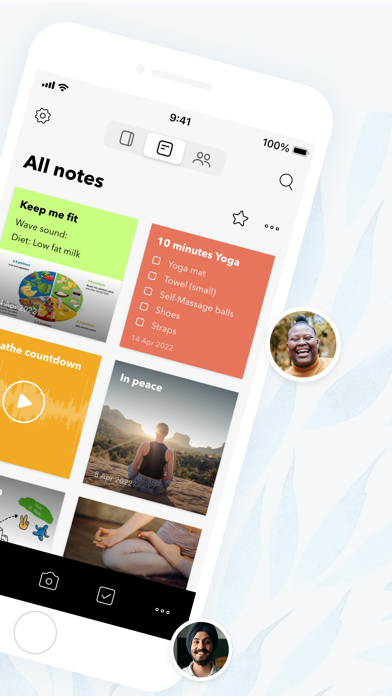
Bring ideas to life with Notebook. Write notes, add files, create to-dos, sketch ideas, record audio, capture moments and more using Notebook. Notebook instantly syncs across your devices and to the cloud.
The simple, intimate joy of Notebook comes from using the app.
NOTES, TO-DOS, FILES
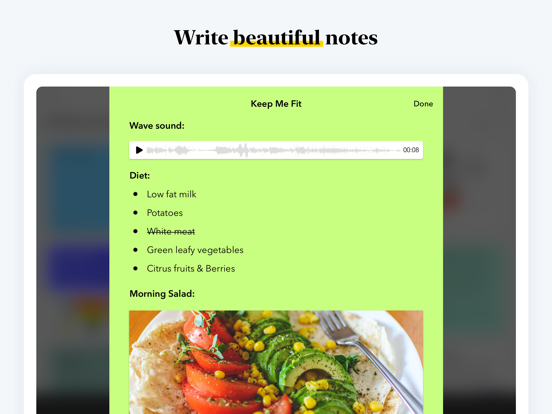
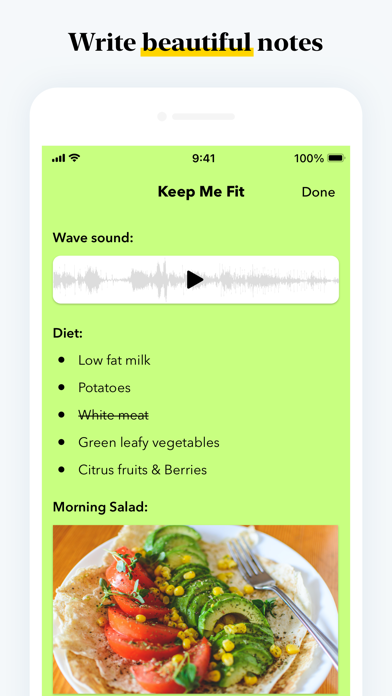
- Write notes. Start with text, add images and sketches, checklists or audio, all in the same note
- Add PDFs, word documents, spreadsheets, and more with the dedicated file note card
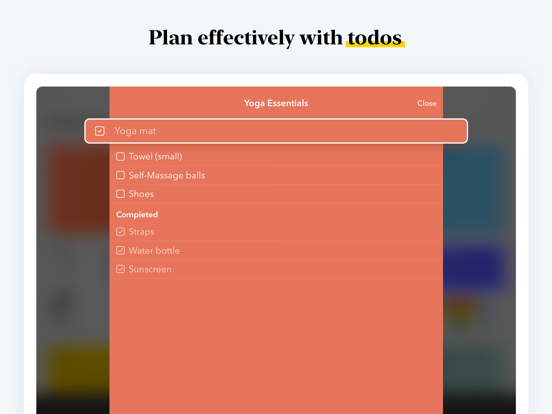
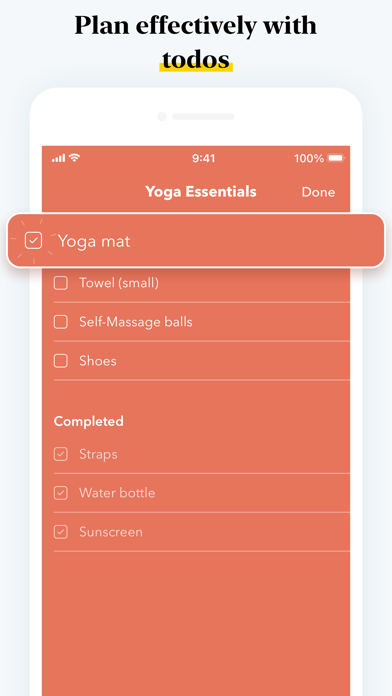
- Create and mark checklists to get stuff done with the dedicated checklist note card
- Record ideas, meetings, and lectures with the audio note card
- Capture moments using the dedicated photo note card
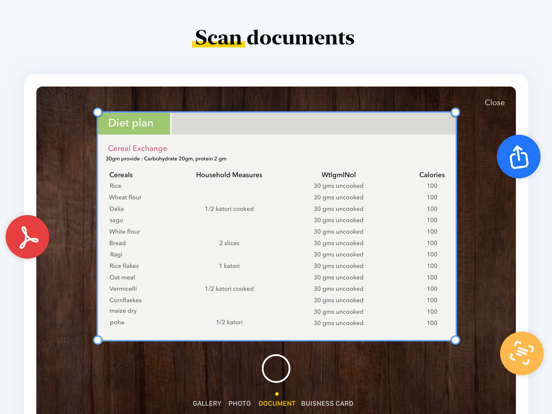
- Scan business cards, documents, and more
- Film your thoughts, lectures, and more using video note card
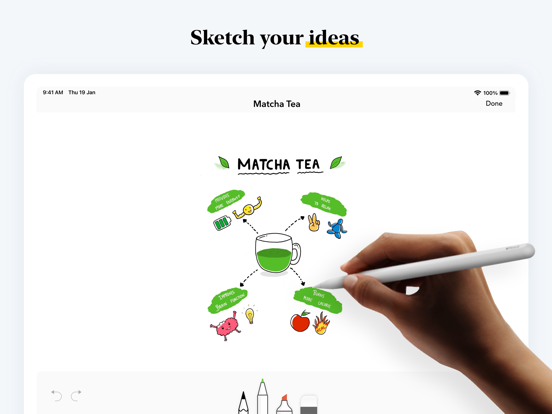
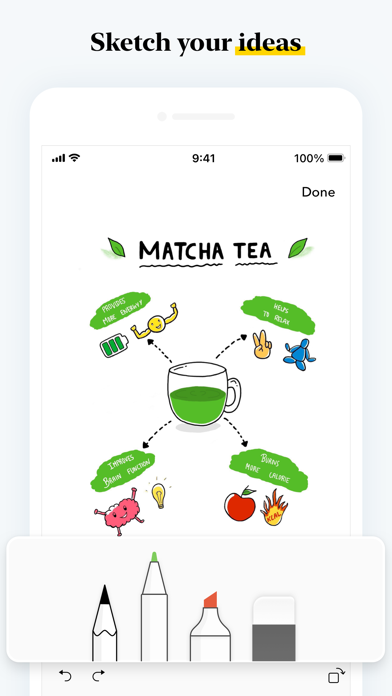
- Handwrite your thoughts using Apple Pencil
BOOKMARKS
- Collect and archive the latest news, magazine articles, videos, recipes, how-tos, and any other online content from various publishers
- Read articles offline and without Ads
- See Notebook intelligently formats bookmarks into beautiful, distinct cards called Smart Cards
NOTEBOARDS
- Organize your thoughts in kanban style visual and intuitive boards
- Share and collaborate on boards to manage work, projects, and to-dos
NESTED COLLECTIONS
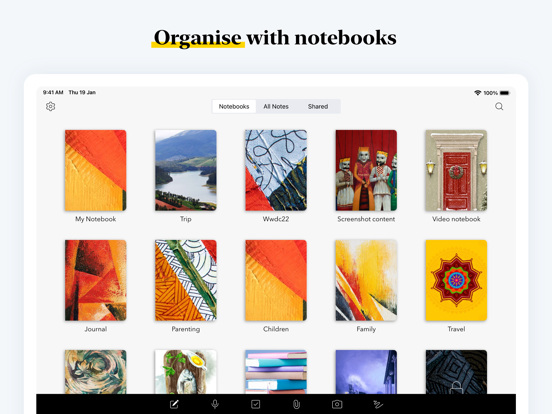
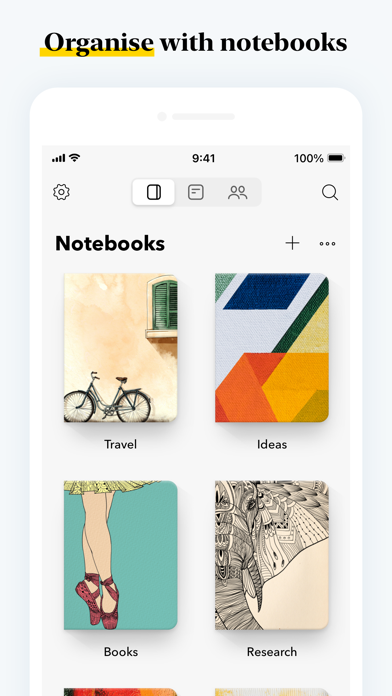
- Group related notes together in a nested hierarchy for better organization.
- Easily navigate between collections and sub-collections to find your notes.
VIDEO CARD
- Capture your thoughts with the video card.
- Record both the screen and yourself simultaneously to stay on top of things.
- Add chapters to your longer videos for easier navigation.
- Publish and share your videos with a public shareable link.
JOURNALING SUGGESTIONS
- Receive personalized journaling prompts based on your activity.
- Enhance your journaling habit with intelligent suggestions.
SPACES
- Brainstorm your ideas in a collaborative digital canvas
- Collaborate with anyone real time using audio and video calls
TAKE NOTEBOOK ANYWHERE
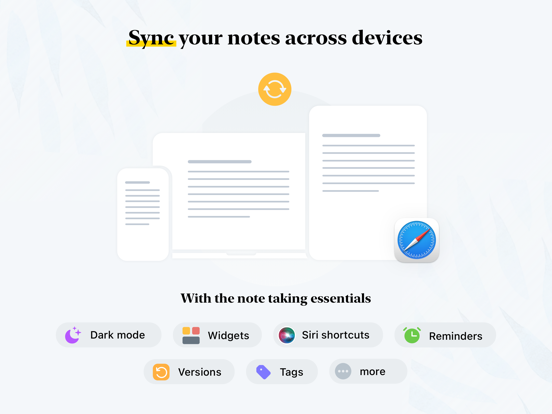
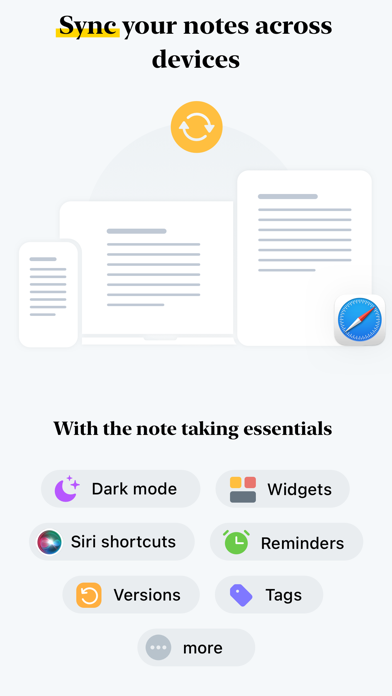
- Synchronize all your notes and notebooks across devices and to the cloud
- Take notes offline and continue on other device when connected to a network
QUICK SEARCH
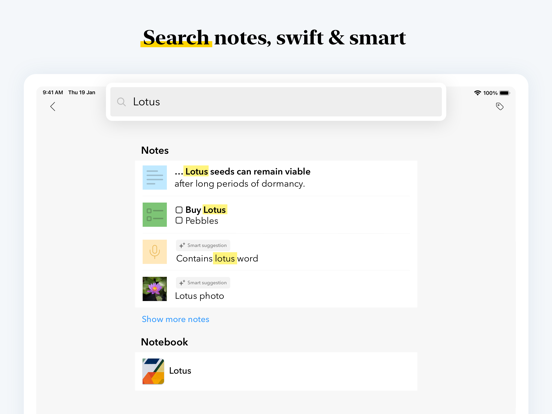
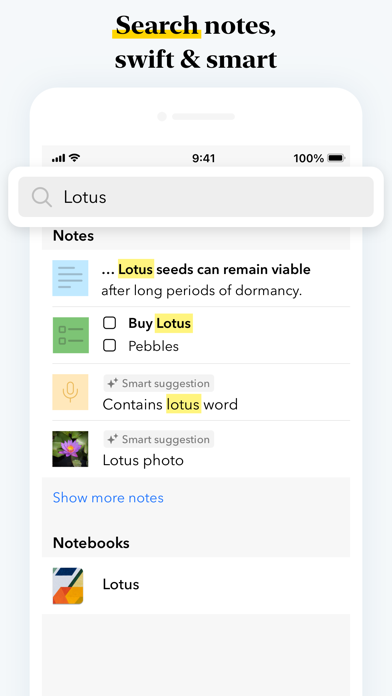
- Search your notes within or across notebooks
- Search for objects and text within photos
- Search for text within handwritten notes
COLLABORATE REAL-TIME
- @mention to share and collaborate with your peers, friends and colleagues
- Create Public Notes with shareable links
PERFECT NOTEBOOK FOR iOS
- Text search your audio notes.
- Share notes with friends and colleagues through iMessage
- Use Siri to dictate text and checklist notes and search for photo notes
- Get to your most recent notes from the Notification Bar
- SharePlay your notes with your friends during a call
MORE PRODUCTIVE ON iPAD
- Use Notebook alongside other apps using drag and drop, split view, slide over, multiple windows and stage manager
- Use Apple Pencil to handwrite and sketch your ideas
ON APPLE WATCH
- Record audio notes, scribble to create new, check items off your checklists and create photo notes using Apple Watch
- Use Apple Watch Face complications to quickly record audio
DAY TO DAY NOTEBOOK
- Stay on top of your things and be reminded about your important things
- Store your favorite recipes and bookmark articles to read at your leisure
NOTEBOOK FOR TEAMS
- Tame your work through Noteboards and Spaces
NOTEBOOK FOR EDUCATION
- Write and submit your assessments on time
- Record lectures and take notes later
- Scan important books
NOTEBOOK PRO
- Get more storage, create long notes and add large files
- Email In to save emails as notes
- Access premium notebook covers
- Set custom recurring reminders for your workflow
Subscription auto-renews unless cancelled, and will be charged via Apple iTunes account. Prices vary by location. You can manage your subscription in account settings after purchase.
Privacy Policy - https://www.zoho.com/privacy.html
Terms of Service - https://www.zoho.com/terms.html