ColorNote Notepad Note
Easy Note-taking & Reminders
FreeOffers In-App Purchases
1.0.18for iPhone, iPad and more
9.5
342 Ratings
VIET NHAT HEALTH AND BEAUTY CARE JOINT STOCK COMPANY
Developer
470.1 MB
Size
May 16, 2024
Update Date
Utilities
Category
4+
Age Rating
Age Rating
ColorNote Notepad Note Screenshots
About ColorNote Notepad Note
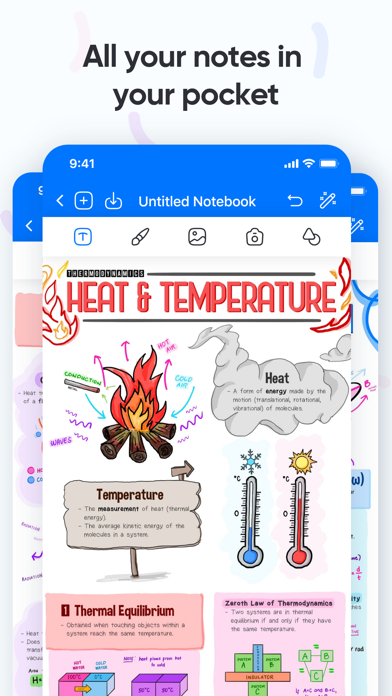
ColorNote® is a simple and awesome notepad app. It gives you a quick and simple notepad editing experience when you write notes, memos, e-mails, messages, shopping lists and to-do lists. Taking notes with ColorNote® Notepad is easier than any other notepad or memo pad app.
WRITE NATURALLY - LIKE ON REAL PAPER
* Fluent, precise, and completely natural writing experience thanks to Notes pioneering vector ink engine
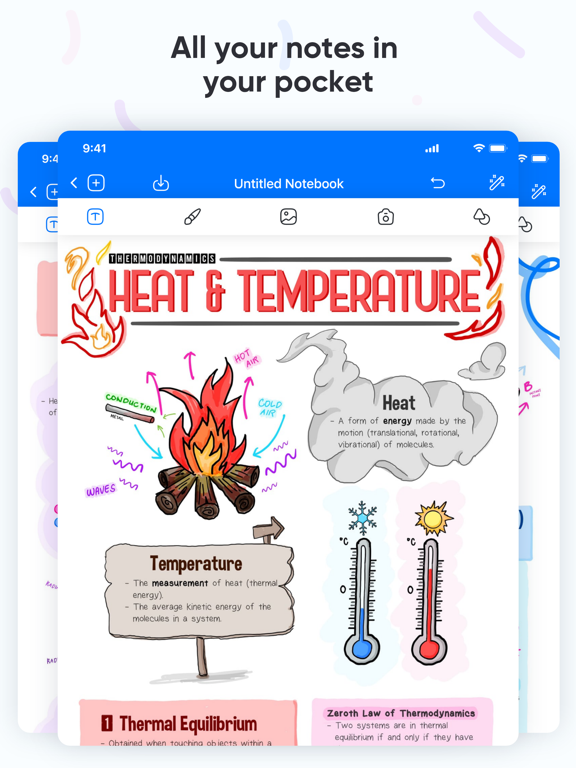
* Select and customize your pen color, thickness, and style (fountain pen, ballpoint, brush pen)
* Easily switch between pen, highlighter, and eraser
ALWAYS FIND WHAT YOU WROTE
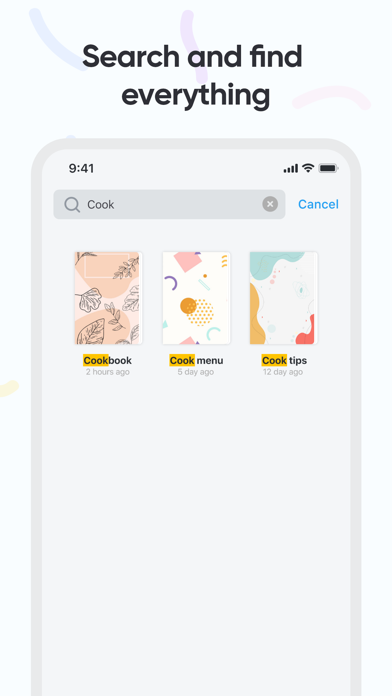
* Everything is indexed: Search your handwritten notes, typed text, PDF text, document outlines, folder titles, and document titles
* Convert your handwriting to text to share it with other apps or add it to the page as a text box to continue typing with your keyboard
ESCAPE THE LIMITS OF ANALOG PAPER
* Move, resize, and rotate your handwriting or change colors
* Draw perfect shapes and lines with the Shapes Tool
* unlimited undo & redo including gesture control for faster corrections
* powerful & smart eraser tool: Choose to erase the entire stroke or only parts of it. Set it to "Erase Highlighter Only" to leave the ink intact
* Pinch to zoom and write more precisely
* Navigate through imported PDFs with existing hyperlinks
EFFORTLESS DOCUMENT MANAGEMENT
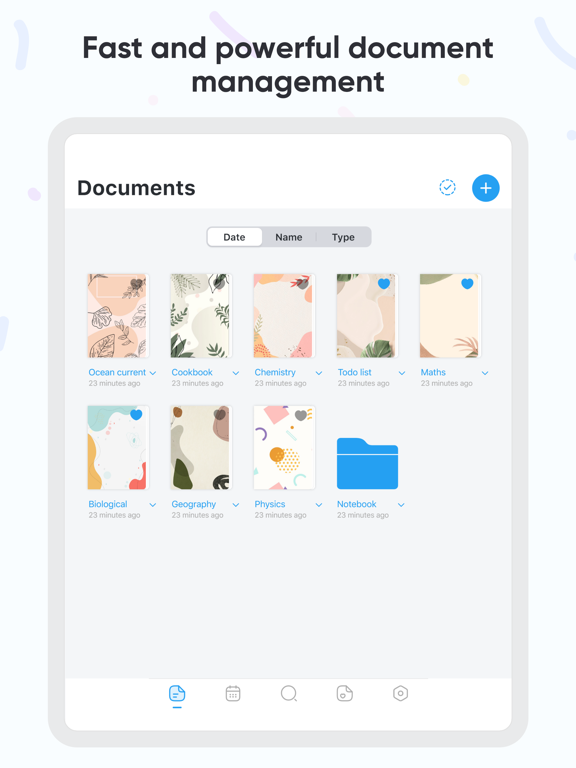
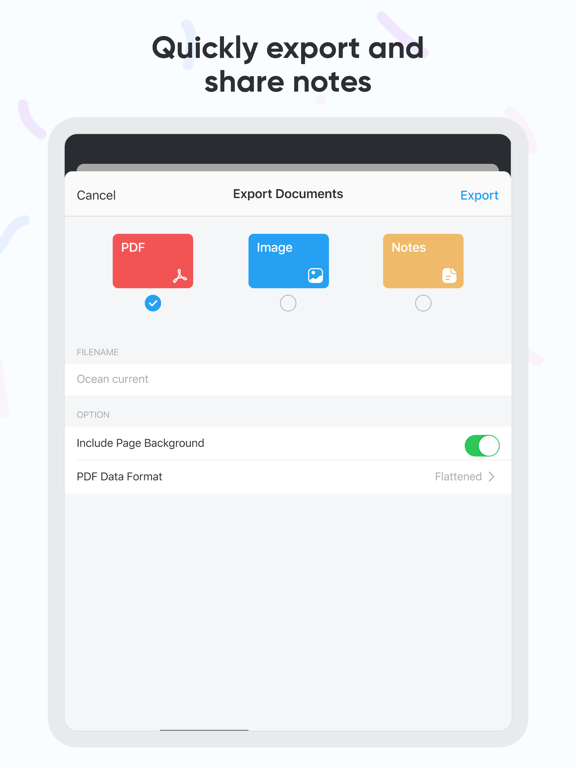
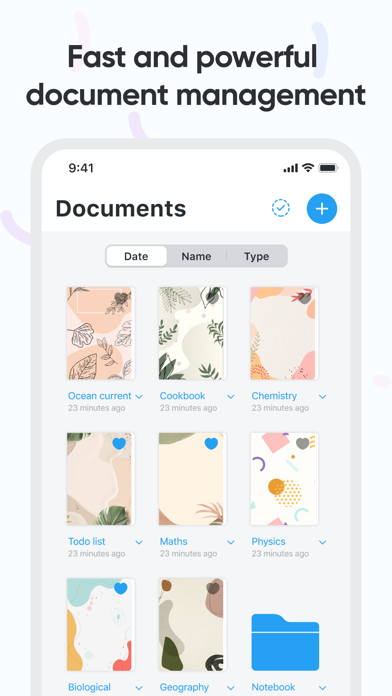
* Organize your documents in folders and create unlimited subfolders
* Mark your most important documents, pages, and folders as Favorites to access them quickly
* Create custom outlines for easier navigation through your documents
- Create sticky notes in any color
- Type it, or write using your finger
- Select custom brush size
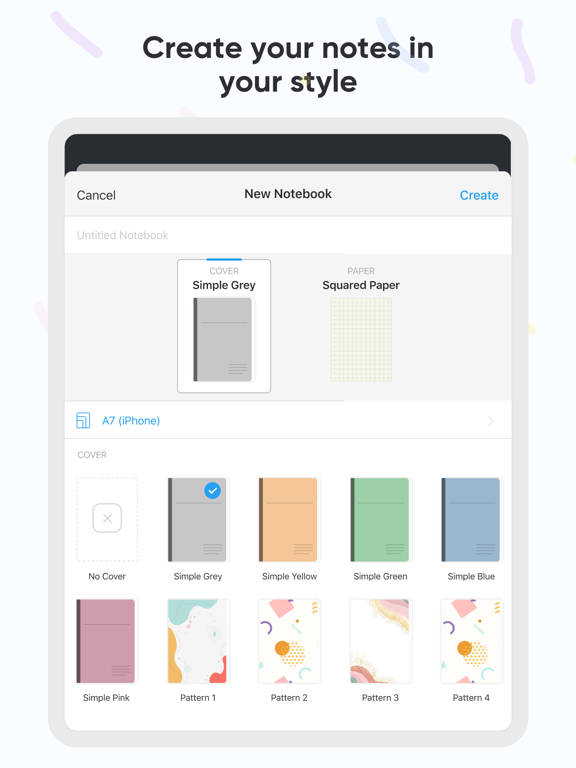
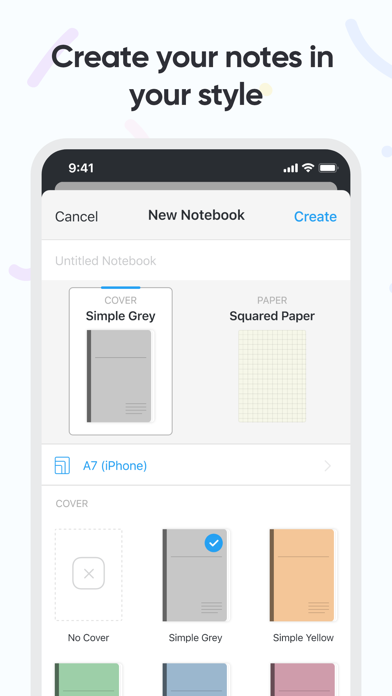
- Select custom background
- Import custom photos as notes
- Available as a widget
• Subscription:
Renewing and Cancellation
Subscription with a free trial period will automatically renew to a paid subscription unless auto-renewal is turn off. Payment will be charged to your iTunes Account at confirmation of purchase. Subscription automatically renews unless auto-renew is turned off at least 24-hours before the end of the current period. Account will be charged for renewal within 24-hour prior to the end of the current period. The cost of the renewal will match the initial subscription price. Your auto-renew subscription can be managed or turned off by going to your Account Settings after purchase. No cancellation of the current subscription is allowed during your active subscription period. Any unused portion of a free trial period, if offered, will be forfeited when purchasing a subscription during the free trial period. If your subscription expires – you will need to purchase a new subscription to access all premium features.
Terms of Use: https://sites.google.com/view/notepad-noteschecklists/terms-and-condition
Privacy Policy: https://sites.google.com/view/notepad-noteschecklists/privacy-policy

WRITE NATURALLY - LIKE ON REAL PAPER
* Fluent, precise, and completely natural writing experience thanks to Notes pioneering vector ink engine
* Select and customize your pen color, thickness, and style (fountain pen, ballpoint, brush pen)
* Easily switch between pen, highlighter, and eraser
ALWAYS FIND WHAT YOU WROTE
* Everything is indexed: Search your handwritten notes, typed text, PDF text, document outlines, folder titles, and document titles
* Convert your handwriting to text to share it with other apps or add it to the page as a text box to continue typing with your keyboard
ESCAPE THE LIMITS OF ANALOG PAPER
* Move, resize, and rotate your handwriting or change colors
* Draw perfect shapes and lines with the Shapes Tool
* unlimited undo & redo including gesture control for faster corrections
* powerful & smart eraser tool: Choose to erase the entire stroke or only parts of it. Set it to "Erase Highlighter Only" to leave the ink intact
* Pinch to zoom and write more precisely
* Navigate through imported PDFs with existing hyperlinks
EFFORTLESS DOCUMENT MANAGEMENT
* Organize your documents in folders and create unlimited subfolders
* Mark your most important documents, pages, and folders as Favorites to access them quickly
* Create custom outlines for easier navigation through your documents
- Create sticky notes in any color
- Type it, or write using your finger
- Select custom brush size
- Select custom background
- Import custom photos as notes
- Available as a widget
• Subscription:
Renewing and Cancellation
Subscription with a free trial period will automatically renew to a paid subscription unless auto-renewal is turn off. Payment will be charged to your iTunes Account at confirmation of purchase. Subscription automatically renews unless auto-renew is turned off at least 24-hours before the end of the current period. Account will be charged for renewal within 24-hour prior to the end of the current period. The cost of the renewal will match the initial subscription price. Your auto-renew subscription can be managed or turned off by going to your Account Settings after purchase. No cancellation of the current subscription is allowed during your active subscription period. Any unused portion of a free trial period, if offered, will be forfeited when purchasing a subscription during the free trial period. If your subscription expires – you will need to purchase a new subscription to access all premium features.
Terms of Use: https://sites.google.com/view/notepad-noteschecklists/terms-and-condition
Privacy Policy: https://sites.google.com/view/notepad-noteschecklists/privacy-policy
Show More
What's New in the Latest Version 1.0.18
Last updated on May 16, 2024
Old Versions
Bug fixes and performance improvements.
Show More
Version History
1.0.18
May 16, 2024
Bug fixes and performance improvements.
1.0.17
May 9, 2024
Bug fixes and performance improvements.
1.0.16
May 8, 2024
Bug fixes and performance improvements.
1.0.15
Apr 11, 2024
Bug fixes and performance improvements.
1.0.14
Apr 4, 2024
Bug fixes and performance improvements.
1.0.13
Apr 3, 2024
Bug fixes and performance improvements.
1.0.12
Mar 22, 2024
Bug fixes and performance improvements.
1.0.11
Mar 19, 2024
Bug fixes and performance improvements.
1.0.10
Mar 15, 2024
Bug fixes and performance improvements.
1.0.9
Mar 14, 2024
Bug fixes and performance improvements.
1.0.8
Oct 27, 2022
Fixed minor bugs and improved performance
1.0.7
Oct 26, 2022
Fixed minor bugs and improved performance
1.0.6
Sep 24, 2022
Fixed minor bugs and improved performance
1.0.5
Aug 24, 2022
Fixed minor bugs and improved performance
1.0.4
Aug 23, 2022
Fixed minor bugs and improved performance
1.0.3
May 31, 2022
Fixed minor bugs and improved performance
1.0.2
May 27, 2022
Fixed minor bugs and improved performance
1.0.1
May 23, 2022
Fixed minor bugs and improved performance
1.0
May 19, 2022
ColorNote Notepad Note FAQ
Click here to learn how to download ColorNote Notepad Note in restricted country or region.
Check the following list to see the minimum requirements of ColorNote Notepad Note.
iPhone
Requires iOS 15.0 or later.
iPad
Requires iPadOS 15.0 or later.
iPod touch
Requires iOS 15.0 or later.
ColorNote Notepad Note supports English
ColorNote Notepad Note contains in-app purchases. Please check the pricing plan as below:
Premium
$1.99
Premium
$24.99
Premium
$3.99