Notes Manager
Free
1.1.1for iPhone, iPad
Age Rating
Notes Manager Screenshots
About Notes Manager
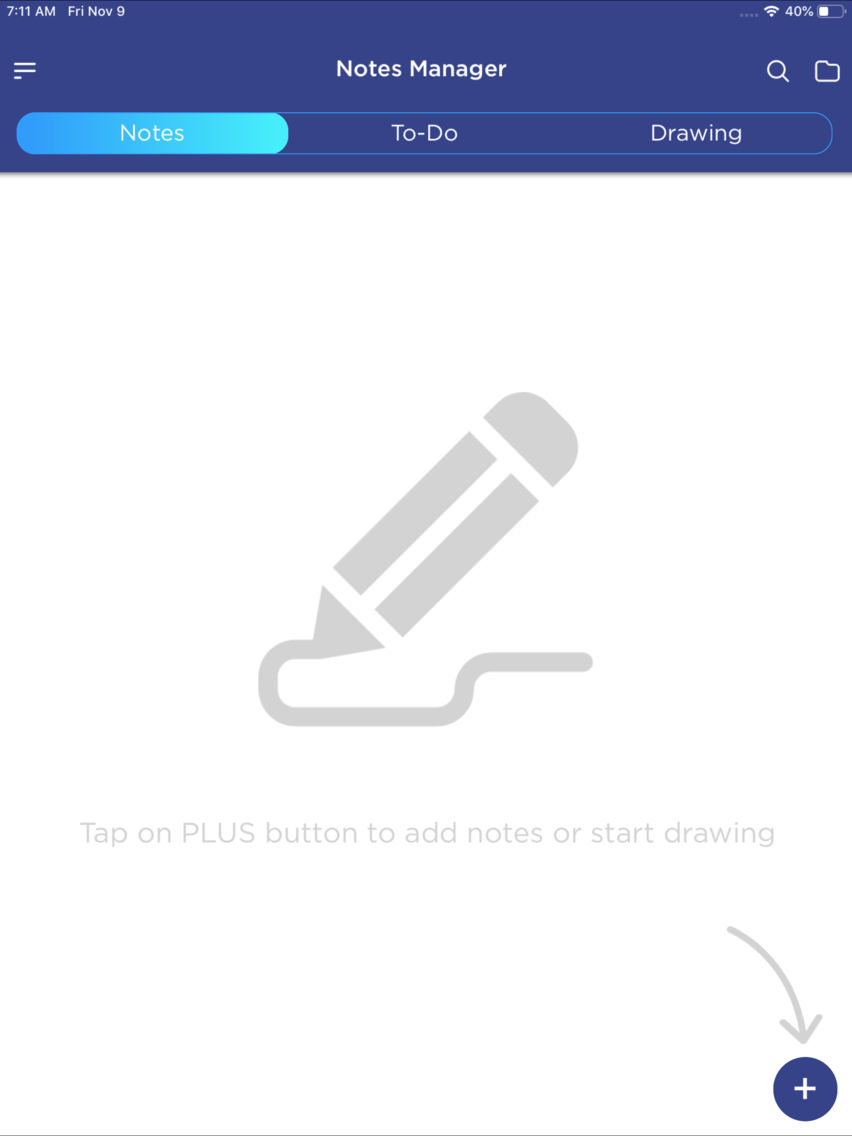
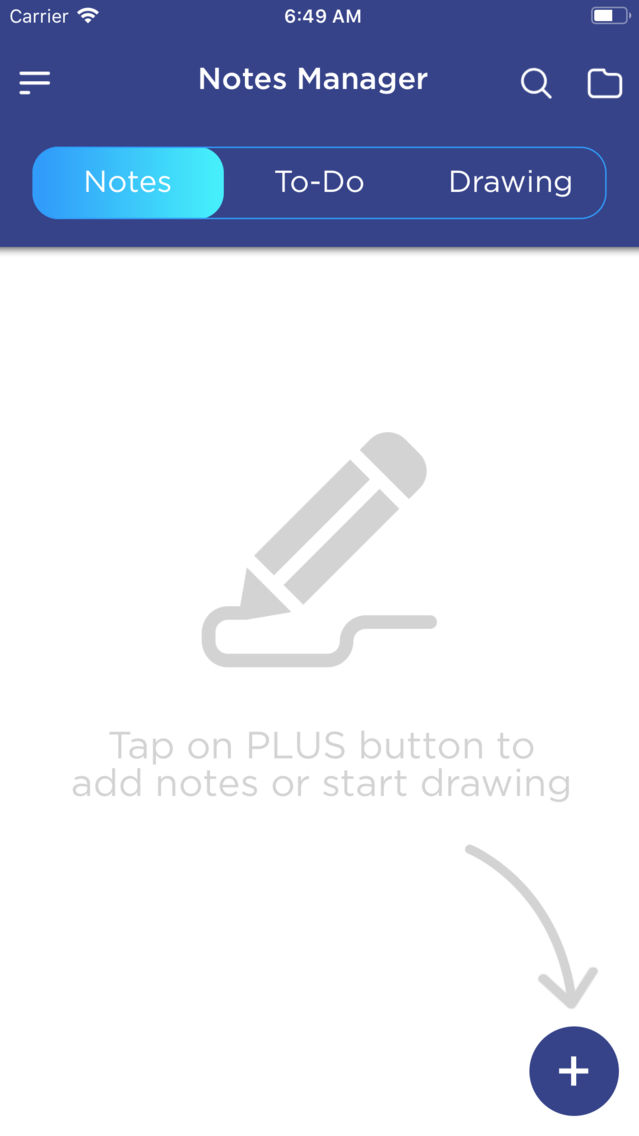
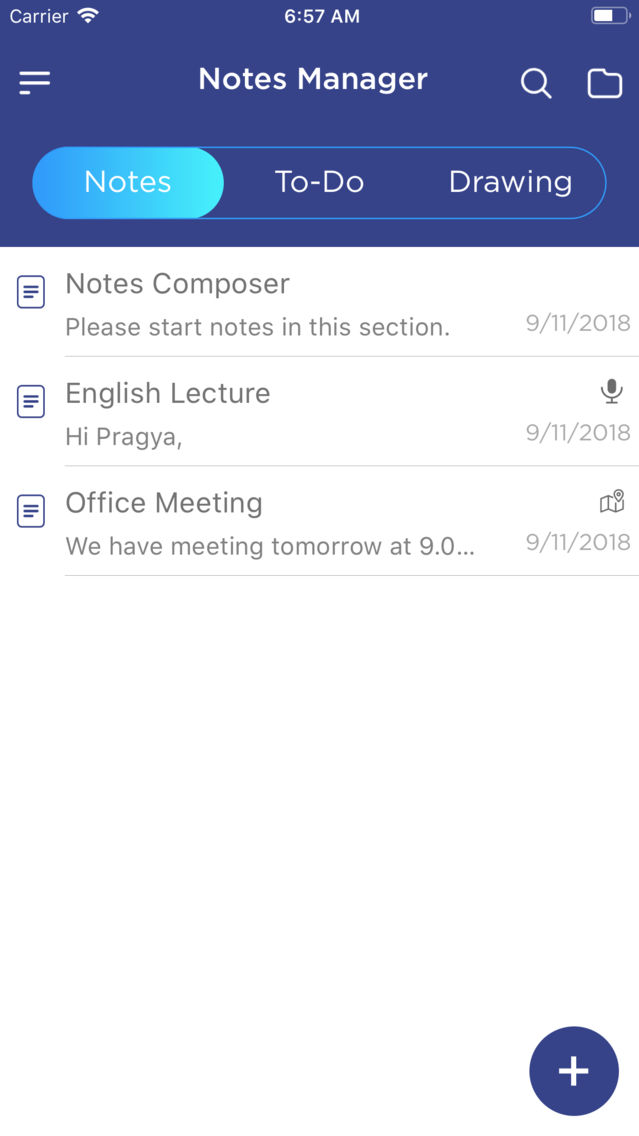
Notes Manager is an app where you store whatever you want. Like Notes, ToDo, Drawing, Saving Audio, Multiple Picture, Multiple Location.
You can set reminder to notify your important schedule task. There is a Default "Untitled Folder" available to store the Notes, ToDo & Drawing. You can create New folder and customise your need as per your requirement.
Notes Manager is a complete solution for noting your daily need!!
App Feature description in details:
-------------------------------------
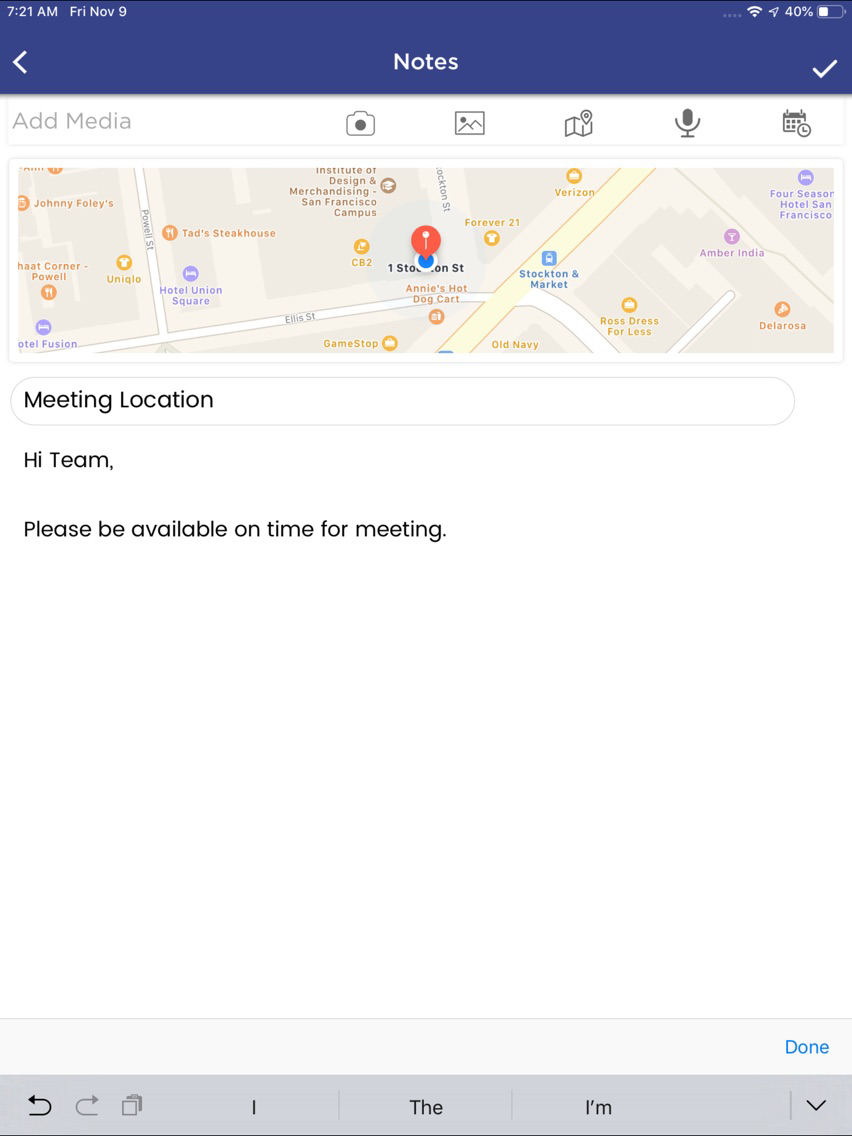
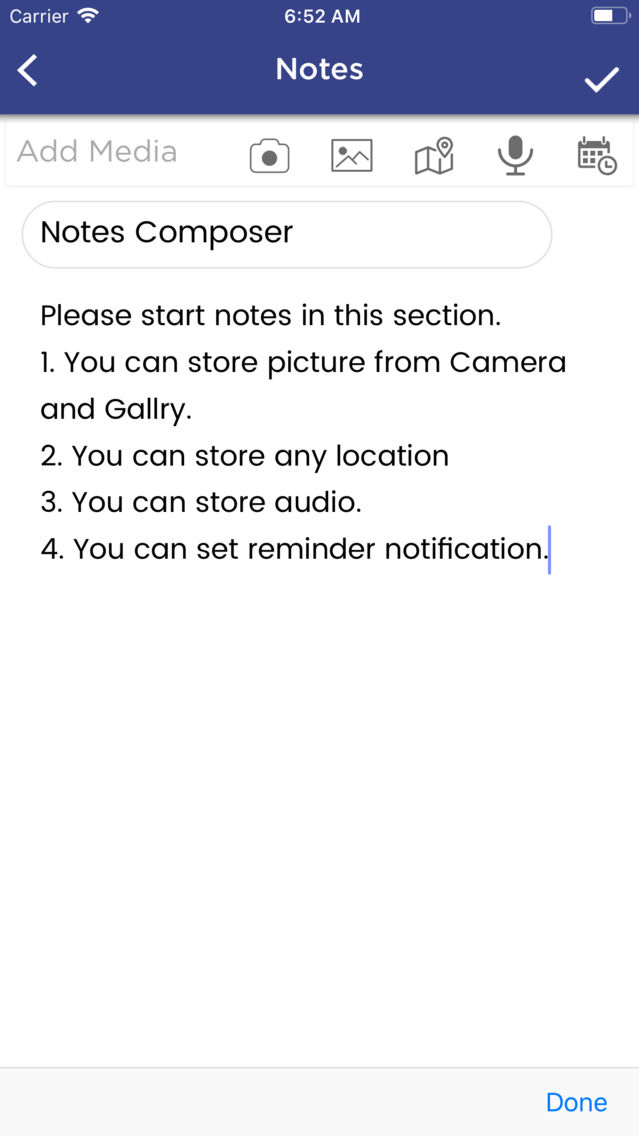
1. Create notes with, title, description, multiple picture, audio, locations, reminder etc., as your need.
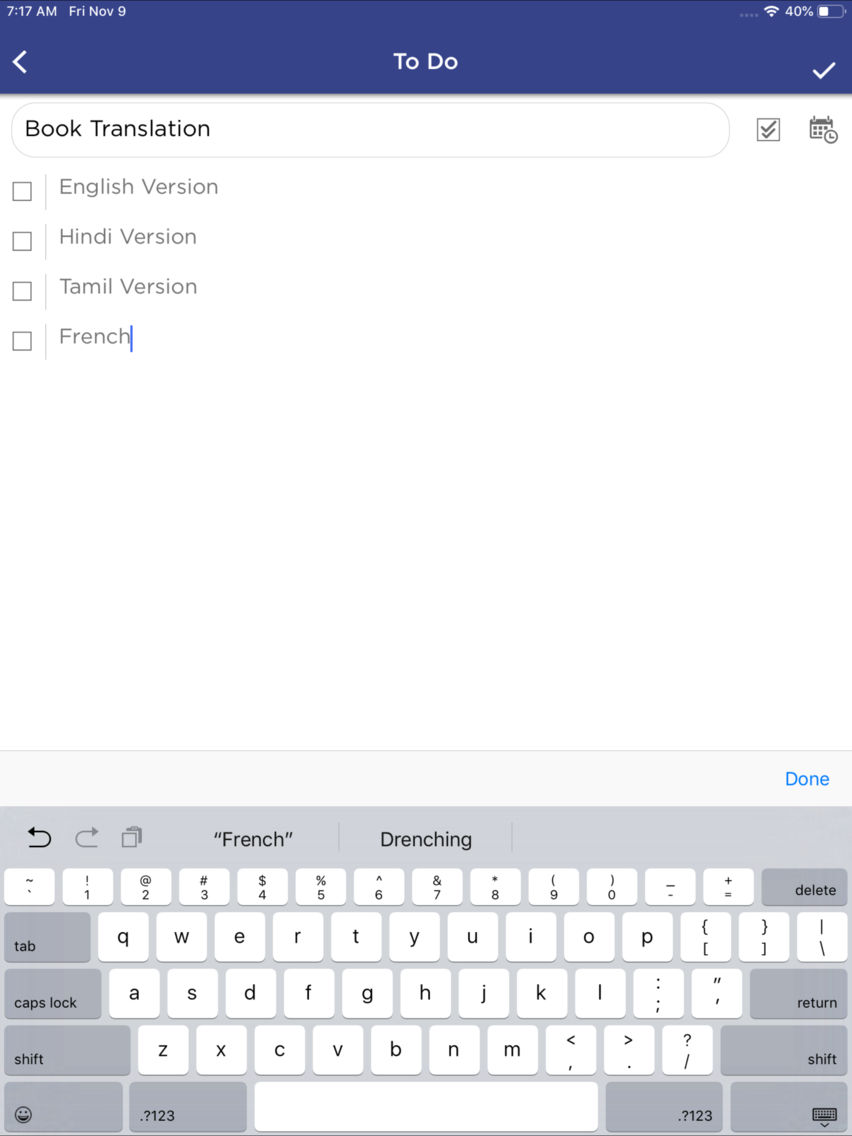
2. To Do with title, multiple task in 1 list.
3. Drawing : You can do any drawing in the app.
4. You can secure your notes by activating lock.
5. Apply theme to enjoy multiple colour in the app.
6. You can store unlimited Notes, ToDo, Drawing.
7. You can create multiple folder to store data category wise.
8. You can set profile pic and name in Dashboard.
9. You can move your Notes, ToDo & Drawing from one folder to another folder.
10. You can rename the folder if you have given name by mistake. And you can delete folder also.
Happy Noting !!!!
If you really like our app. Please share your value review on the store

You can set reminder to notify your important schedule task. There is a Default "Untitled Folder" available to store the Notes, ToDo & Drawing. You can create New folder and customise your need as per your requirement.
Notes Manager is a complete solution for noting your daily need!!
App Feature description in details:
-------------------------------------
1. Create notes with, title, description, multiple picture, audio, locations, reminder etc., as your need.
2. To Do with title, multiple task in 1 list.
3. Drawing : You can do any drawing in the app.
4. You can secure your notes by activating lock.
5. Apply theme to enjoy multiple colour in the app.
6. You can store unlimited Notes, ToDo, Drawing.
7. You can create multiple folder to store data category wise.
8. You can set profile pic and name in Dashboard.
9. You can move your Notes, ToDo & Drawing from one folder to another folder.
10. You can rename the folder if you have given name by mistake. And you can delete folder also.
Happy Noting !!!!
If you really like our app. Please share your value review on the store
Show More
What's New in the Latest Version 1.1.1
Last updated on Jan 8, 2019
Old Versions
Minor bug resolved!!!
Show More
Version History
1.1.1
Jan 8, 2019
Minor bug resolved!!!
1.1
Nov 28, 2018
Minor Bug Resolved !!!
1.0
Nov 11, 2018
Notes Manager FAQ
Click here to learn how to download Notes Manager in restricted country or region.
Check the following list to see the minimum requirements of Notes Manager.
iPhone
iPad
Notes Manager supports English