Obsbot Start

Obsbot Start


Free

1.2.9for iPhone, iPad
Age Rating
4+
Apps in this category do not contain restricted content.
9+
Apps in this category may contain mild or occasional cartoon, fantasy or real-life violence, as well as occasional or mild adult, sexually suggestive or horrifying content and may not be suitable for children under 9 years of age.
12+
Apps in this category may contain occasional mild indecent language, frequent or intense cartoon or real-life violence, minor or occasional adult or sexually suggestive material, and simulated gambling, and may be for children under 12 years of age.
17+
You must be at least 17 years old to access this App.
Apps in this category may contain frequent and intense offensive language; Frequent and intense cartoon, fantasy or realistic violence: frequent and intense adult, scary and sexually suggestive subjects: as well as sexual content, nudity, tobacco, alcohol and drugs, may not be suitable for children under 17 years of age.
Obsbot Start Screenshots
Obsbot Start posterObsbot Start posterObsbot Start posterObsbot Start posterObsbot Start poster

About Obsbot Start

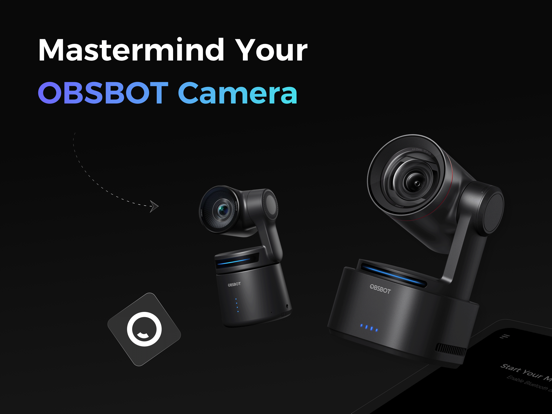
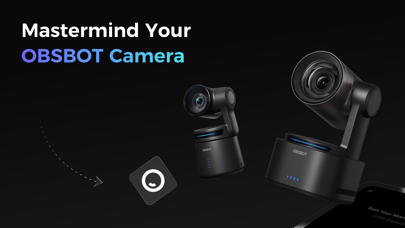
Mastermind Your OBSBOT Camera
Obsbot Start is an exclusive application designed for OBSBOT camera. With its easy-to-use interface and powerful features. Your camera livestreaming experience can be significantly improved with minimal effort.

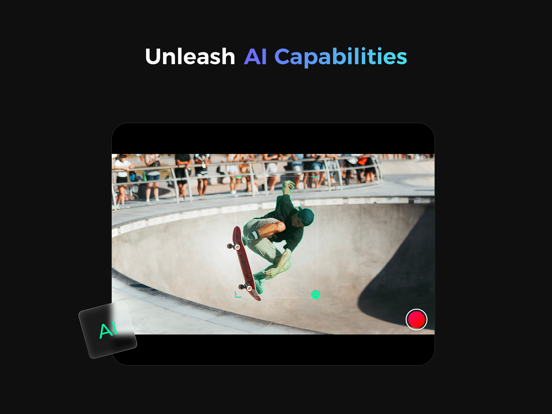
Unleash AI Capabilities
Collocating with built-in AI features in OBSBOT camera, Obsbot start can maximize the hidden underlying power of the device and makes the AI features controllable smoothly and conveniently.

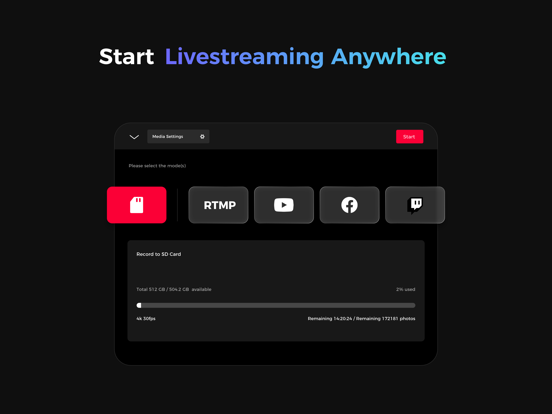
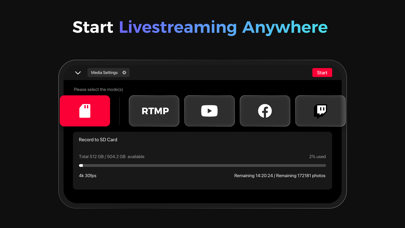
Start Livestreaming Anywhere
Obsbot Start offers internal support for the most popular social livestream platforms. Preset the social accounts, and the livestream signal could instantly starts and be on air within the blinks, with only a tap.

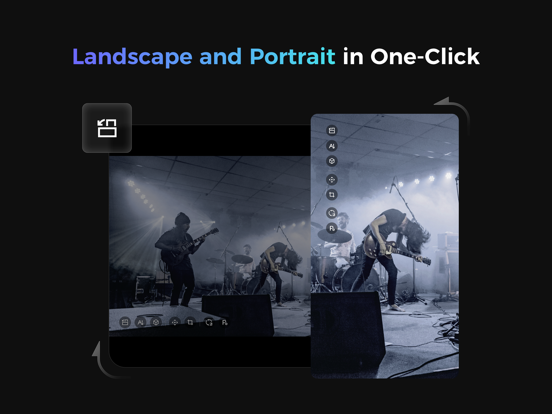
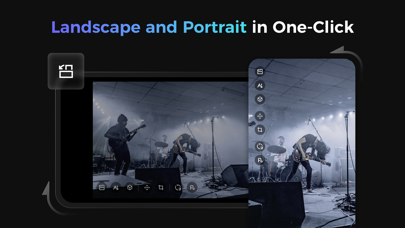
Landscape and Portrait in One-Click
Obsbot Start is compatible with both landscape and portrait modes. Using the orientation button in the software, you can smoothly switch between landscape/portrait modes to meet different video recording or live streaming needs.

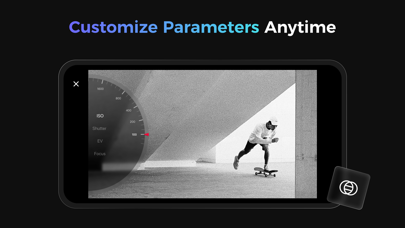
Customize Parameters Anytime
Say goodbye to immutable image settings. With Obsbot Start, you can customize image parameters whether you're on Air or not, and apply them instantaneously whenever you need.

OBSBOT hopes to take you to enjoy the fun of video shooting and livestreaming in a simpler and more energetic way, record and share your life moments on air with dynamic video language and limitless imagination.
If you have any suggestions in the process of using OBSBOT, please feel free to write to service@obsbot.com. We value every communication with you.

Show More

What's New in the Latest Version 1.2.9

Last updated on Feb 4, 2026
Old Versions
1. Added Tracking Assist, with an option to enable Return to 1.0× on Target Loss (Tail 2)
2. Support for Pause/Resume Recording (Tail 2)
3. HDMI/SDI settings support three output modes in portrait mode (Tail 2)
4. Optimized the ISO dial
5. Fixed known bugs and user experience improvements
Show More
Version History
1.2.9
Feb 4, 2026
1. Added Tracking Assist, with an option to enable Return to 1.0× on Target Loss (Tail 2)
2. Support for Pause/Resume Recording (Tail 2)
3. HDMI/SDI settings support three output modes in portrait mode (Tail 2)
4. Optimized the ISO dial
5. Fixed known bugs and user experience improvements

Obsbot Start FAQ

Click here to learn how to download Obsbot Start in restricted country or region.
Check the following list to see the minimum requirements of Obsbot Start.
iPhone
iPad

Obsbot Start Alternative

You May Also Like

Get more from Remo Tech Co.,Ltd