Age Rating
4+
Apps in this category do not contain restricted content.
9+
Apps in this category may contain mild or occasional cartoon, fantasy or real-life violence, as well as occasional or mild adult, sexually suggestive or horrifying content and may not be suitable for children under 9 years of age.
12+
Apps in this category may contain occasional mild indecent language, frequent or intense cartoon or real-life violence, minor or occasional adult or sexually suggestive material, and simulated gambling, and may be for children under 12 years of age.
17+
You must be at least 17 years old to access this App.
Apps in this category may contain frequent and intense offensive language; Frequent and intense cartoon, fantasy or realistic violence: frequent and intense adult, scary and sexually suggestive subjects: as well as sexual content, nudity, tobacco, alcohol and drugs, may not be suitable for children under 17 years of age.
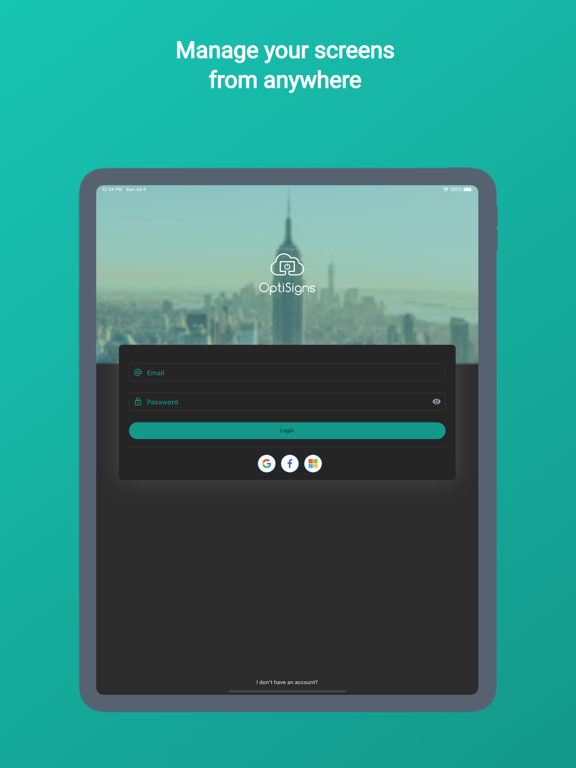
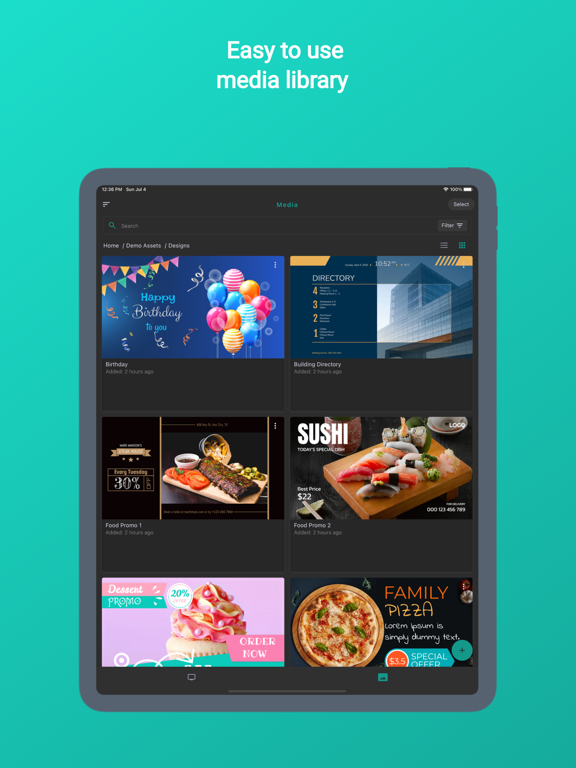
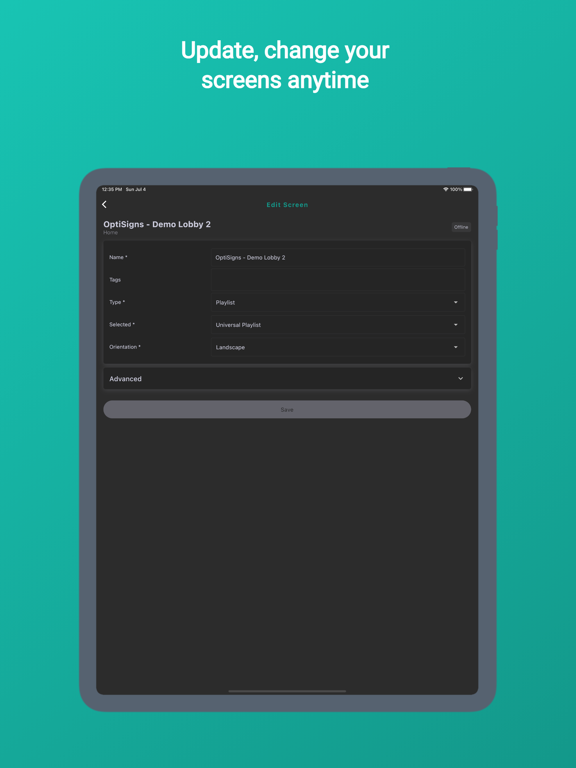
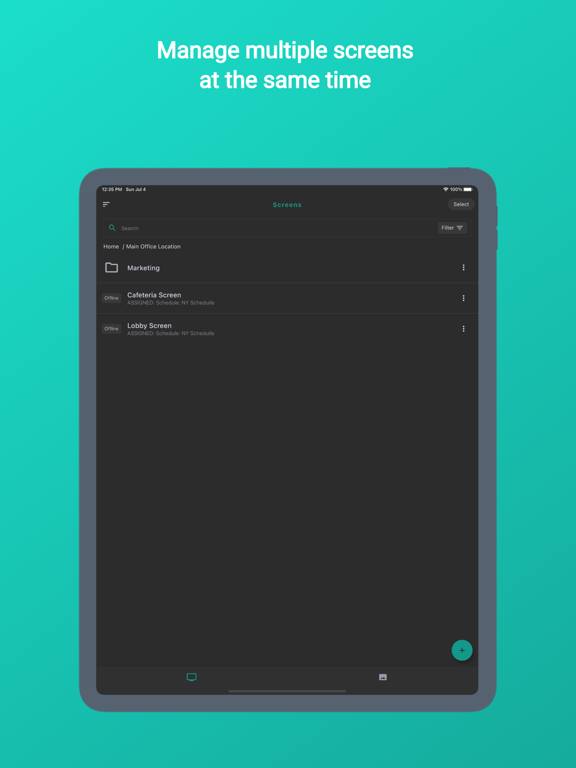
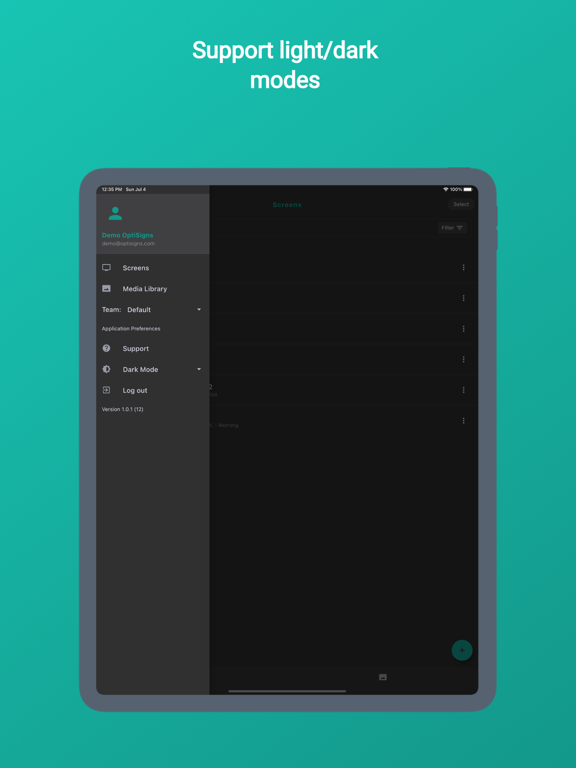
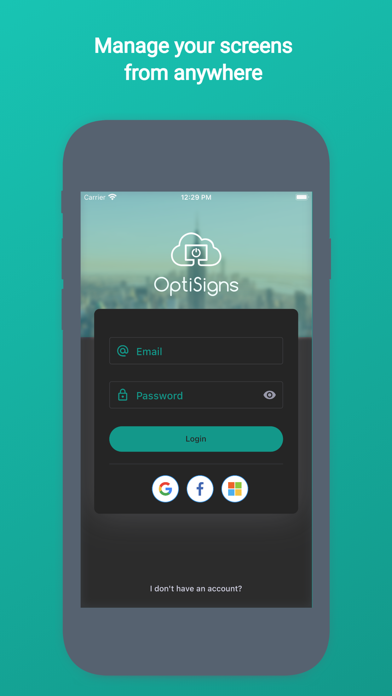
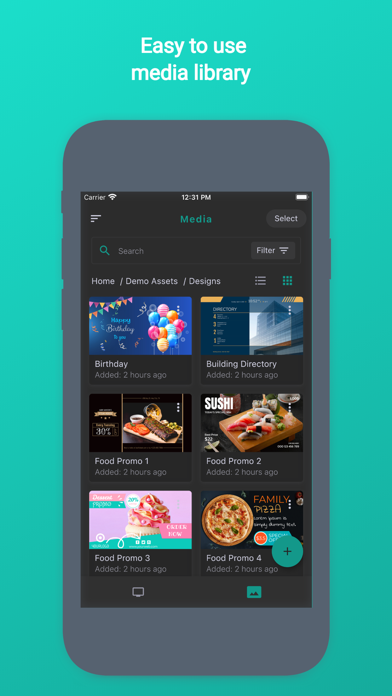
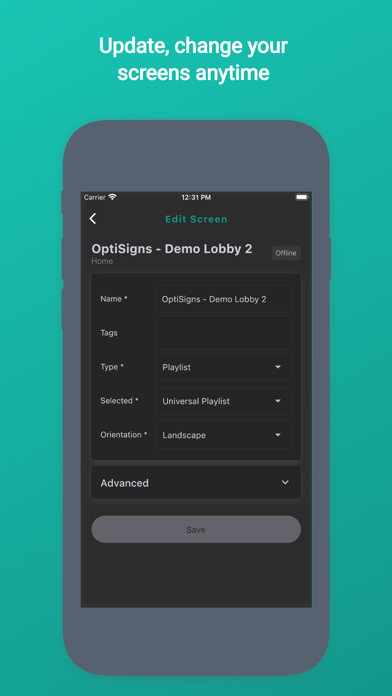
OptiSigns Admin Screenshots
OptiSigns Admin posterOptiSigns Admin posterOptiSigns Admin posterOptiSigns Admin posterOptiSigns Admin poster

About OptiSigns Admin

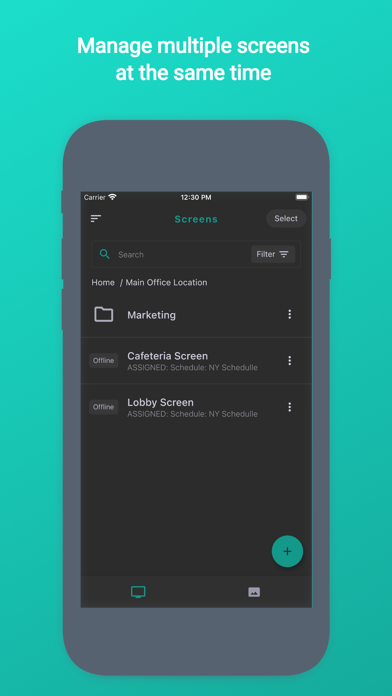
Turn any TV or smart device into a digital sign. Business can transform their TV into a digital sign. Check out our blog for more uses at optisigns.com/blog/

Whether you are running a restaurant, a bar, a nightclub, an office, or a number of other businesses a digital sign can help improve your communication of special offers, products, events, menus ,special information and much more.

Maximize the opportunity of having any screen in your business by keeping displaying the most valuable information at any time, automatically. With OptiSigns you can transform any screen into a digital sign that can be easily managed, or automated, remotely. With drag-and-drop functionality, and point and click easy to use interfaces, you can easily display any images, videos, or documents from your computer to any screen connected to the internet.

Take control of your screen and start displaying your most valuable content, instantly!

Show More

What's New in the Latest Version 1.6.64

Last updated on Apr 17, 2026
Old Versions
Minor bug fixes and performance improvements
Show More
Version History
1.6.64
Apr 17, 2026
Minor bug fixes and performance improvements

OptiSigns Admin FAQ

Click here to learn how to download OptiSigns Admin in restricted country or region.
Check the following list to see the minimum requirements of OptiSigns Admin.
iPhone
iPad

OptiSigns Admin Alternative

You May Also Like

Get more from OptiSigns Inc