OptiWorker

OptiWorker


Overview for Workers.


Free

2.2.0for iPhone, iPad and more
Brickwork
Developer
25.9 MB
Size
Mar 26, 2024
Update Date
Productivity
Category
4+
Age Rating
Age Rating
4+
Apps in this category do not contain restricted content.
9+
Apps in this category may contain mild or occasional cartoon, fantasy or real-life violence, as well as occasional or mild adult, sexually suggestive or horrifying content and may not be suitable for children under 9 years of age.
12+
Apps in this category may contain occasional mild indecent language, frequent or intense cartoon or real-life violence, minor or occasional adult or sexually suggestive material, and simulated gambling, and may be for children under 12 years of age.
17+
You must be at least 17 years old to access this App.
Apps in this category may contain frequent and intense offensive language; Frequent and intense cartoon, fantasy or realistic violence: frequent and intense adult, scary and sexually suggestive subjects: as well as sexual content, nudity, tobacco, alcohol and drugs, may not be suitable for children under 17 years of age.
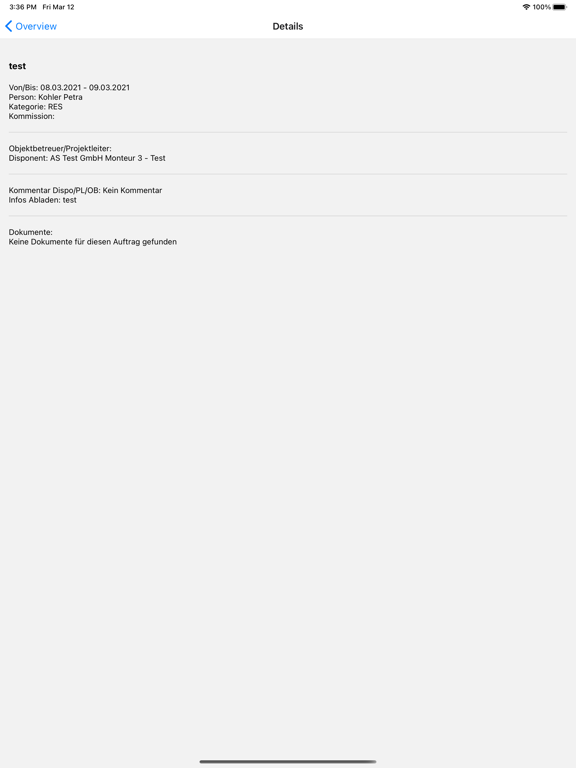
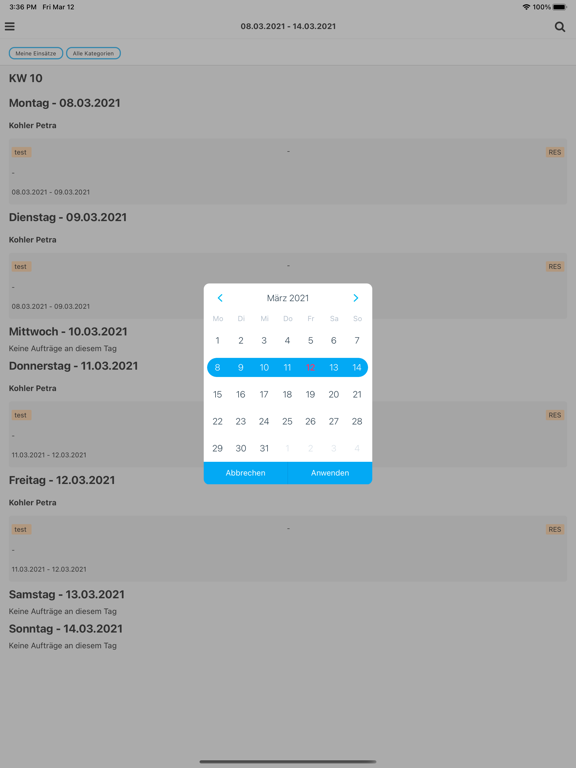
OptiWorker Screenshots
OptiWorker posterOptiWorker posterOptiWorker poster
OptiWorker posterOptiWorker posterOptiWorker posterOptiWorker posterOptiWorker posterOptiWorker poster

About OptiWorker

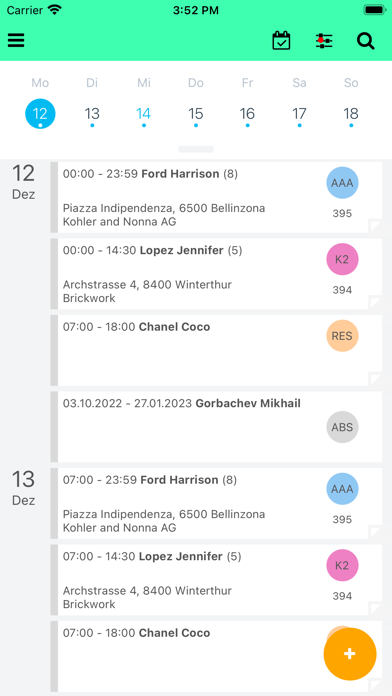
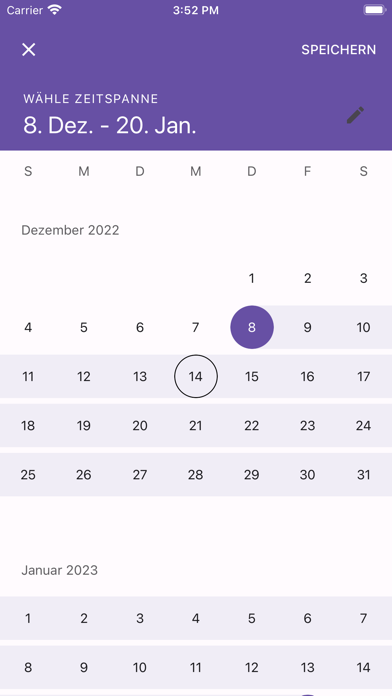
The OptiWorker App - the ultimate app for workers! With OptiWorker, you can easily manage your schedule and stay organized on the job site. Our user-friendly app allows you to view your schedule, assign tasks to team members, and track project progress. Never miss a deadline or important task again with OptiWorker!

-View your daily, weekly, or monthly schedule
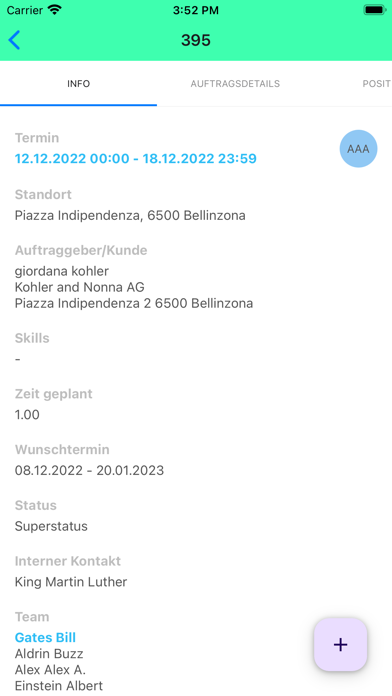
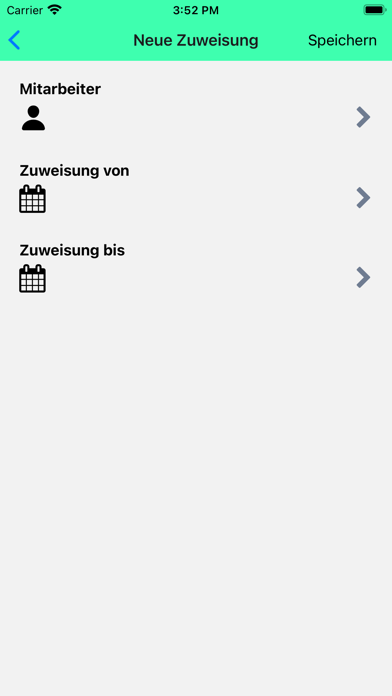
-Assign tasks to team members and track progress
-Collaborate with your team in real-time
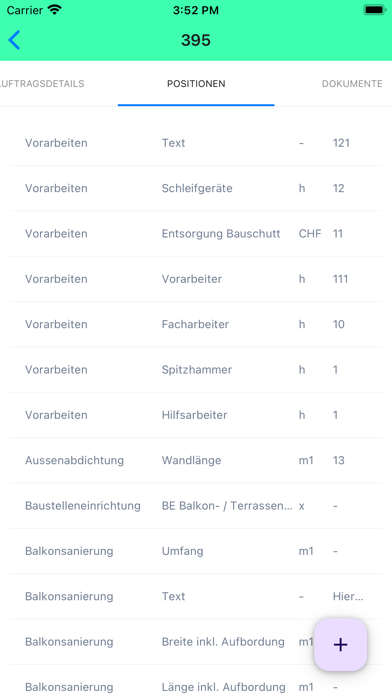
-Stay organized and on track with your projects

OptiWorker is the perfect tool for workers who want to stay organized and on top of their tasks. Download it now and take control of your schedule!

Show More

What's New in the Latest Version 2.2.0

Last updated on Mar 26, 2024
Old Versions
Video upload fixed, various improvements.
Show More
Version History
2.2.0
Mar 26, 2024
Video upload fixed, various improvements.
2.1.0
Mar 14, 2024
Document uploads have been improved
2.0.1
Feb 3, 2024
Correct daily view
2.0.0
Jan 30, 2024
Overhauled search; fixed login problems
1.4.3
Jan 11, 2024
Fixed Login Problems for iPhone 15
1.4.1
Jan 9, 2024
Bugfix: All assignments are shown now. Showing assigned resource rather than lead.
1.4.0
Jan 8, 2024
New Design; improved order search
1.3.0
Jul 19, 2023
Major improvements in the document upload and fixed some bugs of offline synchronisation
1.1.5
Jun 14, 2023
Improved UI, Bugfixes
1.1.4
Apr 28, 2023
Bugfixes.
1.1.3
Mar 30, 2023
contains some bugfixes
1.1.2
Jan 11, 2023
bugfixes
1.1.1
Jan 4, 2023
Improved Camera & Video Features
1.0.0
Dec 15, 2022

OptiWorker FAQ

Click here to learn how to download OptiWorker in restricted country or region.
Check the following list to see the minimum requirements of OptiWorker.
iPhone
Requires iOS 13.4 or later.
iPad
Requires iPadOS 13.4 or later.
iPod touch
Requires iOS 13.4 or later.
OptiWorker supports English

OptiWorker Alternative

You May Also Like