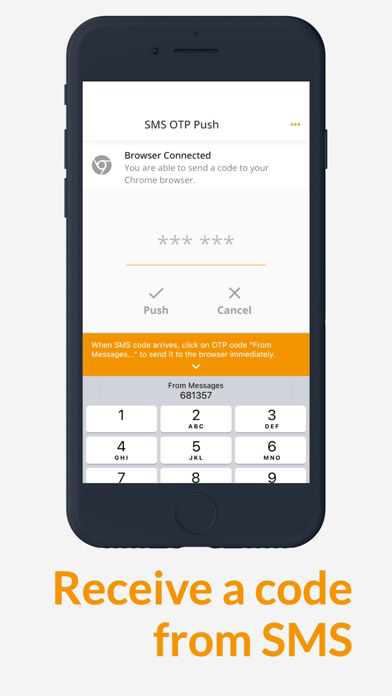
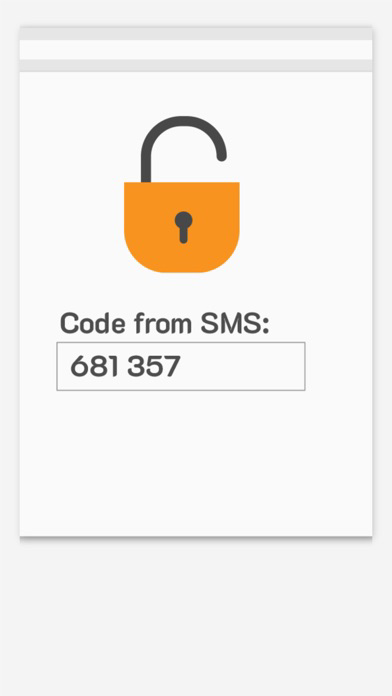
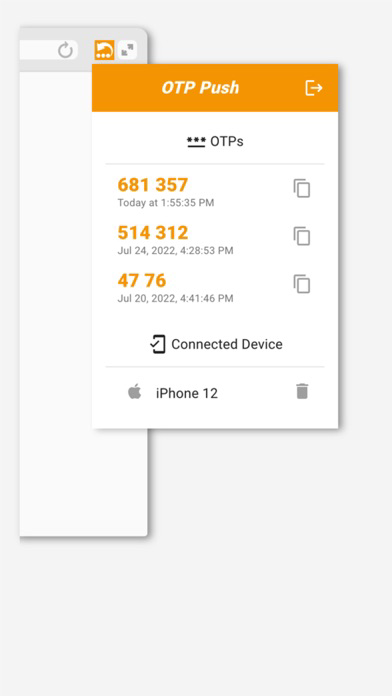
Nowadays, businesses are commonly using phone numbers for Two-Factor authentication for their services. The current process disappoints users. Finding an OTP within an SMS message, then copying and pasting it to the form is bulky. The OTP Push lets receive code from a message and transfer it to the connected desktop browser. Chrome extension pastes received code to the input field.
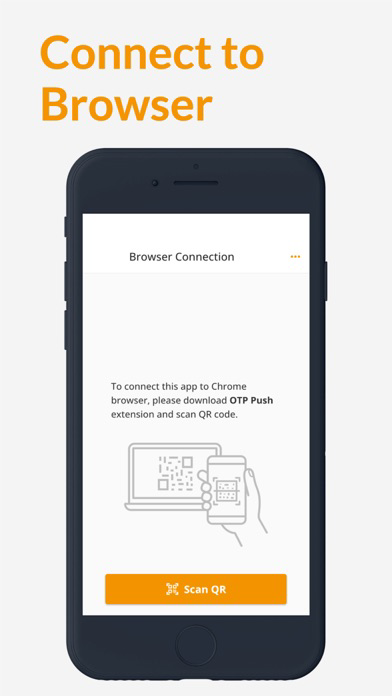
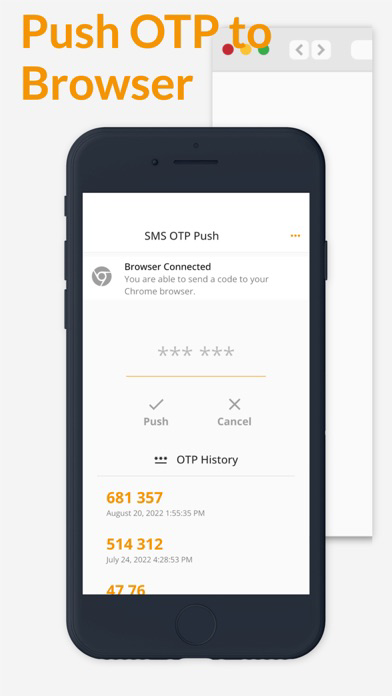
The OTP Push helps you to transfer code from SMS to your desktop Chrome browser in an easy way. Just install the mobile app and Chrome extension from the official app stores. Scan the browser extension's QR code by the mobile app to connect your phone to desktop Chrome. Push the code from SMS to the connected browser.
It works with a lot of services supporting the SMS Two-Factor Authentication, including:
• Google,
• Docusign
• Microsoft
• Facebook
• Instagram
• Twitter
• Amazon
• PayPal
• Klarna
• GoDaddy
• LinkedIn
• Apple
• Wordpress
• Stripe
• Yahoo
and many others