Overview Notes
Free
1.4for iPhone, iPad
Age Rating
Overview Notes Screenshots
About Overview Notes
*** Created by the founders of the very popular website Explorable.com
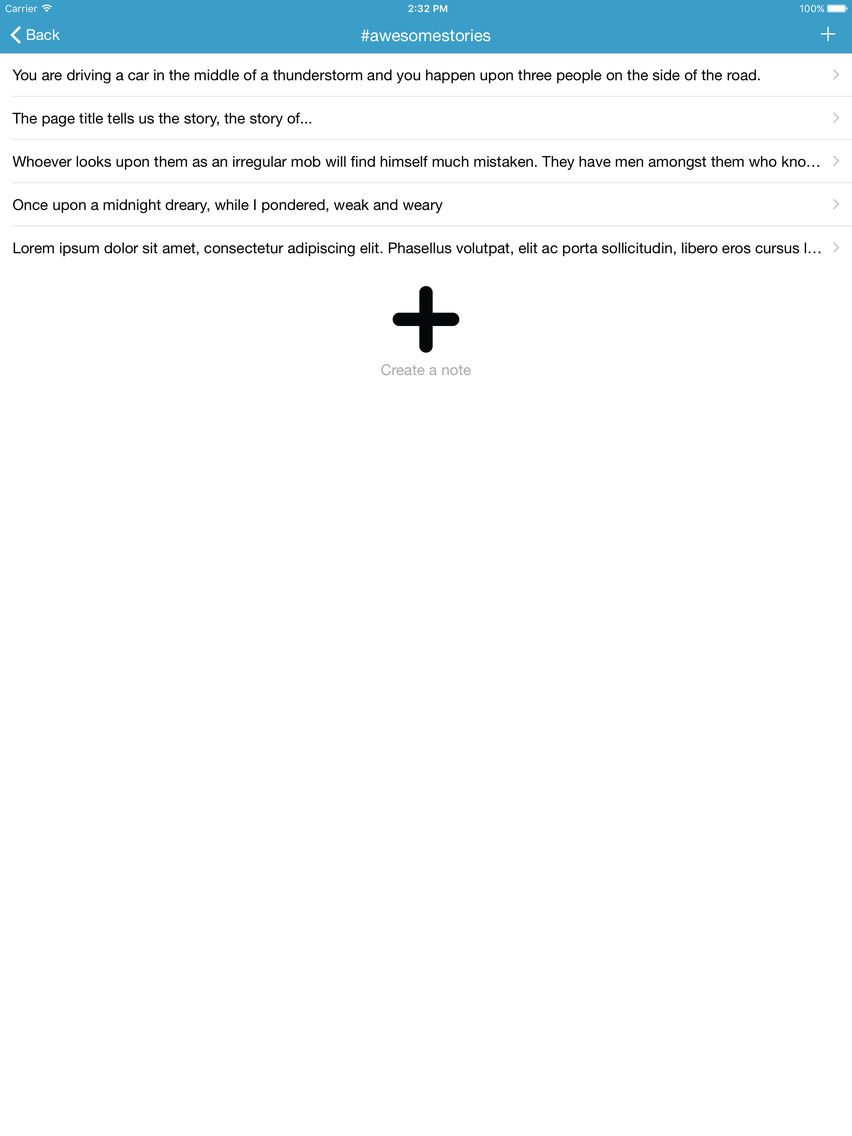
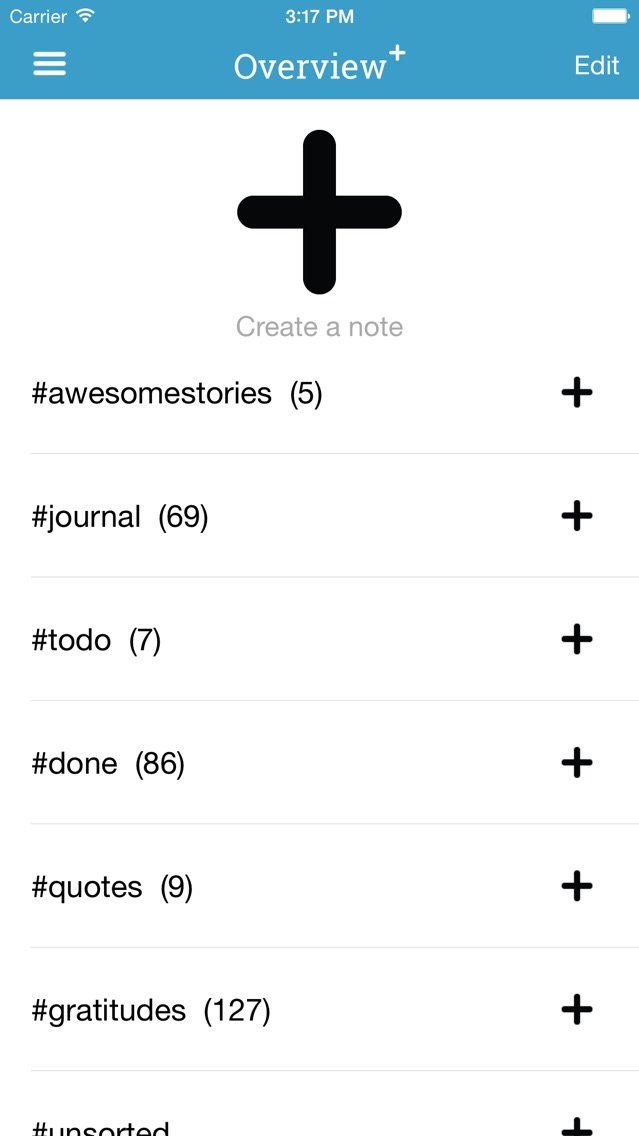
Overview Notes for iPhone, iPad and iPod touch lets you save and organise your ideas, thoughts, todo's, lessons and notes into any topics and in sync with life and all devices.
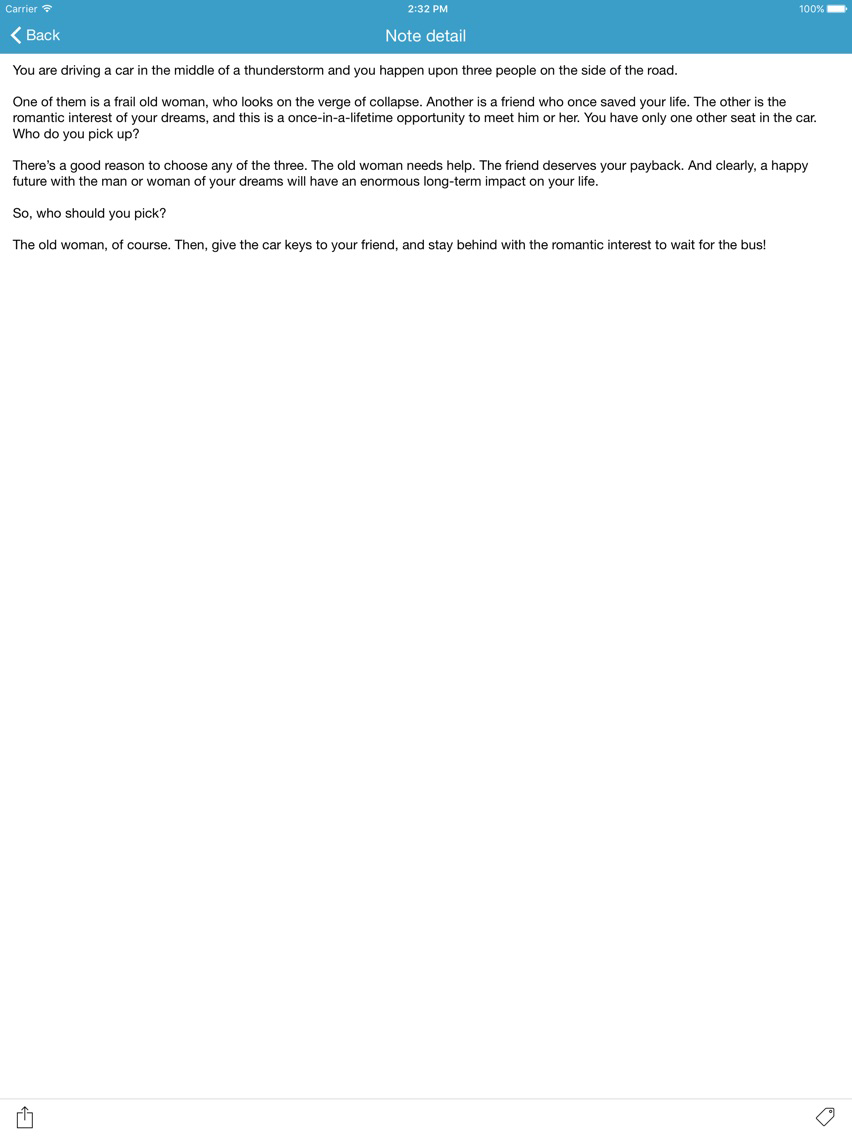
Extremely easy to take notes in class or while learning - group your notes together later.
Overview Notes can also be used for cramming and learning structures of a topic. Great for students that study for an exam or for anyone who want to learn about a topic!
Use Overview Notes to keep a journal or track events. Get fast overview of the topic wherever you are.
FEATURES:
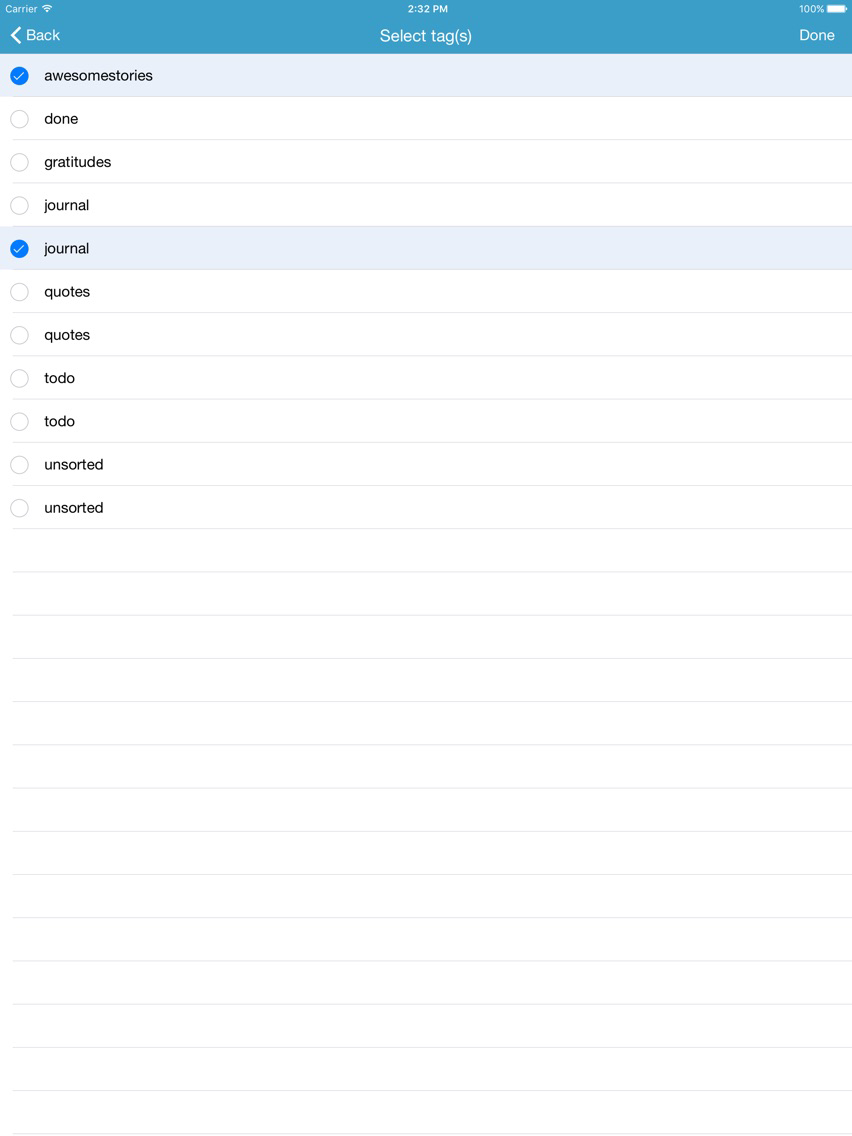
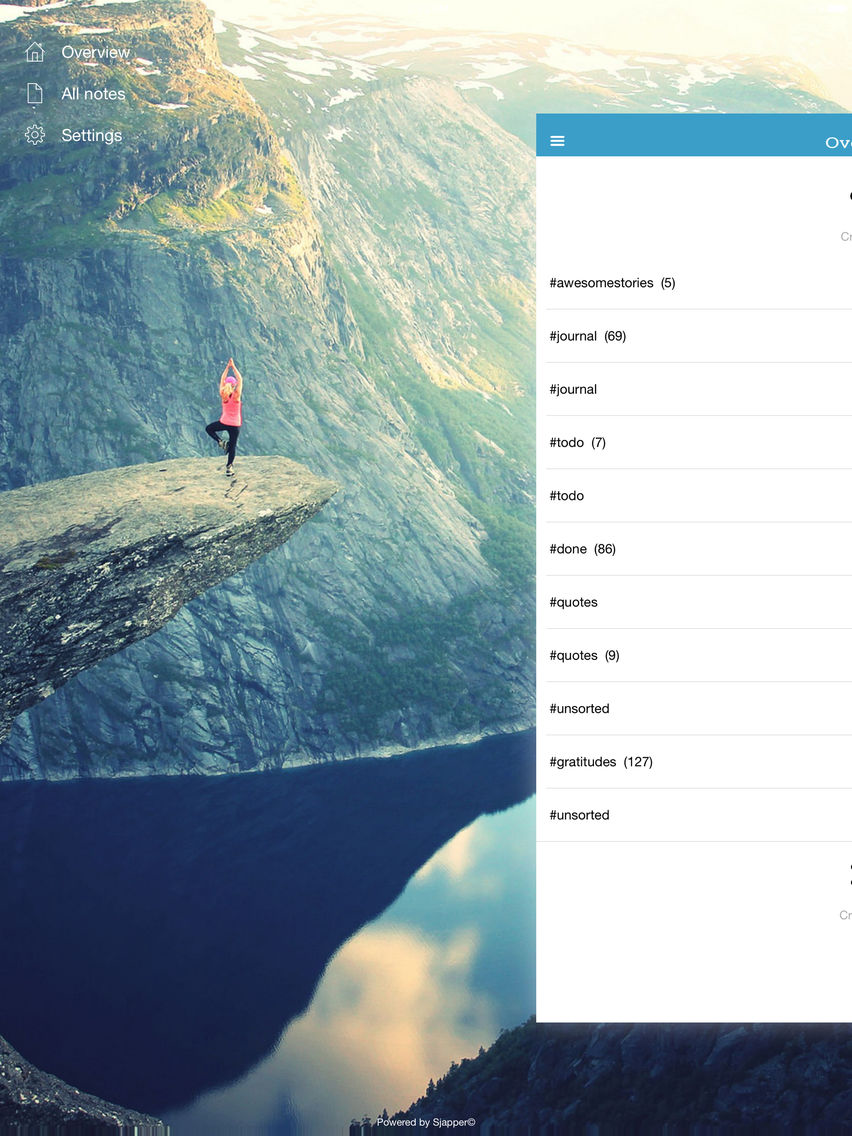
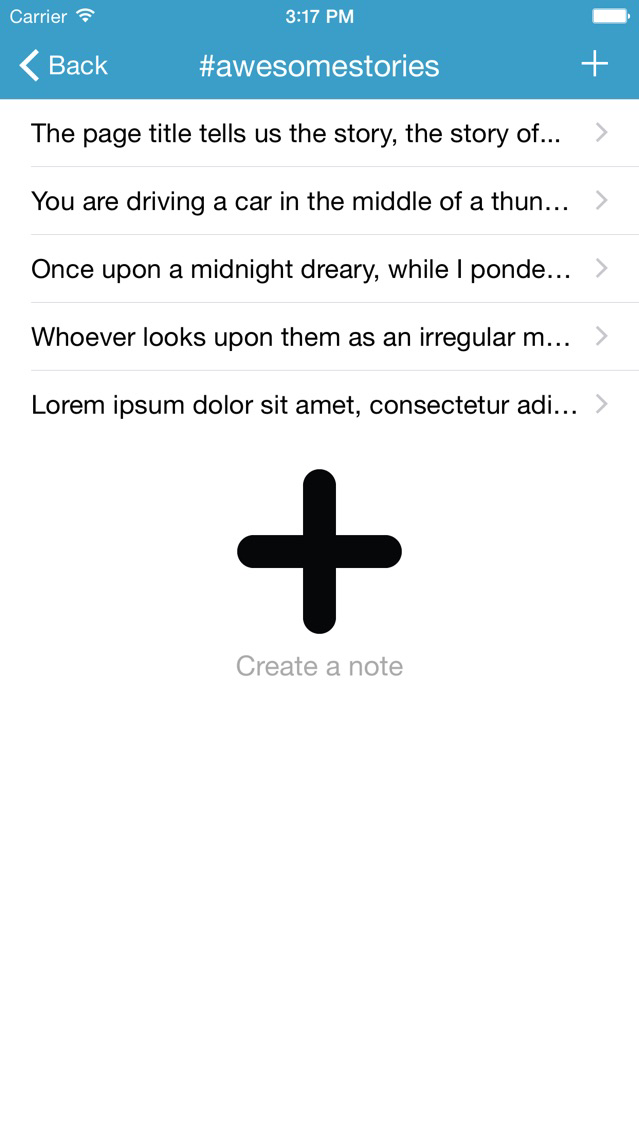
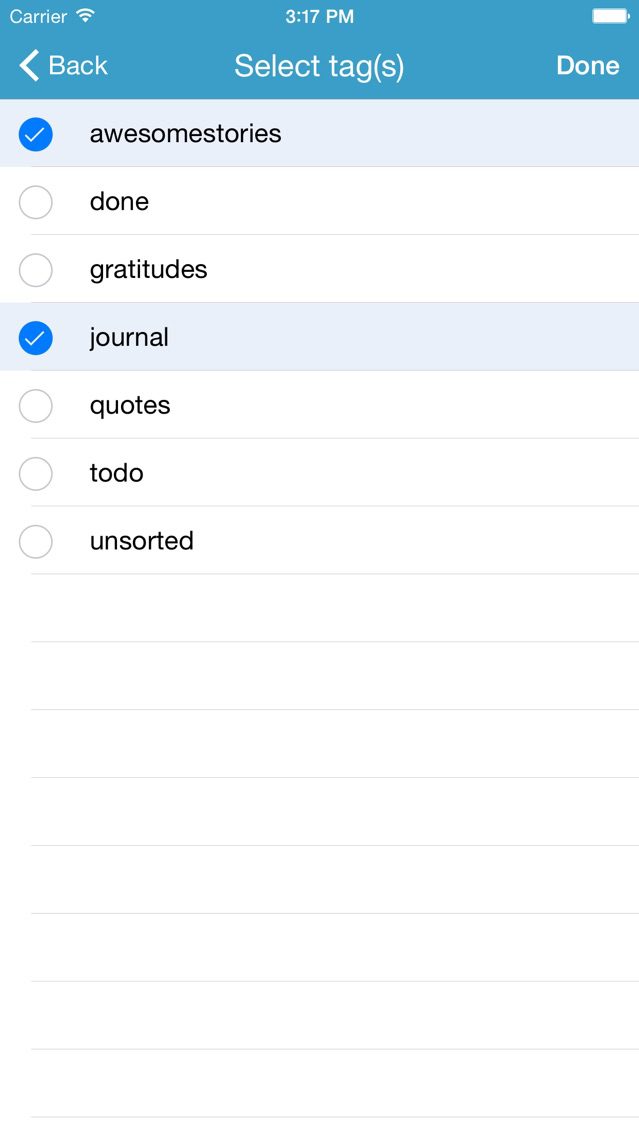
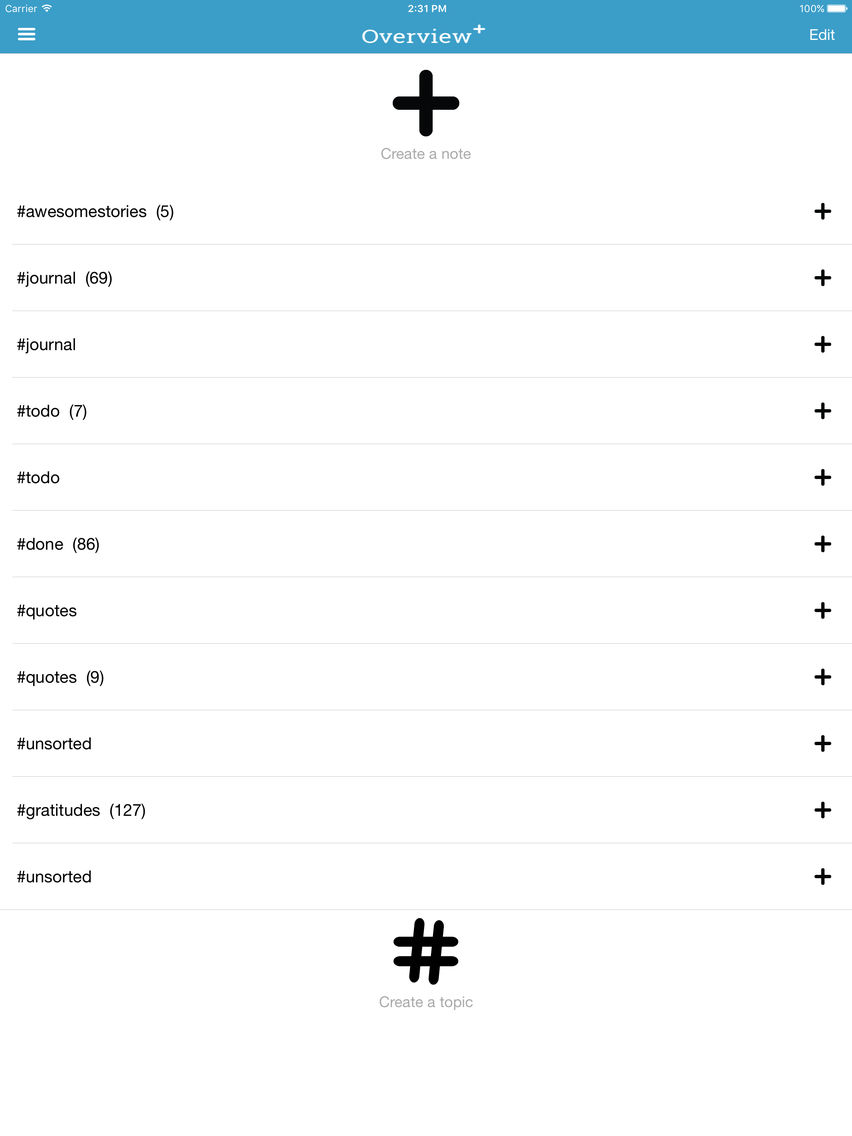
- Organise your notes into topics.
- Extremely simple to use.
- Share text and links from any other apps* (like Safari, Notes, Pocket and more) to Overview.
- Secure your notes using Passcode and/or Touch ID fingerprint scanning.
- Always available on all your iOS devices using iCloud sync.
- Export to CSV and backup your notes to email at any time.
- Share notes to other apps, like Evernote, Dropbox, Facebook, Notes, SMS and many more.
*The first time you share from another app, swipe left to "More", scroll down to Overview, turn it on and touch drag it to the top of the Activities list.

Overview Notes for iPhone, iPad and iPod touch lets you save and organise your ideas, thoughts, todo's, lessons and notes into any topics and in sync with life and all devices.
Extremely easy to take notes in class or while learning - group your notes together later.
Overview Notes can also be used for cramming and learning structures of a topic. Great for students that study for an exam or for anyone who want to learn about a topic!
Use Overview Notes to keep a journal or track events. Get fast overview of the topic wherever you are.
FEATURES:
- Organise your notes into topics.
- Extremely simple to use.
- Share text and links from any other apps* (like Safari, Notes, Pocket and more) to Overview.
- Secure your notes using Passcode and/or Touch ID fingerprint scanning.
- Always available on all your iOS devices using iCloud sync.
- Export to CSV and backup your notes to email at any time.
- Share notes to other apps, like Evernote, Dropbox, Facebook, Notes, SMS and many more.
*The first time you share from another app, swipe left to "More", scroll down to Overview, turn it on and touch drag it to the top of the Activities list.
Show More
What's New in the Latest Version 1.4
Last updated on May 23, 2016
Old Versions
We are happy to announce we've made the app free to download! There are no limits on how many notes and topics you may create!
And, for a limited time you'll get the Premium version for free! Just choose Upgrade when asked or go to the app settings in the menu to upgrade at any time.
New:
- Click on links/URLs in notes to open them in a browser
- In-app purchase for Overview Notes Premium
Happy writing!
Show More
Version History
1.4
Feb 20, 2015
We are happy to announce we've made the app free to download! There are no limits on how many notes and topics you may create!
And, for a limited time you'll get the Premium version for free! Just choose Upgrade when asked or go to the app settings in the menu to upgrade at any time.
New:
- Click on links/URLs in notes to open them in a browser
- In-app purchase for Overview Notes Premium
Happy writing!
Overview Notes FAQ
Click here to learn how to download Overview Notes in restricted country or region.
Check the following list to see the minimum requirements of Overview Notes.
iPhone
iPad
Overview Notes supports English