Pace OnSite

Pace OnSite


Free

2.0.6for iPhone, iPad
6.5
8 Ratings
OnSite Solutions
Developer
Aug 25, 2020
Update Date
Productivity
Category
Age Rating
4+
Apps in this category do not contain restricted content.
9+
Apps in this category may contain mild or occasional cartoon, fantasy or real-life violence, as well as occasional or mild adult, sexually suggestive or horrifying content and may not be suitable for children under 9 years of age.
12+
Apps in this category may contain occasional mild indecent language, frequent or intense cartoon or real-life violence, minor or occasional adult or sexually suggestive material, and simulated gambling, and may be for children under 12 years of age.
17+
You must be at least 17 years old to access this App.
Apps in this category may contain frequent and intense offensive language; Frequent and intense cartoon, fantasy or realistic violence: frequent and intense adult, scary and sexually suggestive subjects: as well as sexual content, nudity, tobacco, alcohol and drugs, may not be suitable for children under 17 years of age.
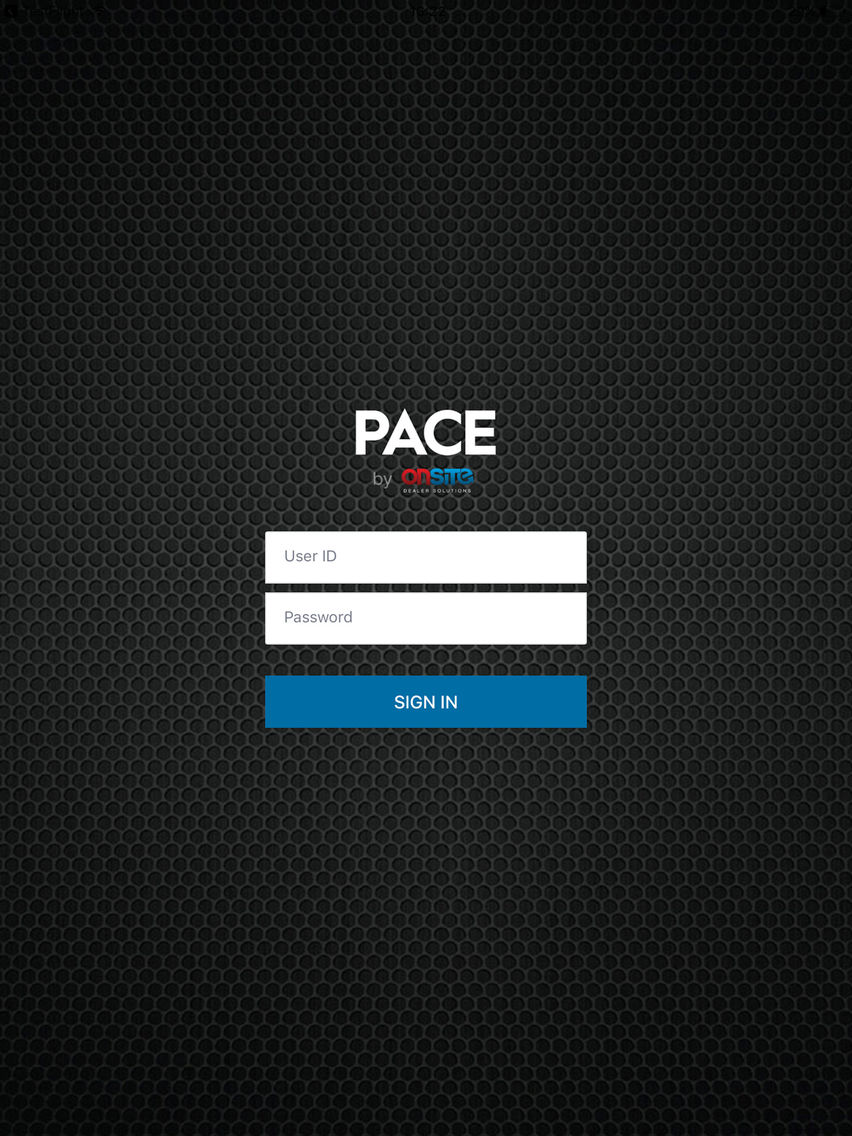
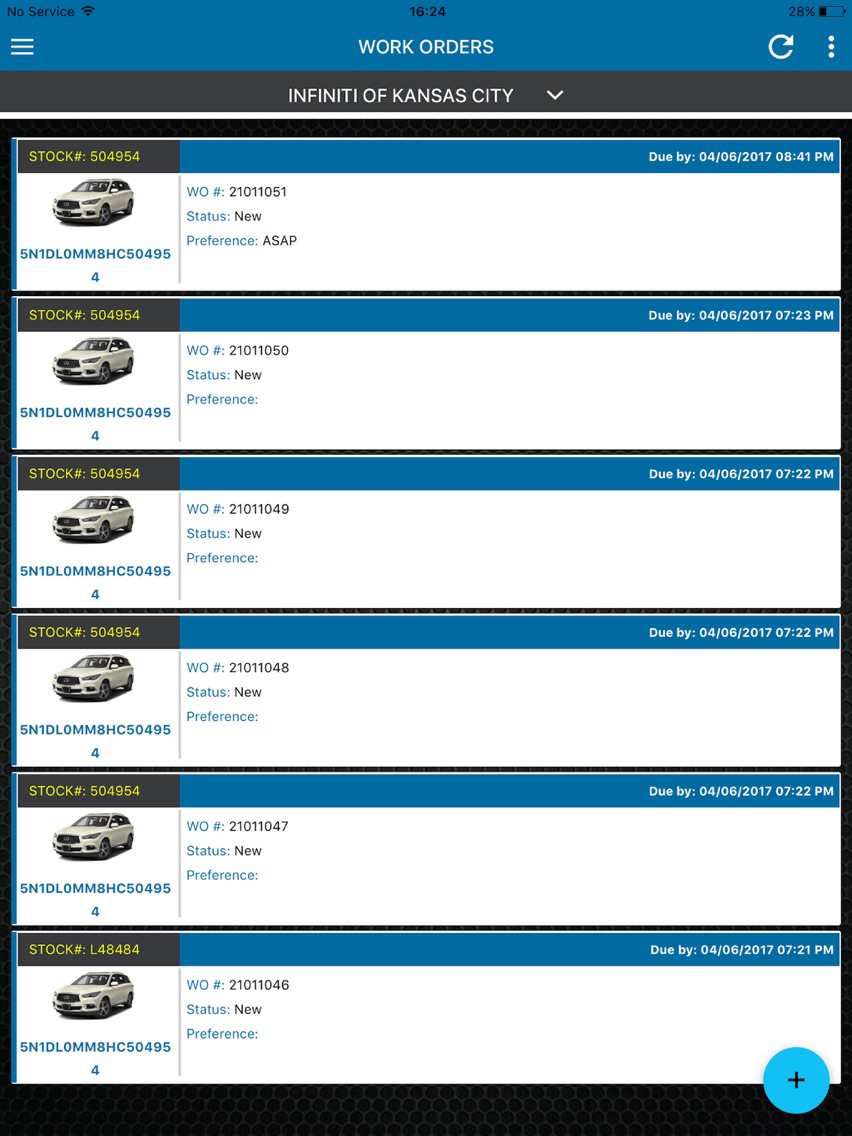
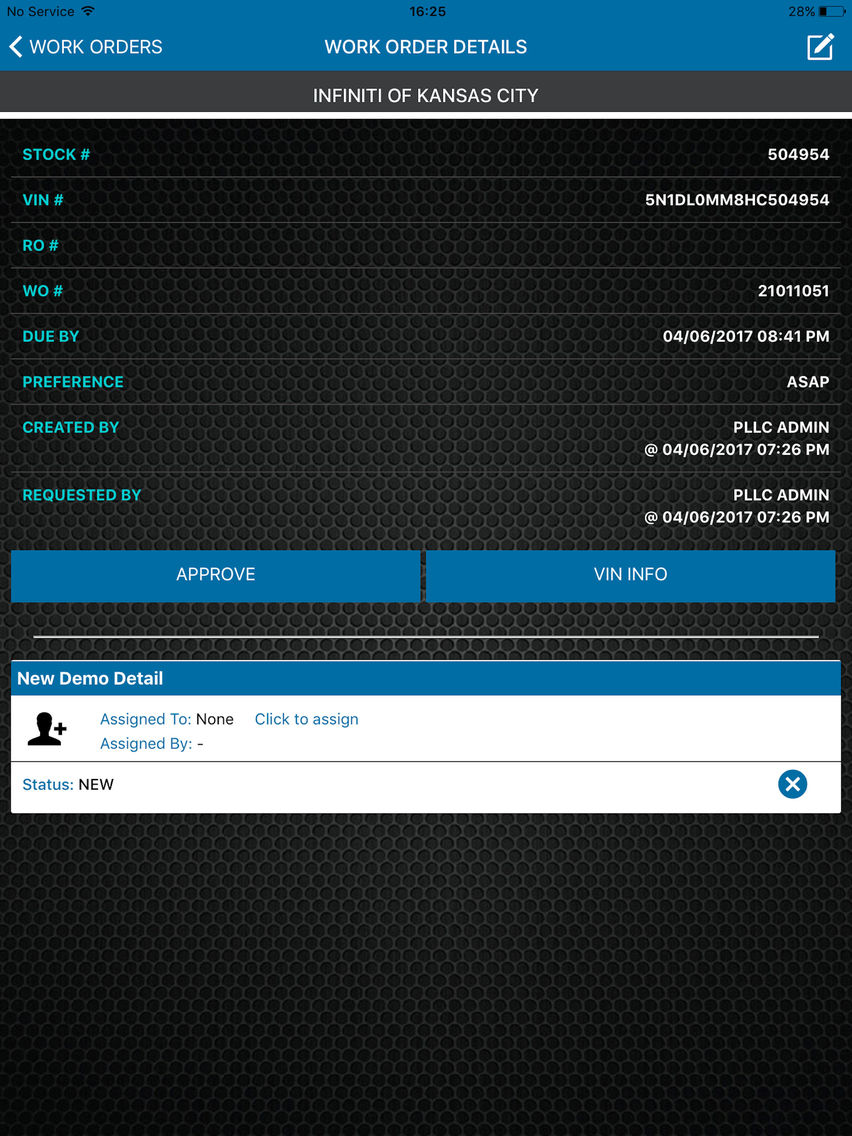
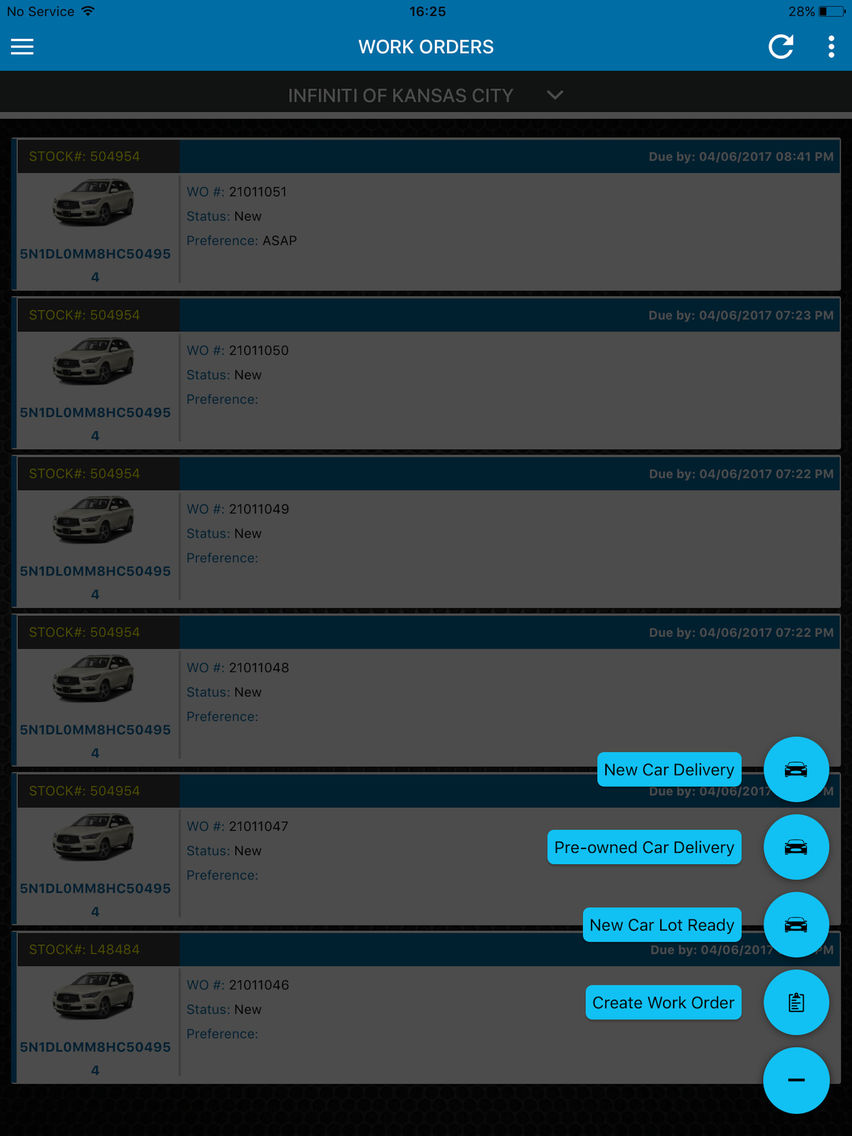
Pace OnSite Screenshots
Pace OnSite posterPace OnSite posterPace OnSite posterPace OnSite posterPace OnSite poster

About Pace OnSite

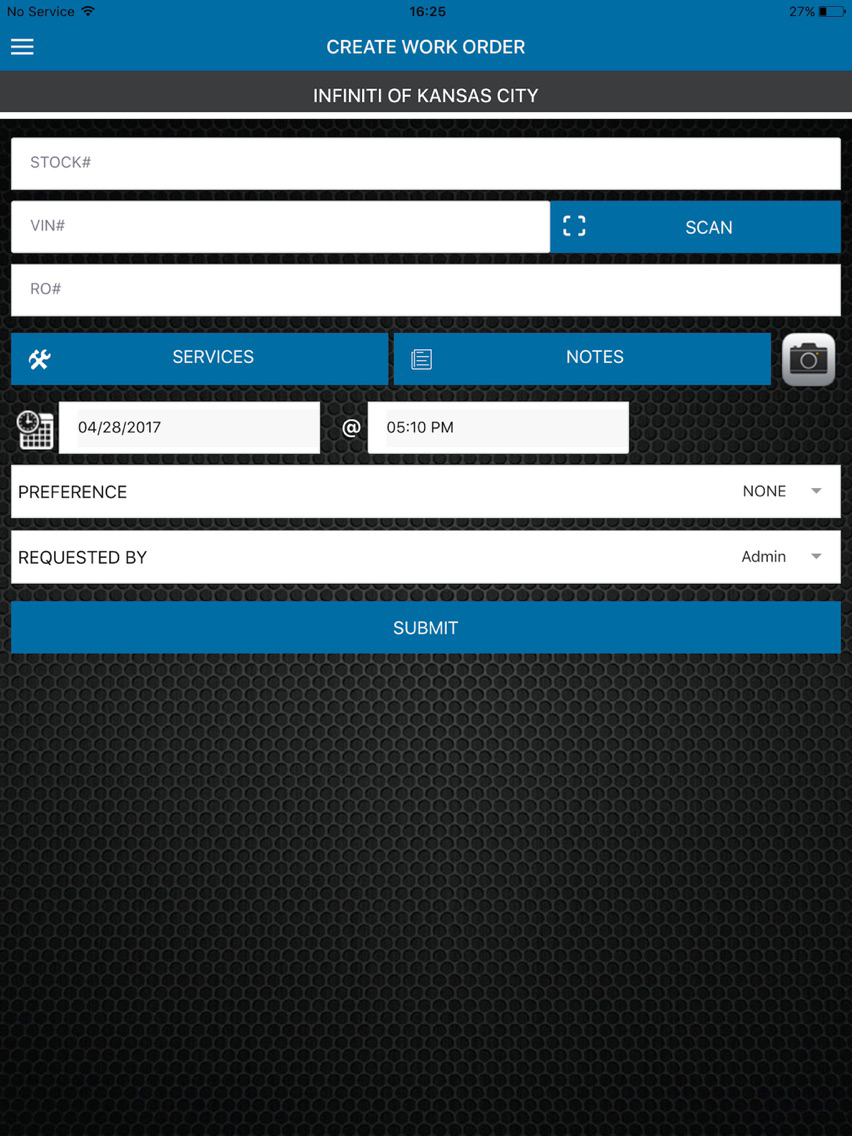
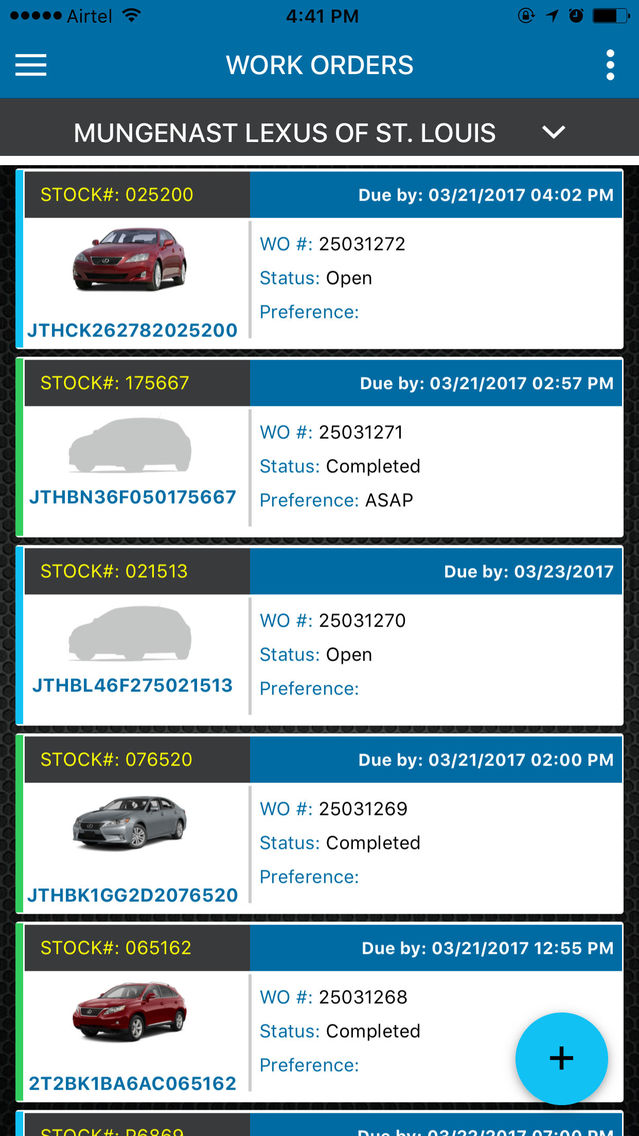
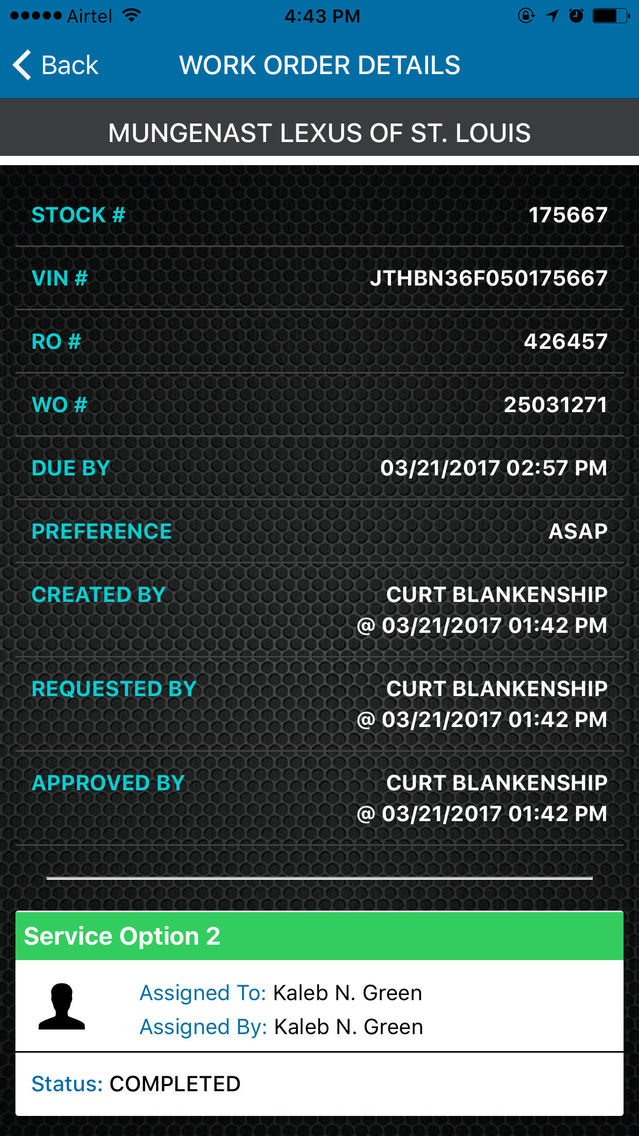
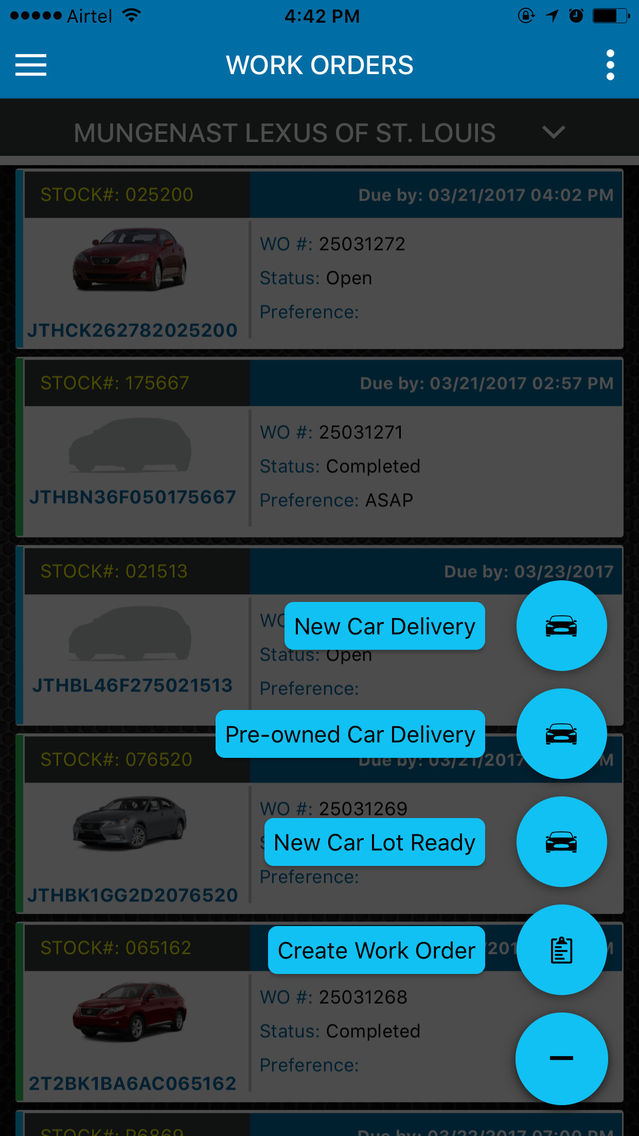
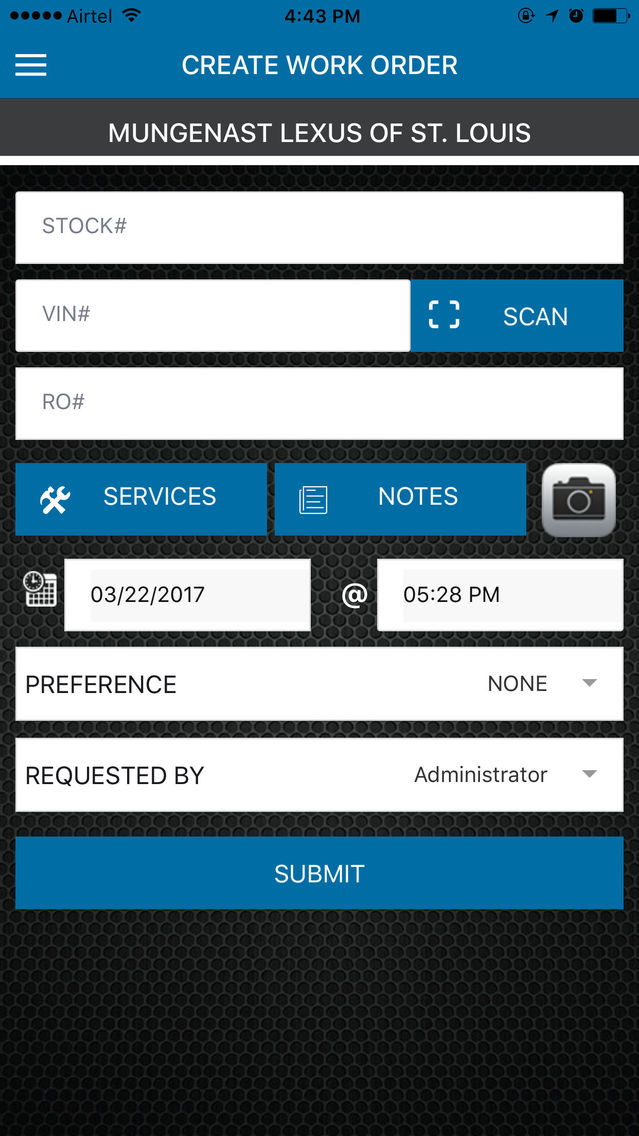
PACE app enables users to view and update status on work orders created through the main Web Portal used by Car Dealerships. The app compliments the existing users of PACE website and doesn’t require separate access or subscription. It will let Sales people to rate the car when they get delivery. Pace is a productivity app and not for general public. It is for exclusive of Car Dealer, Employees and Vendors. It will require a login for access by the dealership.

There will no in-app purchases or any additional charges.
Show More

What's New in the Latest Version 2.0.6

Last updated on Aug 25, 2020
Old Versions
1. RO# missing when creating a work order issue fixed
2. Support messages removed from Dashboard
3. VIN images removed from work order queue and details screens
4. Performance optimization
Show More
Version History
2.0.6
Aug 25, 2020
1. RO# missing when creating a work order issue fixed
2. Support messages removed from Dashboard
3. VIN images removed from work order queue and details screens
4. Performance optimization
2.0.5
May 12, 2020
1. VIN info scan issues fixed
2. Bug fixes and performance improvements
1.3.9
Jan 2, 2019
1. Forgot password feature added
2. Performance improvements
1.3.8
Dec 29, 2018
Forgot password feature added.
1.3.7
Nov 16, 2018
Login screen UI issue fixed for iOS 12+
1.3.6
Oct 2, 2018
1. Vehicle History view cache issue fixed.
2. Work order view cache issue fixed.
1.3.5
Aug 2, 2018
1. VOID option removed for AIO package work orders.
1.3.4
Jul 2, 2018
1. IP address issue fixed
2. Performance improvements
1.3.3
Jun 30, 2018
1. Payments tab integrated
2. Performance improvements
1.3.2
Jun 22, 2018
1. Search on Dashboard UI updated
2. Vendors can pick up work orders
1.3.1
Jun 11, 2018
1. Optimized dashboard with a new design
2. VIN Chrome data updated
1.2.9
Mar 23, 2018
1. Full VIN required to complete a work order
2. Service Item VOID action removed for Dealerships
1.2.8
Mar 23, 2018
1. Full VIN required to complete a work order
2. Service Item VOID action removed for Dealerships
1.2.6
Feb 19, 2018
1. VIN scan extra characters for Hyundai cars issue fixed
2. Service Item selection filter added for Work Orders screen
3. Employee Time Clock Check-In required to Pick Up/Cancel/Complete work orders
4. Profile image update from side menu
5. VIN 'scanned/typed' tracking for work order Create/Pick Up/Update VIN info operations
6. Bug fixes
1.2.4
Feb 1, 2018
1. VIN scan extra characters for Hyundai cars issue fixed
2. Service Item selection filter added for Work Orders screen
3. Employee Time Clock Check-In required to Pick Up/Cancel/Complete work orders
4. Profile image update from side menu
1.2.3
Oct 23, 2017
1. PO input added to create work order and work order details screens
2. Performance improvements
1.2.2
Sep 26, 2017
1. Work order details screen: Service Item options updated
2. Work order details screen: Image loading optimized
1.2.1
Sep 22, 2017
1. Add Photos to an existing work order
2. Service Item options UI updated in the work order details screen
3. Performance improvements
1.2.0
Aug 29, 2017
1. Feedback tool for ratings
2. Introducing Notification center. Please check in the menu list
1.1.1
Aug 22, 2017
1. Introducing Time Clock on the app. It requires re-login for the first time and location service enabled.
2. Location permissions are necessary for Time Clock.
3. Dynamic Departments filter on work order queue screen.
4. Performance optimization.
1.0.4
Jul 23, 2017
1. New work order queue
2. Dashboard updates
3. Performance improvements
1.0.3
Jul 19, 2017
1. New work order queue
2. Dashboard updates
3. Performance improvements
1.0.1
Jul 7, 2017
1. Check out the new Dashboard, Message Board and Employees Info screens
2. ASM can assign, pick up and complete the work orders

1.0
Jun 28, 2017

Pace OnSite FAQ

Click here to learn how to download Pace OnSite in restricted country or region.
Check the following list to see the minimum requirements of Pace OnSite.
iPhone
iPad
Pace OnSite supports English

Pace OnSite Alternative

You May Also Like

Get more from OnSite Solutions