Transform your casual visit to the beach to a day of fun adventure!
We provide convenient rentals for things like kayaks, paddle boards, and other fun equipment to level up your day at the beach.
How it works:
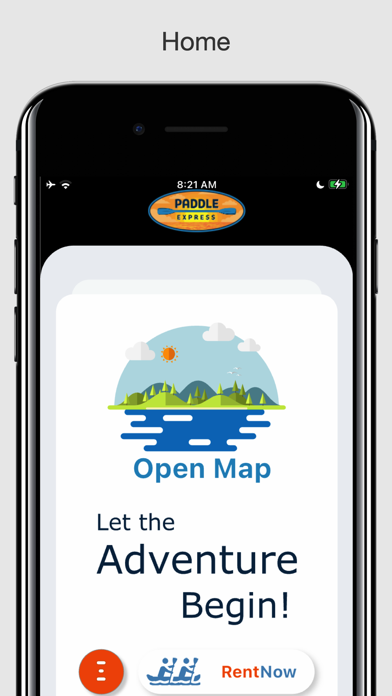
1. Download the app
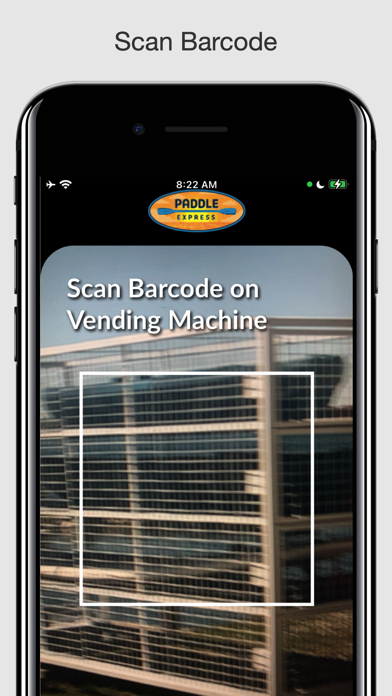
2. At any paddle express location, scan the barcode with the app to see the available Kayaks, paddle boards, etc.
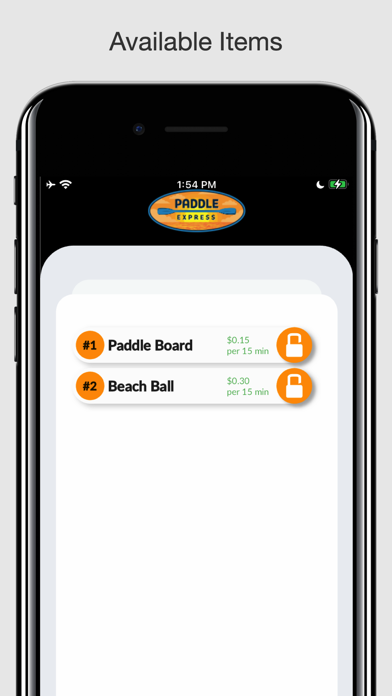
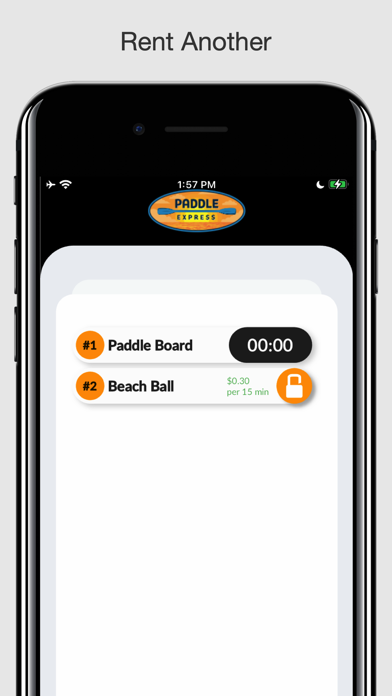
3. Once you have scanned the barcode, the app loads a selection of all available items at your location. You can look at the bay number on the item you want and find the matching number at the location to look at the item before renting.
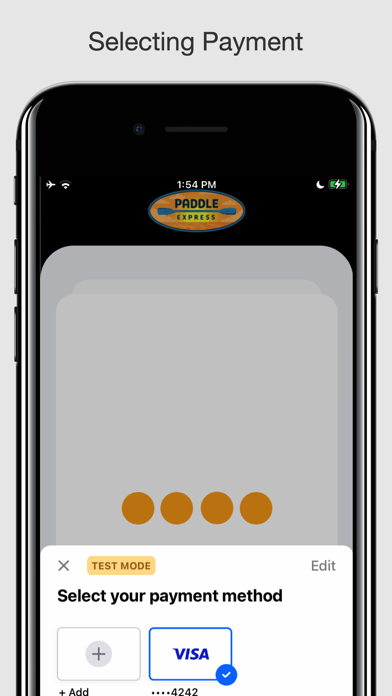
4. Select an item, agree to the terms and conditions, and choose your method of payment.
5. The app will try to connect with bluetooth to open the lock. If you have difficulty connecting, try moving your phone closer to the bluetooth symbol on the machine.
6. Once the bay door has unlocked, you can pull out your item, and if you like you can store any backpacks, goods, or personal items in the bay for safekeeping while you are renting.
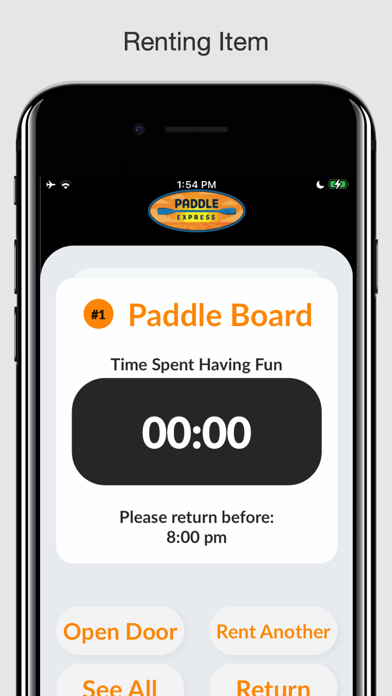
7. The rent details screen will show you the time spent renting so far, and give you to option to open the door again to access/store your items, rent another item, see all your current rentals, or return the current item.
8. If you pull your item out and see an issue you did not spot before pulling it out, simply start the return process on the app. Five minutes come free, so you don't need to be worried about being charged.
9. Enjoy your time at the beach! Once you are ready to return, tap the return button on the rent details screen. Then the door will unlock and you can remove any stored items and return your rental.
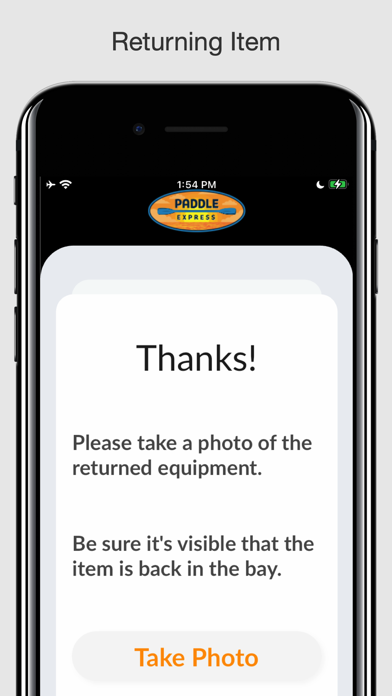
10. Close the door, and you will be prompted to take a photo of the item secured back in the bay. Be sure both the item in the bay, and the bay number marked on the machine, are clearly visible in your photo.
11. Thanks for renting with us! Your receipt will be shown, and you can proceed to return any other rented items or rent a different item.