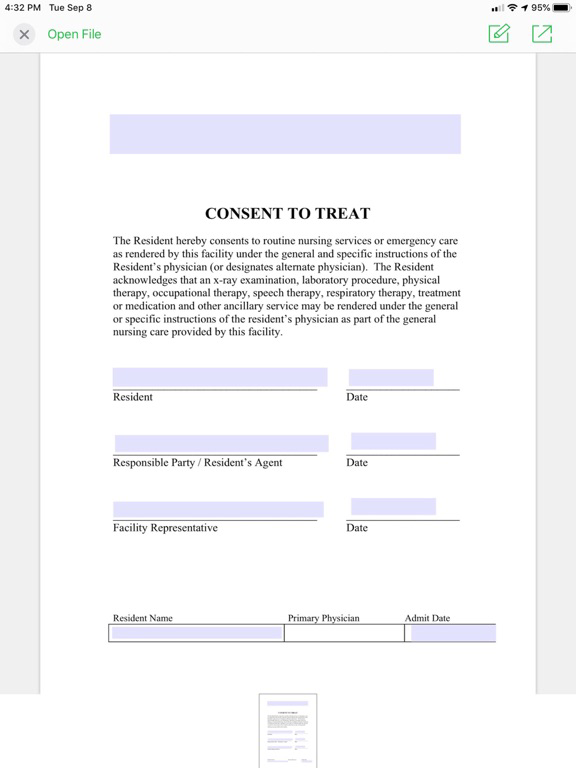
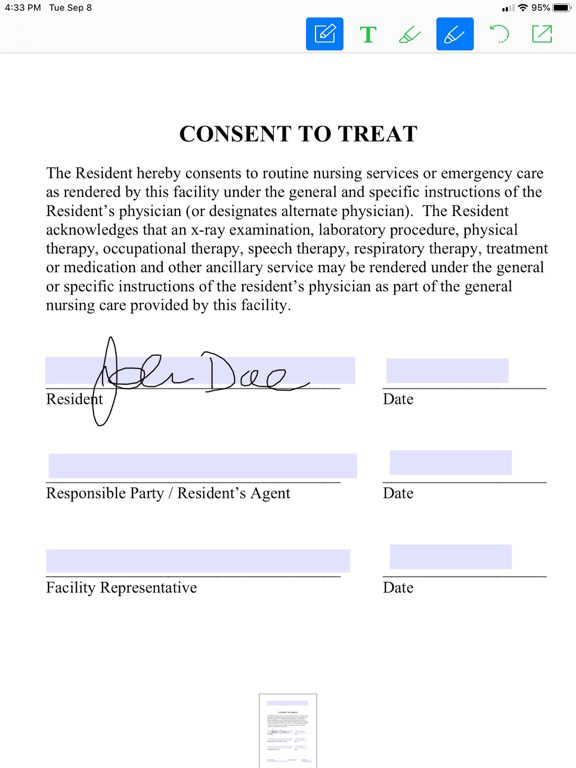
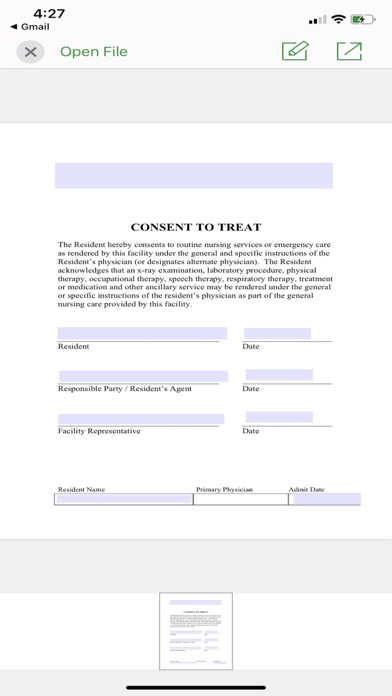
PCC Plus is your mobile solution to e-sign and edit PDF documents directly from PCC, the internet, email or text. PCC Plus is designed to work seamlessly with PDF documents from web based EHR and EMR systems. PCC Plus App also connects to your PCC Plus online account for easy PDF file access.
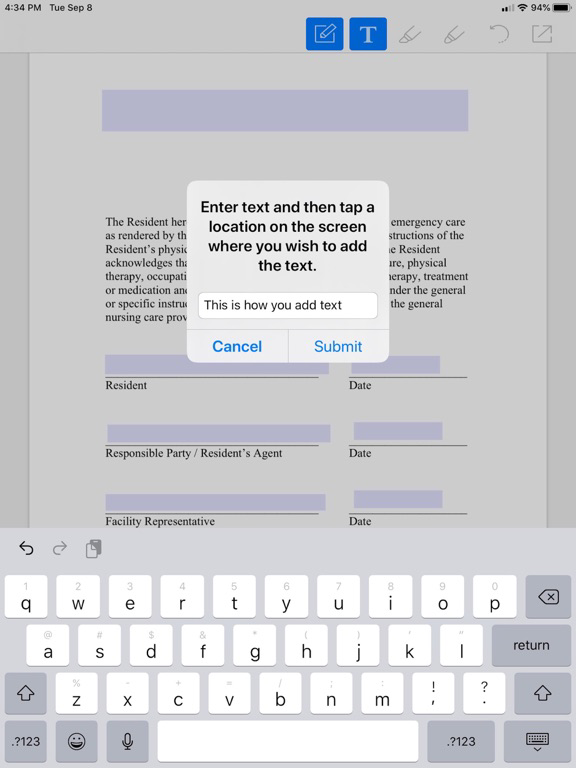
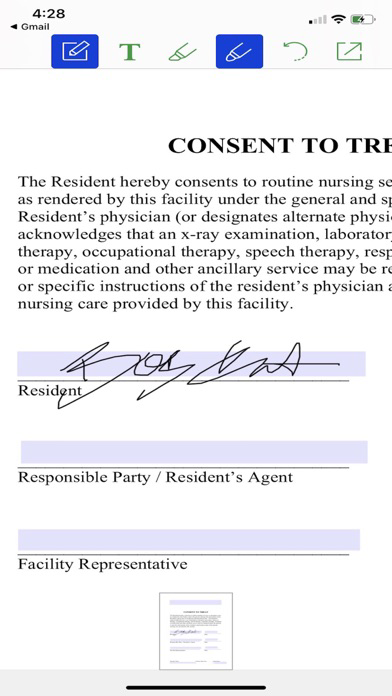
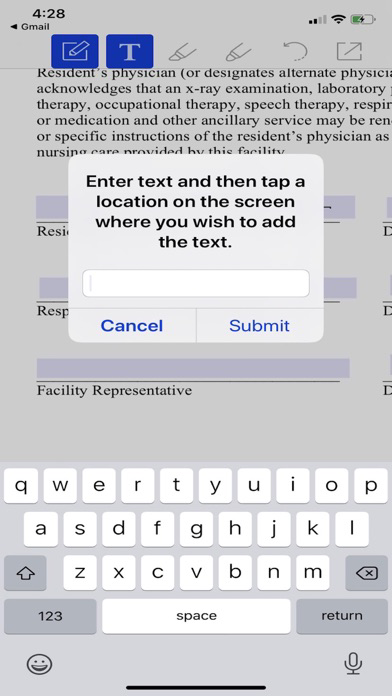
Use PCC Plus to digitally sign, annotate, add text and even auto-fill your PDF documents within seconds. Esigned and edited PDF files can be uploaded back to PCC and most EHR / EMR systems with ease.
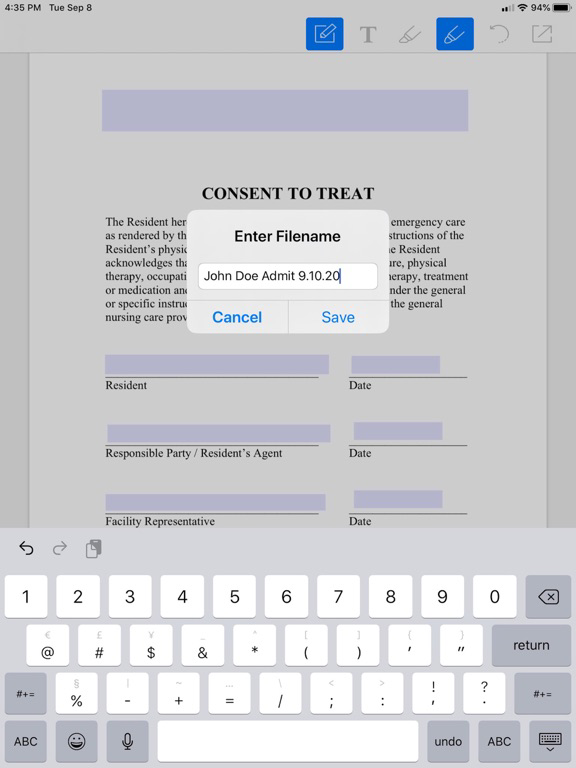
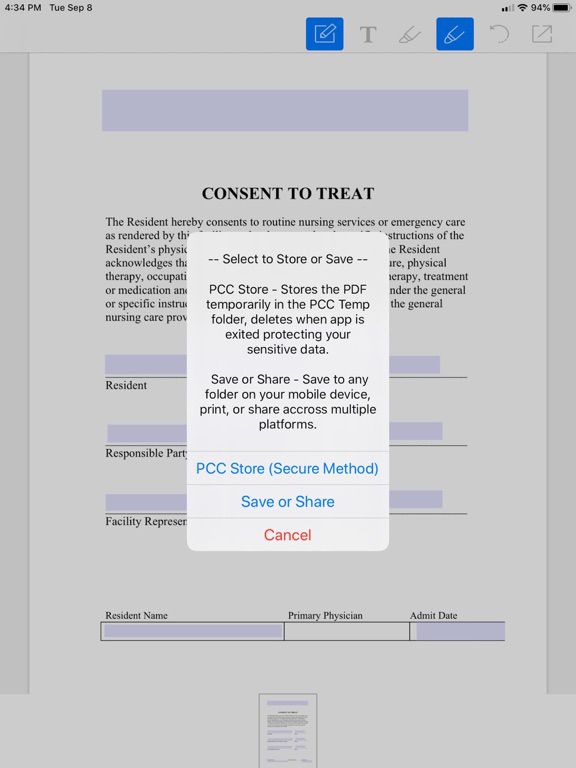
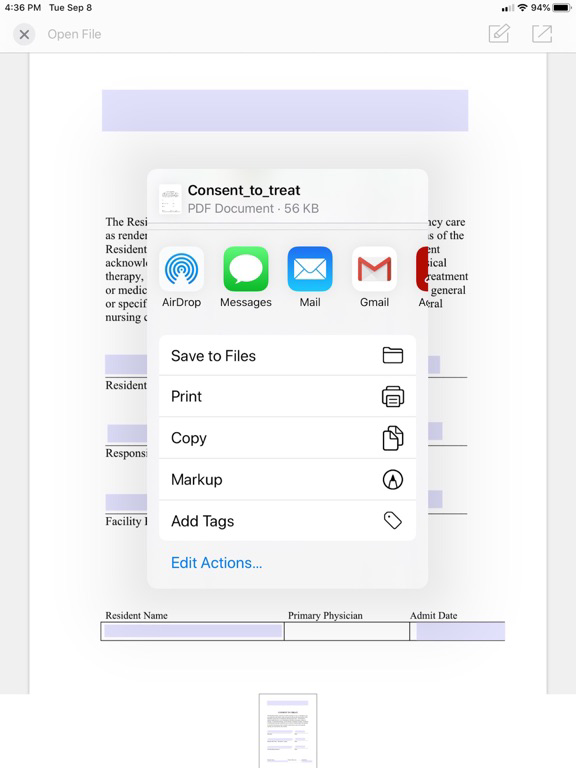
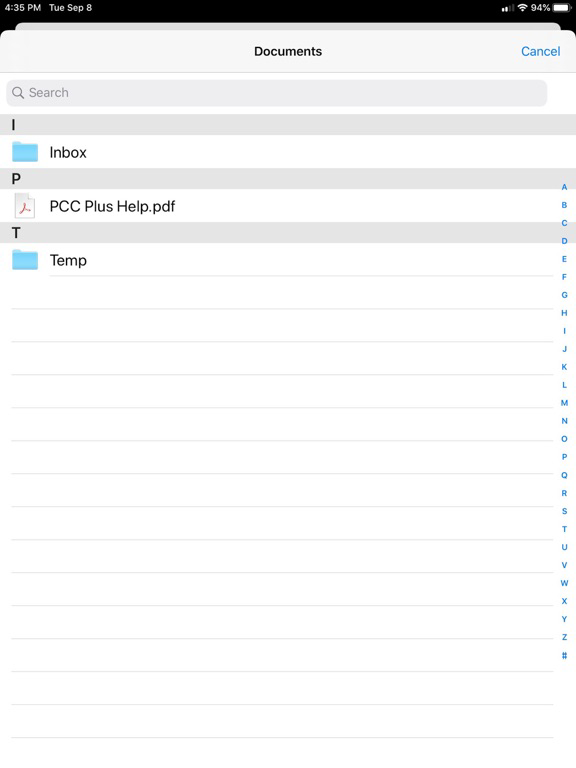
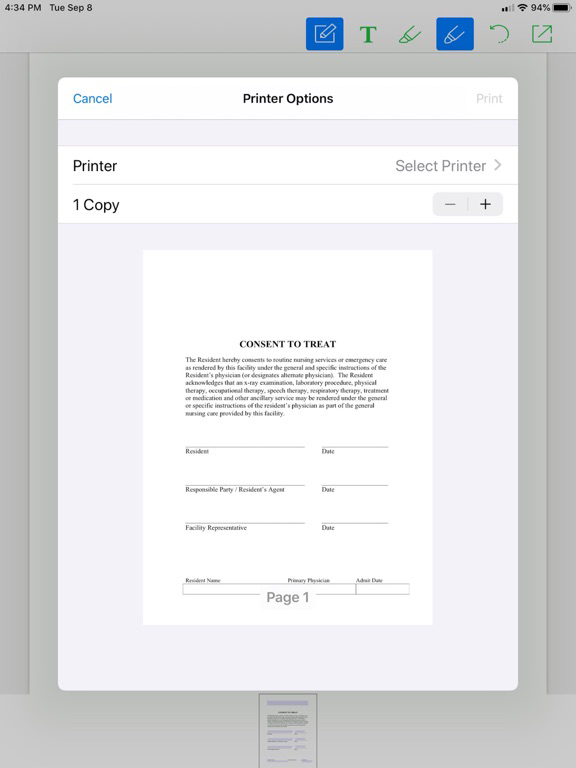
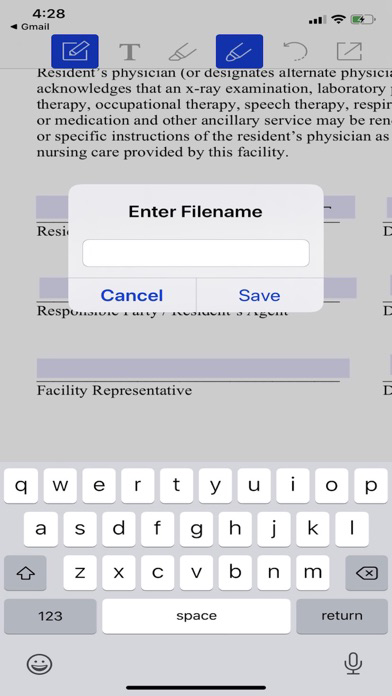
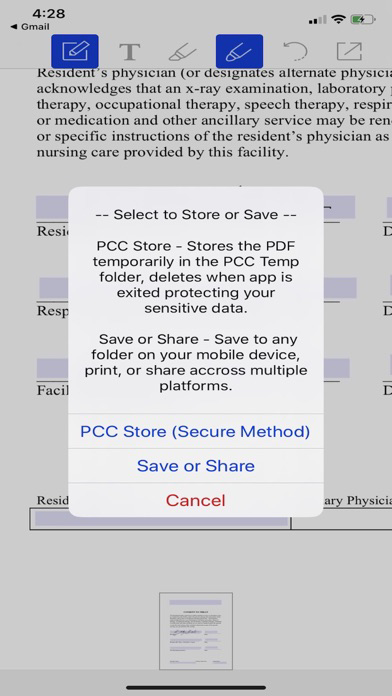
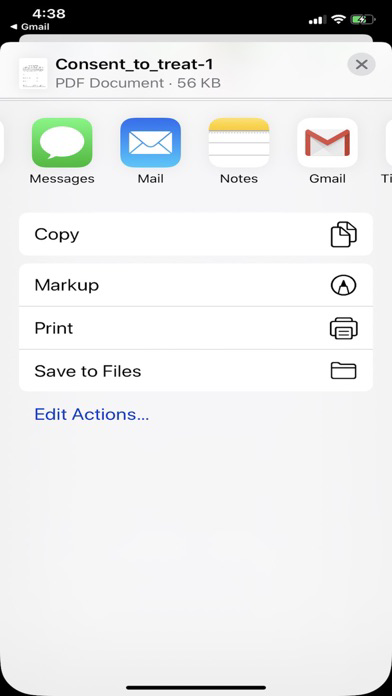
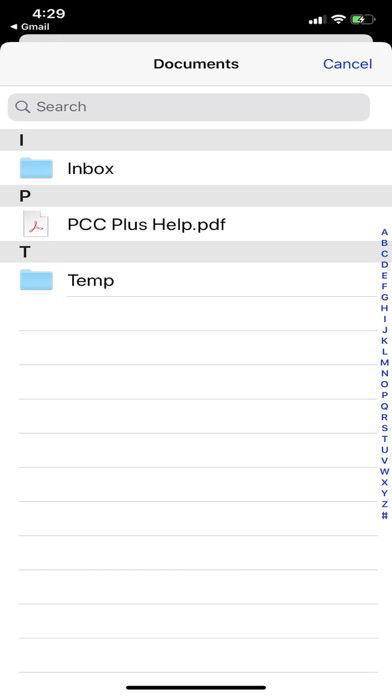
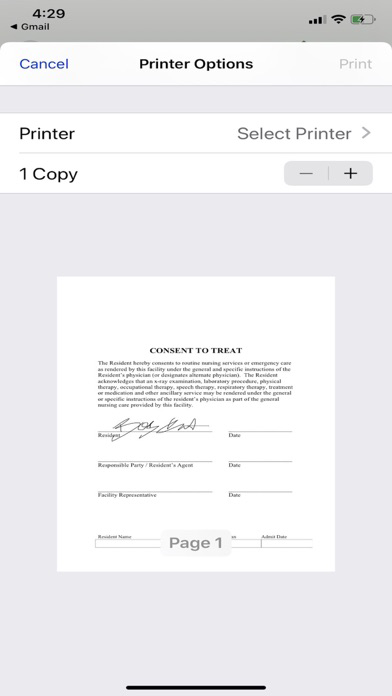
When esigning and editing PDF files is complete you can store your PDF in PCC Plus' secure folder that is designed and developed for the protection of your sensitive data. Contents of the PCC Plus secure folder are deleted when the app is exited, ensuring your personal and private data are not shared or viewed by unauthorized individuals. PDF documents can also be saved as a “.pdf” in the PCC Plus folder as a template and can be esigned or edited at a later time. The PCC Plus folder contents are not deleted when the app is exited. The app also allows PDF files to be stored, saved, printed or sent via email or text.
PCC Plus allows you the versatility to be mobile while reducing printing and paper cost. This Increases your company's productivity and enhances interactivity, making it a pleasurable esigning experience. Imagine, opening, signing and sharing PDF documents within seconds.
PCC Plus offers data protection architecture that is designed with security in mind. Sensitive data is not stored in memory or cache and PDF files in the PCC Plus secure folder are deleted after the app is exited, protecting all personal and sensitive information. PCC Plus uses Secure Sockets Layer (SSL) security for added encryption and protection, providing peace of mind for all users.
PCC Plus can be used to complete and sign the following forms and more:
- Admission Agreements
- Notice of Non Coverage
- Bedhold Notification
- Notice of Proposed Discharge / Transfer
- Consent Forms
- Chart Forms
- Agreements
- Contracts
- Any PDF document from Web based EMR systems, internet, email or text
PCC Plus Key Features:
- Works Seamlessly with PCC PDF documents
- Digitally esign PDF's from EMR or EHR systems, internet, email or text.
- Add text or comments to any PDF
- Add digital notes to PDF's
- Annotate on any PDF
- Auto-Fill / Auto Populate PDF Forms (user created)
- Easily access PDF files from your PCC Plus account
- Secure Sockets Layer (SSL) Security Encryption
- Creates a Dedicated PCC Plus Folder for Ease of Use
- Creates a PCC Plus Secure Folder for Privacy and Security
- Auto-Deletes PCC Plus Secure Folder contents for data protection
- Multiple options to Share (Email, Text, Print, Save)
- Simple and Easy User Interface (UI)
- PDF Templates available at www.pccplus.net
- Eliminates lost forms and storage needs
- Reduces Printing and Paper Cost
- Increases departments productivity
- Eco-Friendly and Paperless
Key users of PCC Plus include:
- Physicians
- PA's / NP's
- Case Managers
- Admission Coordinators
- Social Workers
- Anyone needing signed documents