PDF Editor - OCR,Translate

PDF Editor - OCR,Translate


Free

1.1for iPhone, iPad
Lap So
Developer
Jun 6, 2022
Update Date
Business
Category
Age Rating
4+
Apps in this category do not contain restricted content.
9+
Apps in this category may contain mild or occasional cartoon, fantasy or real-life violence, as well as occasional or mild adult, sexually suggestive or horrifying content and may not be suitable for children under 9 years of age.
12+
Apps in this category may contain occasional mild indecent language, frequent or intense cartoon or real-life violence, minor or occasional adult or sexually suggestive material, and simulated gambling, and may be for children under 12 years of age.
17+
You must be at least 17 years old to access this App.
Apps in this category may contain frequent and intense offensive language; Frequent and intense cartoon, fantasy or realistic violence: frequent and intense adult, scary and sexually suggestive subjects: as well as sexual content, nudity, tobacco, alcohol and drugs, may not be suitable for children under 17 years of age.
PDF Editor - OCR,Translate Screenshots
PDF Editor - OCR,Translate posterPDF Editor - OCR,Translate posterPDF Editor - OCR,Translate posterPDF Editor - OCR,Translate posterPDF Editor - OCR,Translate posterPDF Editor - OCR,Translate poster

About PDF Editor - OCR,Translate

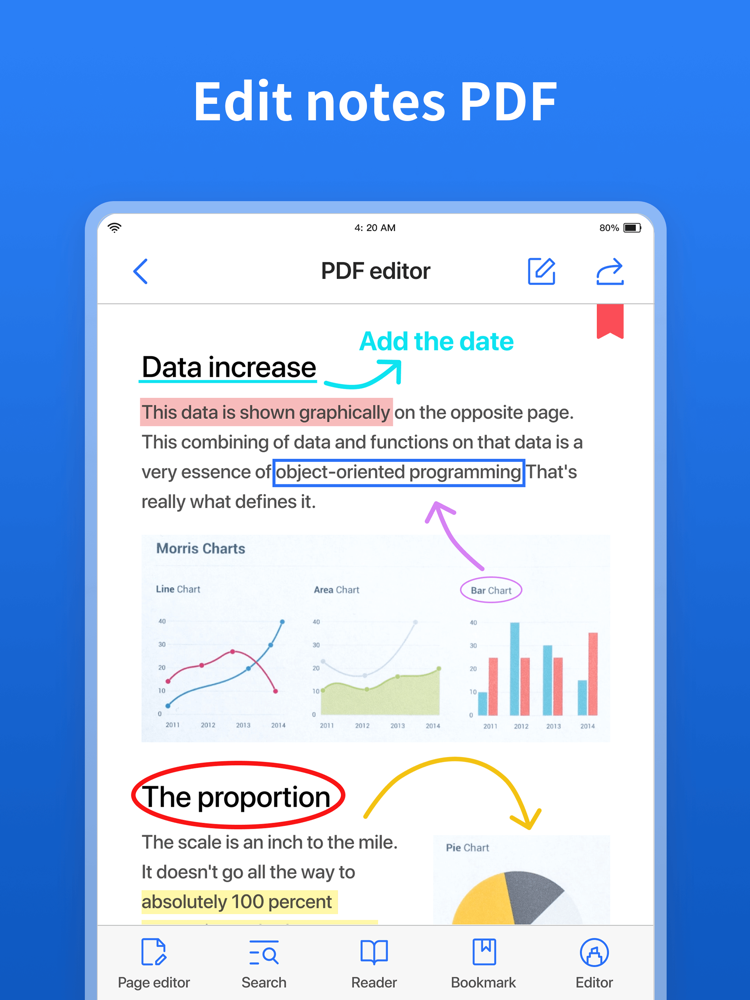
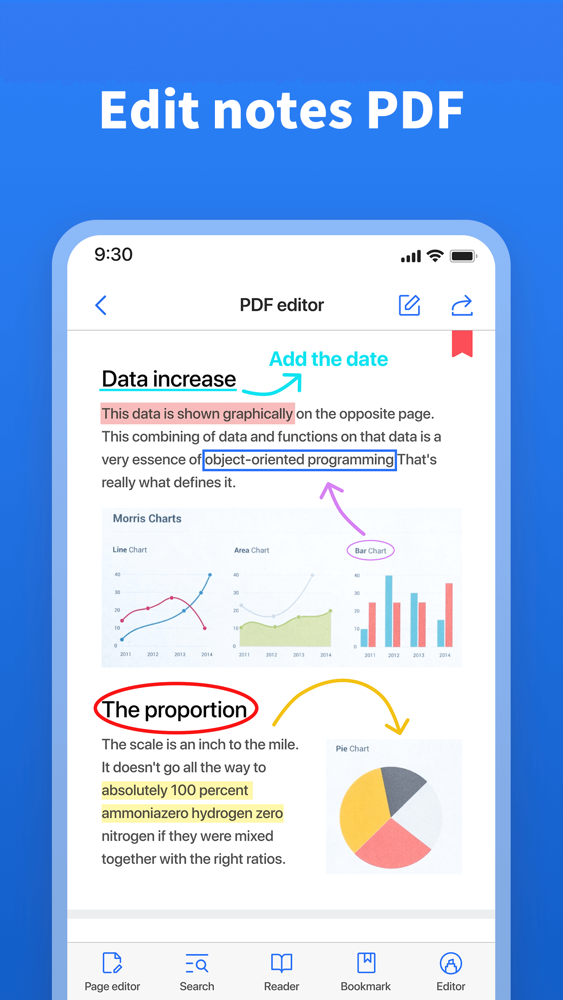
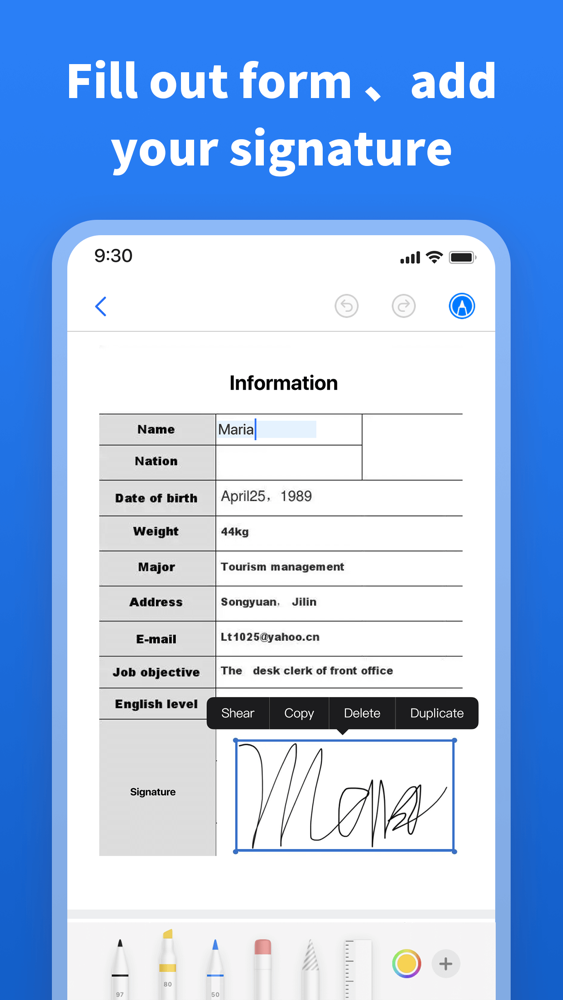
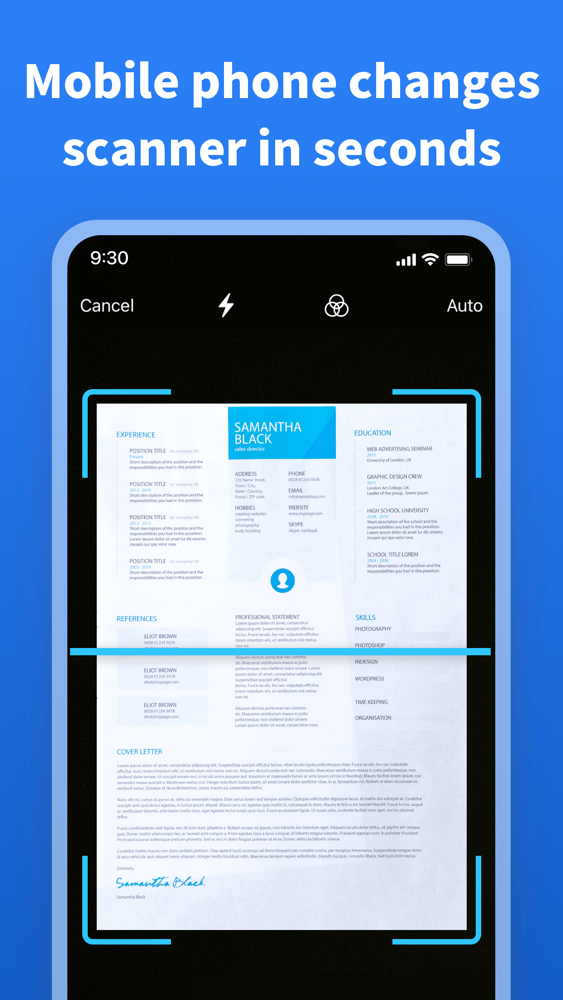
The PDF (Pottable Document Format) file format is an electronic file format developed by Adobe, and the e-books or document produced with it can reproduce the appearance of the original book realistically. It encapsulates information such as text, format, font type, color,  graphics and images, and even hypertext links, sounds, and moving images into a single file. The generated PDF file can usually no longer be modified or edited. The  PDF Editor just makes up for this defect. PDF Editor can edit PDF files just like Word documents. We use PDF Editor to create new PDF files easily and modify the generated PDF files arbitrarily.
 
EDIT A PDF YOURSELF
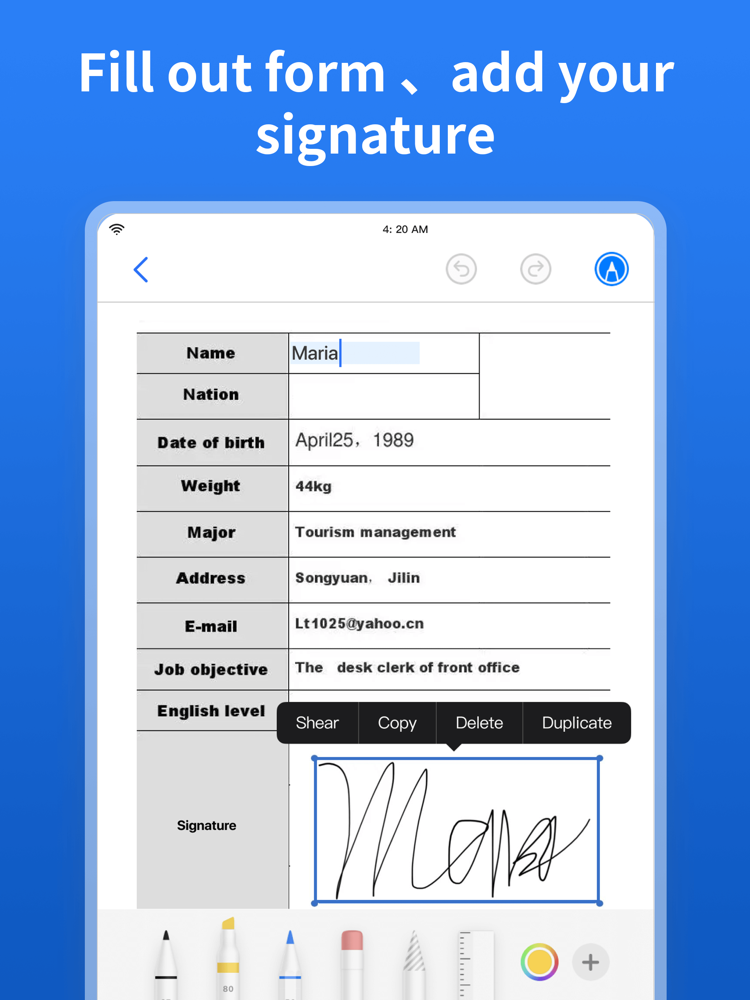
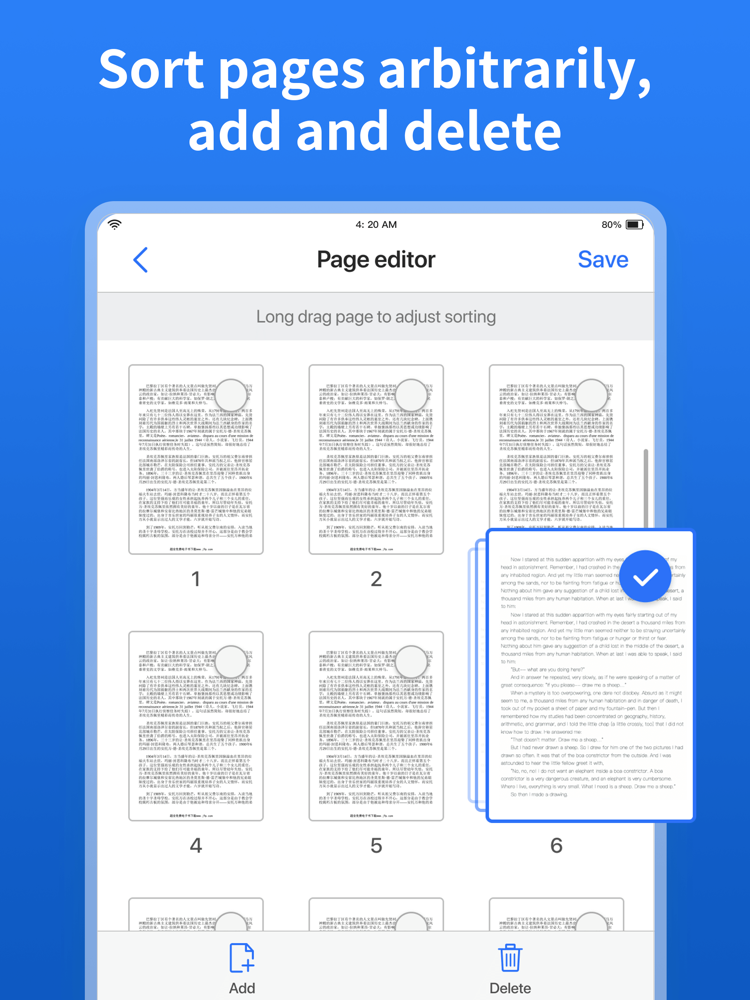
- Add, delete & change anything.
- Change, remove & add text.
- Replace, delete & add images/icons/logos.
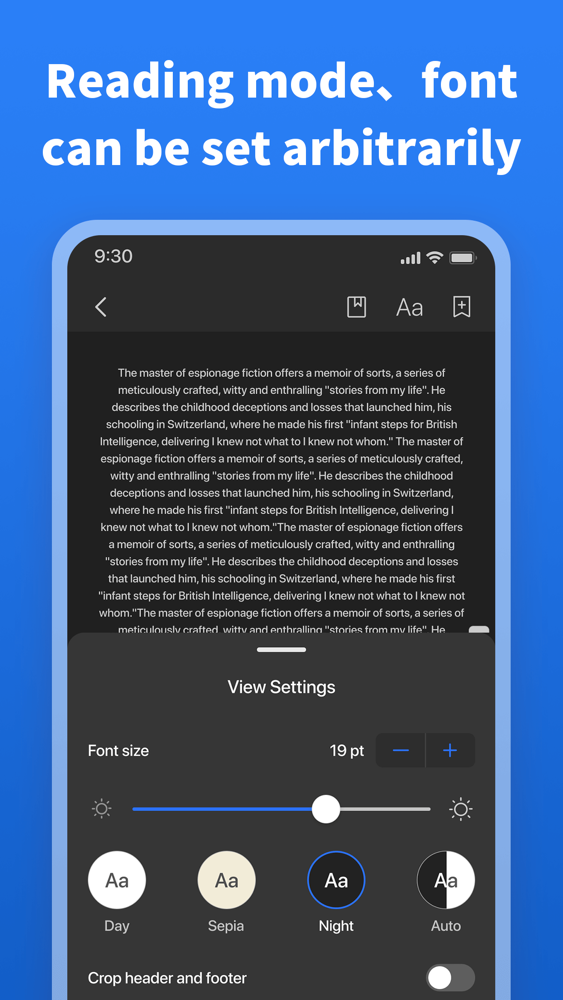
- Change colors, fonts, layer order.
- Rotate, flip and crop elements.
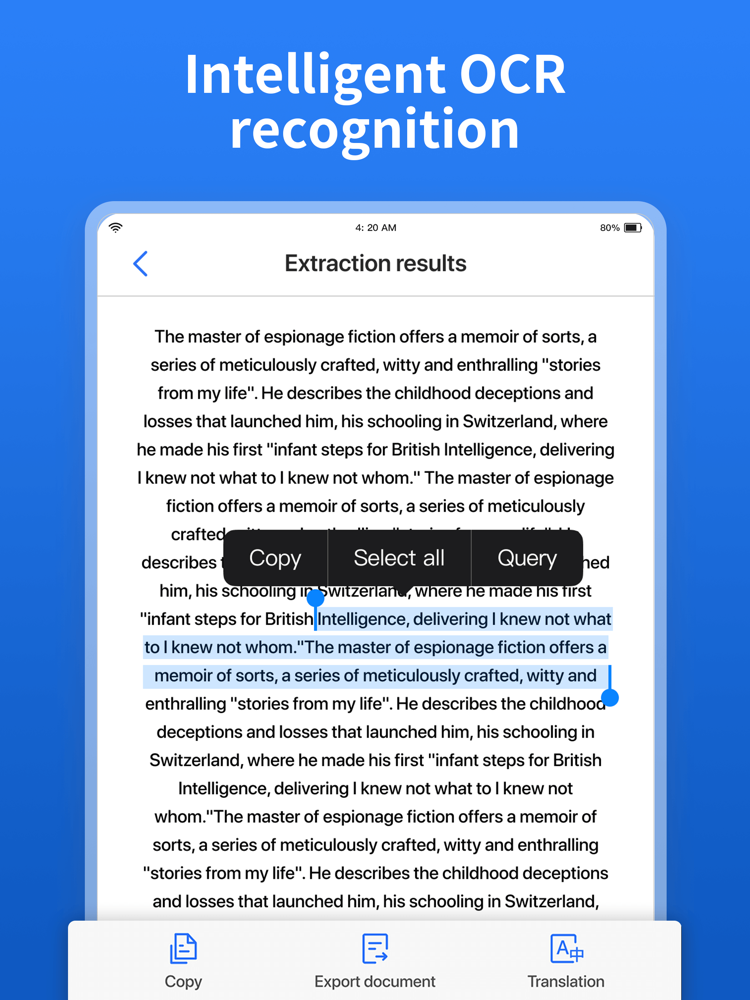
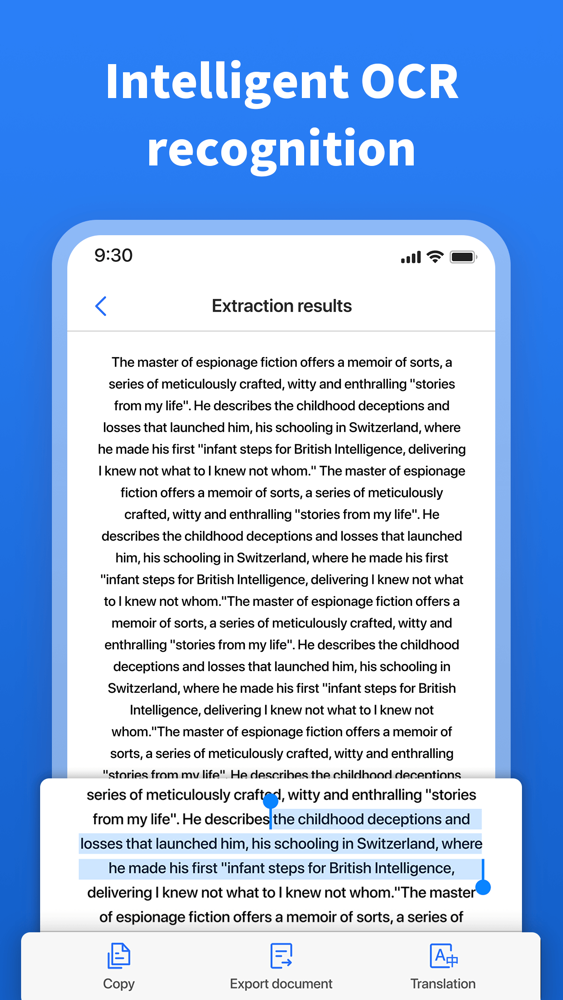
- OCR,Translation text.
 
FINISH EDITED THE PDF
- Save as a new PDF.
- Save  as JPG or PNG.
- Share Via SMS text, email, Facebook, Instagram, Twitter & more.
 
MORE UTILITY FEATURES
- Make a PDF from any image
- Split a PDF into multiple PDFs
- Export a PDF as a JPG or a PNG
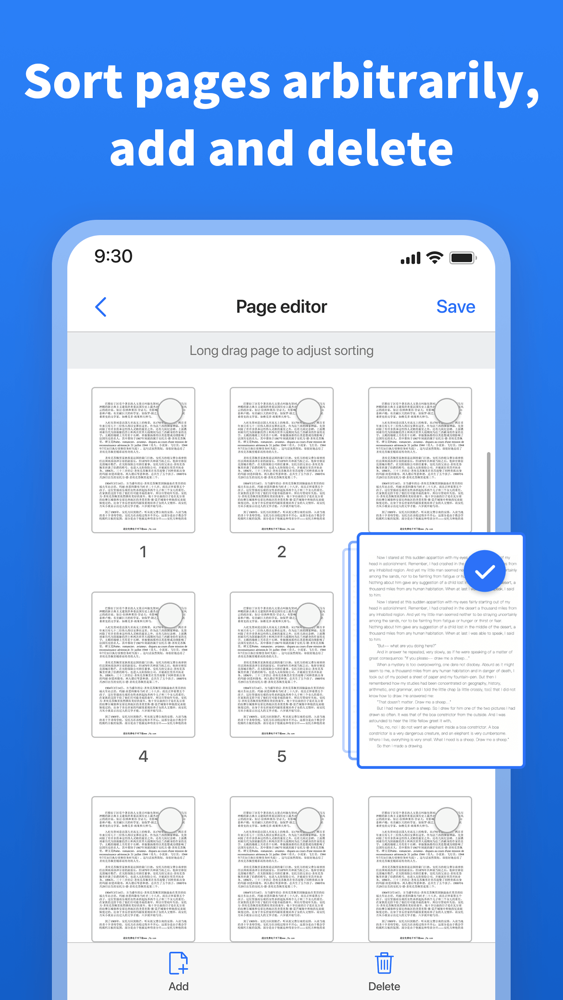
- Merge multiple PDFs into one PDF
 
For just US$10.99/month, or US$39.99/year, You can unlock all the features of the PDF Editor, It means that you can quickly use them in any PDF.
Price may vary in your country. For more information please consult our Privacy Policy: https://solap.s3.us-west-2.amazonaws.com/pdf-editor-privacy
And our Terms of Service:
https://solap.s3.us-west-2.amazonaws.com/pdf-eidtor-terms

Show More

What's New in the Latest Version 1.1

Last updated on Jun 6, 2022
Old Versions
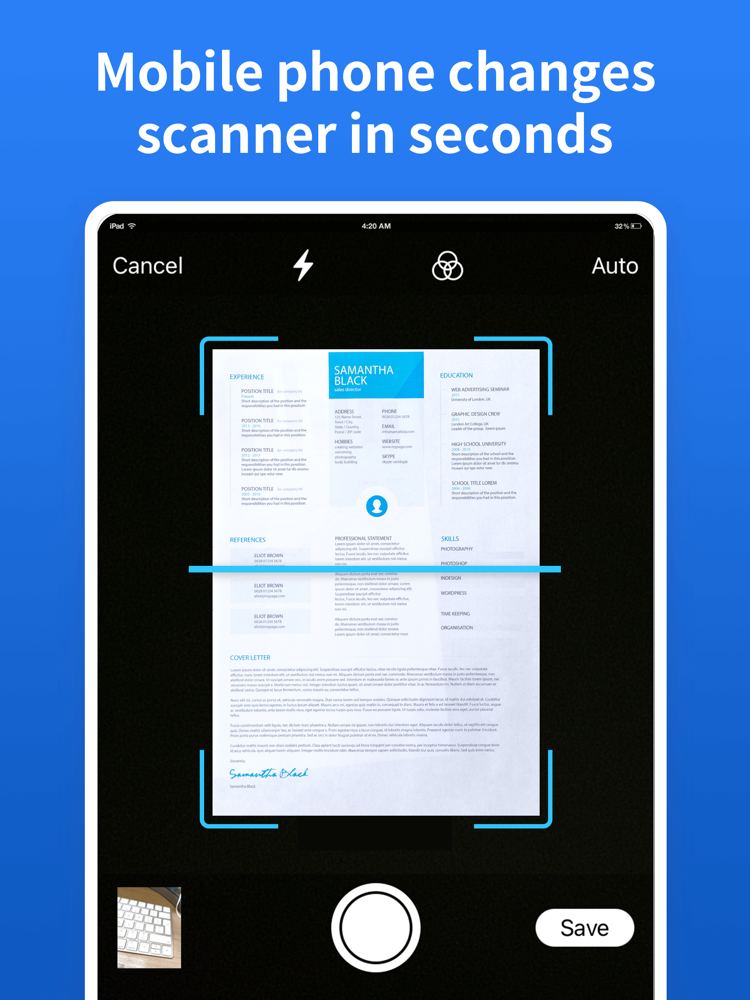
Fixed crash when scan document
Show More
Version History
1.1
Jun 6, 2022
Fixed crash when scan document
1.0
Jun 1, 2022

PDF Editor - OCR,Translate FAQ

Click here to learn how to download PDF Editor - OCR,Translate in restricted country or region.
Check the following list to see the minimum requirements of PDF Editor - OCR,Translate.
iPhone
iPad
PDF Editor - OCR,Translate supports Chinese, English, German, Italian, Portuguese, Russian, Spanish

PDF Editor - OCR,Translate Alternative

You May Also Like

Get more from Lap So