Age Rating
4+
Apps in this category do not contain restricted content.
9+
Apps in this category may contain mild or occasional cartoon, fantasy or real-life violence, as well as occasional or mild adult, sexually suggestive or horrifying content and may not be suitable for children under 9 years of age.
12+
Apps in this category may contain occasional mild indecent language, frequent or intense cartoon or real-life violence, minor or occasional adult or sexually suggestive material, and simulated gambling, and may be for children under 12 years of age.
17+
You must be at least 17 years old to access this App.
Apps in this category may contain frequent and intense offensive language; Frequent and intense cartoon, fantasy or realistic violence: frequent and intense adult, scary and sexually suggestive subjects: as well as sexual content, nudity, tobacco, alcohol and drugs, may not be suitable for children under 17 years of age.
Permanote Screenshots
Permanote posterPermanote posterPermanote posterPermanote posterPermanote posterPermanote posterPermanote poster

About Permanote

Writers utilize Permanote to arrange their ideas while maintaining control and flexibility over their files.

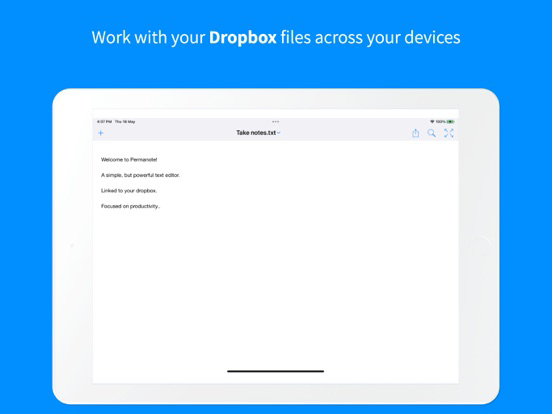
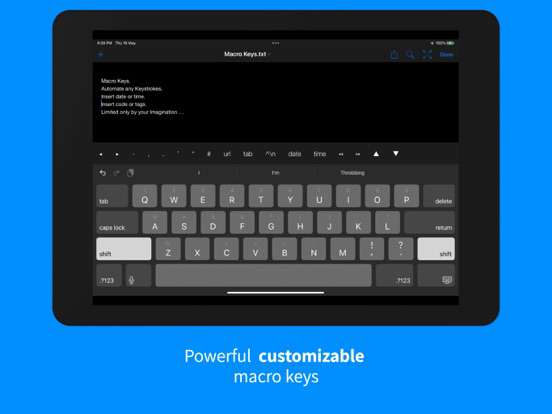
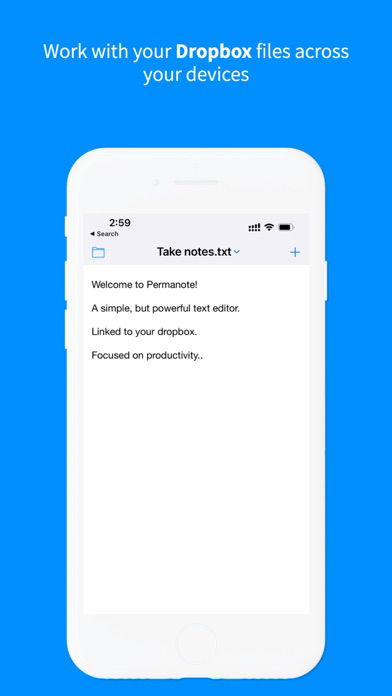
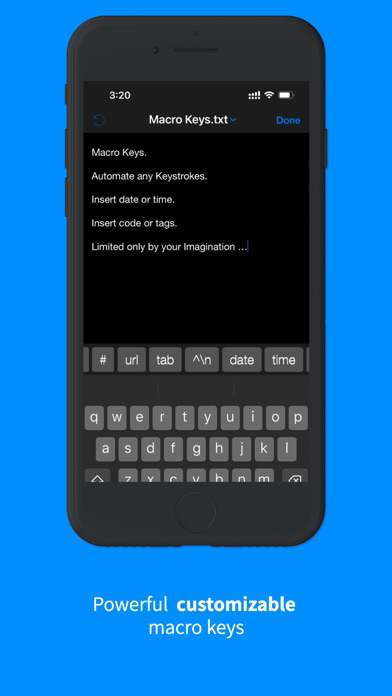
Permanote enables you to modify text files in your Dropbox and synchronize them across all your devices. Enhance your experience with a customizable macro key strip above the keyboard through a Pro subscription.

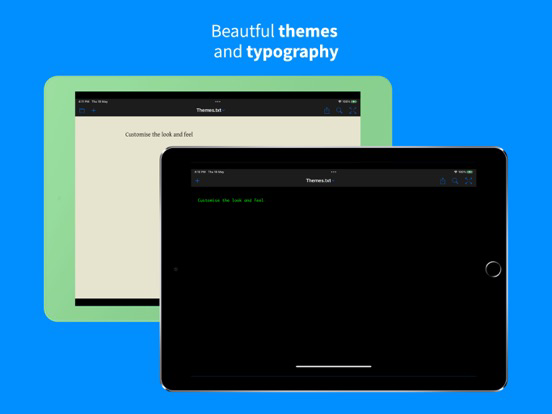
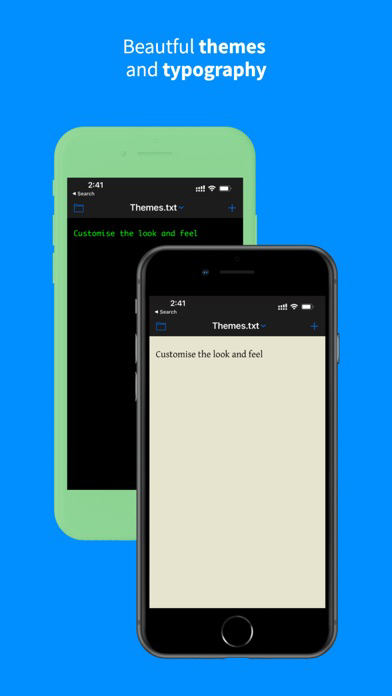
Unlike other text editors that impose specific themes to set the mood or require storing notes in a single folder or exclusive file system, Permanote offers you freedom.

Permanote is the go-to tool for organizing thoughts among writers from the New Yorker, BBC correspondents, and CEOs.

Cherish your written work.

IN-APP PURCHASES
Permanote is free to use, with all main features included. To access extra Pro features, opt for a Pro subscription.

FEATURES
- Synchronize any text file within any folder of your Dropbox
- Robust macro key strip above the keyboard
- Personalize your macro strip (Pro)
- Editor pinch-to-zoom functionality (Pro)
- Full-screen, distraction-free "Writeroom" style editing
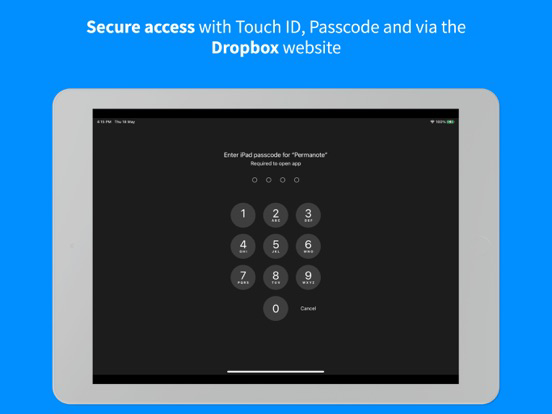
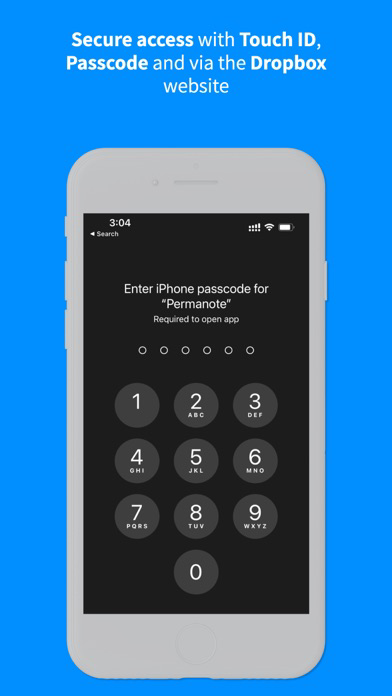
- Touch ID / Passcode privacy support (Pro)
- Create custom themes (Pro)
- iPad Pro Smart Keyboard shortcuts
- "Insert Tab" key
- Email as PDF
- Adjustable word wrapping
- Word/Character/Line count
- International file encoding options
- Convenient scratchpad
- Notepad/CRLF line options
- Comprehensive Dropbox Search
- TextExpander Support (Pro)
- Hashtag support
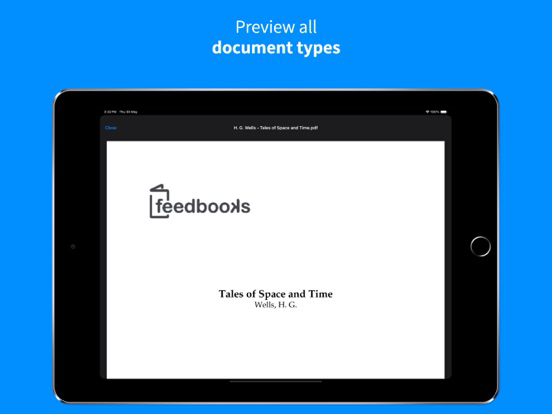
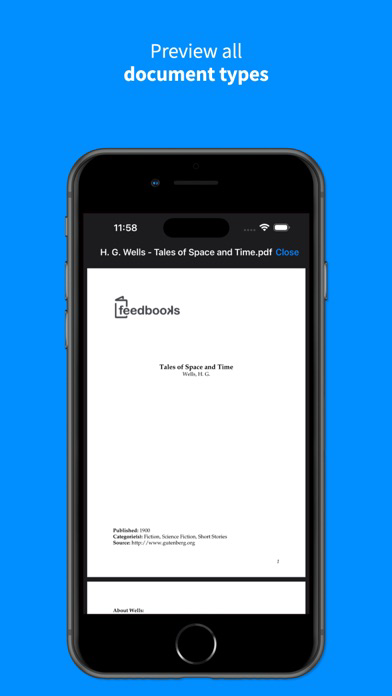
- Preview files in PDF, HTML, Markdown, MultiMarkdown, Rich Text-RTF
- Customize CSS and Base URL for markup previews
- Personalize editor colors (Pro)
- Alter editor fonts (Pro)
- Adjust line-spacing and margins
- AirPrint
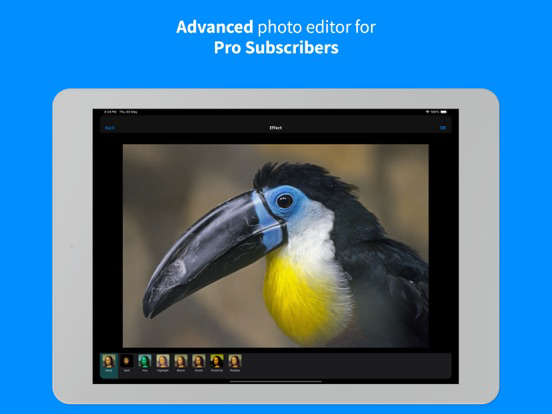
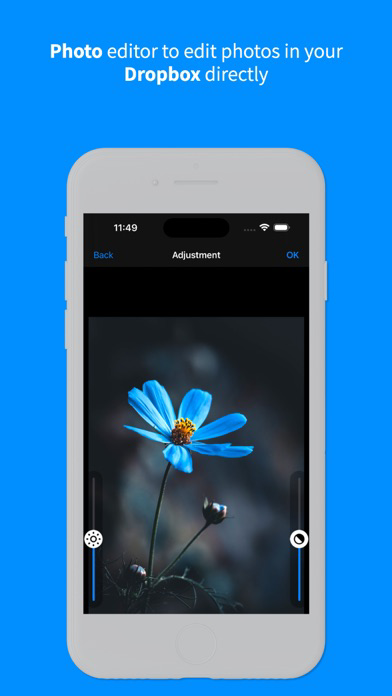
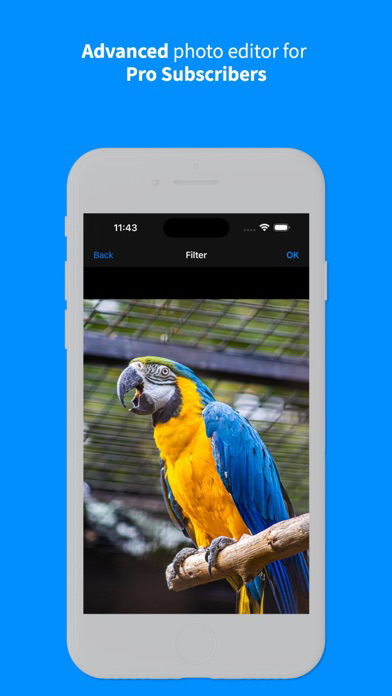
- Built in photo editor with advanced features for Pro users

REVIEWS
"I absolutely LOVE your app." - Merlin Mann, creator of 43 Folders

"Permanote is arguably the best tool for writers, bloggers, or journalists who need to work on the go." - AppAdvice.com

"Permanote is worth a try if you're particular about your note-taking." - geek.com

Show More

What's New in the Latest Version 2.1

Last updated on Jun 18, 2024
Old Versions
Introducing the Photo Editor!

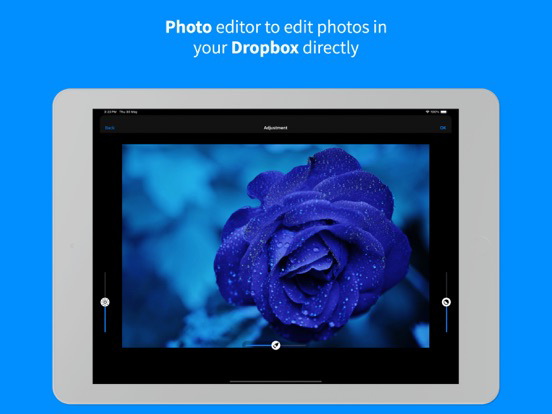
Photo Editing Made Easy: Open a photo from your Dropbox and click 'Edit' to access our new Photo Editor.
Free Features for All Users: Enjoy basic editing functions like rotation, brightness adjustment, and contrast enhancement.
Pro Features Unlocked: Pro Subscribers can now use advanced tools, including color filters, effects, resizing, stickers, emoticons, and text placement.

Additional Updates
-------------------
Improved File Handling: A progress indicator now appears when opening or saving files.
Enhanced Dark Theme: We’ve fixed various issues on the file preview screen in dark mode.
Full-Screen Previews: File previews are now displayed in full screen for better visibility.
Expanded File Support: Added preview capabilities for additional file types such as MP4 and JPEG, ensuring they preview correctly.
Show More
Version History
2.1
Jun 18, 2024
Introducing the Photo Editor!

Photo Editing Made Easy: Open a photo from your Dropbox and click 'Edit' to access our new Photo Editor.
Free Features for All Users: Enjoy basic editing functions like rotation, brightness adjustment, and contrast enhancement.
Pro Features Unlocked: Pro Subscribers can now use advanced tools, including color filters, effects, resizing, stickers, emoticons, and text placement.

Additional Updates
-------------------
Improved File Handling: A progress indicator now appears when opening or saving files.
Enhanced Dark Theme: We’ve fixed various issues on the file preview screen in dark mode.
Full-Screen Previews: File previews are now displayed in full screen for better visibility.
Expanded File Support: Added preview capabilities for additional file types such as MP4 and JPEG, ensuring they preview correctly.

Permanote FAQ

Click here to learn how to download Permanote in restricted country or region.
Check the following list to see the minimum requirements of Permanote.
iPhone
iPad

Permanote Alternative

You May Also Like

Get more from Screenplay & Script Pte. Ltd.