Photo Cut Paste

Photo Cut Paste


Free

1.32for iPhone, iPad
Age Rating
4+
Apps in this category do not contain restricted content.
9+
Apps in this category may contain mild or occasional cartoon, fantasy or real-life violence, as well as occasional or mild adult, sexually suggestive or horrifying content and may not be suitable for children under 9 years of age.
12+
Apps in this category may contain occasional mild indecent language, frequent or intense cartoon or real-life violence, minor or occasional adult or sexually suggestive material, and simulated gambling, and may be for children under 12 years of age.
17+
You must be at least 17 years old to access this App.
Apps in this category may contain frequent and intense offensive language; Frequent and intense cartoon, fantasy or realistic violence: frequent and intense adult, scary and sexually suggestive subjects: as well as sexual content, nudity, tobacco, alcohol and drugs, may not be suitable for children under 17 years of age.
Photo Cut Paste Screenshots
Photo Cut Paste posterPhoto Cut Paste posterPhoto Cut Paste posterPhoto Cut Paste posterPhoto Cut Paste posterPhoto Cut Paste poster

About Photo Cut Paste

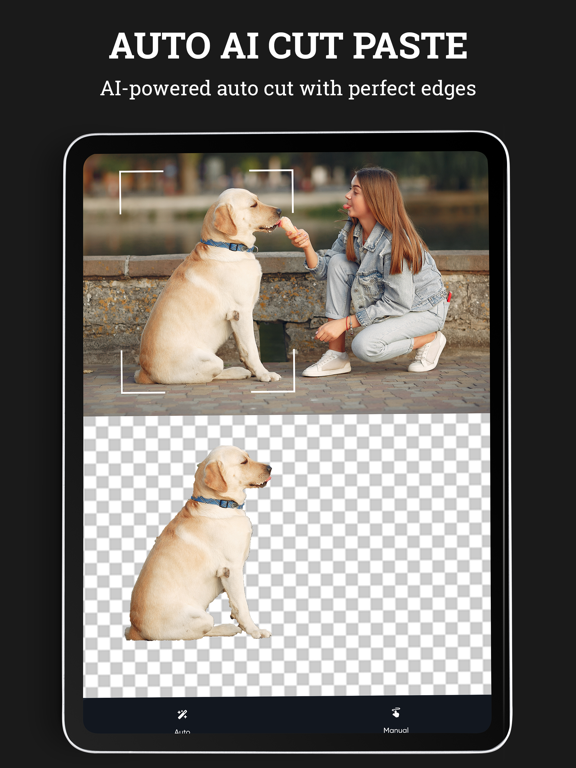
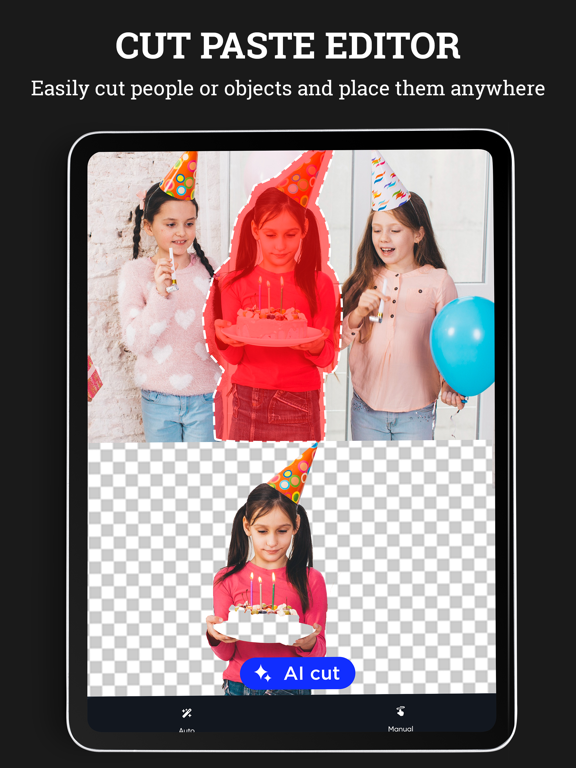
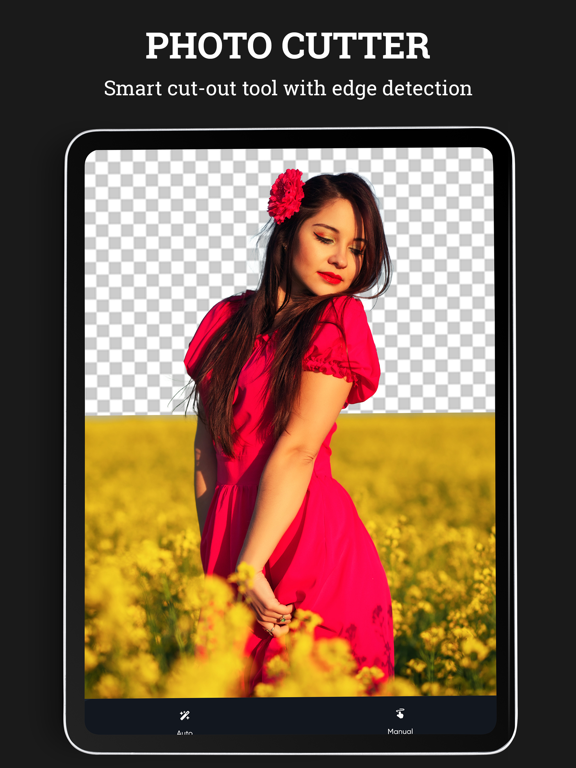
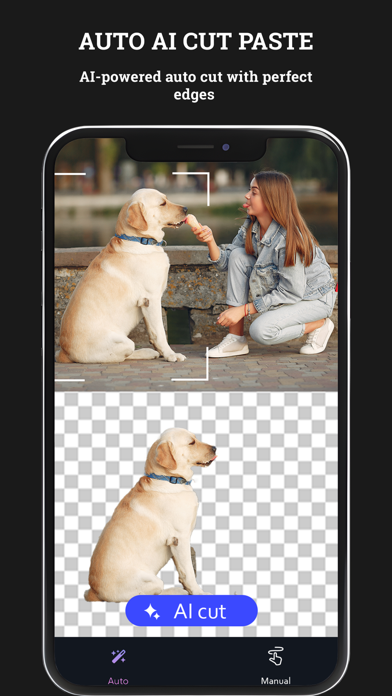
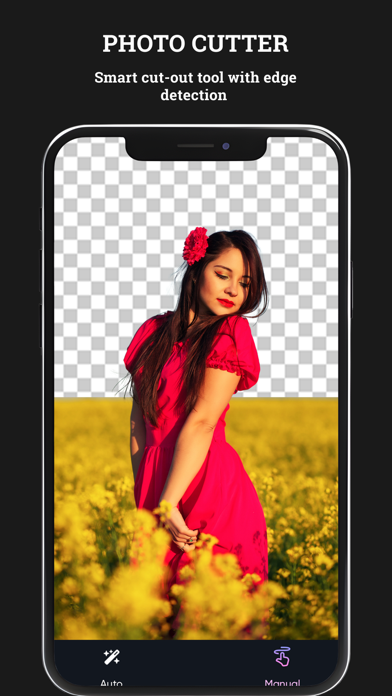
Photo cut paste app to cut photo automatically and paste it. Supports both auto and manual modes.

Thinking of cutting a portion of a pic and paste it in another image? Then Photo cut paste app is an option.
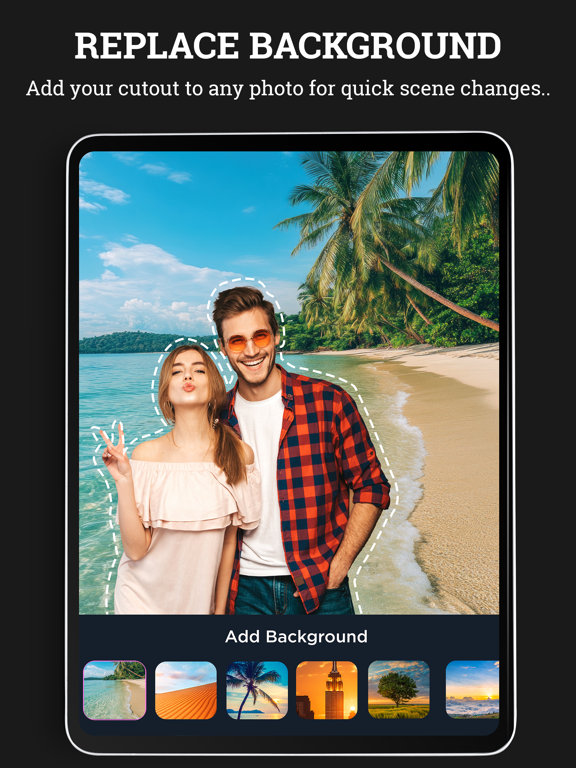
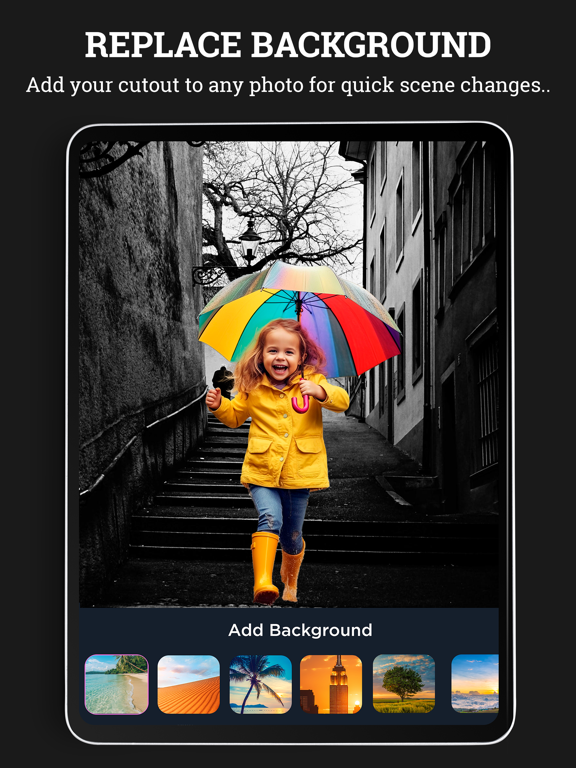
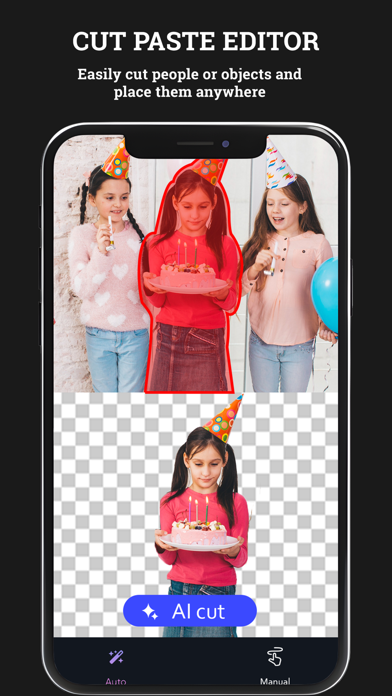
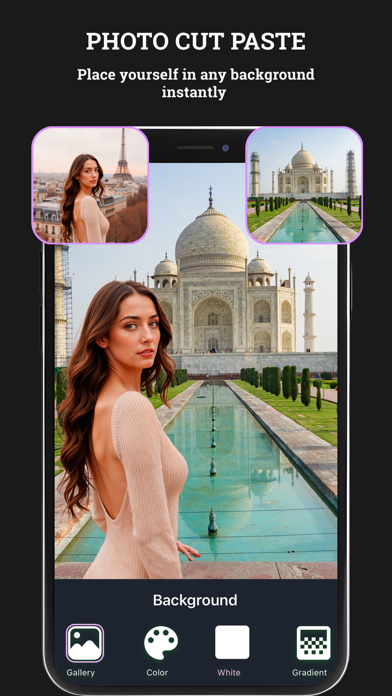
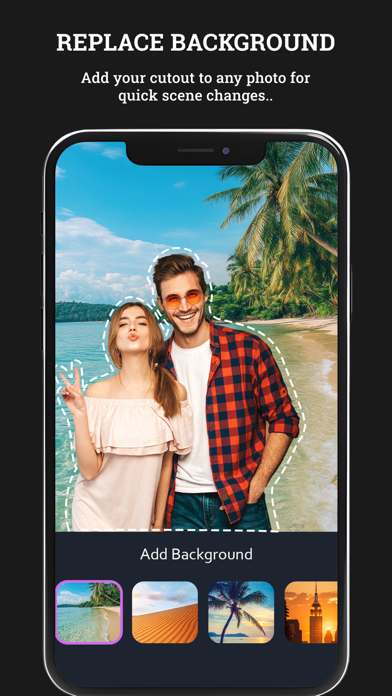
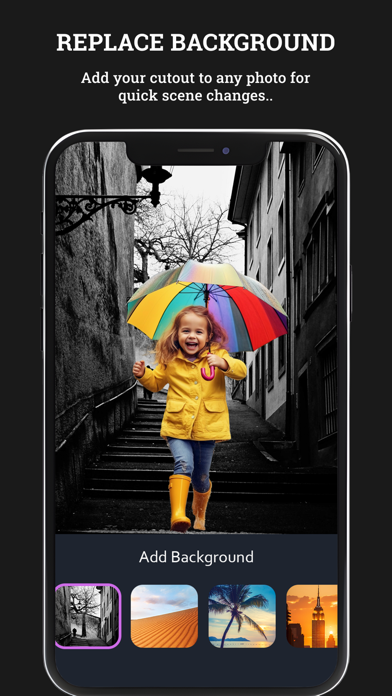
Photo cut paste lets you to select a specific portion of an image, cut it and paste it in another image by adding a beautiful background to it.
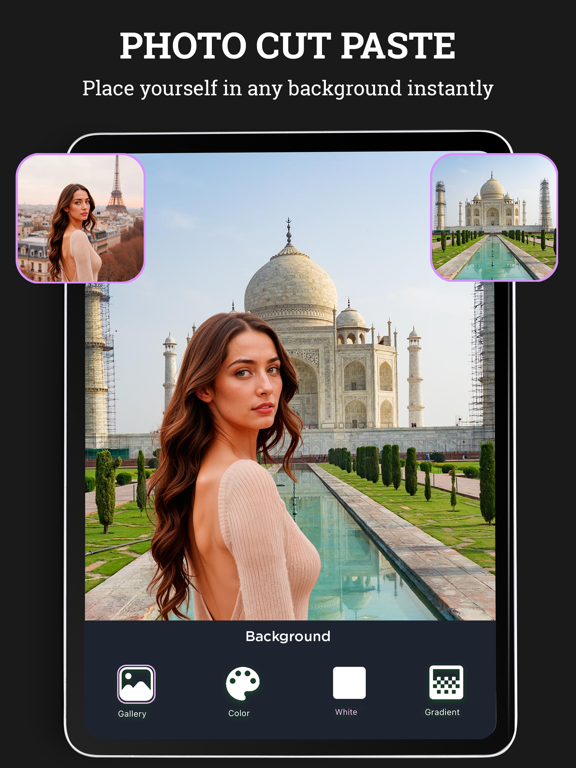
Cut out your pic and paste it in the image of a famous location which you haven’t visited and share it with your friends.

Key Features
1. Easy to use
2. Many stunning backgrounds for your image.
3. Option to choose an existing background or one from the phone’s gallery.
4. Save the edited image to the phone’s gallery.
5. Share the image on platforms like Instagram, Facebook and Gmail.

Subscription Terms
- Subscribe to get unlimited video collage app access to all features.
- Upon confirmation of purchase, the payment will be charged to the iTunes account.
- Until you turn off the auto-renew at least 24 hours before the end of the current.
period it will be automatically renewed.
- If you decide to turn off auto-renewal, you can turn it off maybe by going to account settings after purchase.
-The renewal amount will be charged from the account within 24 hours before the end of the current period.
-As per the policy, cancellation of the current subscription is not allowed during the active subscription period. Once purchased, refunds will not be returned for any unused portion of the subscription period.
Terms of use - https://www.outthinkingindia.com/terms-of-use/
Privacy policy - https://www.outthinkingindia.com/privacy-policy/

Show More

What's New in the Latest Version 1.32

Last updated on Sep 11, 2025
Old Versions
+ Defect fixing
+ UI/UX changes.
Show More
Version History
1.32
Sep 11, 2025
+ Defect fixing
+ UI/UX changes.

Photo Cut Paste FAQ

Click here to learn how to download Photo Cut Paste in restricted country or region.
Check the following list to see the minimum requirements of Photo Cut Paste.
iPhone
iPad

Related Videos

Latest introduction video of Photo Cut Paste on iPhone

Photo Cut Paste Alternative

You May Also Like

Get more from out thinking limited