PITATA Pro
Free
6.2.0for iPhone
Age Rating
PITATA Pro Screenshots
About PITATA Pro
Welcome to PITATA
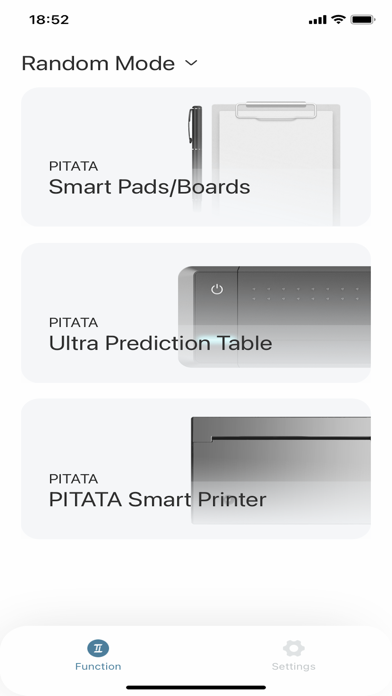
PITATA combine bluetooth with our PITATA products.
1. It can connect clock and drawing board using bluetooth/MFI at the same time or separately.
2. Set current clock time, and set target time. Just tap send. The clock will go to the target time with few seconds.
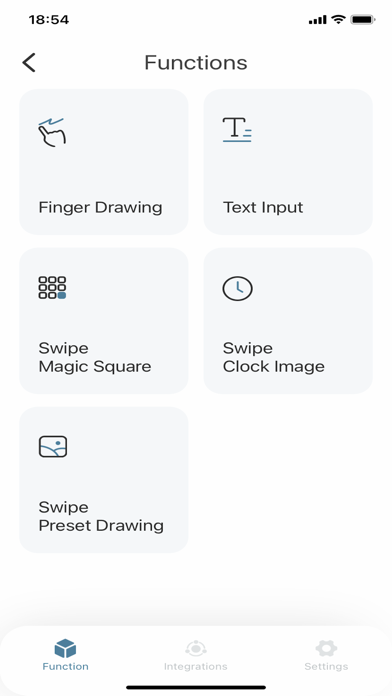
3. For drawing board, app can receive drawing info in real time and showing on the screen.
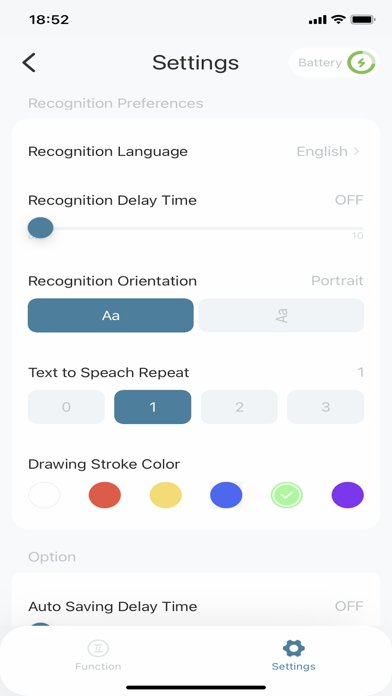
4. Drawing can be recognized after 1 second after finishing drawing. It can recognize English word, Chinese word, Numbers.
5. After drawing finished, if it is a time with four digital number, the clock will change to that time.
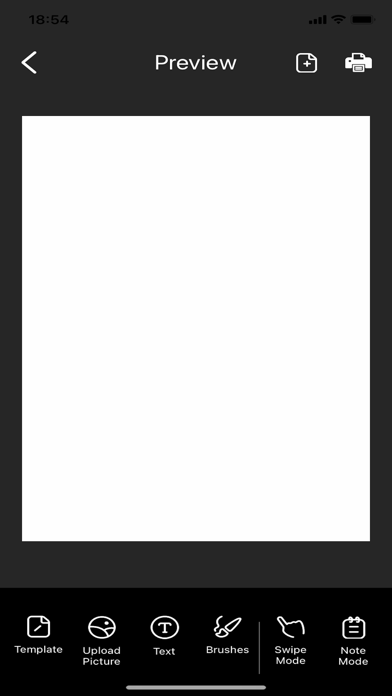
6. With Pitata Printer Device, you can easily combine with other devices to perform real life drawing/hand writing/stroke prediction.

PITATA combine bluetooth with our PITATA products.
1. It can connect clock and drawing board using bluetooth/MFI at the same time or separately.
2. Set current clock time, and set target time. Just tap send. The clock will go to the target time with few seconds.
3. For drawing board, app can receive drawing info in real time and showing on the screen.
4. Drawing can be recognized after 1 second after finishing drawing. It can recognize English word, Chinese word, Numbers.
5. After drawing finished, if it is a time with four digital number, the clock will change to that time.
6. With Pitata Printer Device, you can easily combine with other devices to perform real life drawing/hand writing/stroke prediction.
Show More
What's New in the Latest Version 6.2.0
Last updated on May 26, 2026
Old Versions
fixed some bug.
Show More
Version History
6.2.0
May 26, 2026
fixed some bug.
PITATA Pro FAQ
Click here to learn how to download PITATA Pro in restricted country or region.
Check the following list to see the minimum requirements of PITATA Pro.
iPhone