PixeLizedDraw

PixeLizedDraw


$0.99

1.0for iPhone, iPad
Age Rating
4+
Apps in this category do not contain restricted content.
9+
Apps in this category may contain mild or occasional cartoon, fantasy or real-life violence, as well as occasional or mild adult, sexually suggestive or horrifying content and may not be suitable for children under 9 years of age.
12+
Apps in this category may contain occasional mild indecent language, frequent or intense cartoon or real-life violence, minor or occasional adult or sexually suggestive material, and simulated gambling, and may be for children under 12 years of age.
17+
You must be at least 17 years old to access this App.
Apps in this category may contain frequent and intense offensive language; Frequent and intense cartoon, fantasy or realistic violence: frequent and intense adult, scary and sexually suggestive subjects: as well as sexual content, nudity, tobacco, alcohol and drugs, may not be suitable for children under 17 years of age.
PixeLizedDraw Screenshots
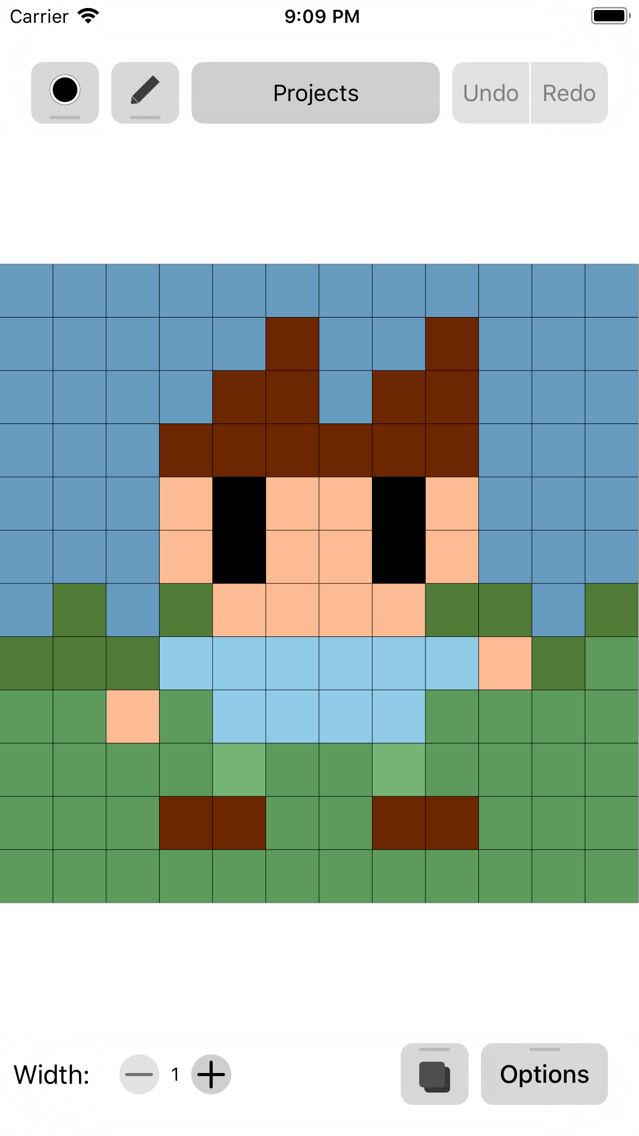
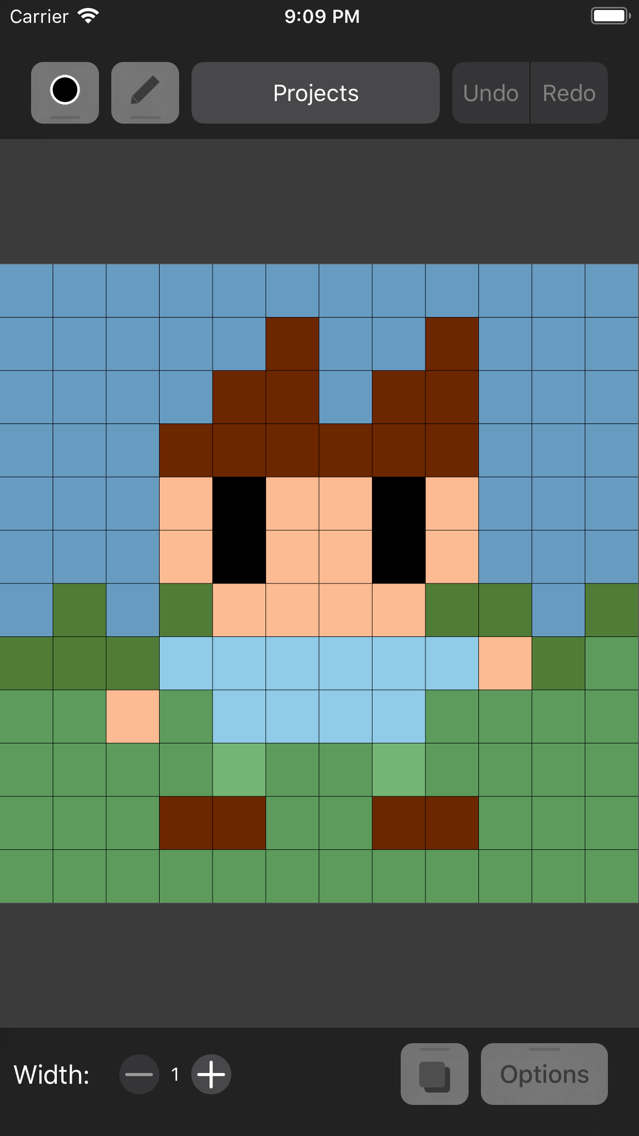
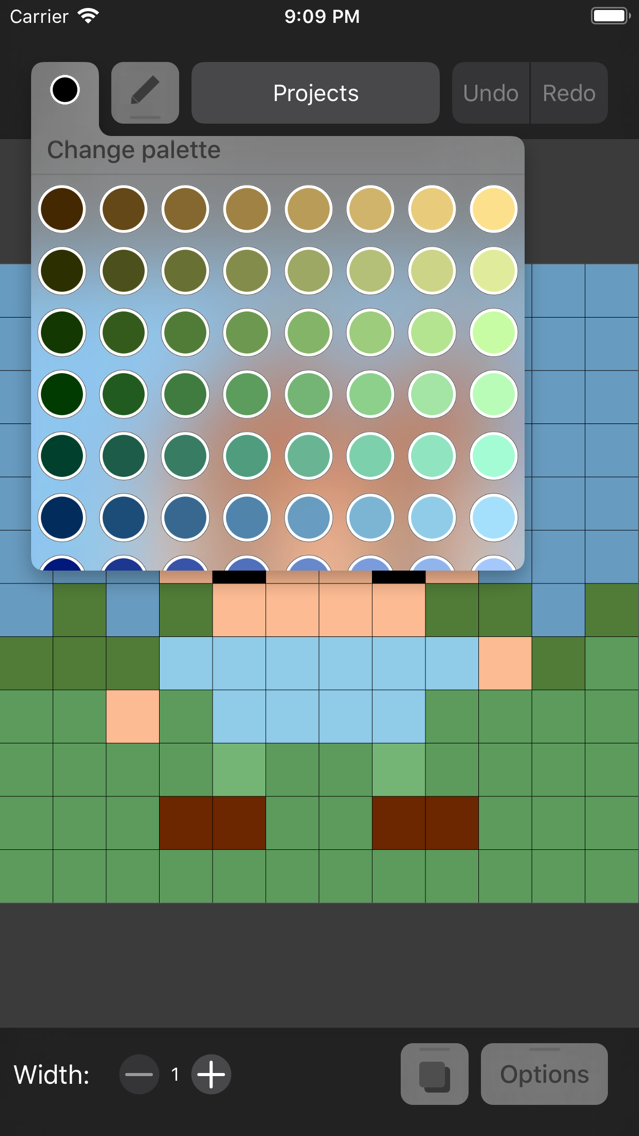
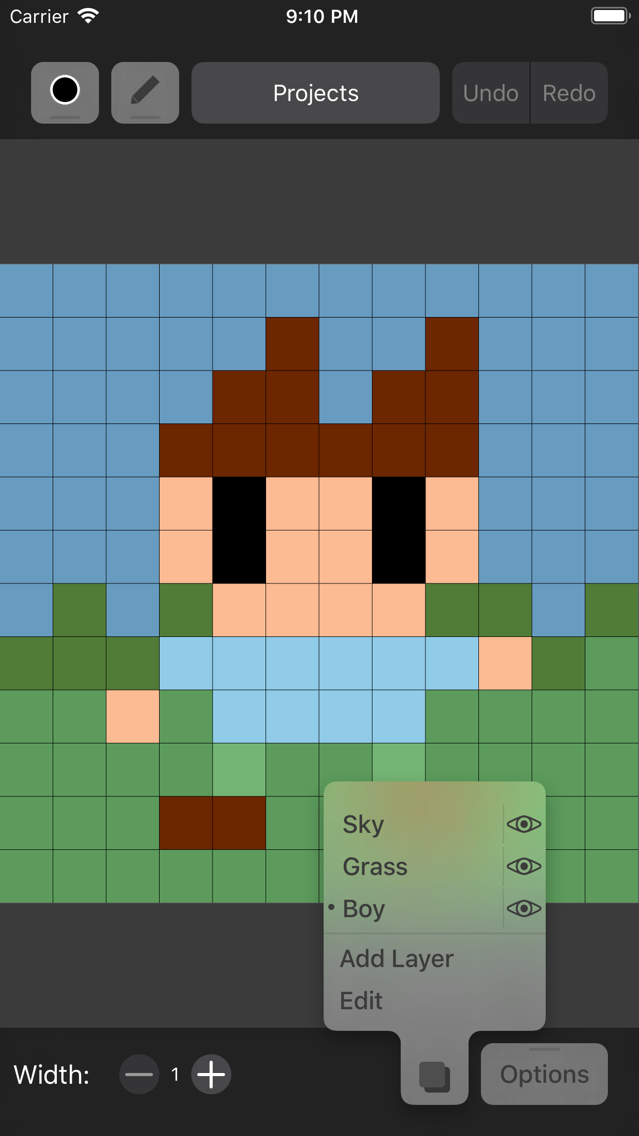
PixeLizedDraw posterPixeLizedDraw posterPixeLizedDraw posterPixeLizedDraw poster

About PixeLizedDraw

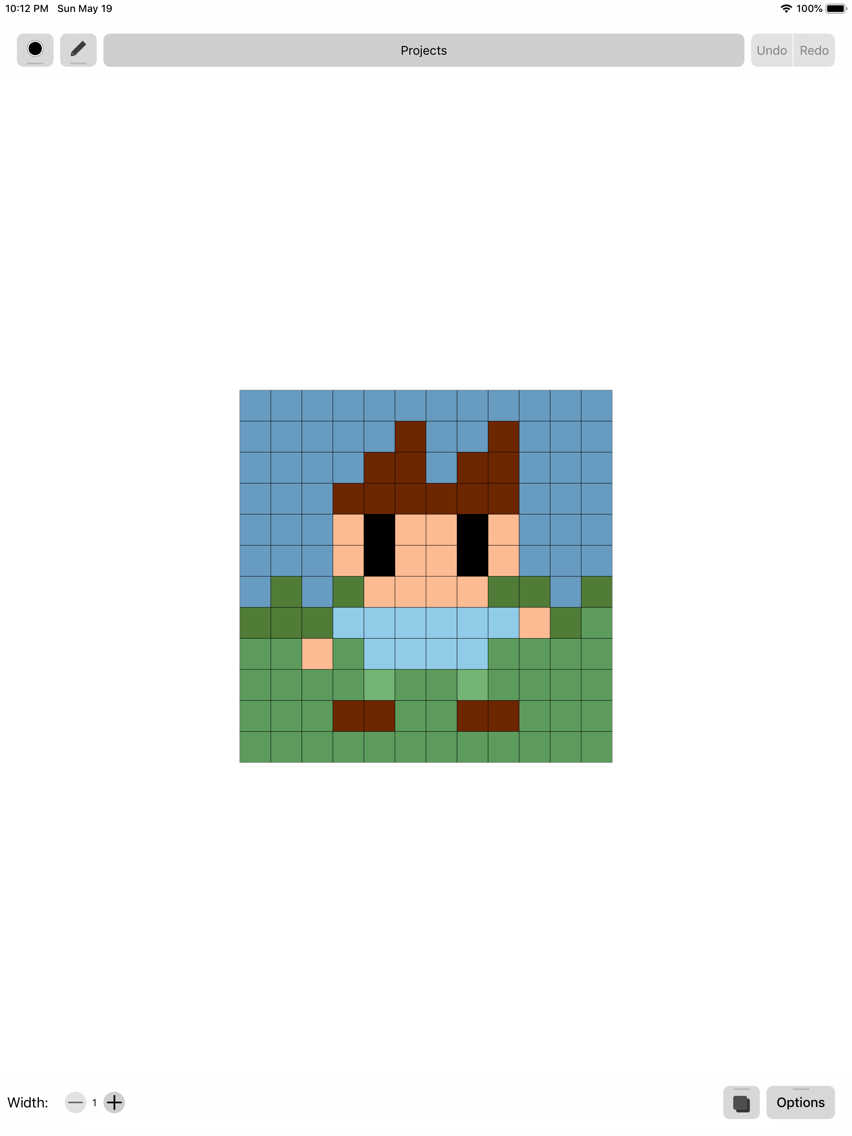
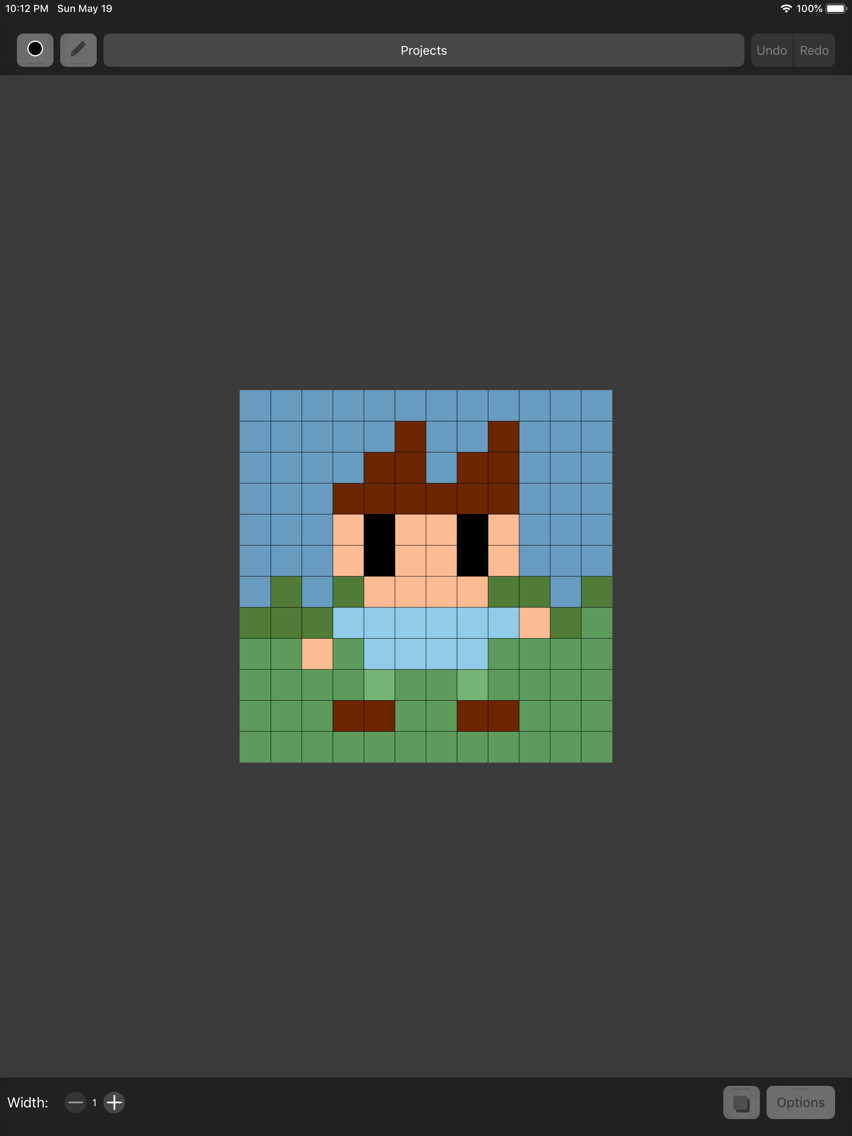
PixeLizedDraw is a pixel art editor which enables you to make great game sprites & assets! It has support for layers, color palettes, undo/redo, proper selection tool and even dark mode!

Features:
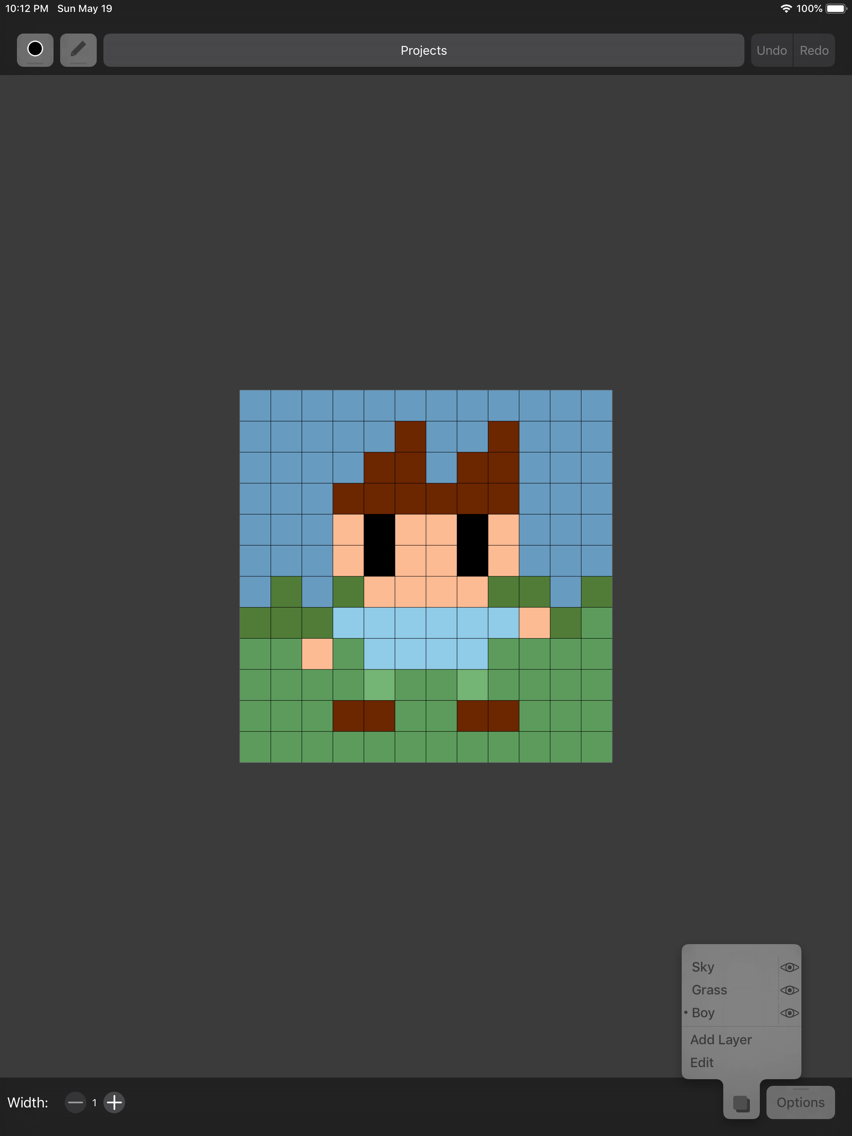
- Layers
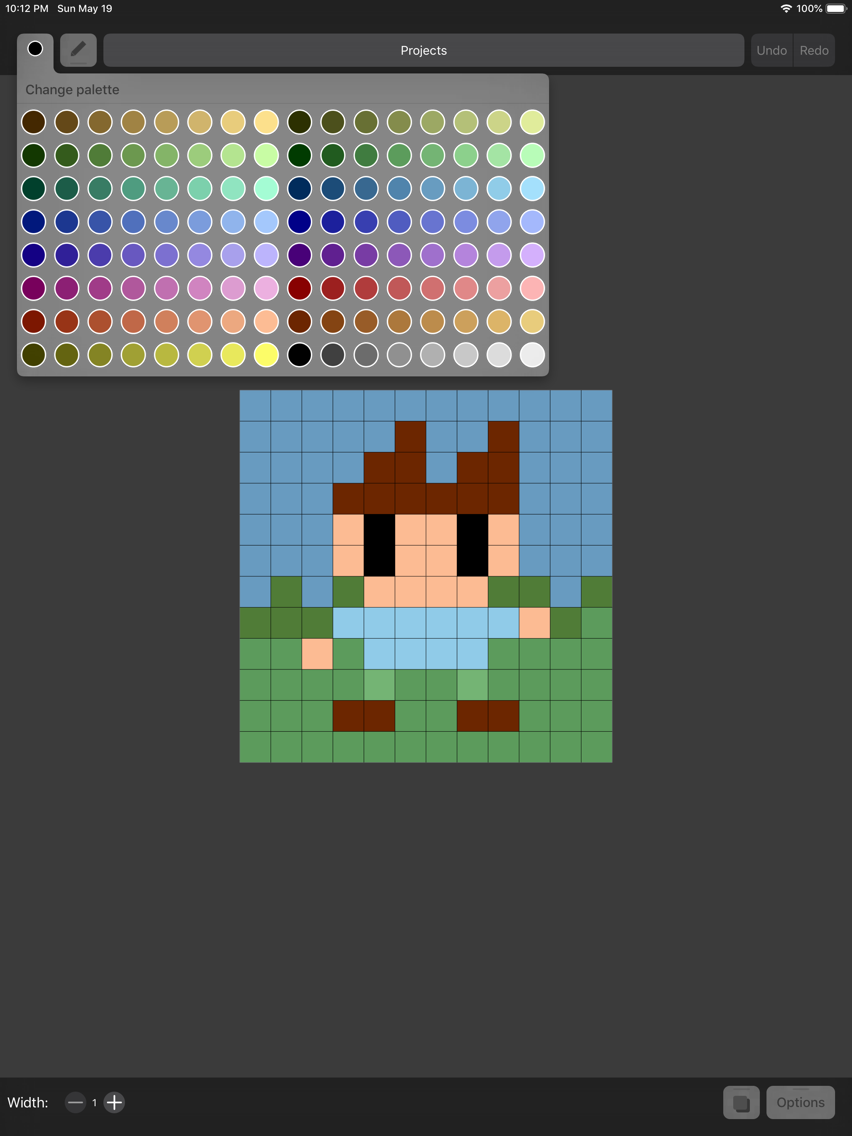
- Color palettes
PixeLizedDraw comes with 2 built-in palettes, and you can create as many as you want!
- Undo/Redo
You can easily undo mistakes, and revert them back, PixeLizedDraw supports 100 levels of undo.
- Tools
PixeLizedDraw has 8 tools: Pencil, Fill, Line, Rectangle, Circle, Selection, Eyedropper and Eraser.
- Selection tool
You can select any region on your canvas and then move it, flip it, delete it and even rotate it.

Show More

What's New in the Latest Version 1.0

Last updated on Jun 5, 2019
Version History
1.0
Jun 5, 2019

PixeLizedDraw FAQ

Click here to learn how to download PixeLizedDraw in restricted country or region.
Check the following list to see the minimum requirements of PixeLizedDraw.
iPhone
iPad
PixeLizedDraw supports English, Russian

PixeLizedDraw Alternative

You May Also Like