Age Rating
4+
Apps in this category do not contain restricted content.
9+
Apps in this category may contain mild or occasional cartoon, fantasy or real-life violence, as well as occasional or mild adult, sexually suggestive or horrifying content and may not be suitable for children under 9 years of age.
12+
Apps in this category may contain occasional mild indecent language, frequent or intense cartoon or real-life violence, minor or occasional adult or sexually suggestive material, and simulated gambling, and may be for children under 12 years of age.
17+
You must be at least 17 years old to access this App.
Apps in this category may contain frequent and intense offensive language; Frequent and intense cartoon, fantasy or realistic violence: frequent and intense adult, scary and sexually suggestive subjects: as well as sexual content, nudity, tobacco, alcohol and drugs, may not be suitable for children under 17 years of age.
PixelNote Screenshots
PixelNote posterPixelNote posterPixelNote posterPixelNote posterPixelNote posterPixelNote poster

About PixelNote

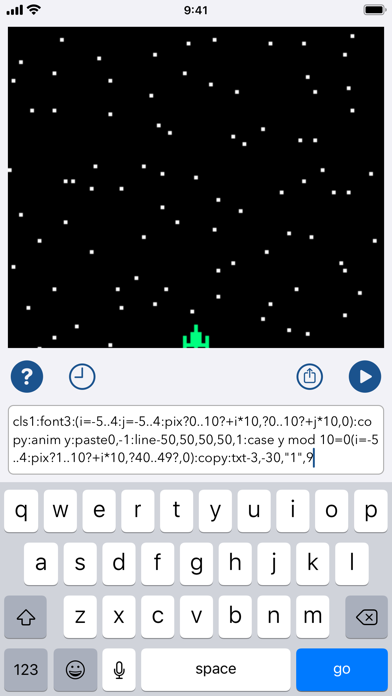
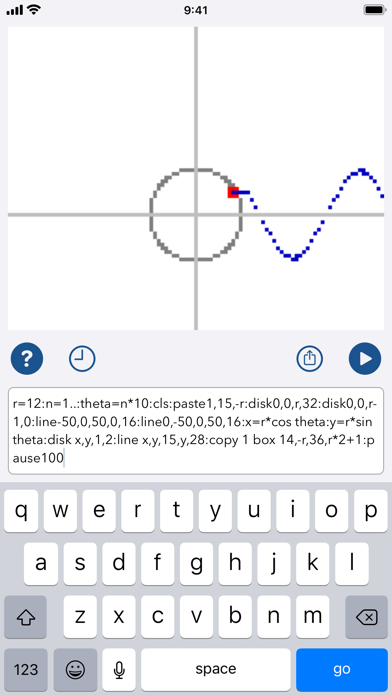
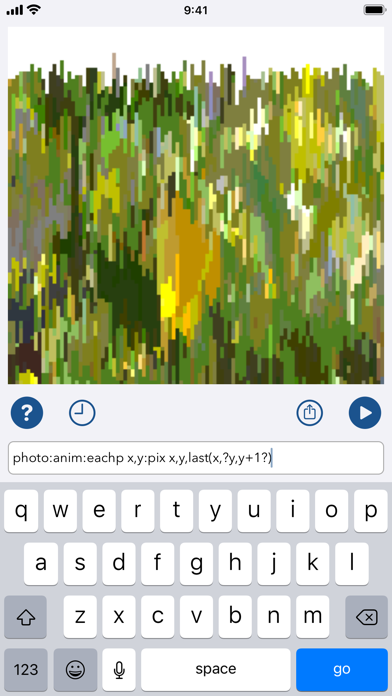
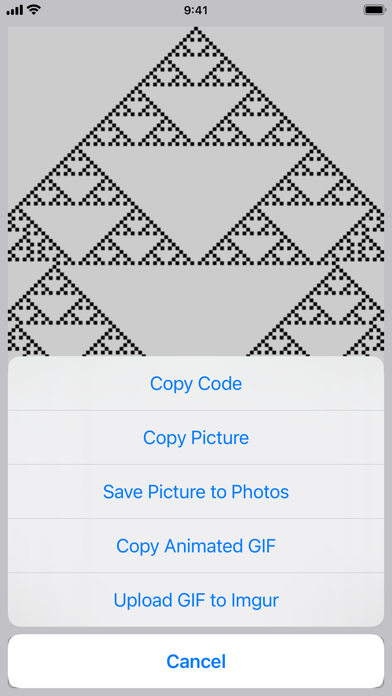
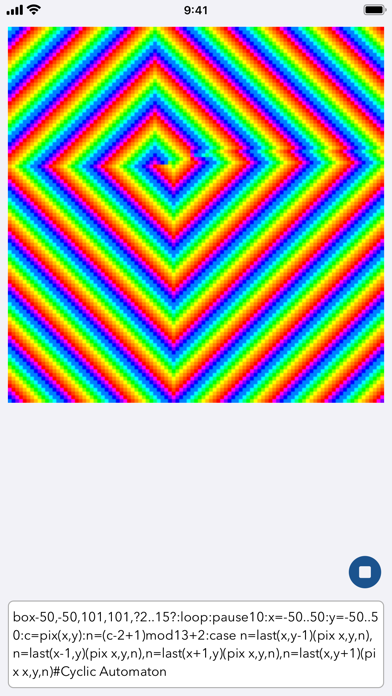
Create your own 8-bit-style animations, pictures, and effects on a square pixel display with bits of code the size of a text message. Manipulate pixels, import photos, plot functions, make silly memes, and explore generative art.

Inspired by classic home computers and modern text-messaging apps, PixelNote gives you a 101x101, 256-color canvas which you control from a one-line command input field. PixelNote defines its own, compact, unique programming language, designed for compactness, experimentation, and challenge.

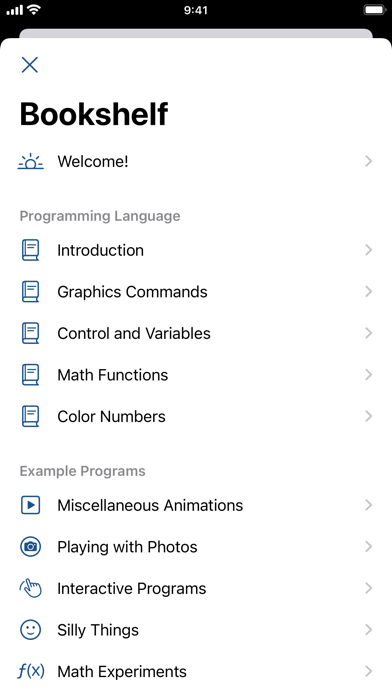
PixelNote comes with a set of examples to get you started, along with a full built-in reference guide to the language. Start with an example and modify it, or build your own; play around, try different things, see how they look. As you work, PixelNote keeps a history, so you can revisit your old code. Have fun!

Show More

What's New in the Latest Version 3.0.1

Last updated on May 9, 2022
Old Versions
Version 3.0 included these updates:
- The new "touch" command lets you take touch input in your programs. (There's a little paint-style program included in the examples now!)
- A few other new commands, or new options on existing commands, such as simpler looping and if-style conditionals.
- Expanded and easier-to-navigate examples and documentation.
- Updates for the four years of iOS updates since the last version, including dark mode support.

Alas, it also had a bug; when you chose "Save Picture to Photos", it could crash because of a missed step in how it now requests permissions. Version 3.0.1 fixes that.
Show More
Version History
3.0.1
May 9, 2022
Version 3.0 included these updates:
- The new "touch" command lets you take touch input in your programs. (There's a little paint-style program included in the examples now!)
- A few other new commands, or new options on existing commands, such as simpler looping and if-style conditionals.
- Expanded and easier-to-navigate examples and documentation.
- Updates for the four years of iOS updates since the last version, including dark mode support.

Alas, it also had a bug; when you chose "Save Picture to Photos", it could crash because of a missed step in how it now requests permissions. Version 3.0.1 fixes that.

PixelNote FAQ

Click here to learn how to download PixelNote in restricted country or region.
Check the following list to see the minimum requirements of PixelNote.
iPhone

PixelNote Alternative

You May Also Like

Get more from Casual Programmer, LLC