PlanUp
Free
9.6.4for iPhone, iPad and more
Age Rating
PlanUp Screenshots
About PlanUp
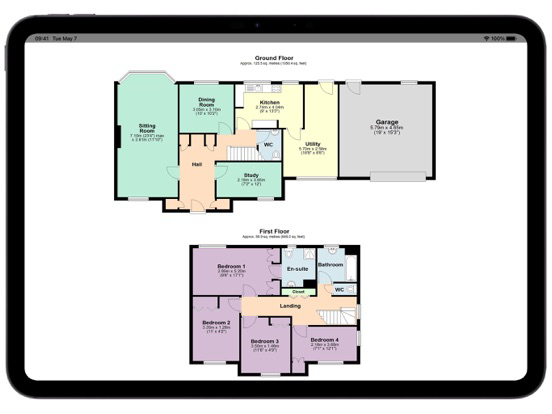
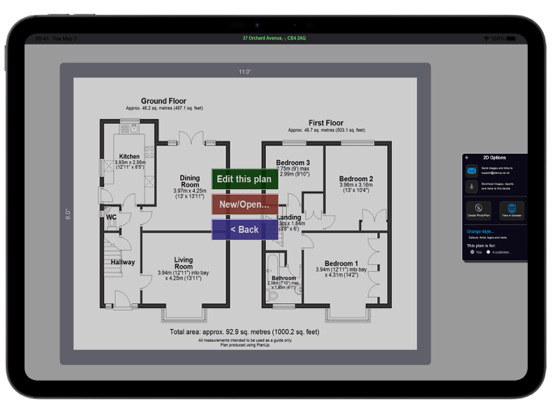
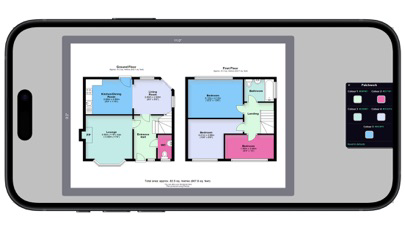
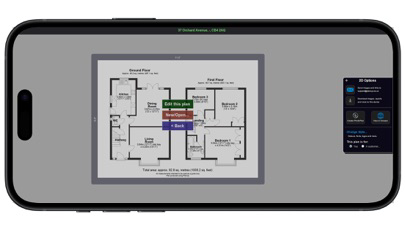
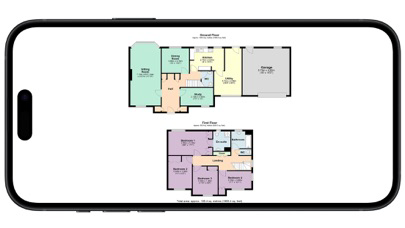
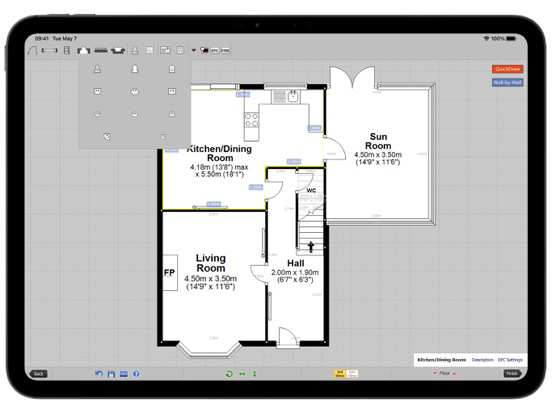
PlanUp is the market leading mobile floor plan software in the UK. Create 2D and 3D floor plans for Estate Agents, Realtors and home owners.
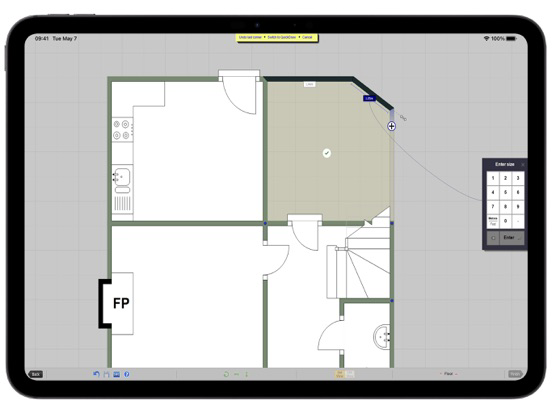
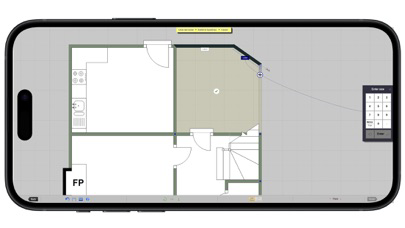
With PlanUp, you can draw a property from start to finish on-site.
Key Features:
- Quick and easy to draw plans
- Cloud-stored plans - access and edit them on any number of devices
- Professional 2D, 3D and Photo plans
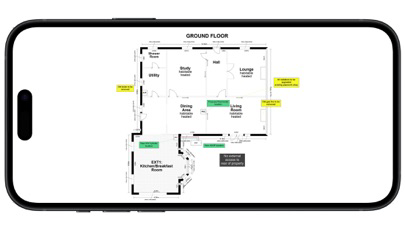
- Create full property descriptions
- Calculations included for EPC (DEA accounts only)
For companies wishing to use multiple devices our pricing is perfect. Once you have an account, you can use any number of iPads / MacOS devices at no extra charge.
Business use:
- Free: Watermarked plans, not for commercial use
- Credit packs: Purchase 1 or more credits, which allow you to remove watermarks.

With PlanUp, you can draw a property from start to finish on-site.
Key Features:
- Quick and easy to draw plans
- Cloud-stored plans - access and edit them on any number of devices
- Professional 2D, 3D and Photo plans
- Create full property descriptions
- Calculations included for EPC (DEA accounts only)
For companies wishing to use multiple devices our pricing is perfect. Once you have an account, you can use any number of iPads / MacOS devices at no extra charge.
Business use:
- Free: Watermarked plans, not for commercial use
- Credit packs: Purchase 1 or more credits, which allow you to remove watermarks.
Show More
What's New in the Latest Version 9.6.4
Last updated on Feb 11, 2026
Old Versions
Fix: Using the Back button when using via an integrated app - occasions where the link between PlanUp and integrated app was lost
Fix: Type in window descriptions for view on sea etc, and now present in XML used to export descriptions
show in description ticked by default. Still able to untick per room
Fix: Bathrooms now added to bullet section at top of descriptions
Fix: Bathroom count added to XML
Fix: Plan list should now let you search for a plan reference
Improvement: Room option to show measurements in description - auto un-ticked for rooms like Hallways, WC. Confusing, so now all rooms have
Improvement: Removed the auto hide door frame feature when adding close the a wall - based on feedback from many customers not liking it
Fix: Type in window descriptions for view on sea etc, and now present in XML used to export descriptions
show in description ticked by default. Still able to untick per room
Fix: Bathrooms now added to bullet section at top of descriptions
Fix: Bathroom count added to XML
Fix: Plan list should now let you search for a plan reference
Improvement: Room option to show measurements in description - auto un-ticked for rooms like Hallways, WC. Confusing, so now all rooms have
Improvement: Removed the auto hide door frame feature when adding close the a wall - based on feedback from many customers not liking it
Show More
Version History
9.6.4
Feb 11, 2026
Fix: Using the Back button when using via an integrated app - occasions where the link between PlanUp and integrated app was lost
Fix: Type in window descriptions for view on sea etc, and now present in XML used to export descriptions
show in description ticked by default. Still able to untick per room
Fix: Bathrooms now added to bullet section at top of descriptions
Fix: Bathroom count added to XML
Fix: Plan list should now let you search for a plan reference
Improvement: Room option to show measurements in description - auto un-ticked for rooms like Hallways, WC. Confusing, so now all rooms have
Improvement: Removed the auto hide door frame feature when adding close the a wall - based on feedback from many customers not liking it
Fix: Type in window descriptions for view on sea etc, and now present in XML used to export descriptions
show in description ticked by default. Still able to untick per room
Fix: Bathrooms now added to bullet section at top of descriptions
Fix: Bathroom count added to XML
Fix: Plan list should now let you search for a plan reference
Improvement: Room option to show measurements in description - auto un-ticked for rooms like Hallways, WC. Confusing, so now all rooms have
Improvement: Removed the auto hide door frame feature when adding close the a wall - based on feedback from many customers not liking it
PlanUp FAQ
Click here to learn how to download PlanUp in restricted country or region.
Check the following list to see the minimum requirements of PlanUp.
iPhone
Nécessite iOS 13.0 ou version ultérieure.
iPad
Nécessite iPadOS 13.0 ou version ultérieure.
iPod touch
Nécessite iOS 13.0 ou version ultérieure.
PlanUp supports Anglais