Pocket Access

Pocket Access


$9.99

6.3.0for iPhone, iPad
Age Rating
4+
Apps in this category do not contain restricted content.
9+
Apps in this category may contain mild or occasional cartoon, fantasy or real-life violence, as well as occasional or mild adult, sexually suggestive or horrifying content and may not be suitable for children under 9 years of age.
12+
Apps in this category may contain occasional mild indecent language, frequent or intense cartoon or real-life violence, minor or occasional adult or sexually suggestive material, and simulated gambling, and may be for children under 12 years of age.
17+
You must be at least 17 years old to access this App.
Apps in this category may contain frequent and intense offensive language; Frequent and intense cartoon, fantasy or realistic violence: frequent and intense adult, scary and sexually suggestive subjects: as well as sexual content, nudity, tobacco, alcohol and drugs, may not be suitable for children under 17 years of age.
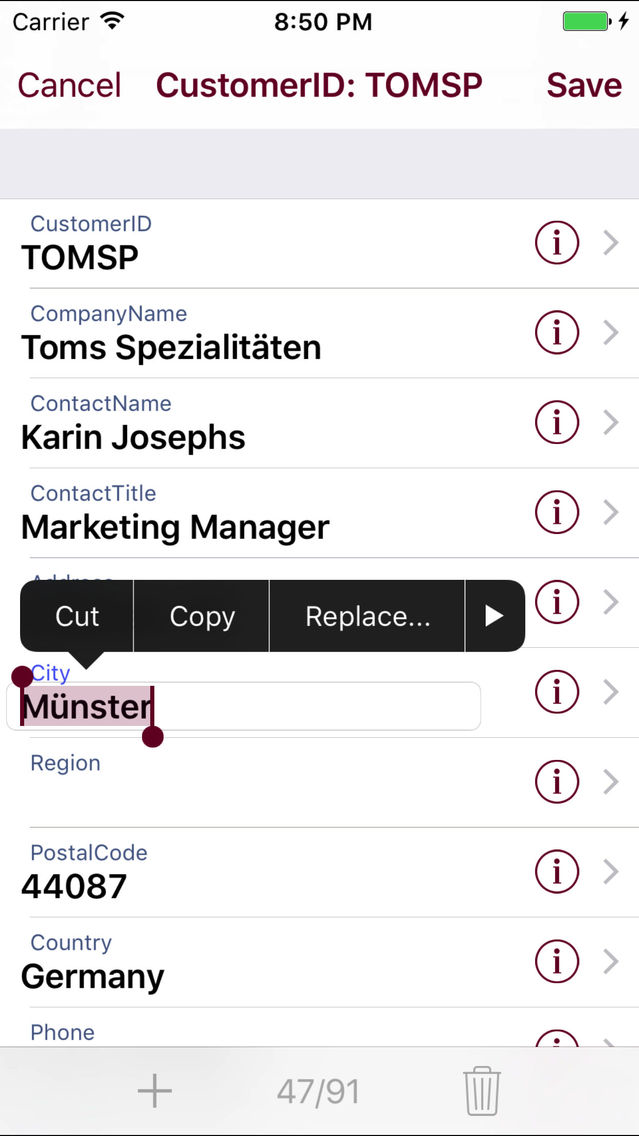
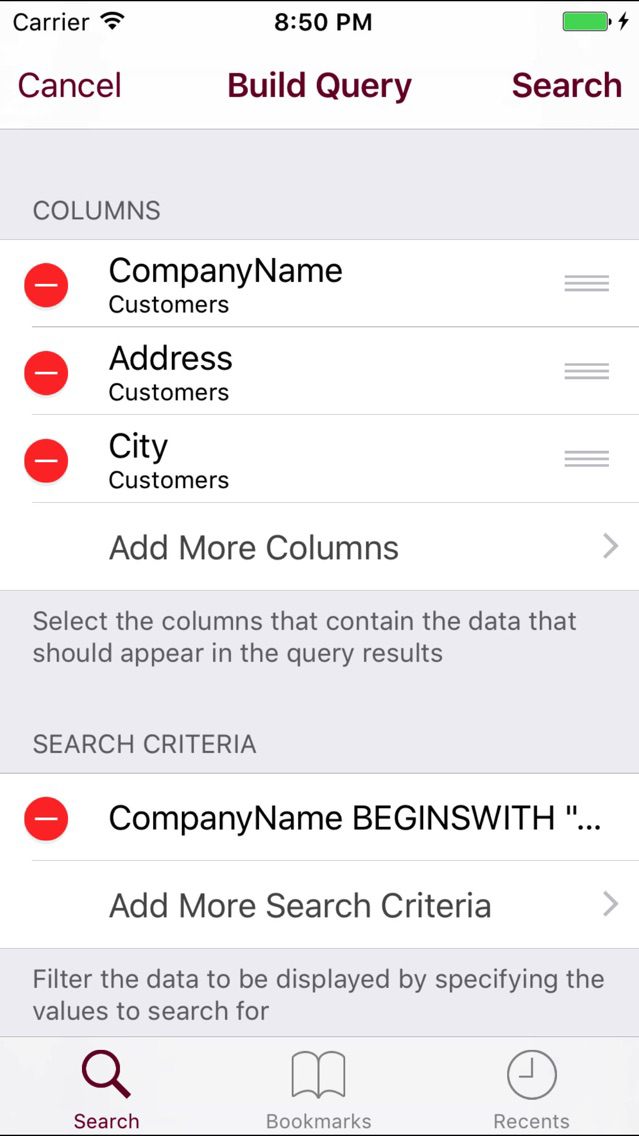
Pocket Access Screenshots
Pocket Access posterPocket Access posterPocket Access posterPocket Access posterPocket Access poster

About Pocket Access

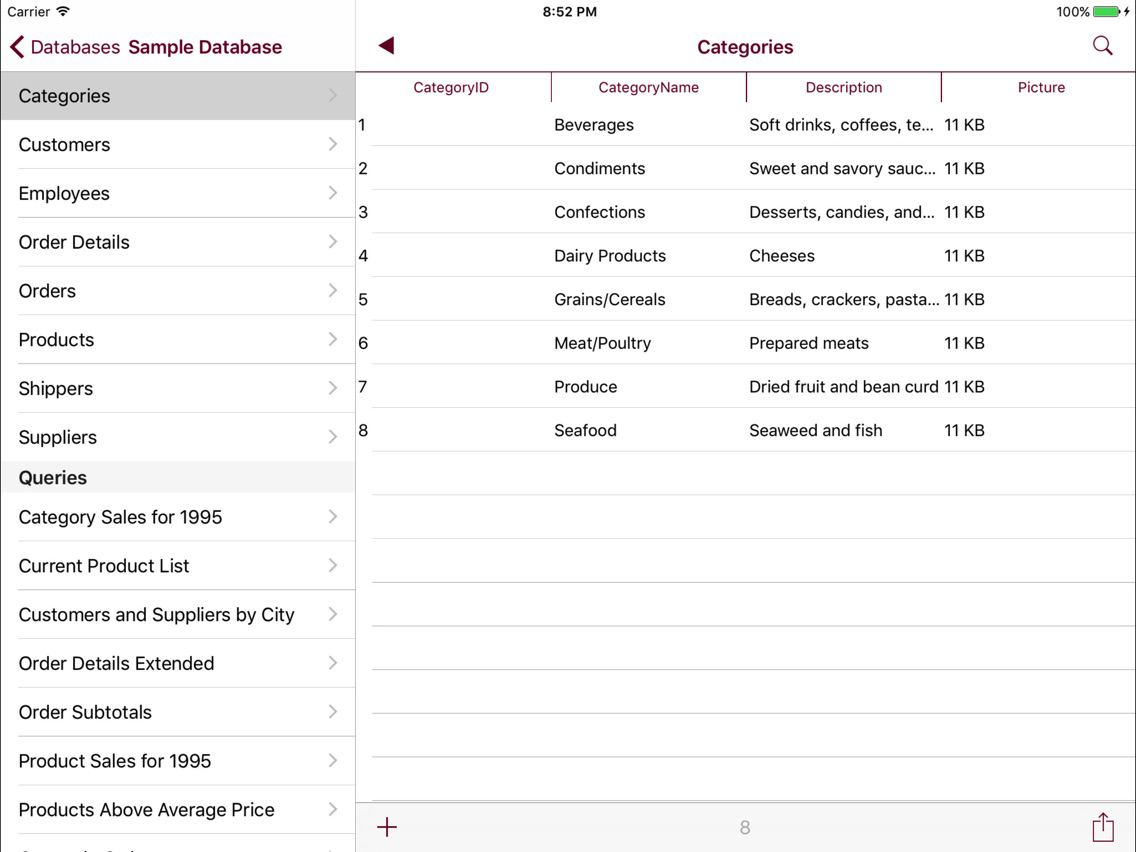
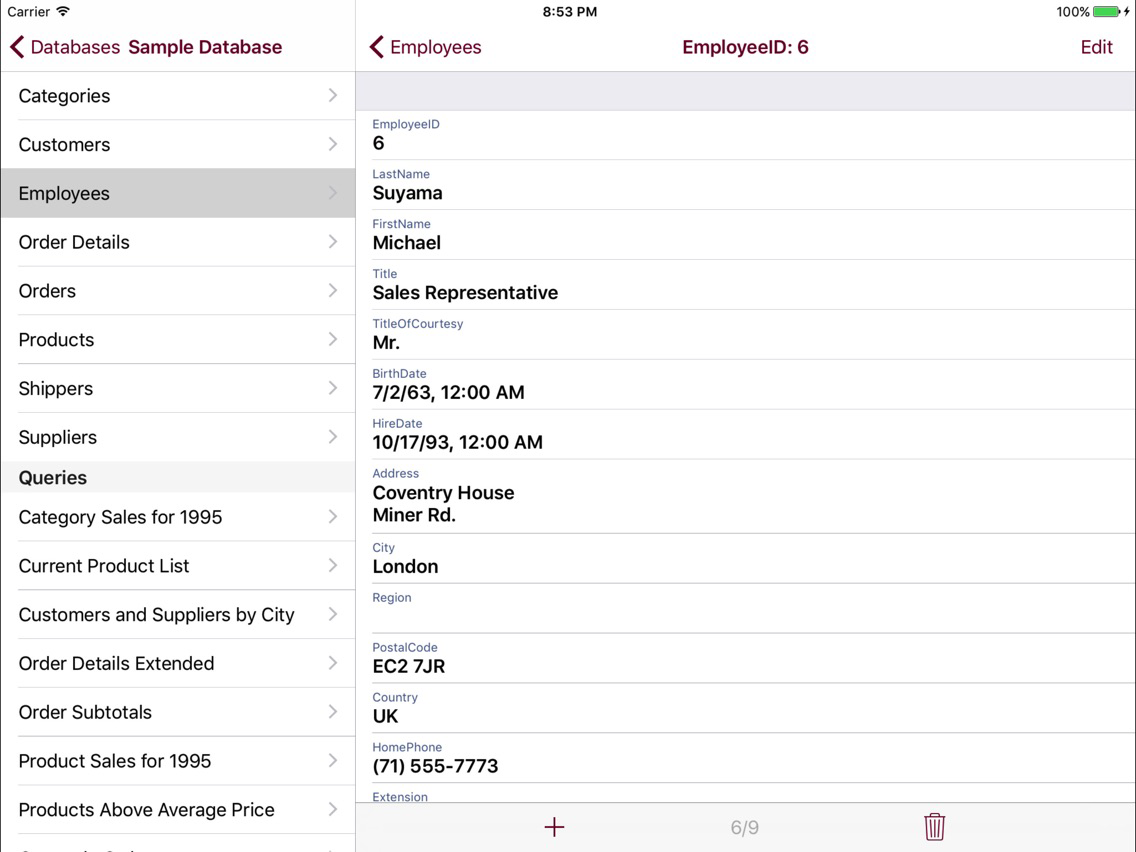
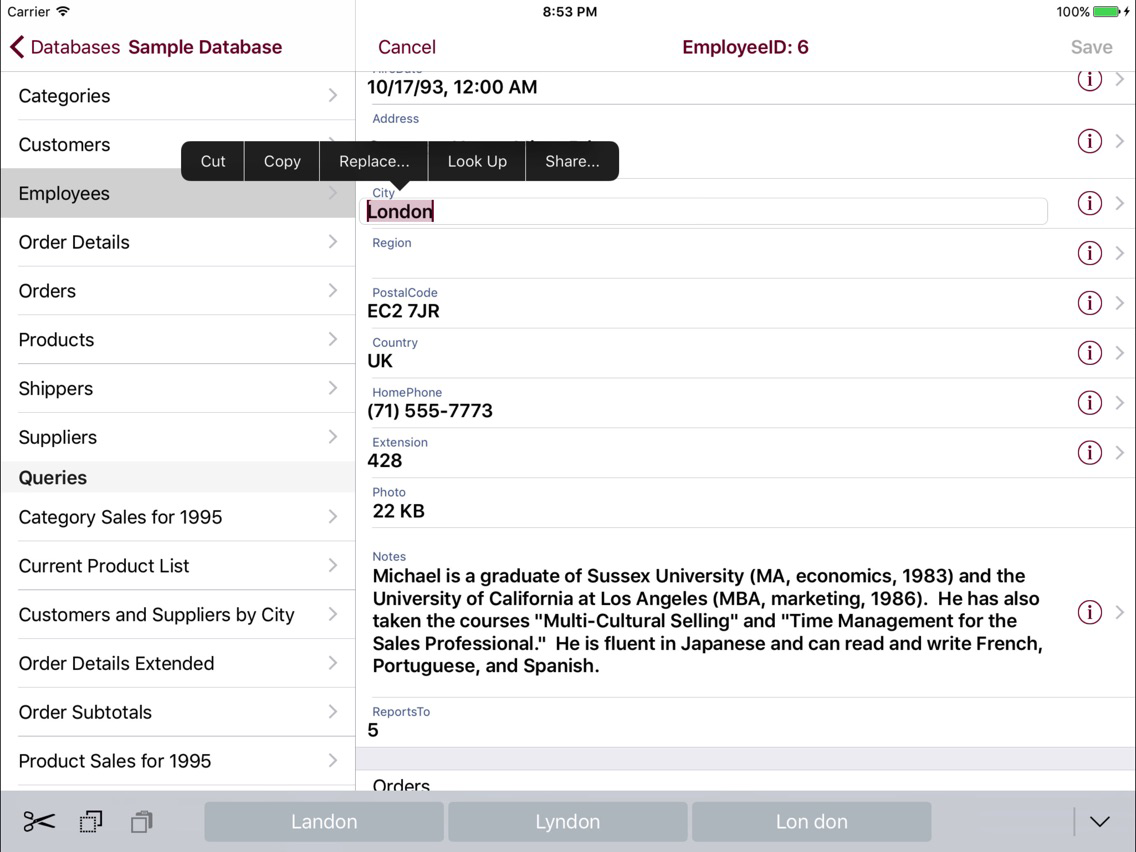
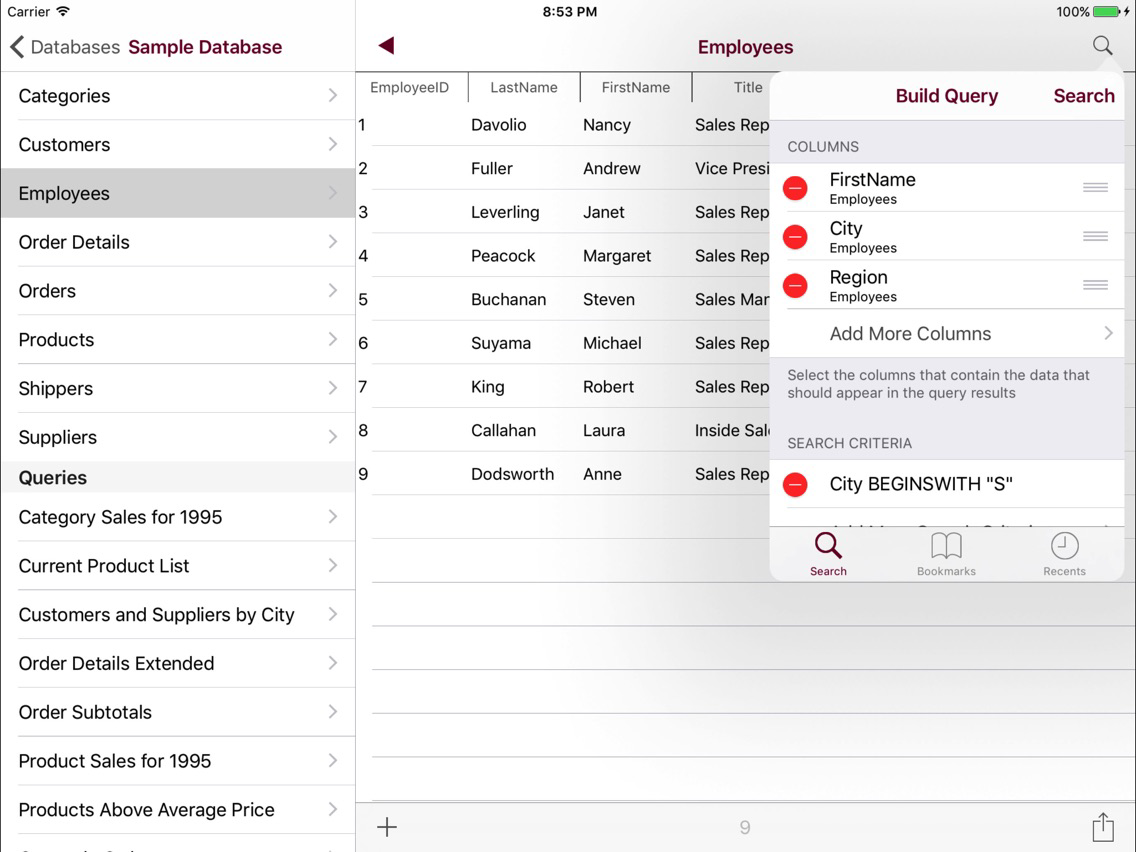
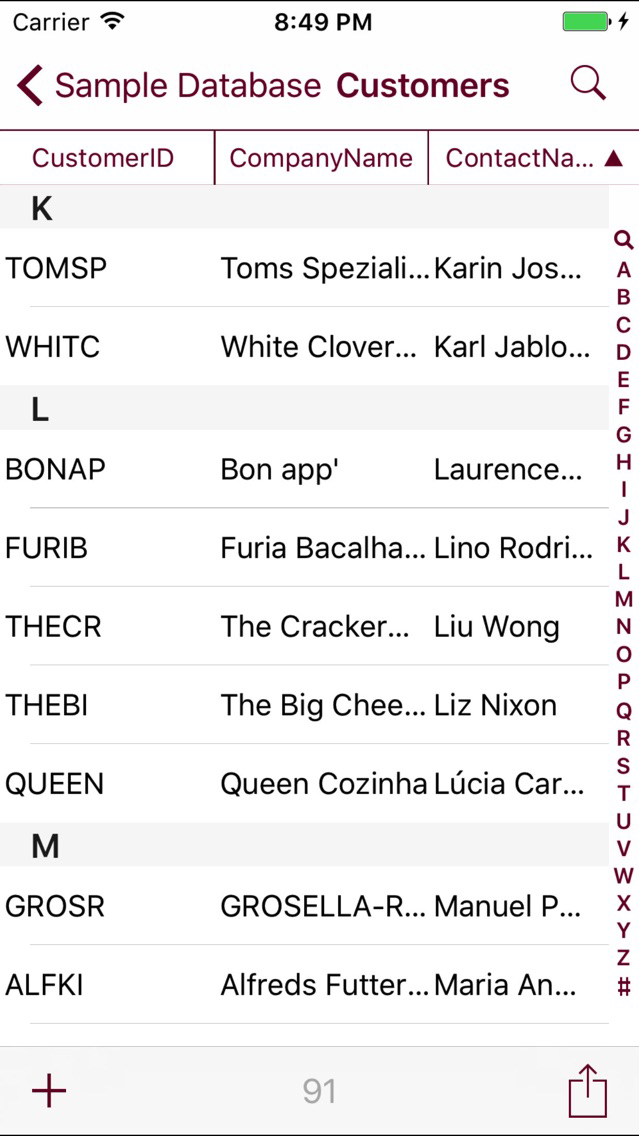
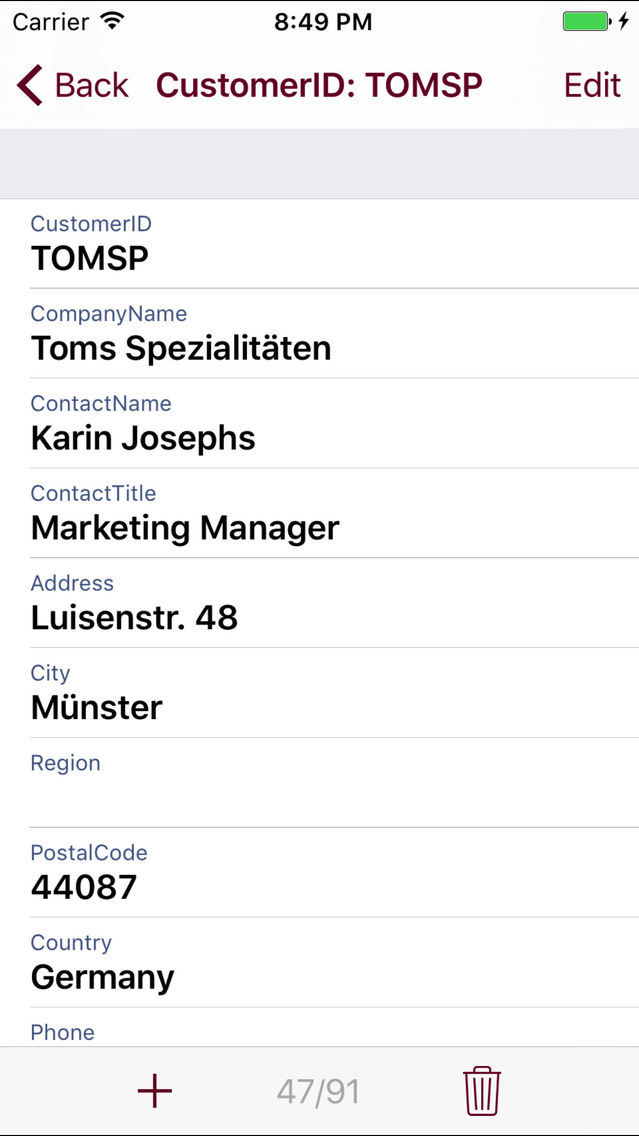
Take your Microsoft Access databases with you on the go with the DataGlass Mobile Database Client for Access! Search, edit, and create records in your database using DataGlass on your iPhone, iPad, or iPod Touch.

Take an interactive tour of the app at: http://www.impathic.com/access

Microsoft Access is the most popular desktop database in the world, and now you can utilize the full power of Access from your mobile device! DataGlass is the only app that can read your MS Access database directly on your iPhone or iPad without any additional complex desktop or server software setup.

With DataGlass Access, users on the go can use their iPhone or iPad to perform tasks like:

• Present reports on the iPad during client meetings
• Track lab test results
• Add and edit research notes while out in the field
• Check in attendees onsite for an event
• Run sales reports while at a customer site
• Respond to hotel guest requests from anywhere on the property
• Run inventory checks from the warehouse floor
• Track shipping and receiving activities

From DBAs and IT professionals that need to run ad-hoc queries, to executives who need immediate access to their raw data, to analysts who need to build and execute sophisticated reports, to sales personnel who need to update their data on the go, DataGlass is the only app you will need to connect you directly to with the data that is the lifeblood of the modern enterprise.

• Compatible with Microsoft Access databases from versions 97, 2000, 2002 2007, and 2010
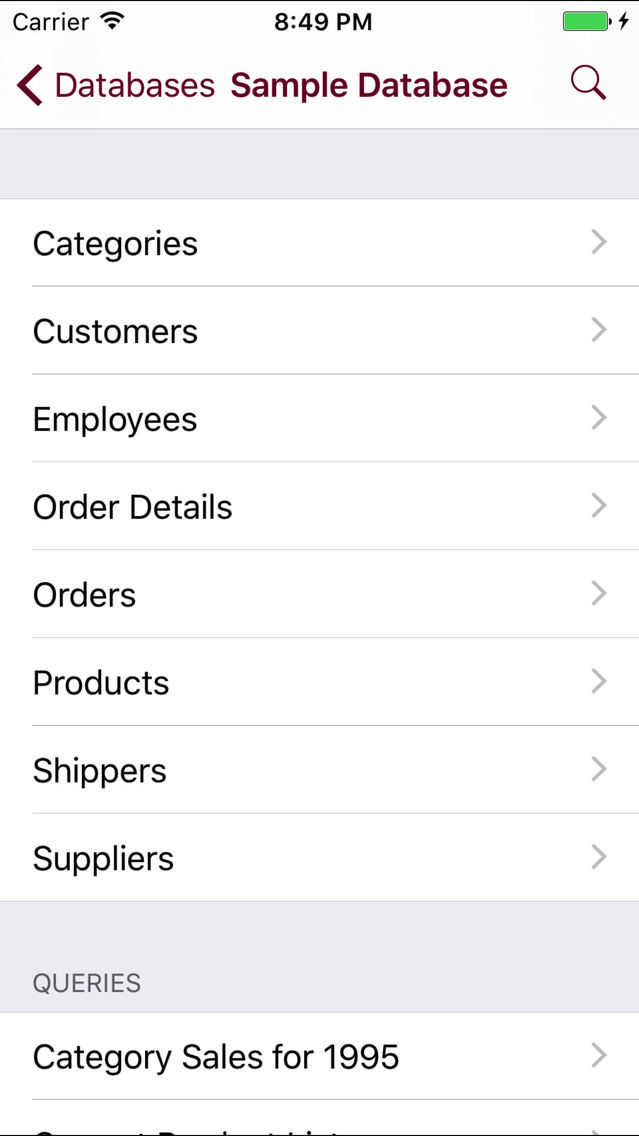
• An unlimited number of databases can be simultaneously managed by DataGlass
• Transfer databases from your desktop computer using iTunes file sharing, or by mailing your database to yourself as an attachment
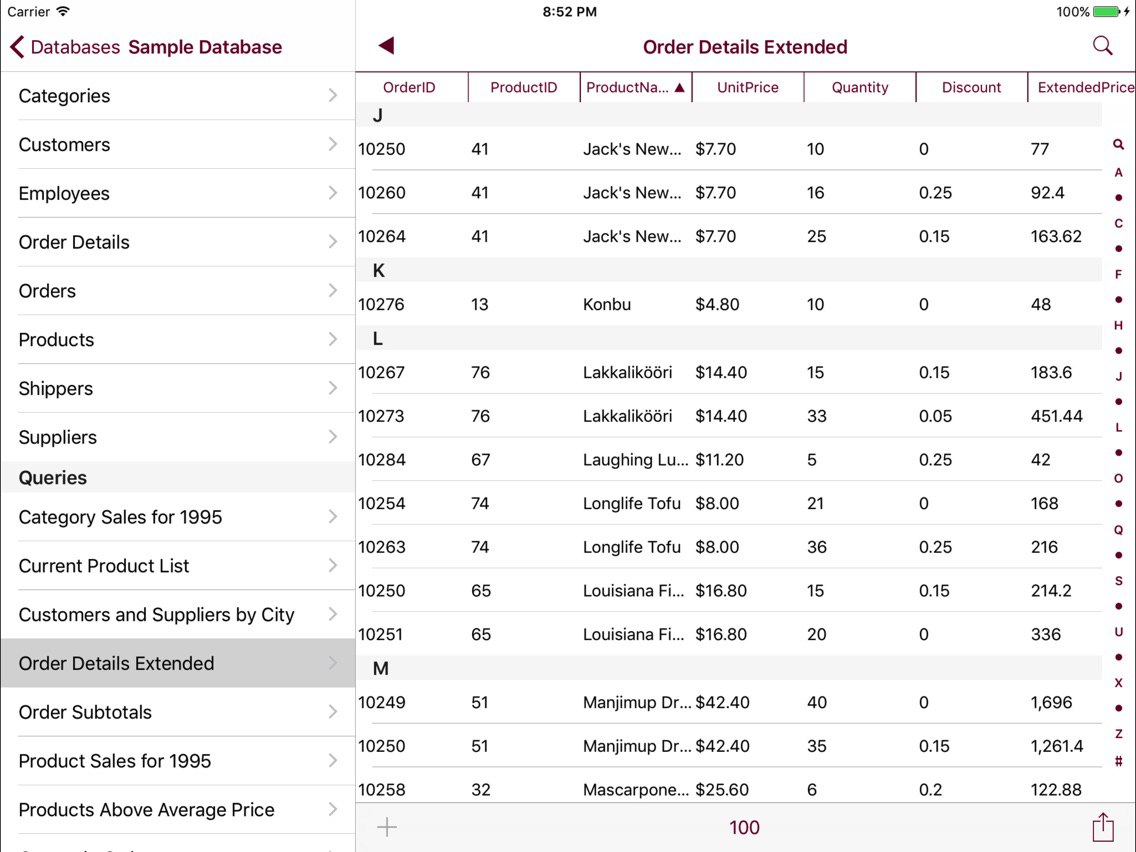
• Export your raw data to Numbers, Mail, or CSV files for inclusion in external reports
• Print the results of your queries directly from your printer-enabled iOS device
• Build and execute sophisticated queries spanning multiple tables using the innovative Query Designer, or enter custom SQL
• Note that forms are not supported in this release
• Visit http://support.impathic.com to make feature suggestions or report problems

Show More

What's New in the Latest Version 6.3.0

Last updated on Sep 7, 2017
Old Versions
• Fixed issue with inability to scroll while editing record on iPad • Fixed issue with settings window and help page on iPad • Fix for errors with SMALLINT fields • Fix for crash when selecting the SQL Editor • Fix for "network not reachable" error when connecting from an IPv6 network • Fix for disappearing fields when editing in landscape mode • Fix for eventual memory error when frequently updating records • 64-bit support
Show More
Version History
6.3.0
Aug 24, 2010
• Fixed issue with inability to scroll while editing record on iPad • Fixed issue with settings window and help page on iPad • Fix for errors with SMALLINT fields • Fix for crash when selecting the SQL Editor • Fix for "network not reachable" error when connecting from an IPv6 network • Fix for disappearing fields when editing in landscape mode • Fix for eventual memory error when frequently updating records • 64-bit support

Pocket Access FAQ

Click here to learn how to download Pocket Access in restricted country or region.
Check the following list to see the minimum requirements of Pocket Access.
iPhone
iPad
Pocket Access supports English

Pocket Access Alternative

You May Also Like

Get more from Glimpse I/O, Inc