Polytech Logistics

Polytech Logistics


Free

1.0.7for iPhone, iPad
Polytech
Developer
Sep 12, 2023
Update Date
Utilities
Category
Age Rating
4+
Apps in this category do not contain restricted content.
9+
Apps in this category may contain mild or occasional cartoon, fantasy or real-life violence, as well as occasional or mild adult, sexually suggestive or horrifying content and may not be suitable for children under 9 years of age.
12+
Apps in this category may contain occasional mild indecent language, frequent or intense cartoon or real-life violence, minor or occasional adult or sexually suggestive material, and simulated gambling, and may be for children under 12 years of age.
17+
You must be at least 17 years old to access this App.
Apps in this category may contain frequent and intense offensive language; Frequent and intense cartoon, fantasy or realistic violence: frequent and intense adult, scary and sexually suggestive subjects: as well as sexual content, nudity, tobacco, alcohol and drugs, may not be suitable for children under 17 years of age.
Polytech Logistics Screenshots
Polytech Logistics posterPolytech Logistics posterPolytech Logistics posterPolytech Logistics poster

About Polytech Logistics

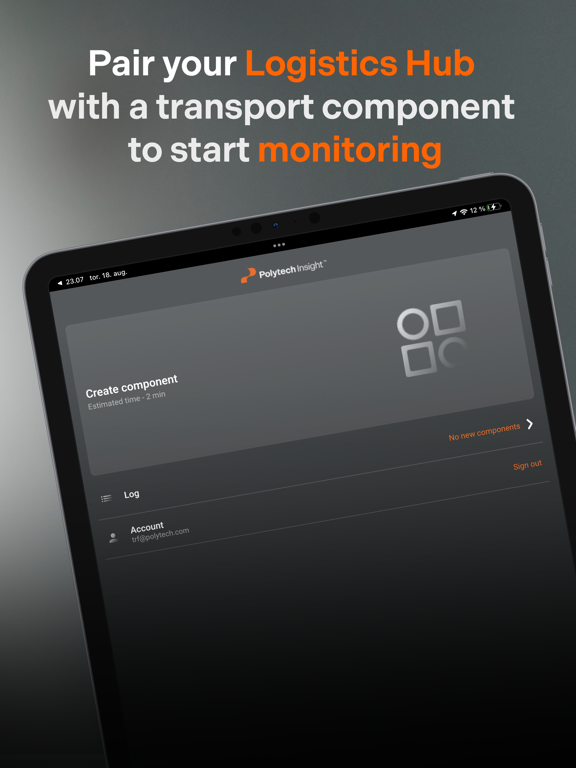
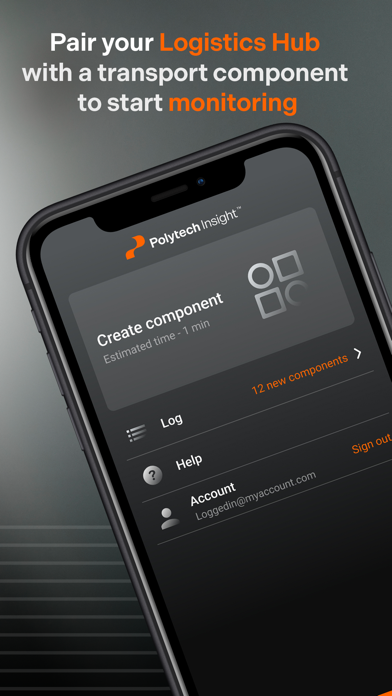
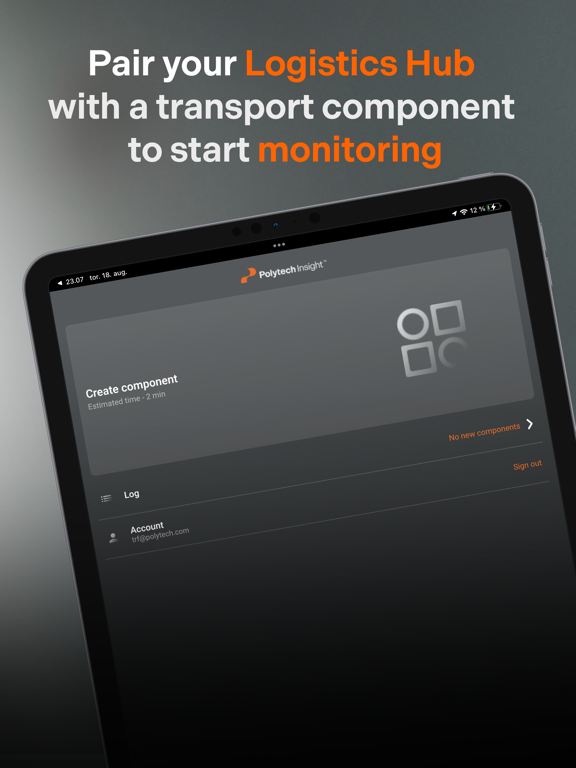
Pair the Polytech Logistics Hub with a transport or wind turbine component to start monitoring.

SIGN IN
Use the credentials you got from Polytech to sign in to your account. You will need an internet connection to do this.

CREATE A COMPONENT
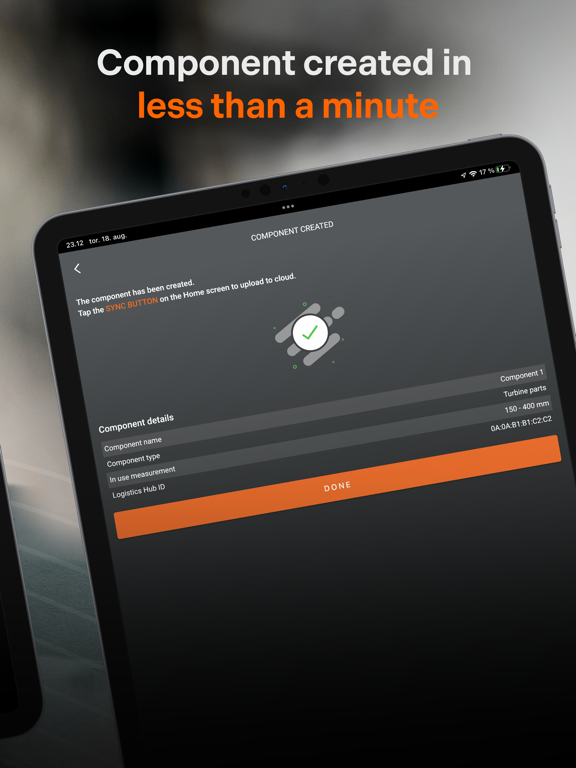
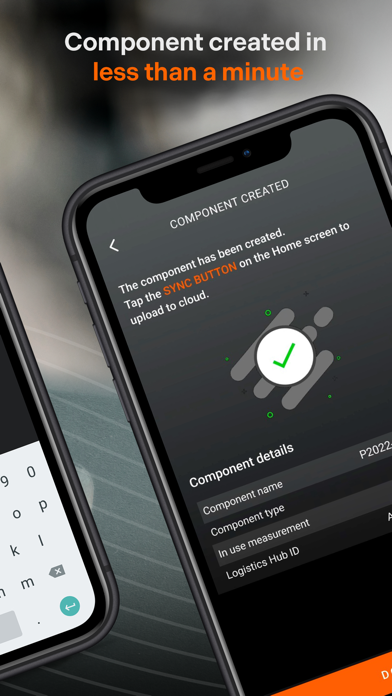
Creating a transport or wind turbine component in the app will take less than a minute and does not require an internet connection.
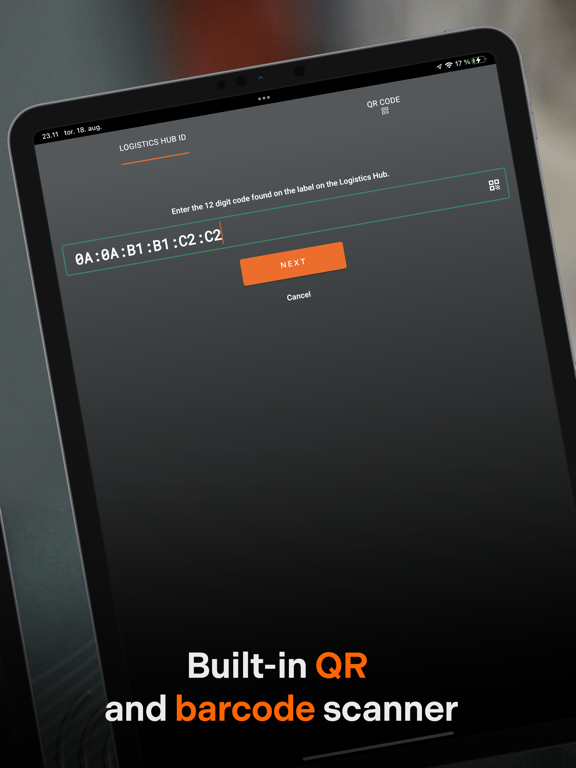
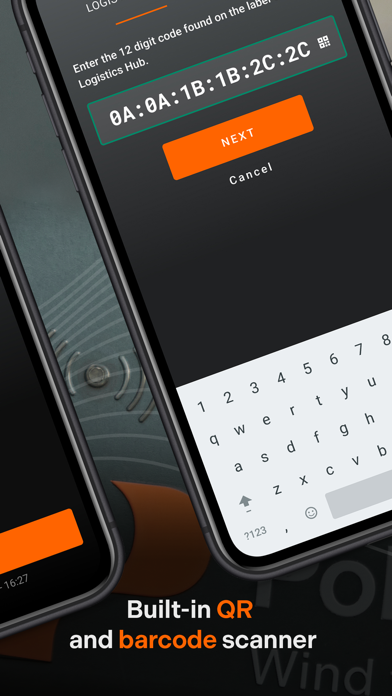
1) Scan the QR code on the Logistics Hub (or add its unique ID number manually)
2) Scan the barcode on the transport component (or add its unique ID number manually)
3) Create Component
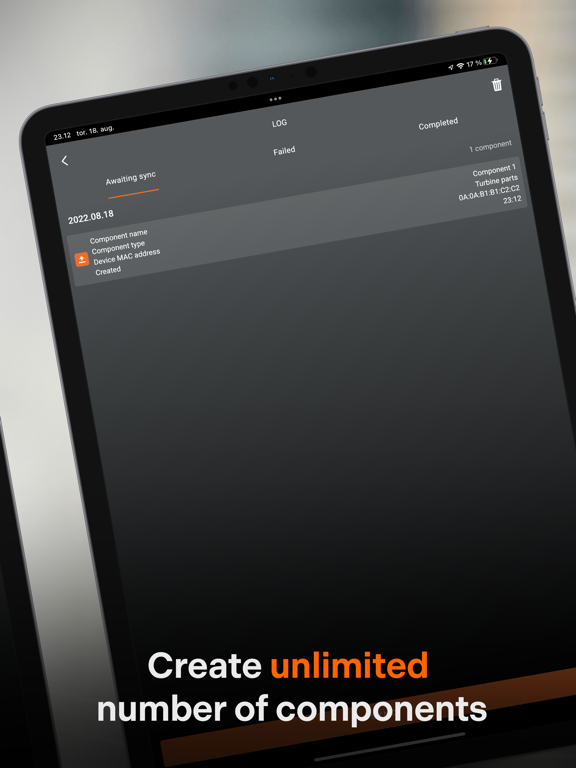
You can create an unlimited number of components in the app.

SYNC WITH THE CLOUD
When you have created all the components in the app, you need to upload this data to the cloud. Use the “Sync” button to upload the component log. You will need an internet connection to do this.

You can sync data in large batches to save time.

Show More

What's New in the Latest Version 1.0.7

Last updated on Sep 12, 2023
Old Versions
[+] Squeezed a few bugs
Show More
Version History
1.0.7
Sep 12, 2023
[+] Squeezed a few bugs

Polytech Logistics FAQ

Click here to learn how to download Polytech Logistics in restricted country or region.
Check the following list to see the minimum requirements of Polytech Logistics.
iPhone
iPad

Polytech Logistics Alternative

You May Also Like