POP AR
Preview Of Placement AR
Free
2.4for iPhone, iPad
Age Rating
POP AR Screenshots
About POP AR
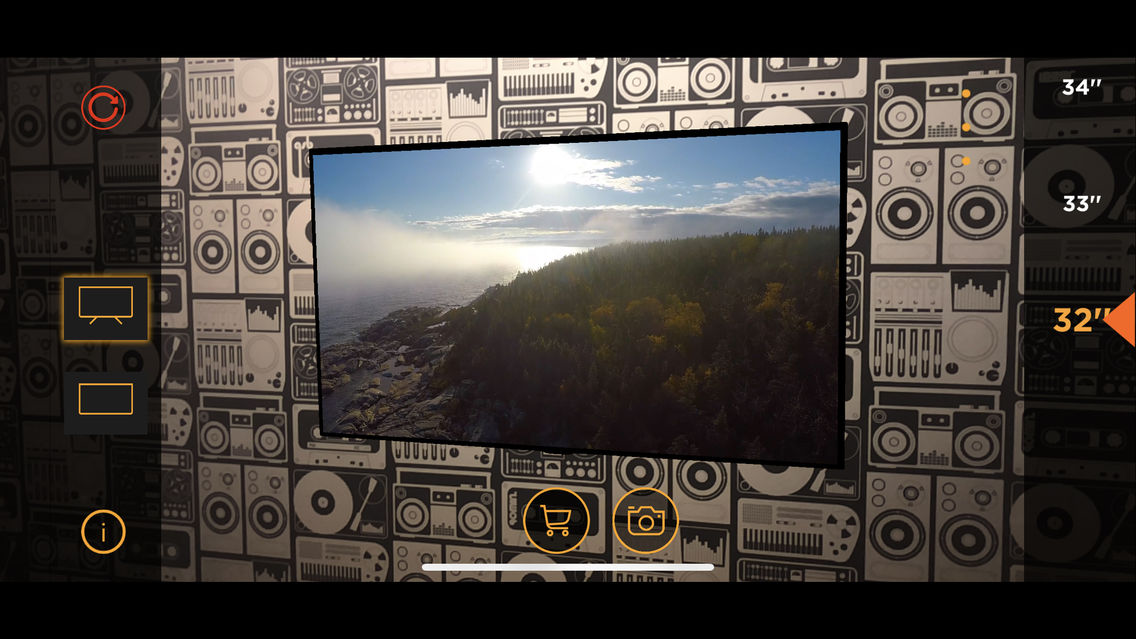
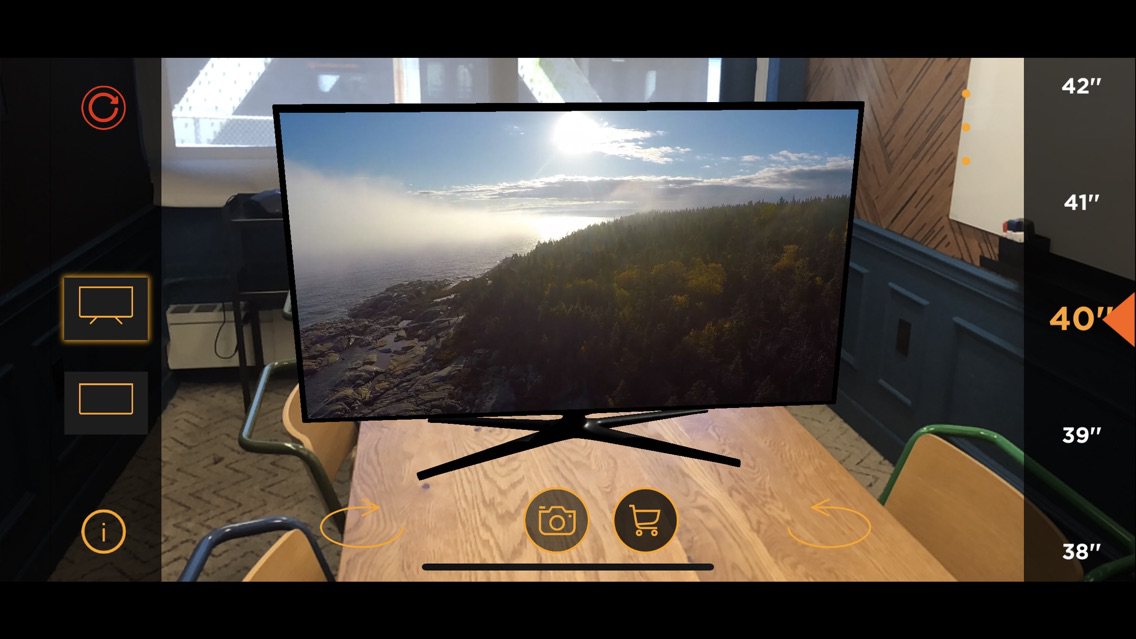
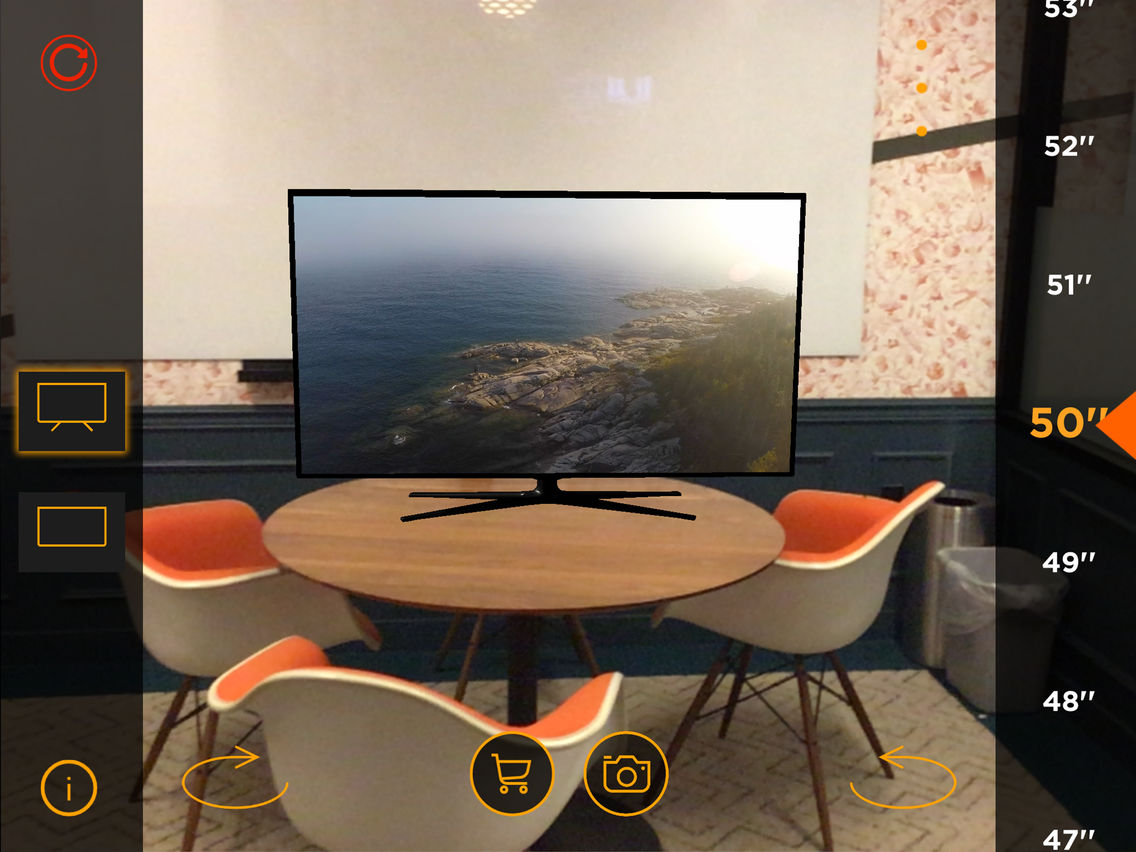
POP AR is an augmented reality app that allows you to 'Preview Of Placement' a virtual, to scale, TV in your home, either on a wall or a flat surface such as a table. You can change the size of the TV at will to find what works best in your home. You can take screenshots and share them with your friends.
iOS 11.3 is required to access the full feature set of this app.
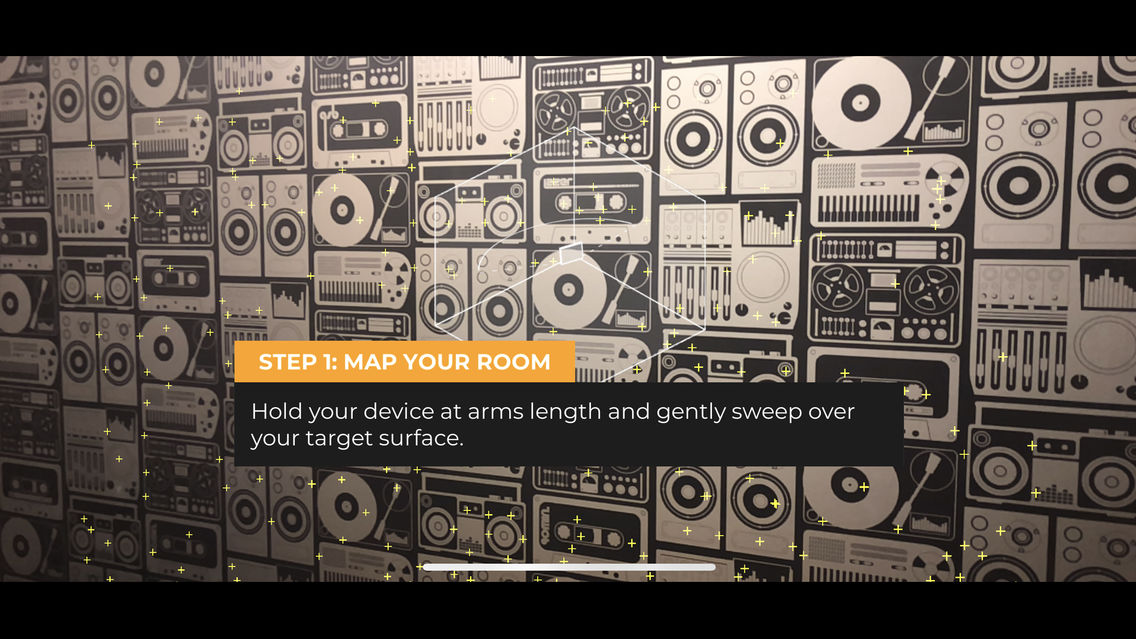
To Scan a surface and place your first virtual TV:
- Make sure the space you are in is well lit
- Hold your device at waist level and point the camera at the surface you want to scan.
- Gently sway your device while still pointing the camera at the surface.
- Choose the type of TV you want to place.
- Tap anywhere on the surface to place your TV.

iOS 11.3 is required to access the full feature set of this app.
To Scan a surface and place your first virtual TV:
- Make sure the space you are in is well lit
- Hold your device at waist level and point the camera at the surface you want to scan.
- Gently sway your device while still pointing the camera at the surface.
- Choose the type of TV you want to place.
- Tap anywhere on the surface to place your TV.
Show More
What's New in the Latest Version 2.4
Last updated on Aug 1, 2018
Old Versions
Fixed reticle bugs
Show More
Version History
2.4
Aug 1, 2018
Fixed reticle bugs
2.3
Jul 20, 2018
Fixed bug with tool tips
2.2
Jul 15, 2018
Added Tool Tips
2.1
Jun 27, 2018
UI improvements
Scanning Animation
Bug Fixes
Scanning Animation
Bug Fixes
2.0
Jun 25, 2018
Minimum distance from TV is now enforced
Clearer Directions
Various Bug fixes
Clearer Directions
Various Bug fixes
1.0
Jun 20, 2018
POP AR FAQ
Click here to learn how to download POP AR in restricted country or region.
Check the following list to see the minimum requirements of POP AR.
iPhone
iPad
POP AR supports English