PrecisionTimer
Free
1.0.0for iPhone, iPad and more
Age Rating
PrecisionTimer Screenshots
About PrecisionTimer
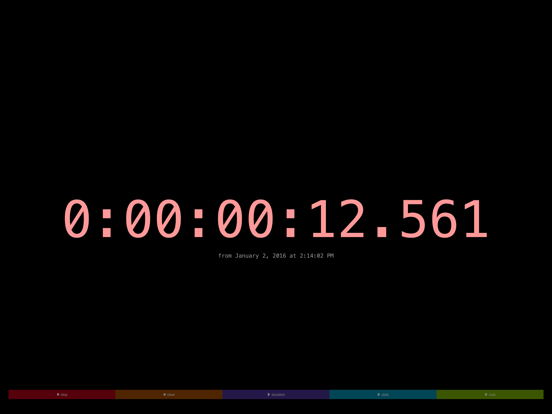
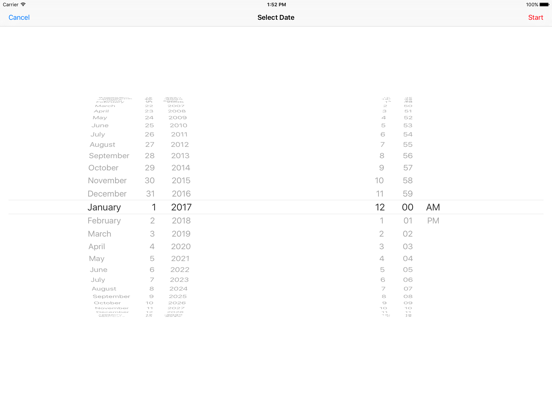
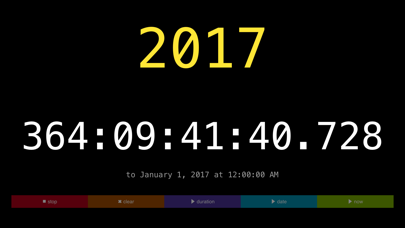
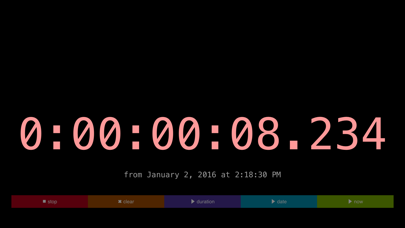
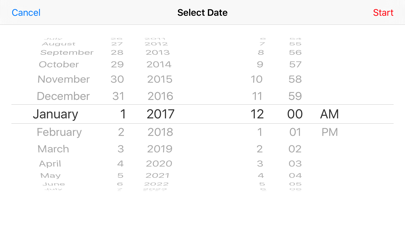
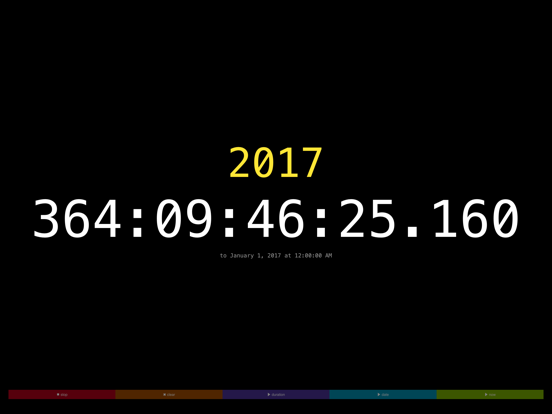
PrecisionTimer is a simple count down and count up timer with a large technical-looking display that includes milliseconds.
PrecisionTimer is primarily made for display. Use it to count down to or up from events, such as house opening, a wedding, service start, dinner, a show, the weekend, the end of the downtime window, spring, summer, a birthday, go-live, a vacation, an election...anything that happens at a precise moment in time.
Features
• count down/up is displayed in days, hours, minutes, seconds, and milliseconds
• large timer name can be edited by tapping title area
• vibrates and plays a short sound when timer elapses; uses a notification if app is not active

PrecisionTimer is primarily made for display. Use it to count down to or up from events, such as house opening, a wedding, service start, dinner, a show, the weekend, the end of the downtime window, spring, summer, a birthday, go-live, a vacation, an election...anything that happens at a precise moment in time.
Features
• count down/up is displayed in days, hours, minutes, seconds, and milliseconds
• large timer name can be edited by tapping title area
• vibrates and plays a short sound when timer elapses; uses a notification if app is not active
Show More
What's New in the Latest Version 1.0.0
Last updated on Jan 9, 2016
Version History
1.0.0
Jan 9, 2016
PrecisionTimer FAQ
Click here to learn how to download PrecisionTimer in restricted country or region.
Check the following list to see the minimum requirements of PrecisionTimer.
iPhone
Requires iOS 9.0 or later.
iPad
Requires iPadOS 9.0 or later.
iPod touch
Requires iOS 9.0 or later.
PrecisionTimer supports English