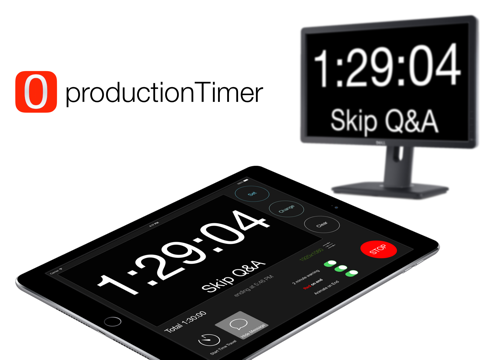
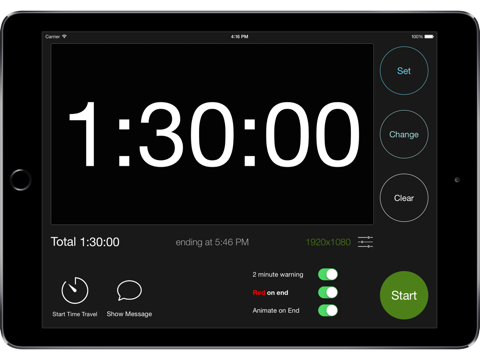
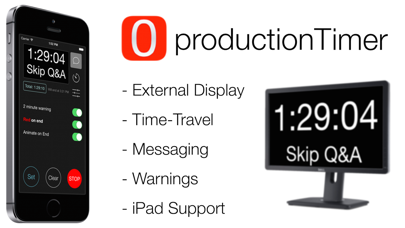
productionTimer was designed specifically for the live event and television production industry. With productionTimer, you can turn most models of iPad or iPod Touch / iPhone into a full-featured countdown clock - perfect for live events!
Key Features:
- FULLSCREEN countdown on EXTERNAL DISPLAY via Lightning->HDMI or AirPlay
- Send messages downstage
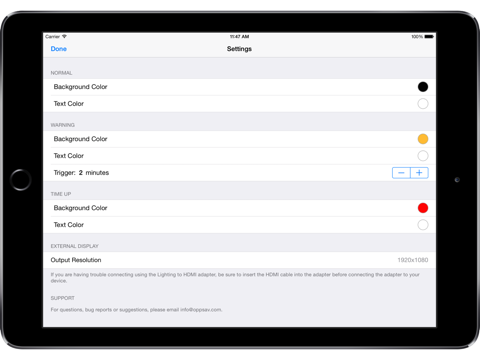
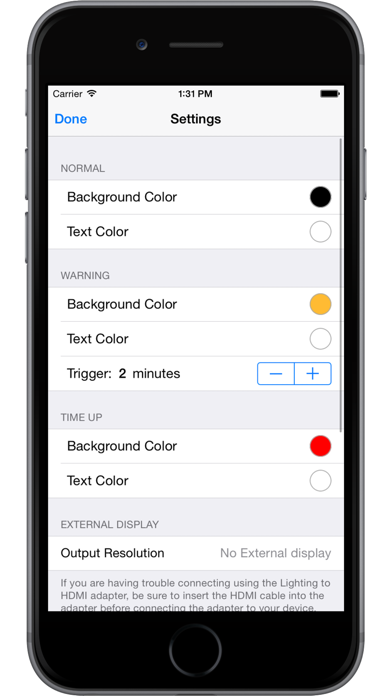
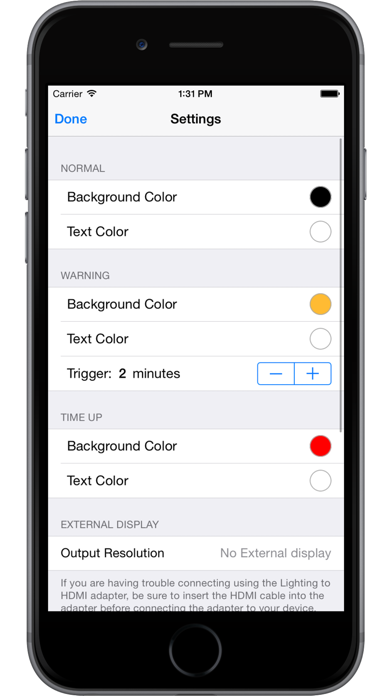
- Change text and background colors for normal, warning and end segments
- Smaller cost and footprint than computer-based timers
productionTimer allows an iOS device to display a full-screen countdown clock on an external monitor. Video is taken directly out of the device via the Apple Lightning to HDMI adapter. The signal can be routed to a nearby monitor with a standard HDMI cable or sent longer distances with HDMI over Cat-5/5e/6 or even fiber. The signal can also be taken into a video switching system where it can be routed to any number of destinations. Using a switcher, you can even key out the background and have a great countdown clock to display on screen over other graphics - perfect for getting attendees back from breaks on time. If you are bold enough to forego the cables an AirPlay destination, like AppleTV, can be used as the external monitor.
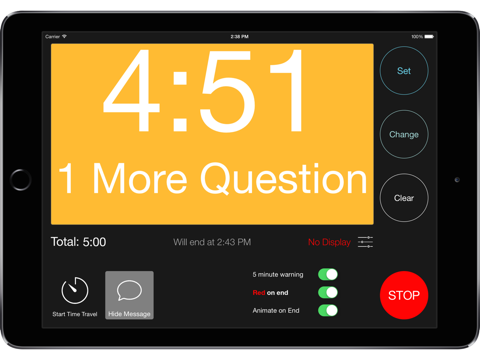
A "warning" changes the background of the clock to a user-defined color at a specified time - great for getting the talent to notice they need to be wrapping up or should be transitioning to Q&A. Once time is up, the background can also be turned any number of user-selected colors.
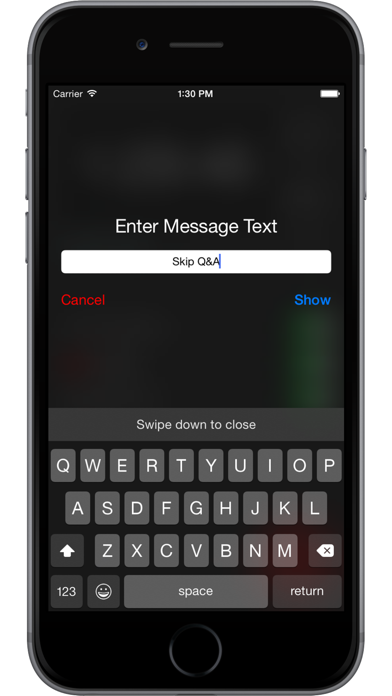
Need to send a note downstage but don't have the switching in place to get it in the confidence monitor? Production Timer allows the operator to type a short message and display it on the remote clock display. The clock moves towards the top and a large, clear message is displayed below it. One touch of a button and it's back to normal.
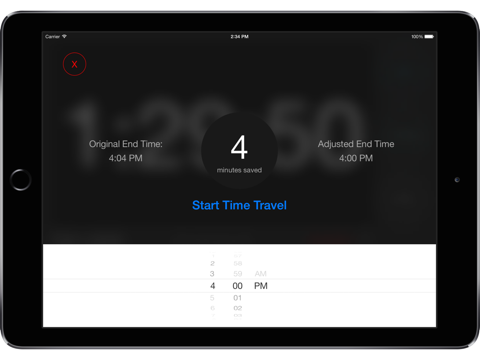
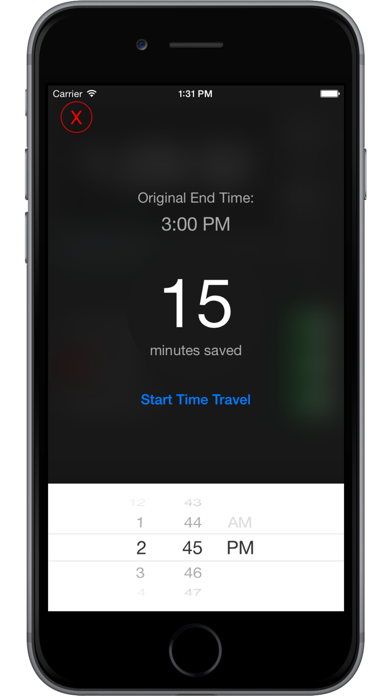
Event professionals know the importance of running on time and the challenges that come with it. Need to make up a few minutes? Use "Time-Travel" to make make the clock run faster than reality. Just set the time of day you would like the clock to hit "0" and productionTimer will figure out the rest.