Pyrus · Team Communication
Free
5.291.27for iPhone, iPad
Age Rating
Pyrus · Team Communication Screenshots
About Pyrus · Team Communication
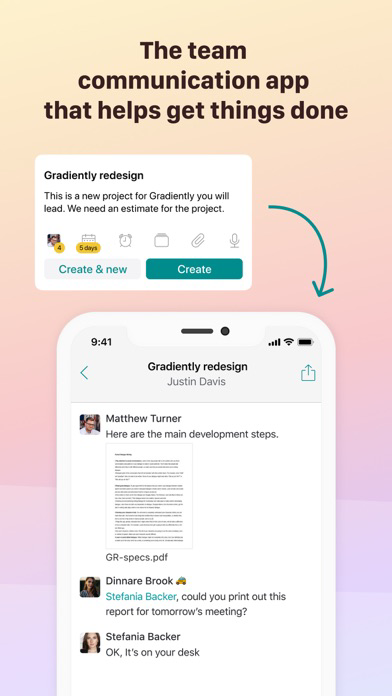
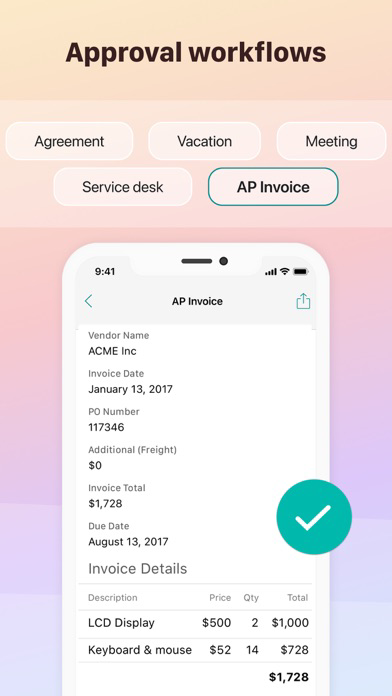
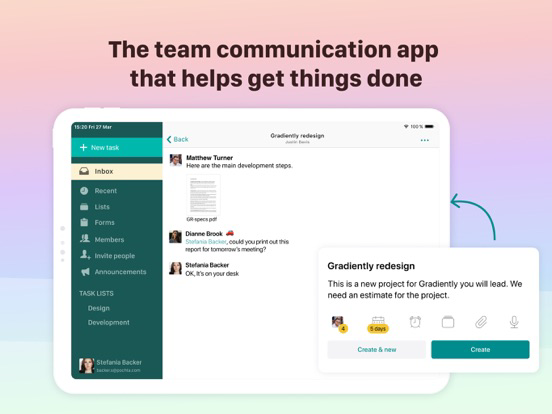
Pyrus is the team communication tool for your entire business. It incorporates real-time messaging, task delegation, and approval flows. Finally, all your tasks and conversations are in one easy-to-use interface.
- Communicate: every task is a message thread working towards a specific goal.
- Delegate: every task has a single person responsible for it at any given moment.
- Organize: hide a task from your inbox when you don’t need to act, or snooze it when you want a friendly reminder later.
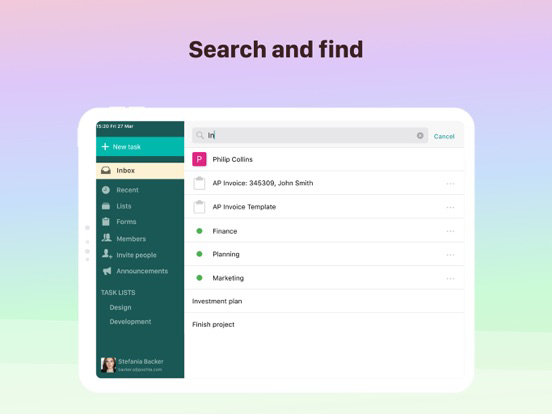
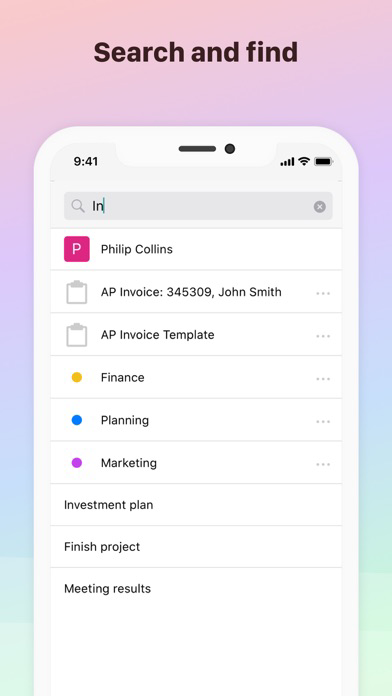
- Track: a powerful search capability makes it easy to find the details you need.
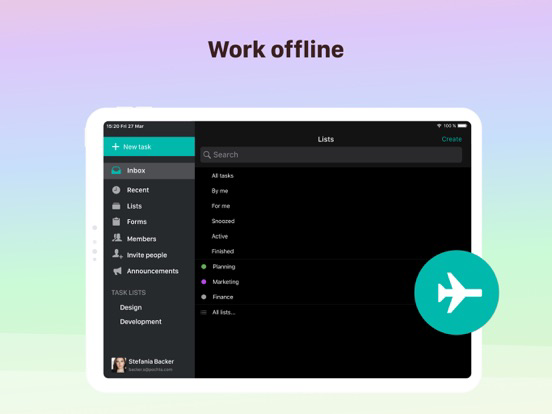
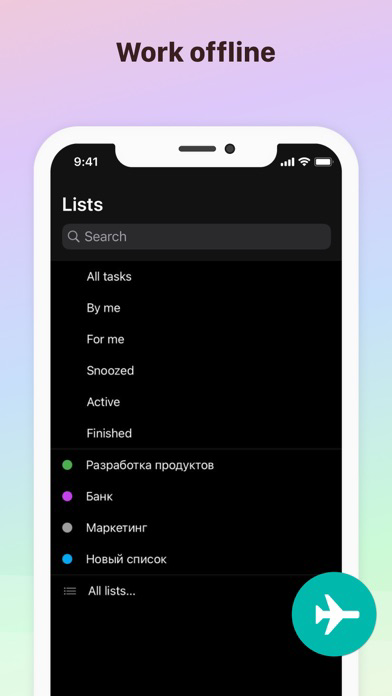
- Anywhere: Pyrus syncs seamlessly across all your devices and even works offline.
FEATURE HIGHLIGHTS
- Swipe right to hide a task from your inbox and stand by, swipe left to archive it and mark it as complete.
- Forward any email to x@pyrus.com to turn it into a task.
- Attach documents, photos, or files from cloud storage like Box, Dropbox, and Google Drive.
- Use subtasks to split a large task into a list of action items.
- Get a notification whenever your action or input is requested.
- Share images and documents from other apps.
Pyrus is free to use for an unlimited number of people, offering upgradeable plans for extended usage, increased storage, unlimited API calls, and custom data access policies.
- Login with your G+ account
- Invite colleagues from Address Book
- Work with outsourcers and subcontractors.
*** Notifications
- Badge on app icon shows the number of unread tasks in your Inbox
- You receive push notification when something important happens with your tasks in Pyrus
Pyrus works offline and seamlessly syncs in background. No frozen UI, no duplicates.

- Communicate: every task is a message thread working towards a specific goal.
- Delegate: every task has a single person responsible for it at any given moment.
- Organize: hide a task from your inbox when you don’t need to act, or snooze it when you want a friendly reminder later.
- Track: a powerful search capability makes it easy to find the details you need.
- Anywhere: Pyrus syncs seamlessly across all your devices and even works offline.
FEATURE HIGHLIGHTS
- Swipe right to hide a task from your inbox and stand by, swipe left to archive it and mark it as complete.
- Forward any email to x@pyrus.com to turn it into a task.
- Attach documents, photos, or files from cloud storage like Box, Dropbox, and Google Drive.
- Use subtasks to split a large task into a list of action items.
- Get a notification whenever your action or input is requested.
- Share images and documents from other apps.
Pyrus is free to use for an unlimited number of people, offering upgradeable plans for extended usage, increased storage, unlimited API calls, and custom data access policies.
- Login with your G+ account
- Invite colleagues from Address Book
- Work with outsourcers and subcontractors.
*** Notifications
- Badge on app icon shows the number of unread tasks in your Inbox
- You receive push notification when something important happens with your tasks in Pyrus
Pyrus works offline and seamlessly syncs in background. No frozen UI, no duplicates.
Show More
What's New in the Latest Version 5.291.27
Last updated on Jun 5, 2026
Old Versions
The latest version contains bug fixes and performance improvements.
Show More
Version History
5.291.27
Jun 5, 2026
The latest version contains bug fixes and performance improvements.
Pyrus · Team Communication FAQ
Click here to learn how to download Pyrus · Team Communication in restricted country or region.
Check the following list to see the minimum requirements of Pyrus · Team Communication.
iPhone
iPad