Quantifier
$0.99
1.8.1for iPhone
Age Rating
Quantifier Screenshots
About Quantifier
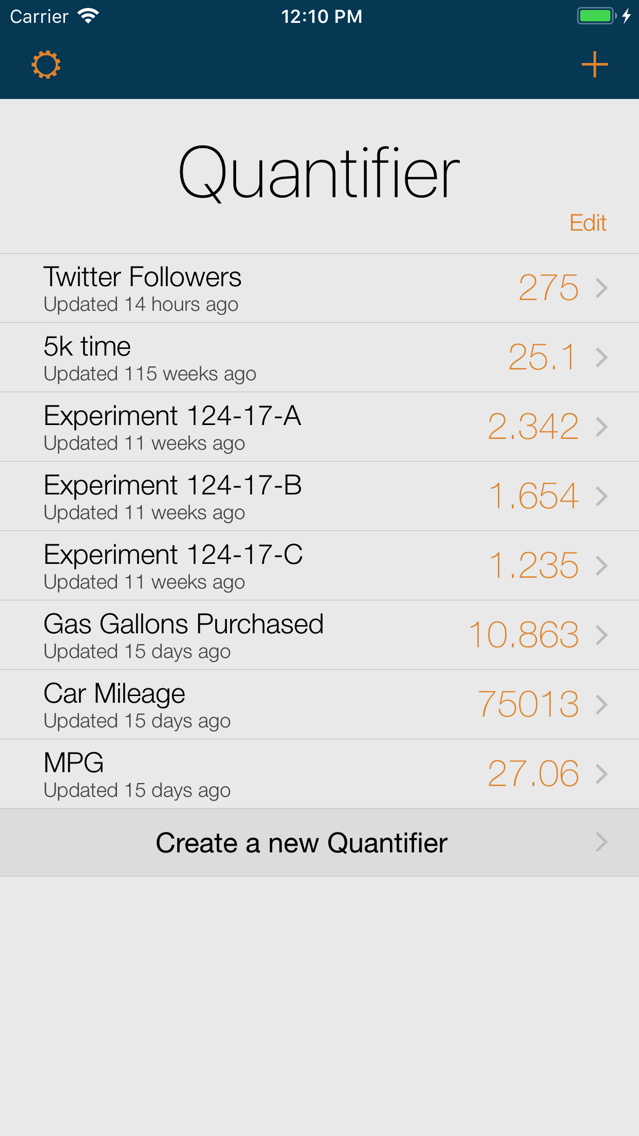
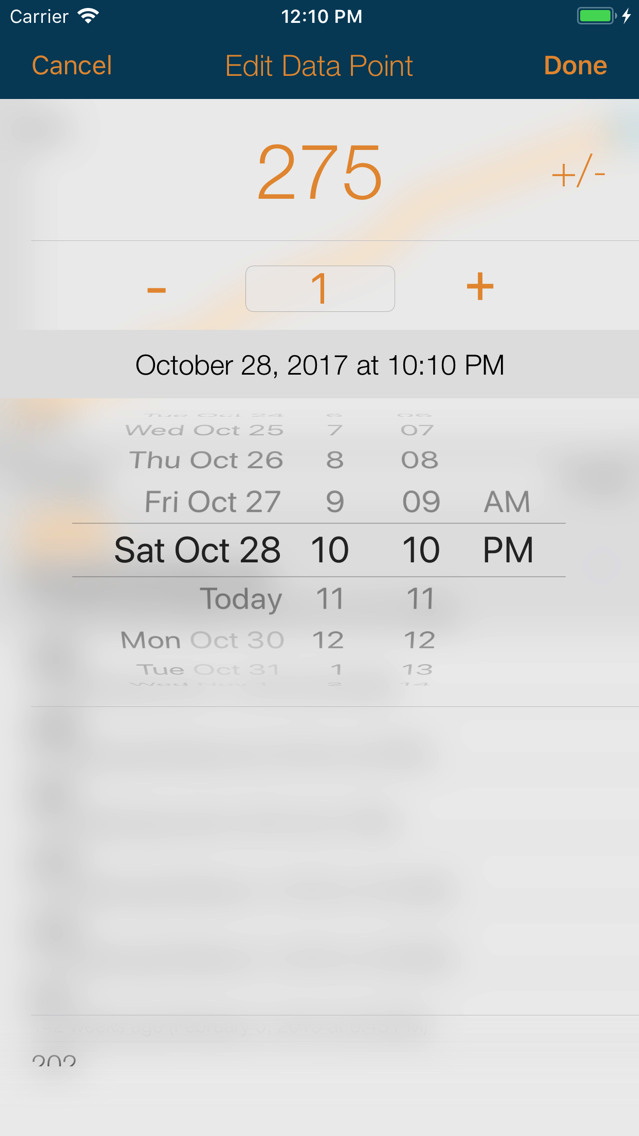
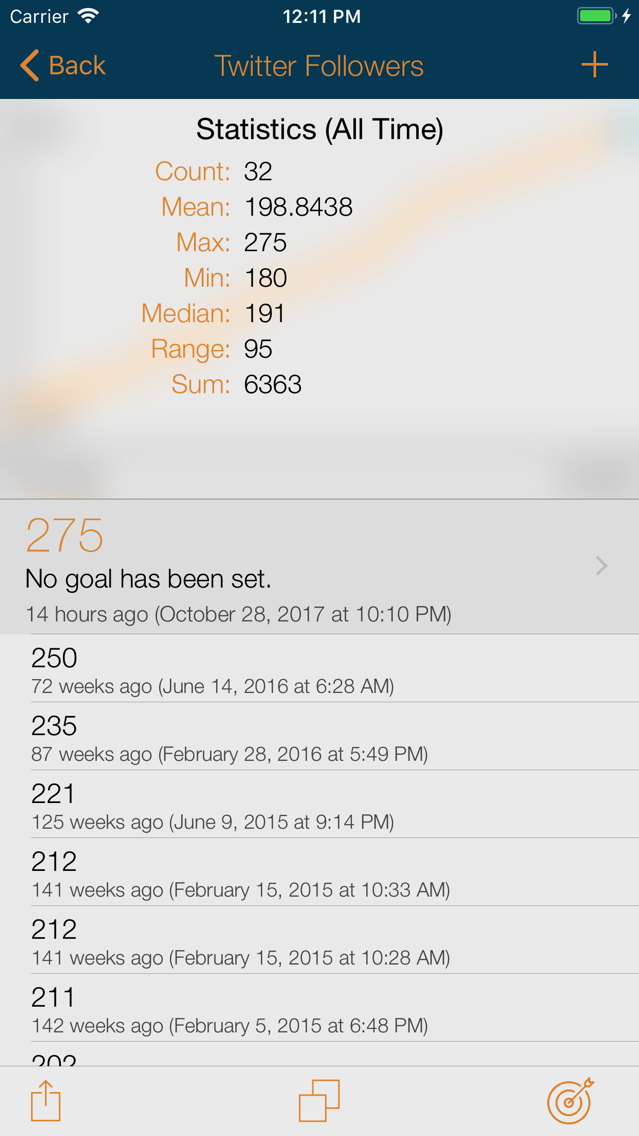
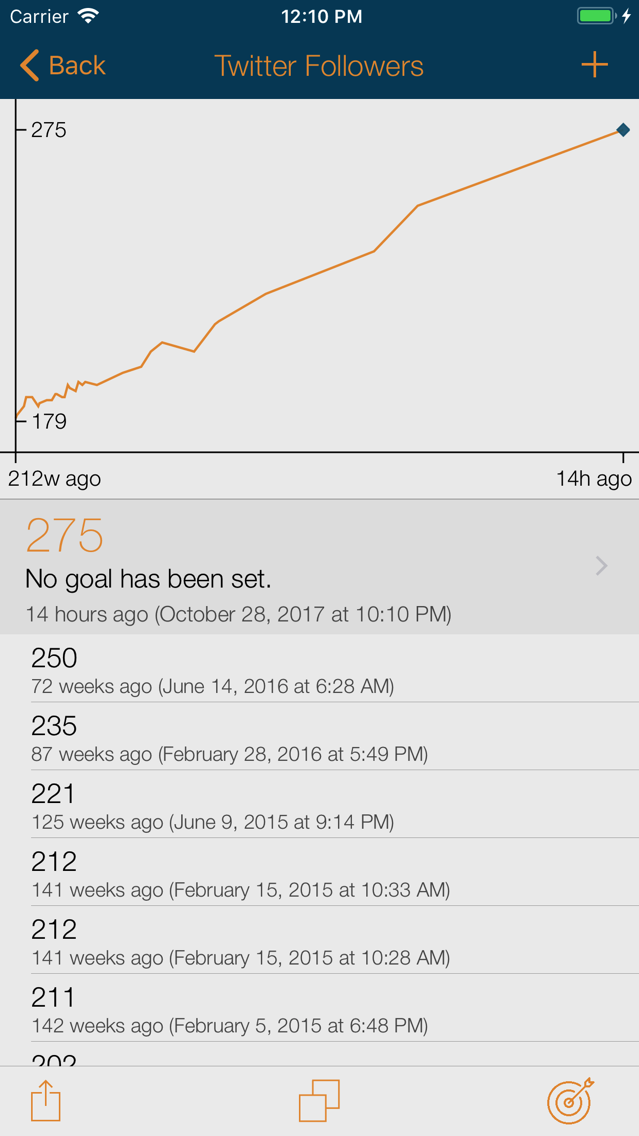
Quantifier collects, plots, and saves your data. Track any numerical data: your weight, your car's gas mileage, your daily exercise, or the data from your next important experiment. Visualize your data on a line plot, set goals and monitor progress, and send the data to be used elsewhere.
-------------
- Backup in CSV format to Dropbox, or import data from other sources.
- Send CSV files via e-mail or text message
- Send files to other apps

-------------
- Backup in CSV format to Dropbox, or import data from other sources.
- Send CSV files via e-mail or text message
- Send files to other apps
Show More
What's New in the Latest Version 1.8.1
Last updated on Nov 6, 2017
Old Versions
This version adds support for new devices.
Important note for users who used a linked Dropbox account: This version updates to the new version of the Dropbox API, and requires that you re-link your account from the settings screen.
Changes in Version 1.8:
- Resolves a crash on load that effected a small number of users. Sorry about that!
- This version should better preserve data in the case of an application crash.
- Removes support for daily step tracking. This feature is better implemented in the native Apple Health app (and other third party applications), and has consistently been a source of bugs.
Changes in Version 1.8.1
- Improved icon locations on the iPhone X.
- Changed the "Vampire" theme to use a true black color, for a great look on the iPhone X.
Important note for users who used a linked Dropbox account: This version updates to the new version of the Dropbox API, and requires that you re-link your account from the settings screen.
Changes in Version 1.8:
- Resolves a crash on load that effected a small number of users. Sorry about that!
- This version should better preserve data in the case of an application crash.
- Removes support for daily step tracking. This feature is better implemented in the native Apple Health app (and other third party applications), and has consistently been a source of bugs.
Changes in Version 1.8.1
- Improved icon locations on the iPhone X.
- Changed the "Vampire" theme to use a true black color, for a great look on the iPhone X.
Show More
Version History
1.8.1
Nov 6, 2017
This version adds support for new devices.
Important note for users who used a linked Dropbox account: This version updates to the new version of the Dropbox API, and requires that you re-link your account from the settings screen.
Changes in Version 1.8:
- Resolves a crash on load that effected a small number of users. Sorry about that!
- This version should better preserve data in the case of an application crash.
- Removes support for daily step tracking. This feature is better implemented in the native Apple Health app (and other third party applications), and has consistently been a source of bugs.
Changes in Version 1.8.1
- Improved icon locations on the iPhone X.
- Changed the "Vampire" theme to use a true black color, for a great look on the iPhone X.
Important note for users who used a linked Dropbox account: This version updates to the new version of the Dropbox API, and requires that you re-link your account from the settings screen.
Changes in Version 1.8:
- Resolves a crash on load that effected a small number of users. Sorry about that!
- This version should better preserve data in the case of an application crash.
- Removes support for daily step tracking. This feature is better implemented in the native Apple Health app (and other third party applications), and has consistently been a source of bugs.
Changes in Version 1.8.1
- Improved icon locations on the iPhone X.
- Changed the "Vampire" theme to use a true black color, for a great look on the iPhone X.
Quantifier FAQ
Click here to learn how to download Quantifier in restricted country or region.
Check the following list to see the minimum requirements of Quantifier.
iPhone
Quantifier supports English