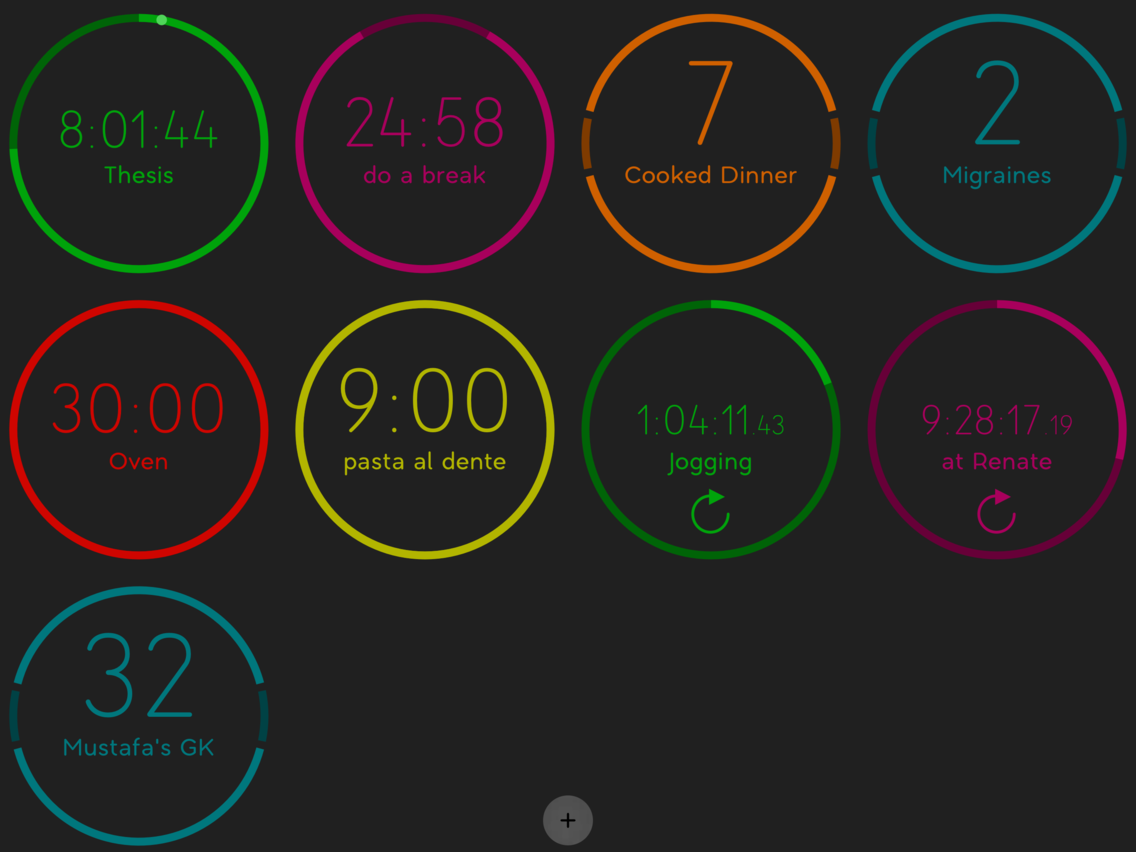
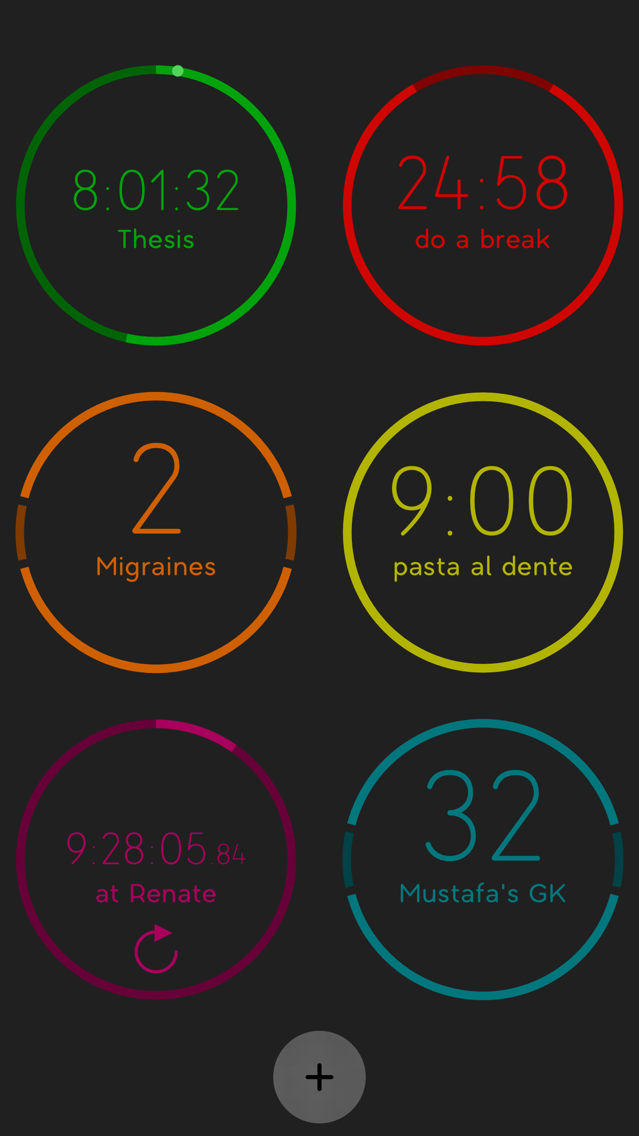
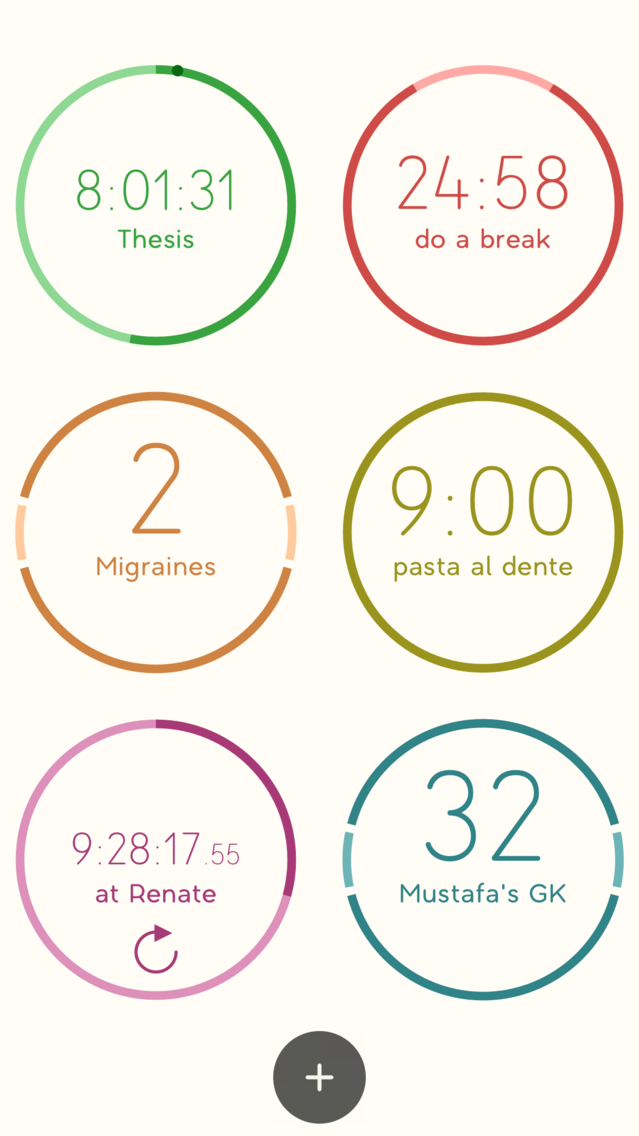
Keep track of what's important to you. Use QuantiFocus to gain new insights into yourself and how you spend your time. Discover how often you do something meaningful. Or just be creative and use it for a completely different purpose!
QuantiFocus doesn't profile or track you in any way. No ads, either.
‹› Features:
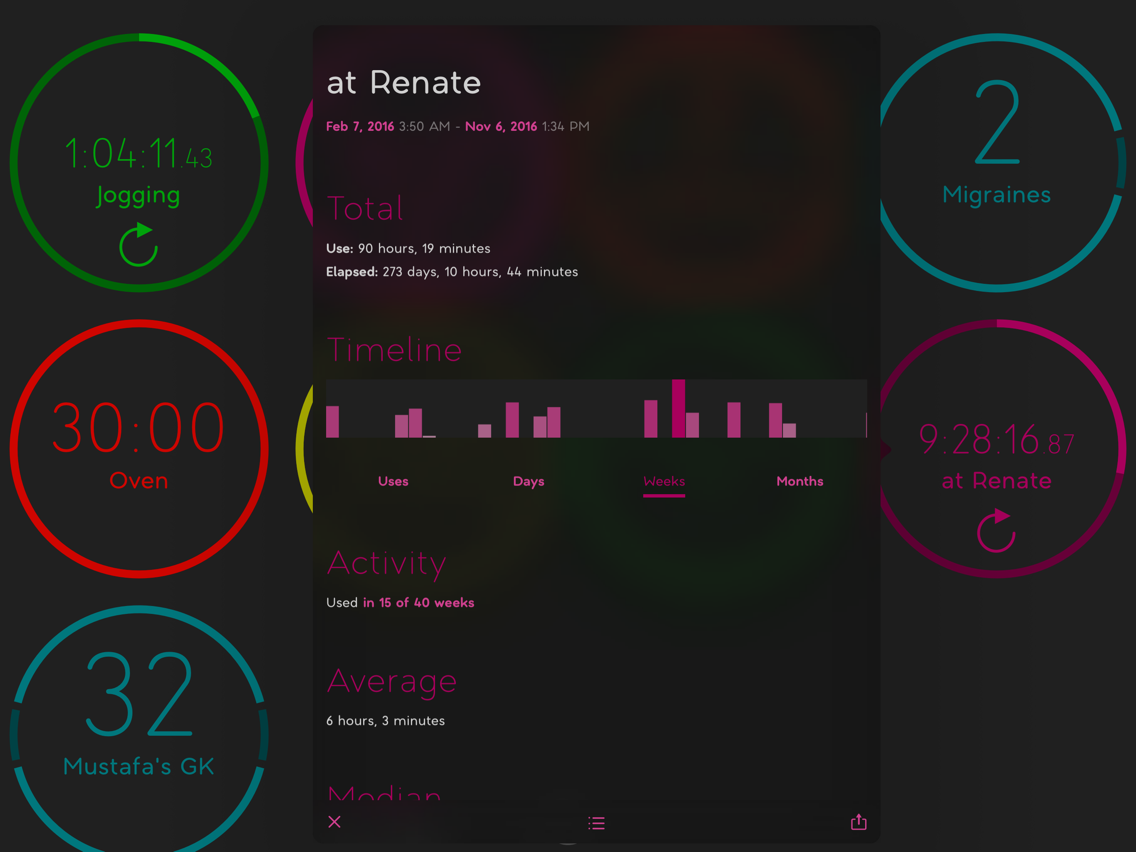
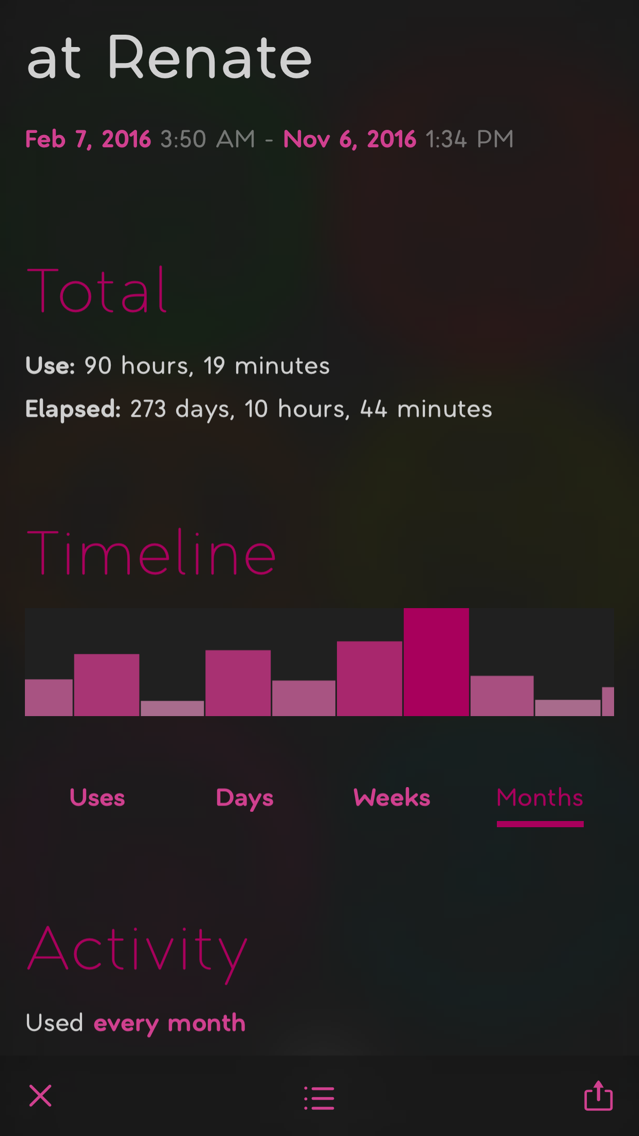
• Use stopwatches, timers and counters as you see fit. They can present usage statistics: activity, average, median, maximum and minimum - per use, day, week or month.
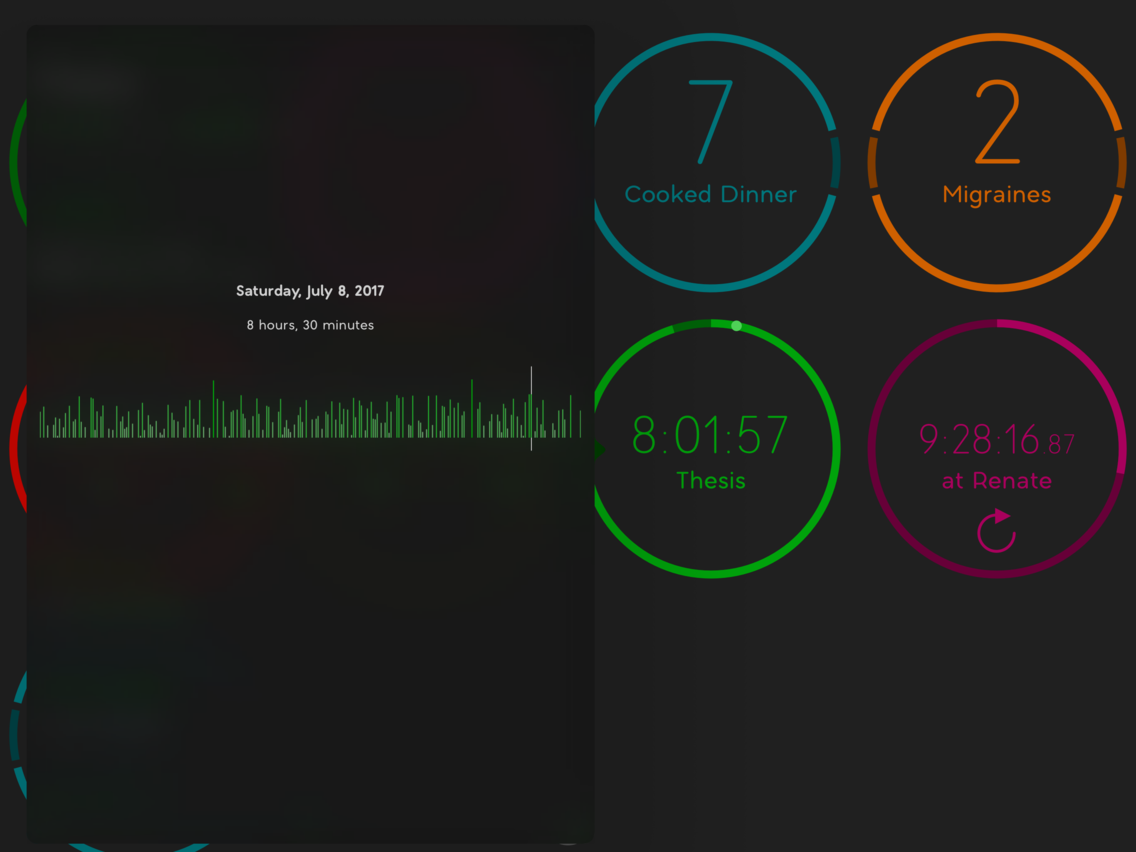
• View your usage over time and navigate the interactive timeline.
• Delete or edit single uses, e.g. - in case you tap a tracker by mistake, forget to stop a stopwatch or want to add a comment.
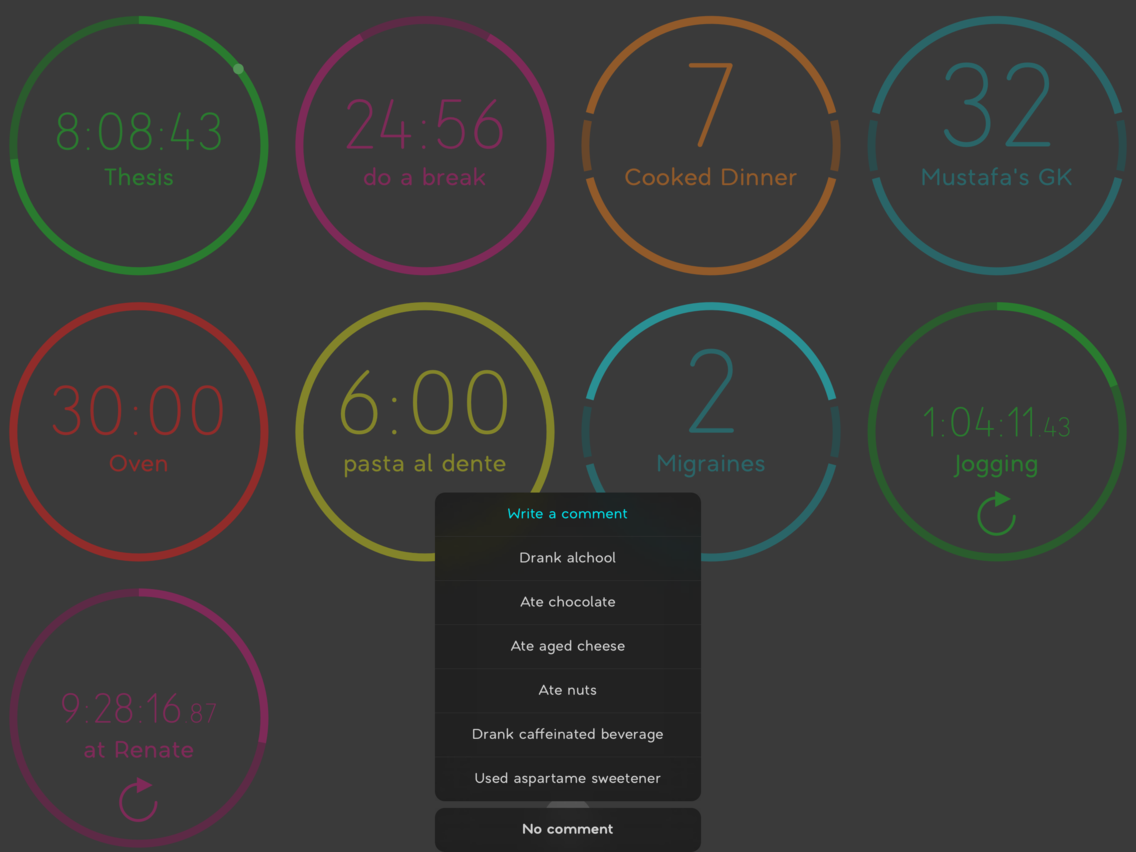
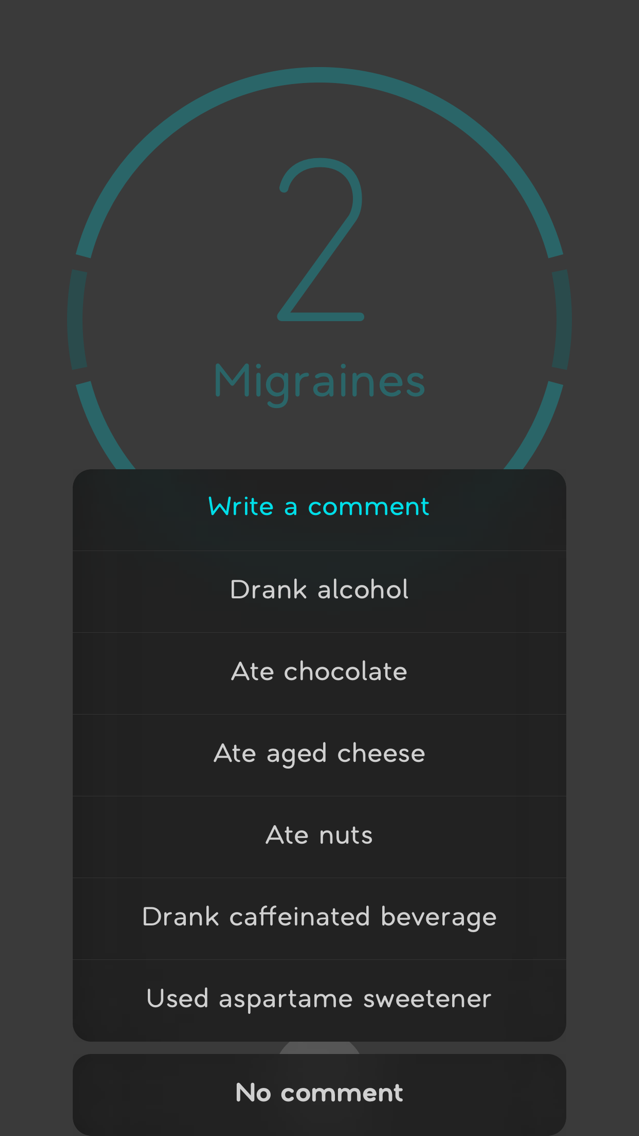
• Ability to comment each use, immediately after. Comment templates make it quicker and enable many different scenarios.
• View statistics about your comments.
• Search for uses by their comment.
• Export your data to CSV.
• Create calendar events from Stopwatch or Timer records.
• Easily increment or decrement a counter.
• Choose a counter's increment - the default is 1, but you can change it.
• Restart a timer or add more time when it finishes - straight from the notification, when you're not using the app.
• Use the widget to keep an eye on a few chosen trackers from outside the app.
• Check out the Tricks & Treats guide to discover more power features.
‹› Available as in-app purchases:
• Unlimited stopwatches, timers and counters.
• Manually create records. Edit a record's duration (stopwatch and timer) or increment (counter).
• View statistics for a period longer than 5 weeks.
• Save up to 20 comment templates per tracker.
QuantiFocus is fully crafted by one person + lots of love. By purchasing additional features you support future development and updates.
Sending feedback and reporting issues is straightforward from within the app. Doing so will certainly make the app better for you and everyone else :)