QuickNote - Text Library
Free
5.0for iPad
Age Rating
QuickNote - Text Library Screenshots
About QuickNote - Text Library
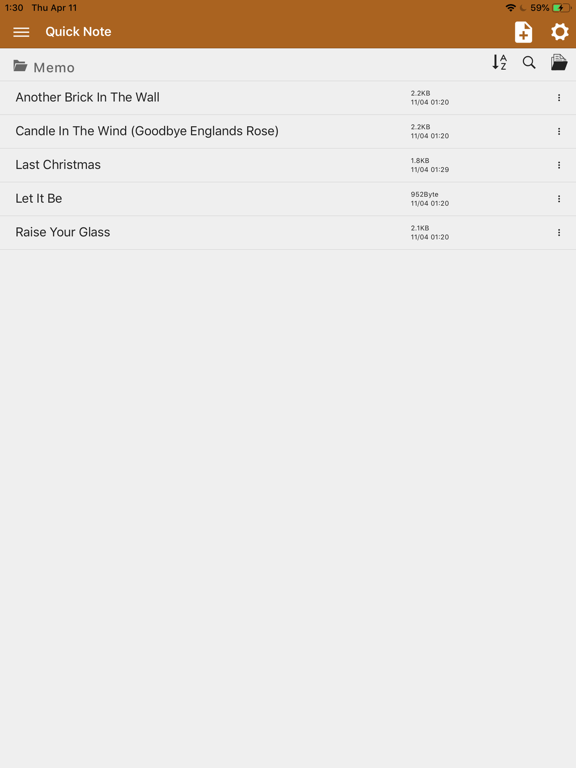
QuickNote is a powerful note-taking app for iOS and macOS that supports Markdown, Rich Text (.qnote), and Plain Text with YAML frontmatter.
EDITING:
- Markdown editor with live preview and table of contents
- Rich text (WYSIWYG) with bold, italic, headers, lists, checklists, blockquotes, and code blocks
- Plain text with focus mode and word wrap
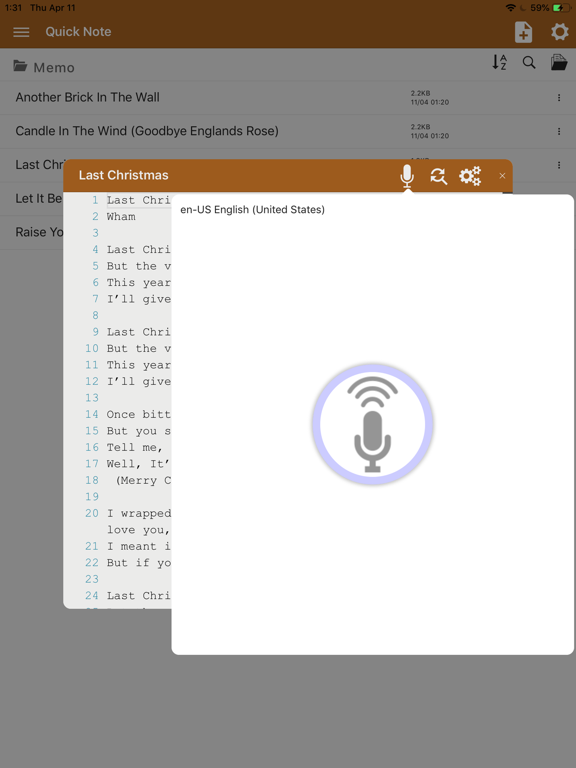
- Voice-to-text input for hands-free note capture
- Find and replace across your notes
ORGANIZATION:
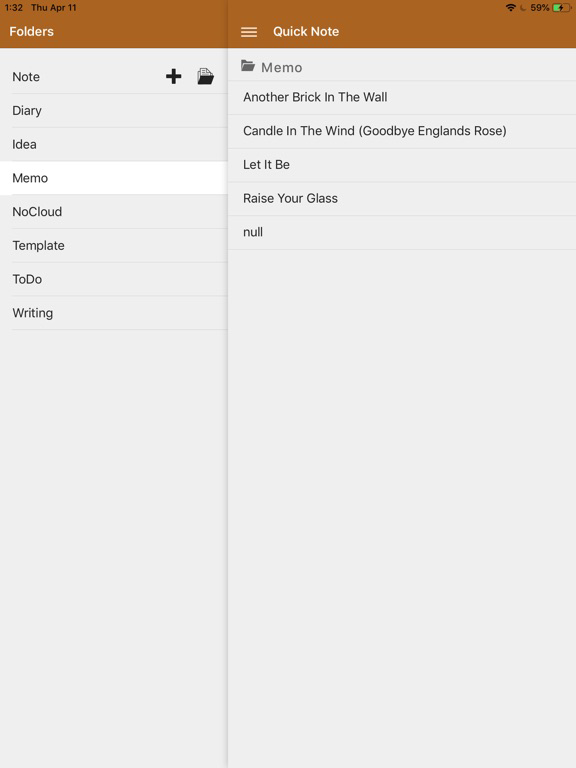
- Folders, tags, and favorites for flexible organization
- Calendar view to browse notes by date
- Full-text search and Command Palette (Cmd+K)
- Wiki-links ([[Note Title]]) with bidirectional backlinks
- Interactive knowledge graph visualization
- Board/Kanban view and sortable Table view
- Audit filters to find notes missing tags, links, or folders
AI ASSISTANT (Pro):
- Fix grammar, rewrite, summarize, expand, translate, and more
- Auto-organize with suggested tags and titles
- AI chat panel for multi-turn conversations with note context
- Works with AI features
EXPORT:
- Export to HTML, PDF, and DOCX
- Share notes via system share sheet
CLOUD & REMOTE:
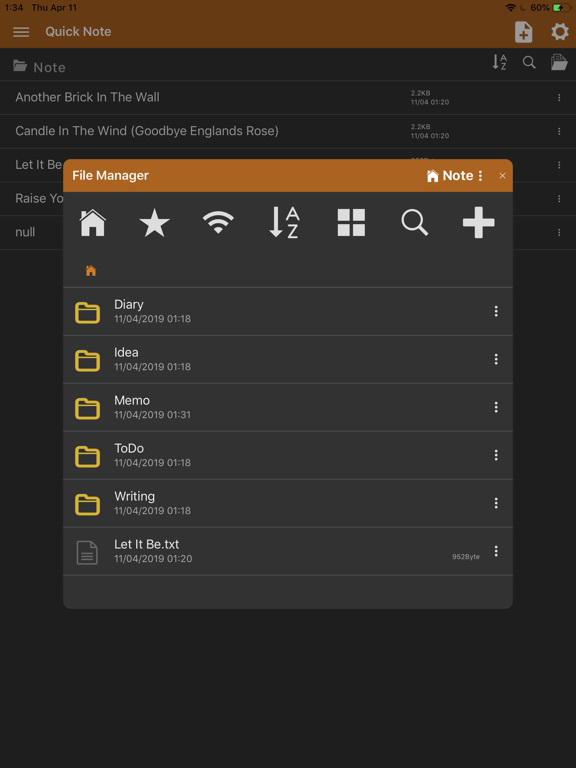
- Dropbox, Google Drive, OneDrive integration
- SMB/NAS network storage support
- Multiple workspace management
MEDIA:
- Embed images, audio, and video in notes
- Camera capture and photo library import
VERSIONING:
- Auto-snapshot every 10 minutes (up to 30 per note)
- Full undo/redo stack
CUSTOMIZATION:
- 20+ theme colors with dark/light mode
- Vivid & Chic tone options
- Responsive layout for mobile, tablet, and desktop
QuickNote Pro unlocks:
- Ad-free experience
- AI writing assistant and auto-organize
- Priority support
Terms of Use: https://kakitiro.com/quickapps/quicknote/terms/

EDITING:
- Markdown editor with live preview and table of contents
- Rich text (WYSIWYG) with bold, italic, headers, lists, checklists, blockquotes, and code blocks
- Plain text with focus mode and word wrap
- Voice-to-text input for hands-free note capture
- Find and replace across your notes
ORGANIZATION:
- Folders, tags, and favorites for flexible organization
- Calendar view to browse notes by date
- Full-text search and Command Palette (Cmd+K)
- Wiki-links ([[Note Title]]) with bidirectional backlinks
- Interactive knowledge graph visualization
- Board/Kanban view and sortable Table view
- Audit filters to find notes missing tags, links, or folders
AI ASSISTANT (Pro):
- Fix grammar, rewrite, summarize, expand, translate, and more
- Auto-organize with suggested tags and titles
- AI chat panel for multi-turn conversations with note context
- Works with AI features
EXPORT:
- Export to HTML, PDF, and DOCX
- Share notes via system share sheet
CLOUD & REMOTE:
- Dropbox, Google Drive, OneDrive integration
- SMB/NAS network storage support
- Multiple workspace management
MEDIA:
- Embed images, audio, and video in notes
- Camera capture and photo library import
VERSIONING:
- Auto-snapshot every 10 minutes (up to 30 per note)
- Full undo/redo stack
CUSTOMIZATION:
- 20+ theme colors with dark/light mode
- Vivid & Chic tone options
- Responsive layout for mobile, tablet, and desktop
QuickNote Pro unlocks:
- Ad-free experience
- AI writing assistant and auto-organize
- Priority support
Terms of Use: https://kakitiro.com/quickapps/quicknote/terms/
Show More
What's New in the Latest Version 5.0
Last updated on May 13, 2026
Old Versions
• Initial release.
• Markdown, Rich Text, and Plain Text editors.
• Wiki-links with knowledge graph visualization.
• AI writing assistant with grammar fix, rewrite, and summarize.
• Cloud storage support (Dropbox, Google Drive, OneDrive, SMB).
• Export to HTML, PDF, and DOCX.
• Markdown, Rich Text, and Plain Text editors.
• Wiki-links with knowledge graph visualization.
• AI writing assistant with grammar fix, rewrite, and summarize.
• Cloud storage support (Dropbox, Google Drive, OneDrive, SMB).
• Export to HTML, PDF, and DOCX.
Show More
Version History
5.0
May 13, 2026
• Initial release.
• Markdown, Rich Text, and Plain Text editors.
• Wiki-links with knowledge graph visualization.
• AI writing assistant with grammar fix, rewrite, and summarize.
• Cloud storage support (Dropbox, Google Drive, OneDrive, SMB).
• Export to HTML, PDF, and DOCX.
• Markdown, Rich Text, and Plain Text editors.
• Wiki-links with knowledge graph visualization.
• AI writing assistant with grammar fix, rewrite, and summarize.
• Cloud storage support (Dropbox, Google Drive, OneDrive, SMB).
• Export to HTML, PDF, and DOCX.
QuickNote - Text Library FAQ
Click here to learn how to download QuickNote - Text Library in restricted country or region.
Check the following list to see the minimum requirements of QuickNote - Text Library.
iPad