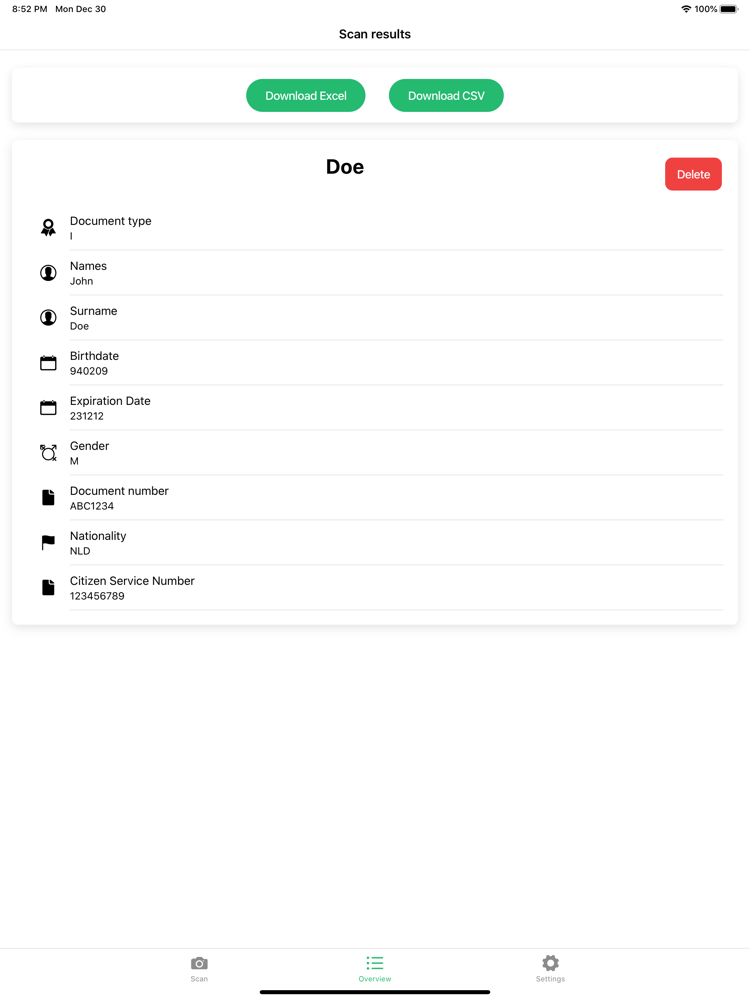
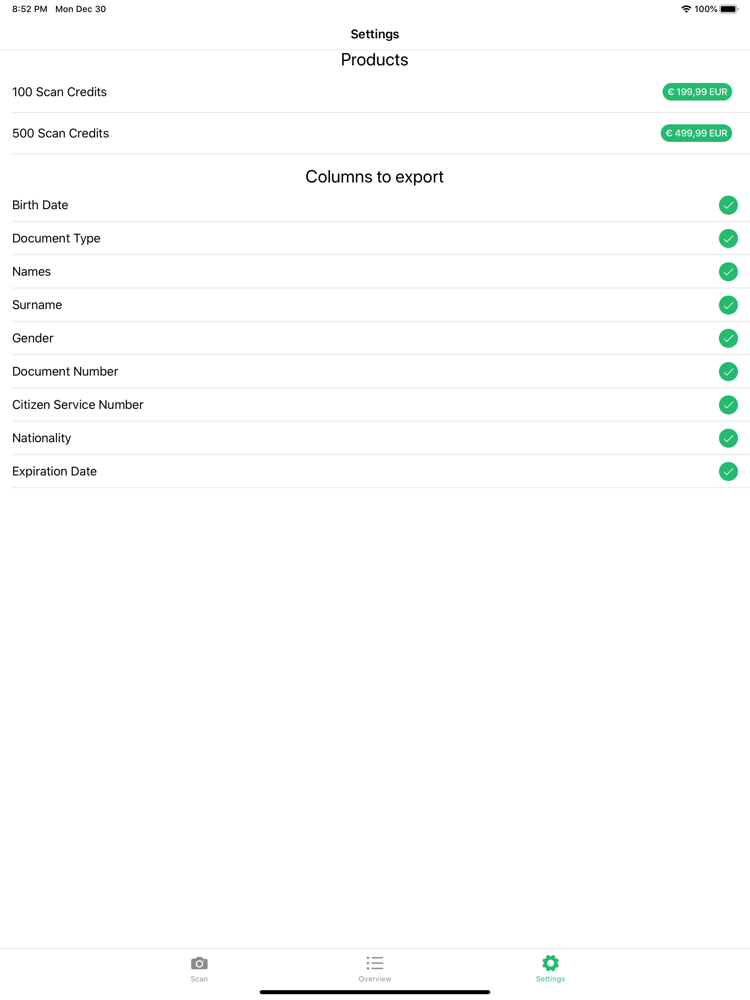
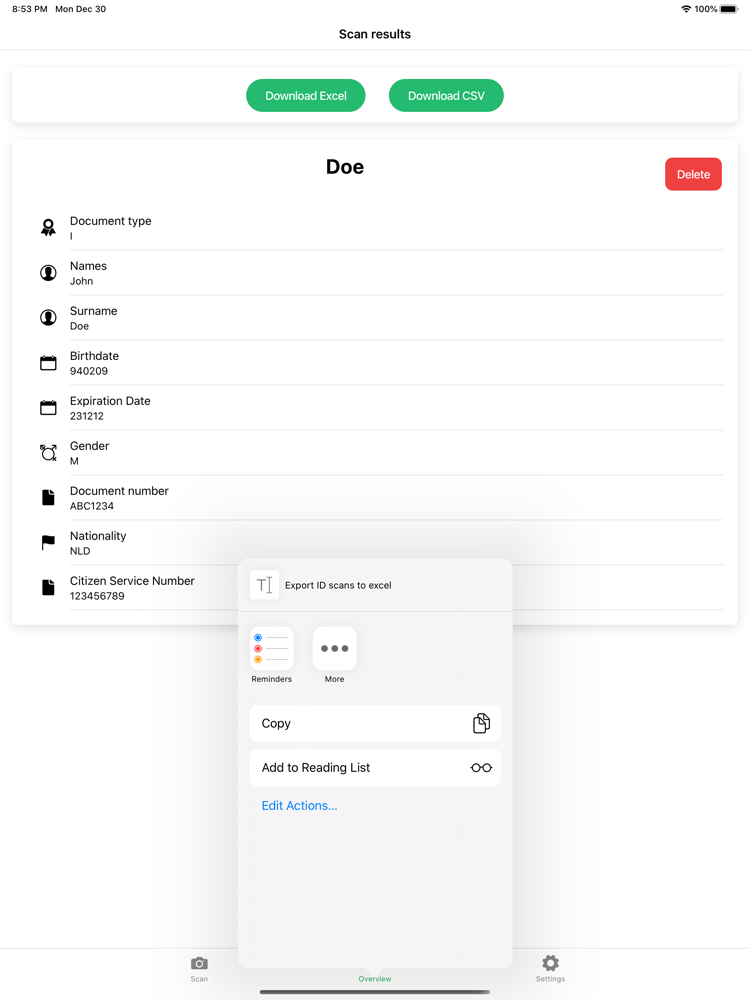
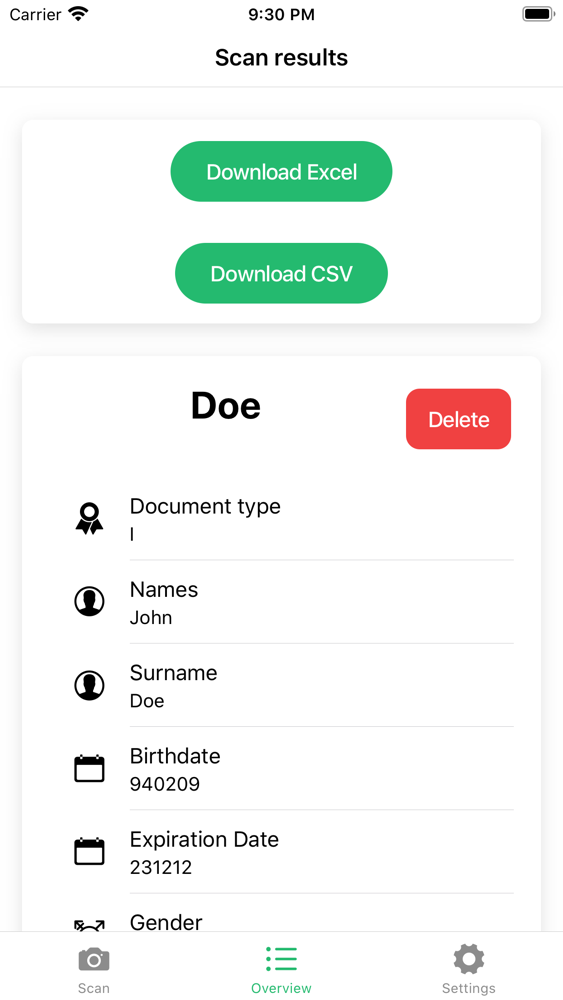
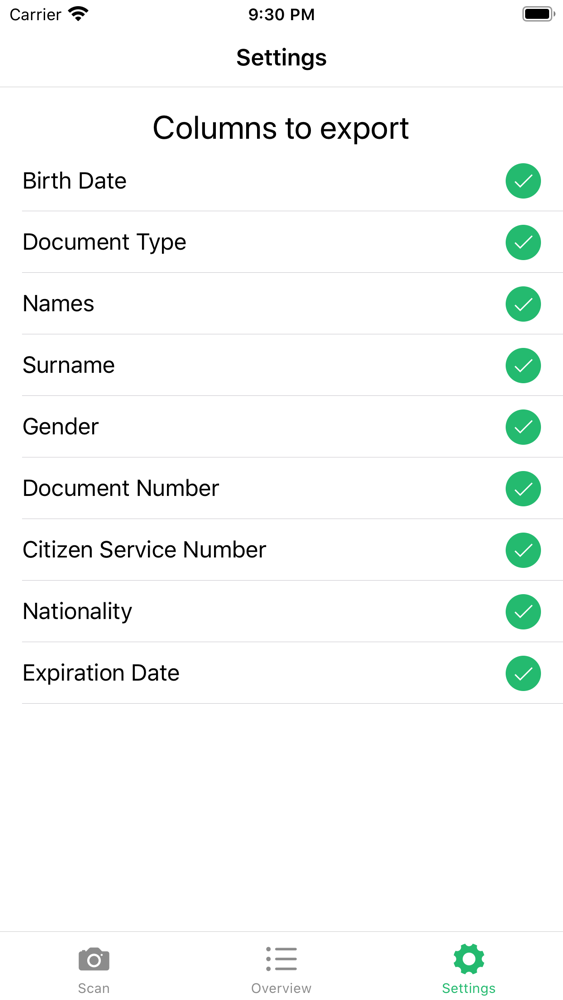
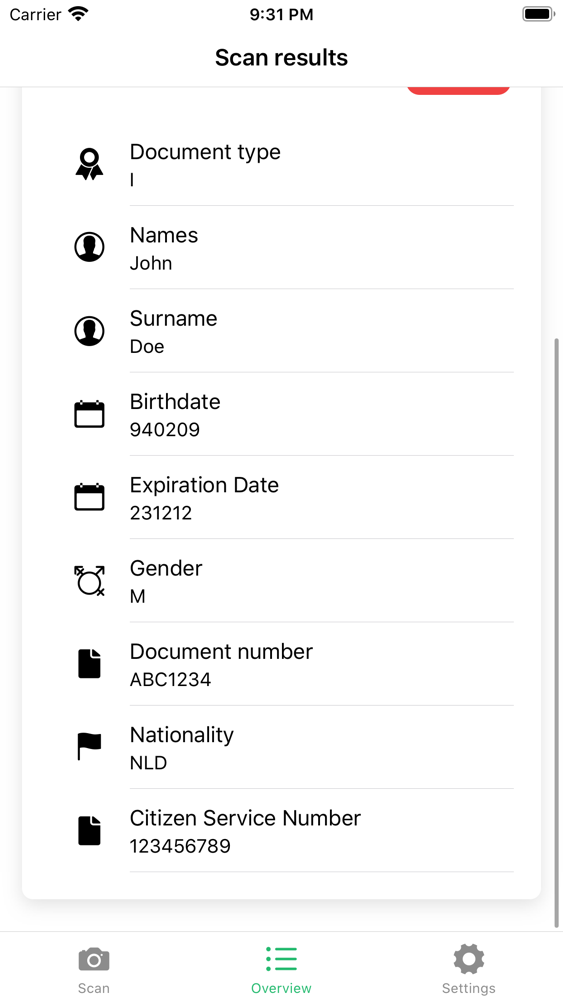
Quick ID Scan can quickly and securely scan an ID card or passport even while holding the card in your hand. The scanned ID can then be exported to Excel or CSV. There are export options to toggle what you want in the exports. Some companies are not allowed to save the Citizen Service Number for example, so this feature is very useful in that case.
The first 20 scans are free. Any scans that fail will automatically get refunded.
Instructions:
Take a picture of the side of the ID or passport which has the Machine Readable Zone (MRZ) in view. You can recognise the MRZ because it has <<<<<< in it. Ensure the picture is focussed and free of glare and then take your image.
Privacy & Security:
Privacy and security are our highest priorities. Therefore we delete all the images within our system after 10 seconds. If you export data, the private link is available for up to two days. Do not share this link with others as they would then be able to download the data you scanned. It is your own responsibility to dispose of the ID's after usage within your camera roll. All of the scan results will be gone after a hard-close of the app. Be sure to export any data that you require before hard-closing the app or else they will be lost forever.
Data:
We do not store any personal data of yours. The only thing that we require is your unique device ID. Besides that we add credits to your account after you purchase it. This also means that your credits will not transfer to another device, so be mindful of that.
Technicals:
The images are processed solely in memory, so there will be no traces left on it on our servers.
Contact us if you have any special requests like purchasing large volumes of scans or direct coupling with your API's.